If you want more screen space for your MacBook, choose a monitor. Monitors for MacBook models have a Quad HD, 4K, or even 6K resolution. This way, you can enjoy a sharp images. You can easily connect a USB-C monitor to a MacBook. If your monitor has a USB-C dock with at least a 60W power, you can charge your MacBook via the screen.
1
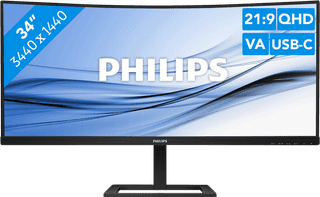

Our choice for an ultrawide monitor for daily use|USB-C cable|USB port|Metal, Plastic
Retail price329,-
259,-
In stock
2
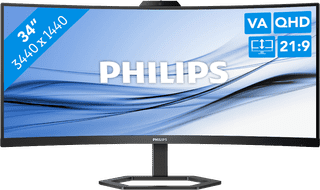
USB port|Metal, Plastic|HDMI cable included
Retail price359,-
309,-
In stock
3
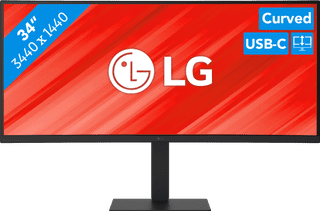
Our choice for a business monitor for data and finance tasks|USB port|Metal, Plastic|Curved
399,-
In stock
4
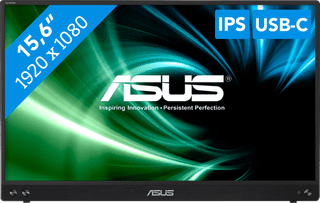
Our choice for a portable monitor for on the go|No accessories|USB port|Plastic
149,-
In stock
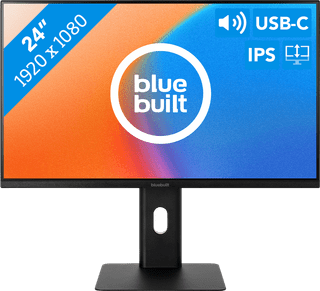
Our choice for a 24-inch monitor for your studies|USB port|Metal, Plastic|Not curved
159,-
In stock
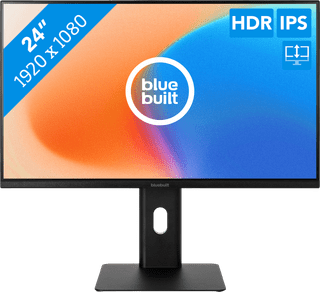
Our choice for a monitor for email and text processing|None USB port|Metal, Plastic|Not curved
129,-
In stock
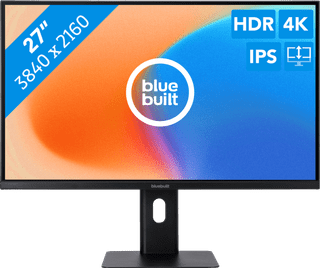
None USB port|Plastic|Not curved
189,-
In stock
8
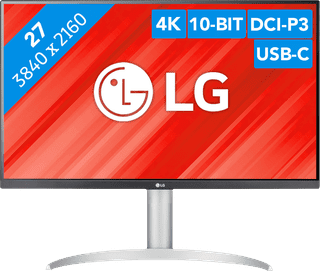
Our choice for a monitor with USB-C for your MacBook or iMac|No accessories|USB port|Plastic
269,-
In stock
9
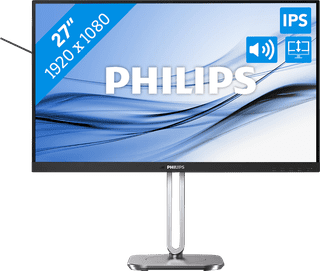
Our choice for a 27-inch monitor for your (home) office|USB port|Metal, Plastic|Not curved
159,-
In stock
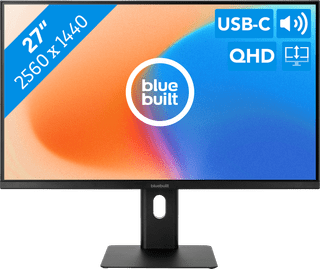
Our choice for a 27-inch monitor for your studies|USB port|Metal, Plastic|Not curved
189,-
Temporarily sold out