With a monitor for photo and video editing, you can edit images with a lot of details. Thanks to the high resolution, you can work with sharp details. These monitors also have a 300 nits or higher brightness. This allows you to see contrasts between light and dark parts of your images. Choose an OLED monitor if you want to work with realistic colors. These monitors have the best color representation, so you can see even more differences between colors.
1

Our choice for a gaming monitor for competitie gameplay|DisplayPort cable, HDMI cable|None USB port|Metal, Plastic
199,-
In stock
2
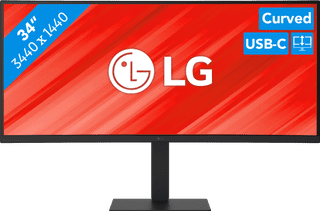
Our choice for a business monitor for data and finance tasks|USB port|Metal, Plastic|Curved
399,-
In stock
3
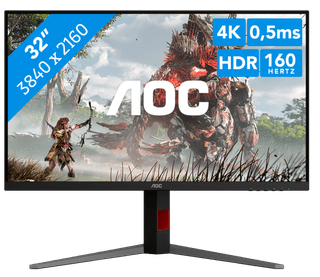
No accessories|USB port|Metal, Plastic
379,-
In stock
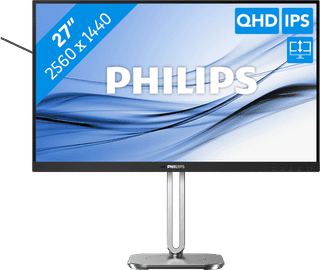

Our choice for a 27-inch monitor that's energy-efficient|DisplayPort cable, HDMI cable|USB port|Metal, Plastic
Retail price249,-
229,-
In stock
5
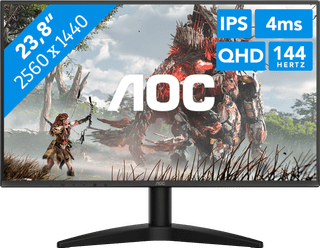
None USB port|Metal, Plastic|Not curved
99,-
In stock
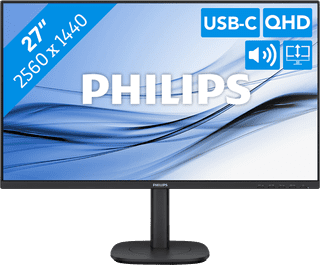
USB port|Metal, Plastic|Not curved
259,-
In stock
7
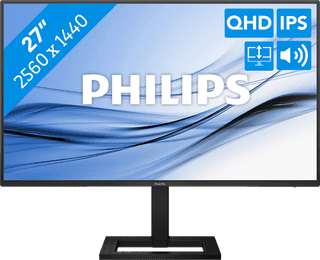
USB port|Metal, Plastic|Not curved
179,-
In stock
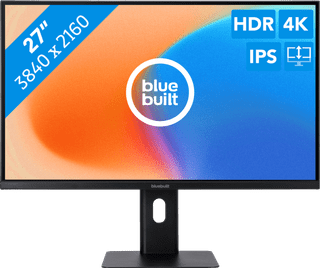
None USB port|Plastic|Not curved
189,-
In stock
9
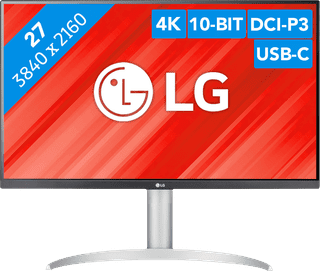
Our choice for a monitor with USB-C for your MacBook or iMac|No accessories|USB port|Plastic
269,-
In stock
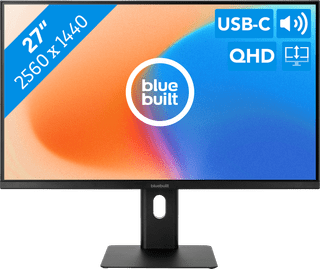
Our choice for a 27-inch monitor for your studies|USB port|Metal, Plastic|Not curved
189,-
Temporarily sold out