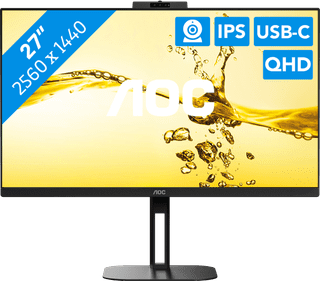
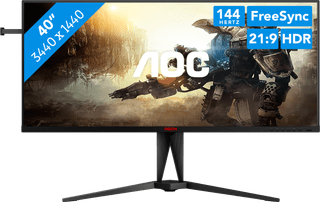
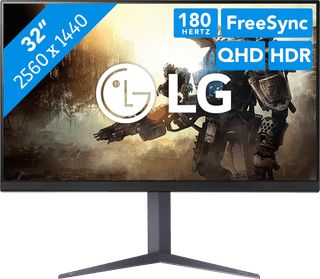
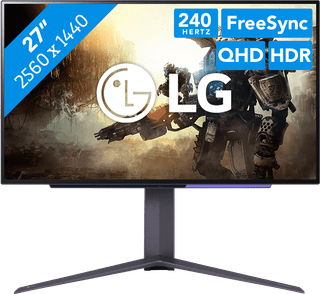
A tilting monitor is suitable for people of any height. By tilting the screen up and down, you can improve the viewing angle. This prevents discoloration and reflections on the screen while working. Are you very tall or very short? It's best to choose a monitor that is (also) adjustable in height. That means you don't have to look up or down and you can prevent neck complaints. There are also monitors that you can turn left and right or tilt 90 degrees. For the best sitting position, choose a monitor that is adjustable in any way.
259,-
Temporarily sold out
599,-
Temporarily sold out
399,-
No longer available
799,-
Temporarily sold out
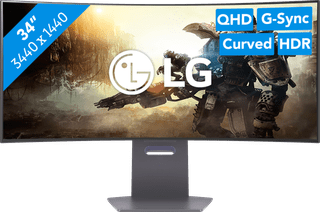
960,-
No longer available
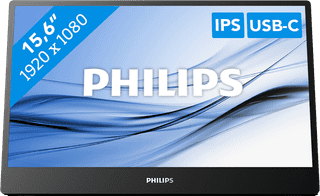
225,-
Temporarily sold out
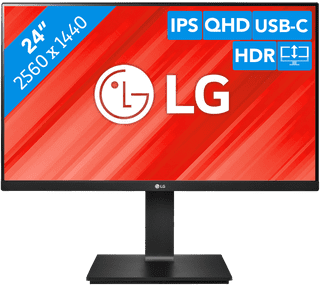
299,-
Temporarily sold out
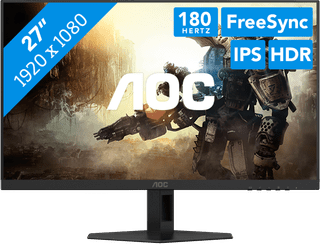
124,-
No longer available
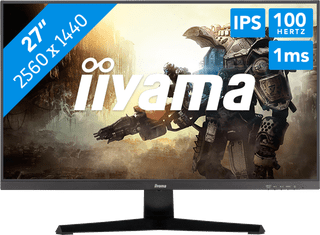
151,-
Temporarily sold out
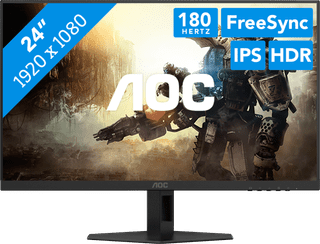
103,-
No longer available
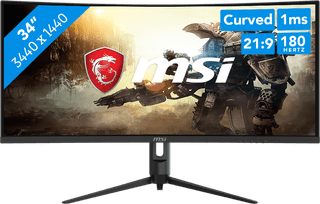
301,-
Temporarily sold out
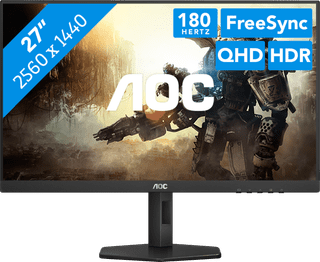
192,-
Temporarily sold out
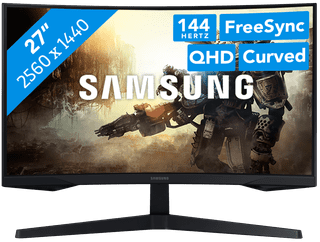
269,-
No longer available
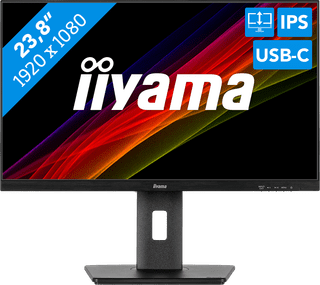
197,-
Temporarily sold out
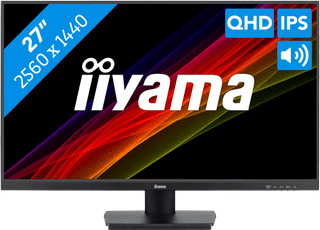
205,-
Temporarily sold out
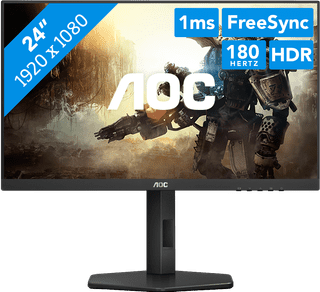
140,-
No longer available
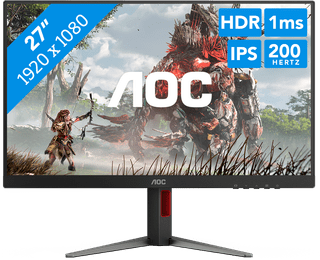
139,-
Temporarily sold out
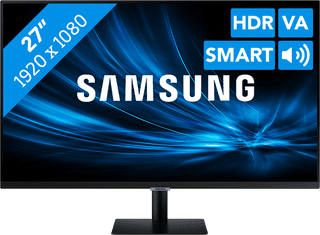
244,-
No longer available
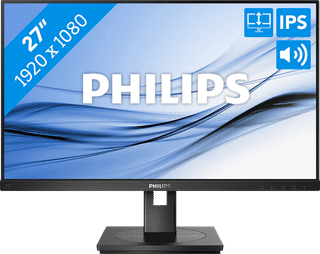
159,-
Temporarily sold out
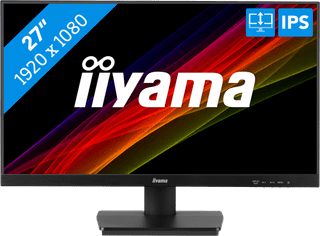
155,-
Temporarily sold out
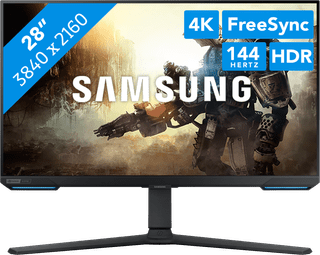
699,-
No longer available
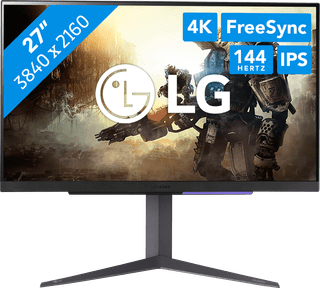
363,-
No longer available