An unmanaged switch immediately provides additional network connections, without having to manage all kinds of settings. After you connect the network cable to a router and the switch, you immediately have several network ports. Unlike with managed switches, it's not possible to set advanced functions with an unmanaged switch. That is why an unmanaged switch is especially suitable if you only need more available connections in your network. Energy efficient unmanaged switches automatically manage unused network ports. That way, you save energy.
  • How do you choose a network switch?
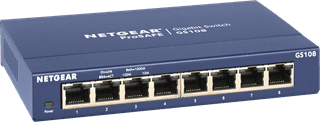
NETGEAR GS108
Our choice for a plug and play switch|Color blue|No|None PoE support

32,99

In stock

2
TP-Link TL-SG105
TP-Link TL-SG105
Color black|No|None PoE support

24,99

In stock

3
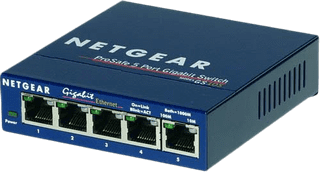
NETGEAR GS105
NETGEAR GS105
Color blue|No|None PoE support

24,99

In stock

4
NETGEAR GS305Pv3
NETGEAR GS305Pv3
Our choice for a switch that allows you to connect extra devices|63 W|Color black|No

55,-

In stock

5
TP-Link TL-SG116
TP-Link TL-SG116
Color black|No|None PoE support

59,-

In stock

6
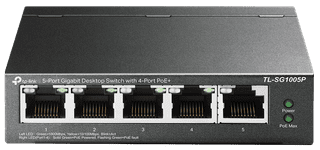
TP-Link TL-SG1005P
TP-Link TL-SG1005P
65 W|Color black|No

39,99

In stock

7
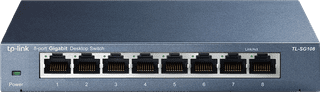
TP-Link TL-SG108
TP-Link TL-SG108
Color black|No|None PoE support

30,99

In stock

8
NETGEAR GS116
NETGEAR GS116
Color gray|No|None PoE support

82,-

In stock

Affordable Second Chance

from

73,-

9
NETGEAR MS308
NETGEAR MS308
Color black|Yes|None PoE support

139,-

In stock

10
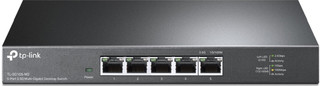
TP-Link TL-SG105-M2
TP-Link TL-SG105-M2
Color black|Yes|None PoE support

53,-

In stock