An optical drive is suitable for reading and burning blank discs. For example, you can burn music, films, or videos to CD ROMs, DVDs, and Blu rays. When choosing an optical drive, consider which type of discs you want to burn or read. For a Blu-ray movie you need an external Blu-ray player. You can connect these external optical drives to your laptop or MacBook with a USB cable. An Apple USB SuperDrive works perfectly with a MacBook. Connect the optical drive via USB, install the drivers, and put the disc in the tray. Now you're ready to burn a CD, watch a Blu-ray movie, or install games.
  • Internal HDDs
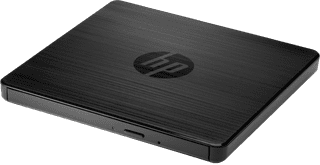
HP USB External DVD-RW Drive
Suitable for CD, DVD|CD-ROM, DVD|External

60,-

In stock

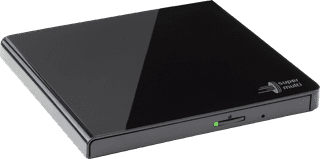
Hitachi-LG GP57EB40 External DVD/CD Player and Burner Black
Suitable for CD, DVD|CD-ROM, DVD|External

44,99

In stock

Affordable Second Chance

from

36,-

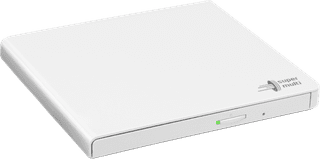
Hitachi-LG Slim Portable DVD Writer GP57EW40.AHLE10B
Suitable for CD, DVD|CD-ROM, DVD|External

44,99

In stock

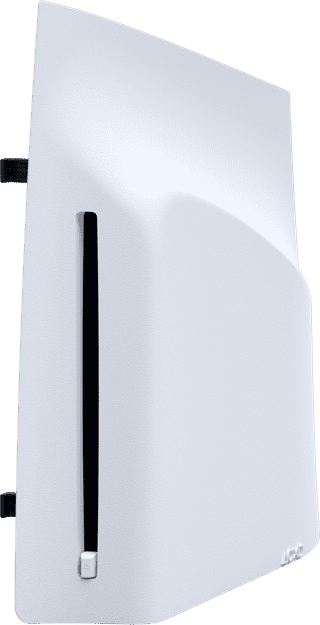
PlayStation 5 Disc Drive
For PS5 Slim and Pro Digital Edition|Disc Drive|Blu-ray

120,-

Temporarily sold out

ASUS SDRW-08U7M External DVD / CD Player and Burner Black
Suitable for CD, DVD|CD-ROM, DVD|External

75,-

Temporarily sold out