WiFi laser printers
With a WiFi printer, you can easily send print jobs wirelessly from your laptop, desktop, phone, or tablet to the printer. Connect the printer to your WiFi network and you no longer have to use a USB cable. This way, you can place the printer wherever you want, which is handy. You also still have the option to send the print job via a cable. With a WiFi printer, you have several options.
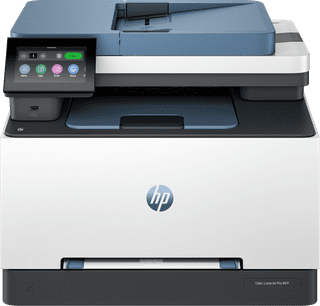

Our choice for a printer for freelancers or a small office|4-in-1|Laser|Color printer
- You can print, scan, copy, and fax with this all-in-one printer.
- You can scan and copy a stack of paper automatically.
Retail price559,90
343,-
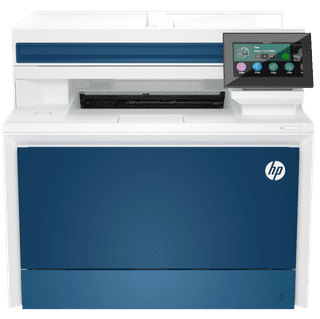
Our choice for a printer for a medium-sized office|Laser|4-in-one|Color printer
- You can print, scan, copy, and fax with this all-in-one printer.
- Automatically print in duplex and save paper.
- You can scan and copy a stack of paper automatically.
519,-