• Go to main content
  1. Network & internet
  2. Access points
  3. TP-Link access points
  4. Omada EAP610

TP-Link Omada EAP610

  • Review is 8,8 out of 10, based on 63 reviews.
    8,8/10 (63 reviews)
  • Show all accessories
  • View all
    TP-Link access points
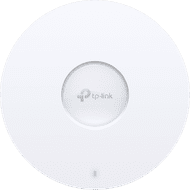
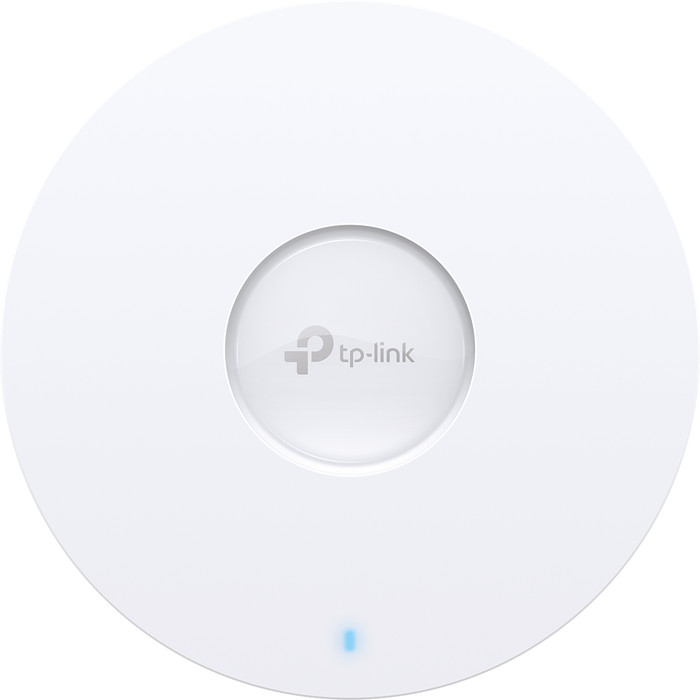
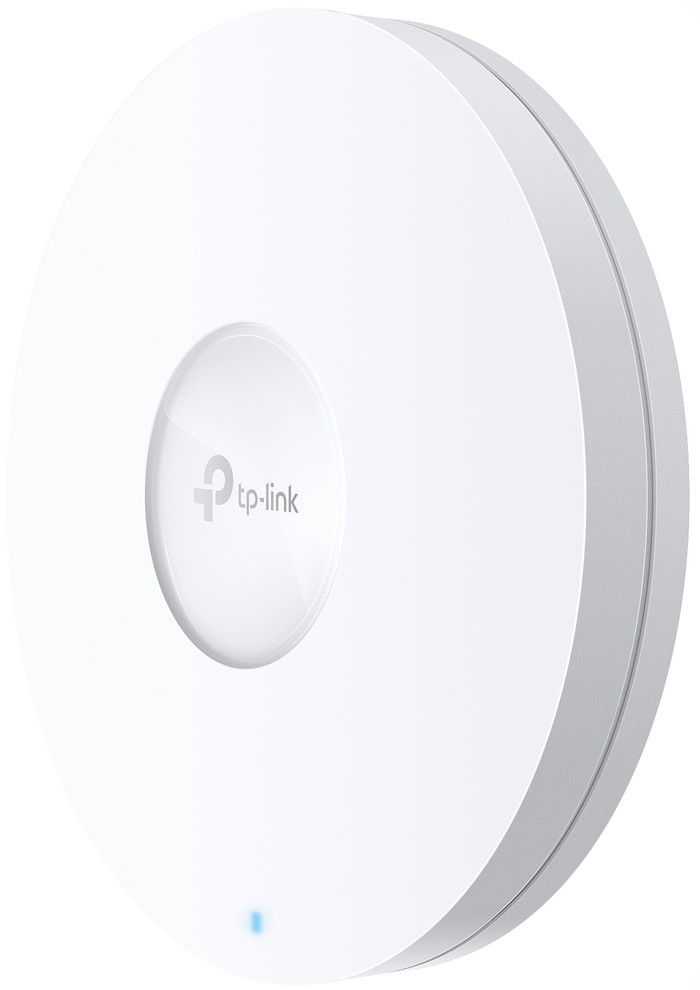
  • TP-Link Omada EAP610 Main Image
  • TP-Link Omada EAP610 right side
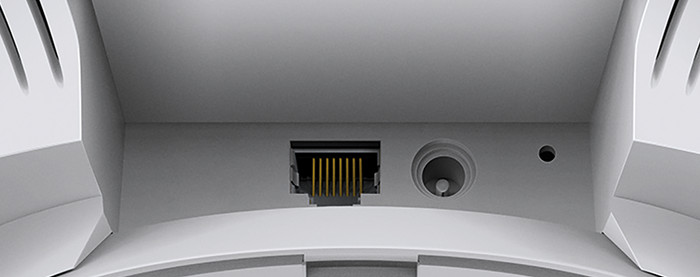
  • TP-Link Omada EAP610 back
  • TP-Link Omada EAP610 detail
Select an option

100,-

Temporarily sold out

Similar access points

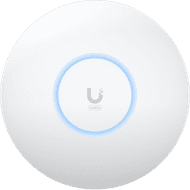
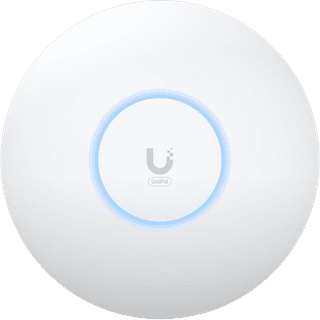
Ubiquiti UniFi U6+
Ubiquiti UniFi U6+
Review is 8,2 out of 10, based on 16 reviews.
16 reviews

124,-

In stock


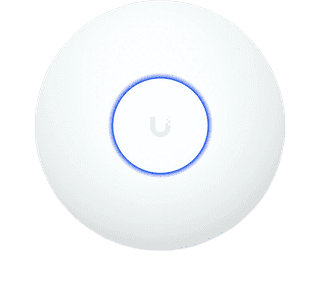
Ubiquiti Access Point U7 Lite
Review is 8,9 out of 10, based on 9 reviews.
9 reviews
  • WiFi 7
  • PoE
  • UniFi Network Controller

125,-

In stock

View all Access points
View all categories
  • NLNederlands
  • Sign in.Welcome back.
    • My Coolblue
    • Orders and invoices
    • Returns and repairs
    • Information and preferences
    • Credits
    • Discounts
    • Wish list
    • White goods subscriptions
    • Coolblue Energy
    Sign in

    Don't have an account yet? Start here

  • Delivered for free when it suits you
  • Exchange for free
  • 24 real stores
  • Delivered for free when it suits you
  • Exchange for free
  • 24 real stores
  • Our app
  • Delivered for free when it suits you
  • Exchange for free
  • 24 real stores
  • Delivered for free when it suits you
  • Exchange for free
  • 24 real stores
  • Our app
BusinessStoresCustomer service
  • Network routers
  • Mesh WiFi
  • WiFi routers
  • Access points
  • IT switches
  • Business network

Related products

  • TP-Link access points
  • WiFi solution for a freestanding house
  • Business access points
  • All Access points
  • WiFi 6 access points
TP-Link access pointsWiFi solution for a freestanding houseBusiness access pointsView all Access pointsWiFi 6 access points

This is the one

TP-Link Omada EAP610
Review is 8,8 out of 10, based on 63 reviews.
63 reviews
TP-Link Omada EAP610

100,-

Temporarily sold out


anything for a smile

  • Delivered for free when it suits you
  • 24 real stores
  • Our app
  • Delivered for free when it suits you
  • 24 real stores
  • Our app
Product expert at Coolblue

Do you have a question?

Find your answer quickly and easily on our customer service page.

Sign up for our newsletter

Receive the best promotions and personal advice.

  • Our assortment
  • Company website
  • Customer service
  • Business
  • Our stores
  • About Coolblue
  • Careers at CoolbluePlenty of vacancies!
  • Sign in
  • Customer service
    • Delivery and installation
    • Payment
    • Exchanges and returns
    • Warranty, repairs, and insurance
    • Place order
    • Stores
    • Status of my order
    • Register return or repairs
    • All my orders and invoices
    • My Coolblue account
    • Sign in
    • Go to customer service
  • Business
    • Order online on credit
    • Company Stores
    • Home Office Store
    • Business gift cards
    • Ordering with a purchasing system
    • Affiliate program
    • Everything on Business
  • Our stores
    • ApeldoornNew!
    • Sittard-GeleenNew!
    • Alkmaar
    • Almere
    • Amsterdam West
    • Amsterdam Zuidas
    • Arnhem
    • Breda
    • Cruquius
    • Den Bosch
    • View all our 24 stores
  • About Coolblue
    • Our assortment
    • Company website
    • News
    • Gift cards
    • Careers at CoolbluePlenty of vacancies!
    • The Coolblue App
    • Coolblue Belgium
    • Coolblue Germany
    • Privacy
    • Accessibility Statement
    • Everything on Coolblue
Pay with iDEAL | Wero
Pay with MasterCard and Visa via ClickToPay
Pay with ApplePay
Thuiswinkel Waarborg
Thuiswinkel Waarborg business
Shipping and delivery with PostNL
Best webshop 2022

  • Terms and Conditions
  • Terminate agreement
  • Privacy
  • Cookies
  • Nederlands (NL)
© 1999 - 2026 - Coolblue B.V.

Customer reviews:

  • Trustpilot 3.8/5 - 159,288 reviews
  • Kiyoh 9.1/10 - 136,225 reviews

Similar and better products

    • Current product

      TP-Link Omada EAP610

    •  

      Ubiquiti UniFi U6+
    •  

      Ubiquiti Access Point U7 Lite
      • 100,-

      • 124,-

      • 125,-

    • Reviews
    • Fastest WiFi standard
      • Wireless AX (WiFi 6)

      • Wireless AX (WiFi 6)

      • Wireless BE (WiFi 7)

    • Ethernet speed
      • Gigabit Ethernet (1000Mbps)

      • Gigabit Ethernet (1000Mbps)

      • 2.5Gb Ethernet (2500Mbps)

    • Mounting surface
      • Ceiling, Wall

      • Ceiling

      • Ceiling, Wall

    • 5GHz band speed
      • 1201 Mbit/s

      • 2402 Mbit/s

      • 4300 Mbit/s

    Show full comparison

    Product information

    Key specs

    Type of access point

    Indoors

    Fastest WiFi standard

    Wireless AX (WiFi 6)

    Number of access points

    1

    Frequency bands

    Simultaneous dual-band

    Ethernet speed

    Gigabit Ethernet (1000Mbps)

    PoE support

    Mounting surface

    Ceiling, Wall

    5GHz band speed

    1201 Mbit/s
    Show all specifications

    Pros and cons

    According to our access point expert

    • This access point supports WiFi 6, so you'll have more capacity and better coverage

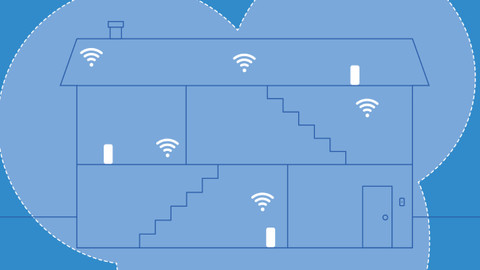
    • You can link multiple access points together for a wider range.

    • To use all the improvements of WiFi 6, you need suitable devices.

    • You need an Omada controller to manage this access point from anywhere in the world.

    Description

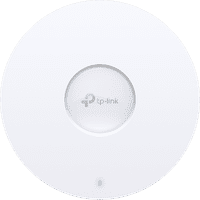
    With the TP-Link Omada EAP610 access point, you'll provide your office or commercial property with WiFi 6. This also provides more capacity. Many people can go online on 1 access point, and the wireless internet won't become unstable. You can link multiple access points to set up a network with a better coverage. You manage this access point locally or via the Omada Controller. With this, you can easily add extra connection points and set the network to your preferences. You could make a separate network for employees and guests. It's possible to give visitors access via a one-time code.

    This access point isn't an HD model, so you can connect fewer devices at the same time at the same speed. Have a business environment with a lot of connected devices? Choose an HD model.
    Tips for using this product

    Included by default

    • Manual(0.60 MB)
    • Ceiling mounting material
    • Wall mounting material
    • Power adapter

    Highlighted

    • The WiFi solution for your living situation

      We'll help you find a solution for your WiFi problem in 2 steps here.

    Reviews

    Rating

    Rating per section

    Range

    Review is 8,7 out of 10.
    8,7 ()

    Installation ease

    Review is 8,7 out of 10.
    8,7 ()

    Speed

    Review is 9,3 out of 10.
    9,3 ()

    Design

    Review is 8,7 out of 10.
    8,7 ()

    Most helpful reviews

    Review is 8,0 out of 10.
    8,0/10 ()

    Simple, reliable and fast connection

    • Professional product, according to box, lifetime warranty!

    Easily installed and configured. Direct smooth connection with 1 large range through the different points. No transition noticeable between the 2 AC points. Professional range with lifetime warranty according to the box.

    • Review by:

      Klaas

    • Date:

      11 January 2023

    • Translation:

      Automatically translated from Nederlands

    Review is 8,0 out of 10.
    8,0/10 ()

    Nice and compact access point, no app required

    • Compact and easy to attach
    • Set up via web interface
    • Power supply included if you do not use POE+

    Smaller than I expected and range is great. Replaces my old Nighthawk R7000 without any problems.

    • Review by:

      Theo

    • Date:

      5 October 2024

    • Translation:

      Automatically translated from Nederlands

    Review is 9,6 out of 10.
    9,6/10 ()

    good WiFi, smooth installation

    • easy to use
    • your network can give you a personal name

    Good working WiFi for an ok price installation goes smoothly once you understand how it works.

    • Review by:

      conings

    • Date:

      20 April 2024

    • Translation:

      Automatically translated from Nederlands

    Specifications

    The list with properties are filtered when you type

    Product

    Product

    Product number

    896157

    Manufacturer code

    EAP610

    Brand

    TP-Link

    Processing of your defect

    Via Coolblue

    Old product returned for free

    Access point options

    Access point options

    Living situation

    1 floor

    Usage situation

    Basic use and streaming, Work from home

    Speed class

    High-end

    Number of access points

    1

    Quality of Service (QoS)

    Suitable for IPv6

    Guest network

    Bridge option

    Repeater function

    IGMP Snooping

    Beamforming

    Seamless roaming

    Can be expanded with extra stations

    On/off switch

    Mounting possible

    Mounting surface

    Ceiling, Wall

    Wireless options

    Wireless options

    Fastest WiFi standard

    Wireless AX (WiFi 6)

    WLAN security

    802.1X, WPA, WPA2

    Number of WiFi antennas

    4

    Frequency bands

    Simultaneous dual-band

    WiFi speed

    AX1800

    5GHz band speed

    1201 Mbit/s

    2.4GHz band speed

    574 Mbit/s

    External antennas

    Signal transmission

    Omnidirectional

    Antenna connection type

    Standard antenna

    Replaceable WLAN antennas

    MAC address filter

    MIMO

    MU-MIMMO

    Wired options

    Wired options

    Ethernet speed

    Gigabit Ethernet (1000Mbps)

    Number of Ethernet ports

    1

    WAN ports

    1

    Connection type

    PoE, Power plug

    PoE support

    Type of PoE

    802.3at (PoE+)

    Number of PoE ports

    1

    Physical properties

    Physical properties

    Type of access point

    Indoors

    Material

    Plastic

    Height

    16 cm

    Width

    16 cm

    Depth

    3,3 cm

    Color

    White
    • Similar and better products
    • Product information
    • Accessories
    • Highlighted
    • Reviews
    • Insurance
    • Specifications

    Insure your access point

    • Coolblue takes care of everything, from taking out an insurance to repairs

    • For almost all accidents

    • More coverage in case of damage than your standard warranty

    • No deductible

    How do I insure my access point?

    First, add your access point to your shopping cart. On the next page, choose the Protection Plan below. You always have a 30-day return window and pay no deductible in case of damage.

    • 2-year Protection Plan

      7,99

      one-time
    • 3-year Protection Plan

      8,99

      one-time
    Read more about insurance
    TP-Link Omada EAP610