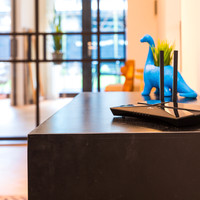
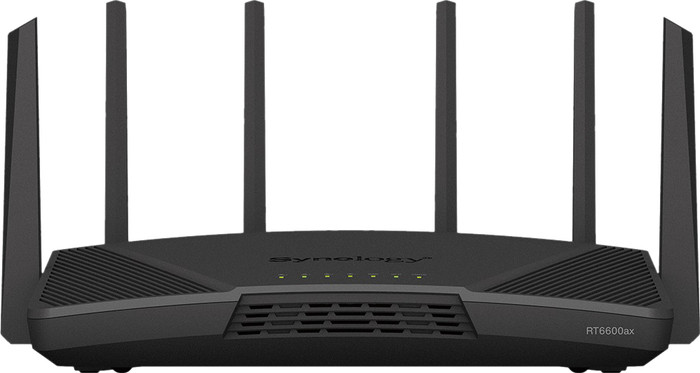
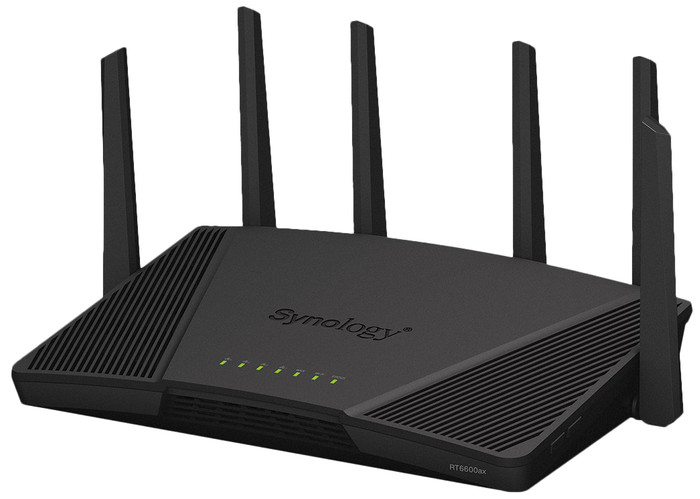
Synology RT6600ax
Product number | 908687 | |
|---|---|---|
Manufacturer code | RT6600ax | |
Brand | Synology | |
Processing of your defect | Via Coolblue | |
Old product returned for free |
Type router | WiFi router | |
|---|---|---|
WiFi speed class | Mid-range | |
Usage situation | Manu devices and heavy network load, Work from home | |
Living situation | Student room | |
Number of stations | 1 | |
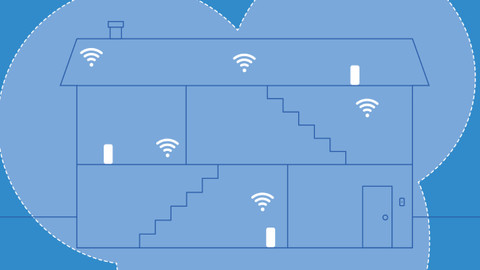
Can be expanded with extra stations | ||
Built-in modem |
Fastest WiFi standard | Wireless AXE (WiFi 6E) | |
|---|---|---|
Frequency bands | Tri-band | |
WiFi speed | AX6000 | |
2.4GHz band speed | 600 Mbit/s | |
5GHz band speed | 4800 Mbit/s | |
Speed of second 5GHz band | 1200 Mbit/s | |
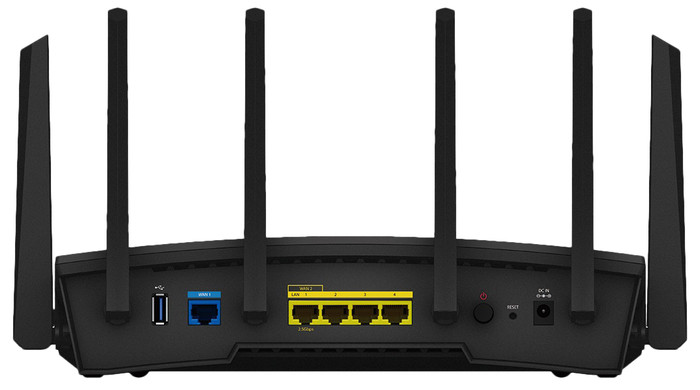
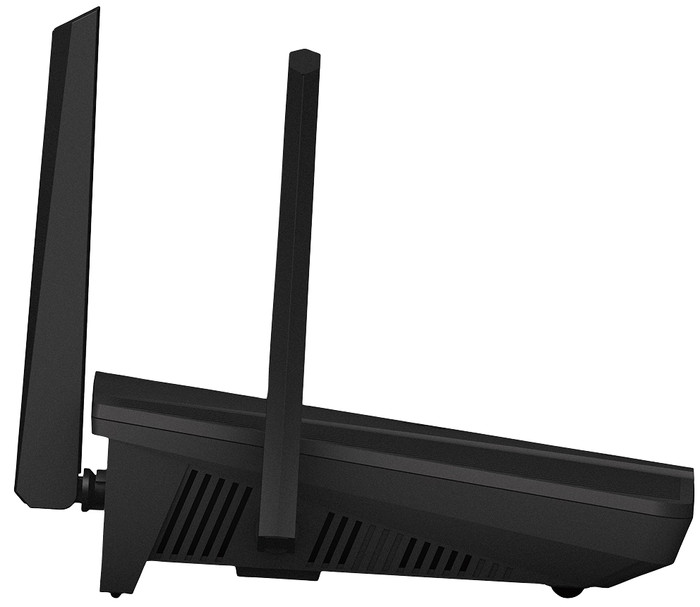
Number of WiFi antennas | 6 | |
Jumbo frame support |
Ethernet speed | Gigabit Ethernet (1000Mbps) | |
|---|---|---|
Network connector | ||
Number of Ethernet ports | 5 | |
SFP/GBIC ports | 0 | |
PoE support | ||
USB port | ||
Type of USB port | USB-C | |
Number of USB ports | 1 |
Mobile data connection | No | |
|---|---|---|
SIM card slot |
Quality of Service (QoS) | ||
|---|---|---|
MU-MIMMO | ||
Seamless roaming | ||
Beamforming | ||
Port forwarding | ||
LACP Link aggregation |
Parental controls | ||
|---|---|---|
WLAN security | WPA2 | |
Firewall | ||
Firewall type | DoS | |
Guest network | ||
VPN support | ||
VPN server | ||
VPN client | ||
VPN passthrough |
Mounting possible | ||
|---|---|---|
Width | 32 cm | |
Height | 17,5 cm | |
Depth | 20 cm | |
Weight | 1180 g | |
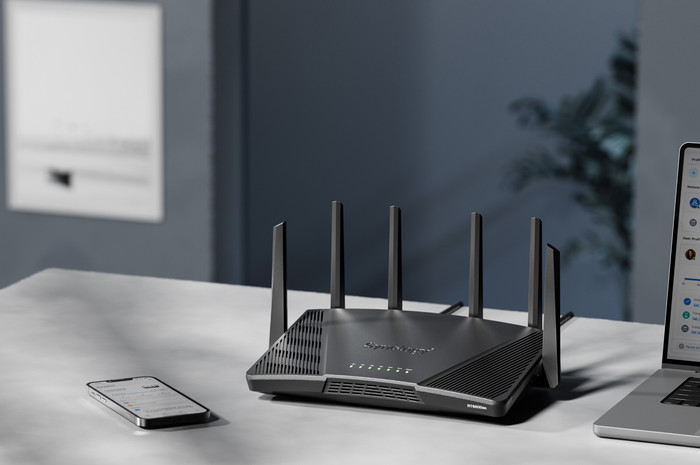
Color | Black | |
Material | Plastic |
Power supply type | Power grid |
|---|
Coolblue takes care of everything, from taking out an insurance to repairs
For almost all accidents
More coverage in case of damage than your standard warranty
No deductible
First, add your router to your shopping cart. On the next page, choose the Protection Plan below. You always have a 30-day return window and pay no deductible in case of damage.
2-year Protection Plan
7,99
one-time3-year Protection Plan
14,99
one-time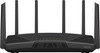
Range
Installation ease
Speed
Design
We previously had a Synology RT1900ac with a Wi-Fi extender via cable, but the communication between the two was not optimal. This created conflicts and overlaps, making Internet difficult in certain places in the house and walking around the house was not ideal. I thought the RT2600ac was a bit too old in the meantime, so I waited patiently for the RT6600ax and bought it in combination with the MR2200ac to set up a mesh network. Installation went pretty smoothly as I'm used to from Synology. Just a little search because both devices have to run the same version of SRM to pair and sync. In this case it meant that I had to install the RC of SRM version 1.3.1 on both devices, but once that was done, it was a piece of cake. Wifi range inside the house is now really fast and smooth, and walking around is absolutely no problem. I had secretly hoped that the WiFi range in the garden would be better/further, but that doesn't seem to be the case for the time being
Paul Magis
18 July 2022
Automatically translated from Nederlands
I have 2 in a mesh setup (to replace an older Asus mesh) and that works brilliantly - no interruptions any more during online phonecalls (Teams) when I am walking around the house. (the Asus mesh had worked fine too for years until Zigoo gave me a new modem and I never got it back to work properly). Setup was unexpectedly easy. It took me a lot more time to reconnect all devices to a new SSID than to setup the mesh. I am still tinkering with the range (positioning of the 2 routers). It is NOT bad as it is, but I think it could be better.
Jan Coppens
10 July 2023
332,-
332,-
Fastest WiFi standard | Wireless AXE (WiFi 6E) | |
|---|---|---|
Ethernet speed | Gigabit Ethernet (1000Mbps) | |
Frequency bands | Tri-band | |
WiFi speed | AX6000 | |
Number of Ethernet ports | 5 | |
Type router | WiFi router | |
Number of stations | 1 | |
Living situation | Student room |
According to our router expert
This router supports WiFi 6, so you can set up a faster connection and connect more devices.
The router has a 2.4Gbps network connector you can connect even the fastest internet connection to.
This router supports Quality of Service and port forwarding, which makes it suitable for gamers.
You'll need suitable devices if you want to make use of all of the benefits of WiFi 6.
In stock
In stock