Black
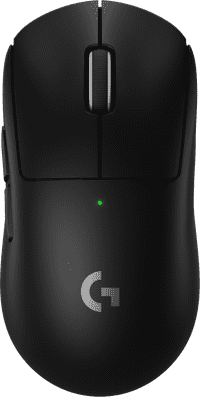
Better model
Connection options
Ergonomics
Accuracy
Size
Design
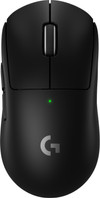
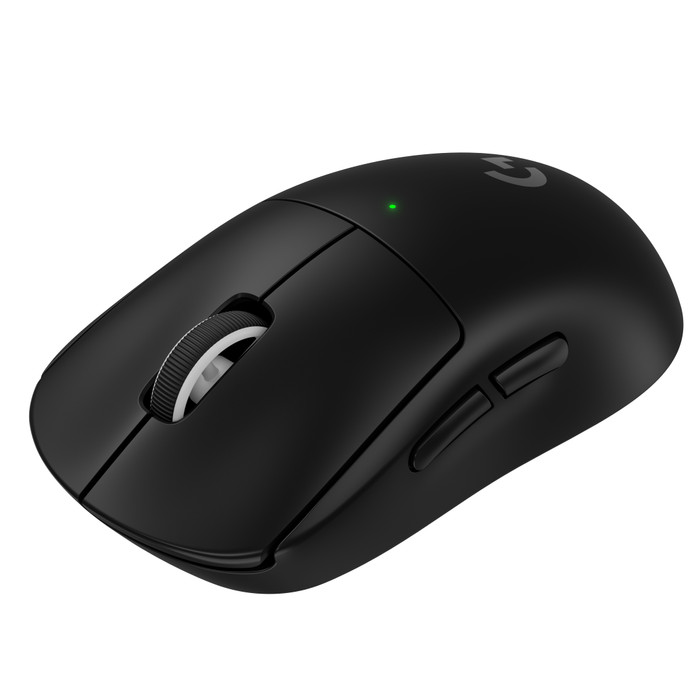
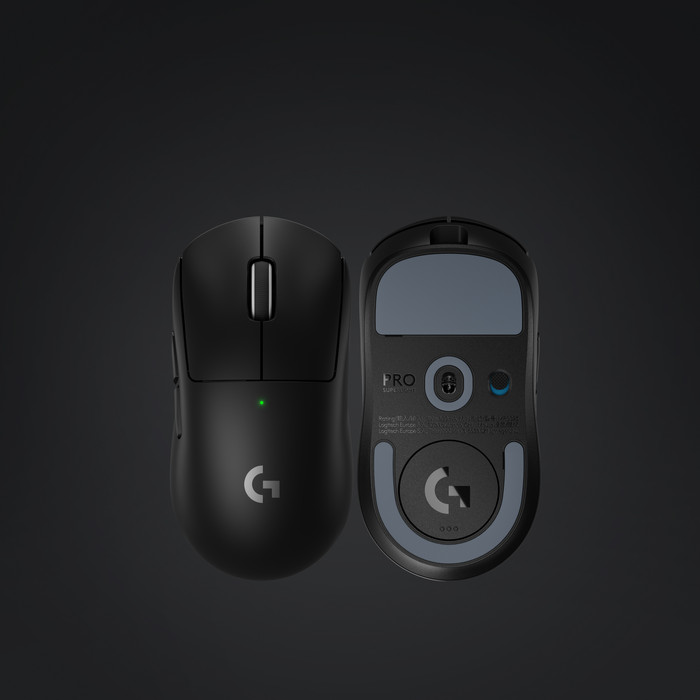
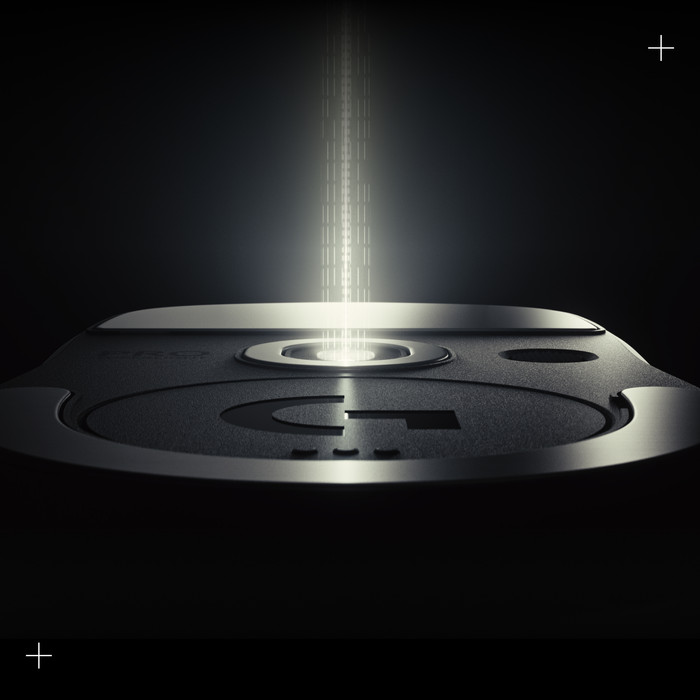
The Logitech G PRO X Superlight 2 is the new generation of Logitech's Superlight line. The box contains the gaming mouse, USB dongle, charging cable and grip tape.
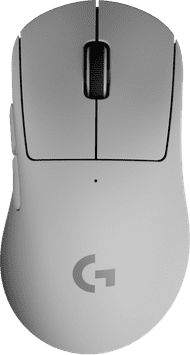
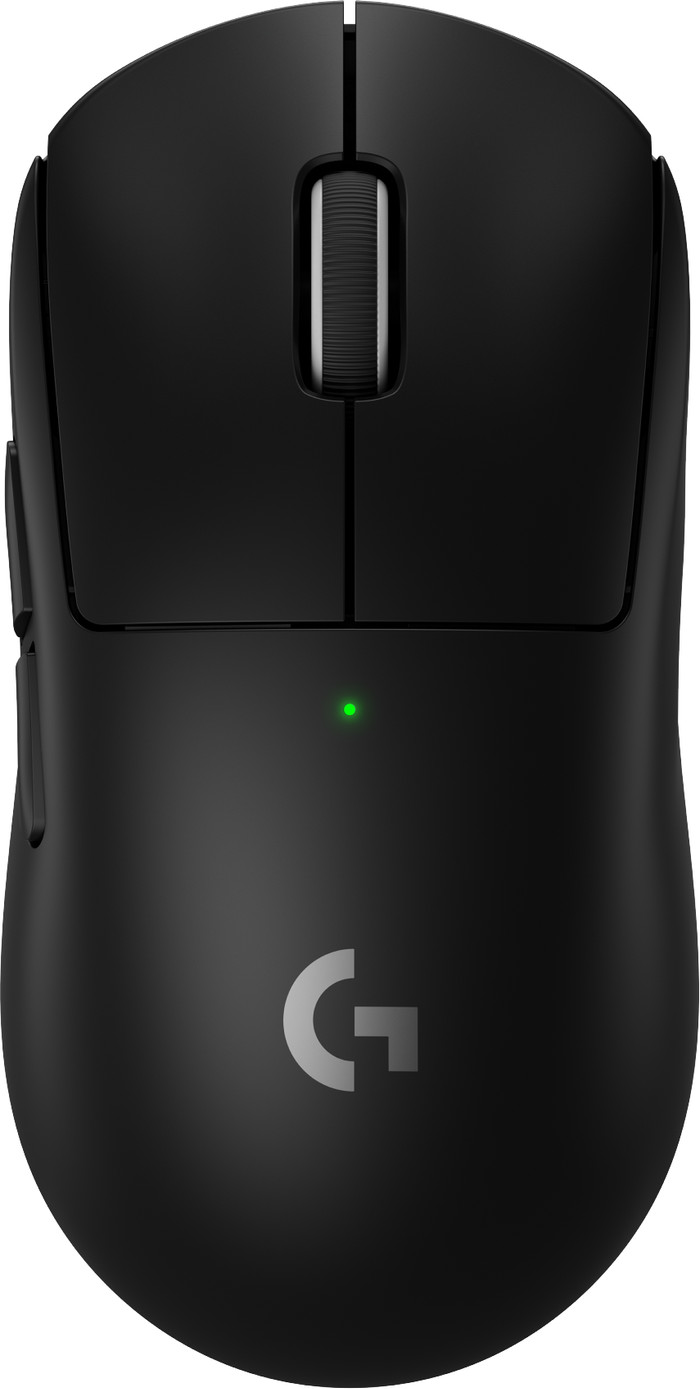
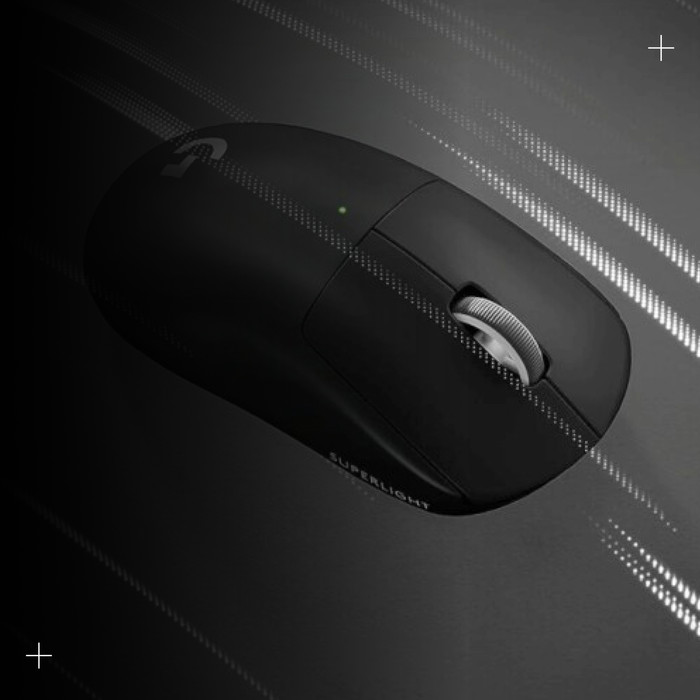
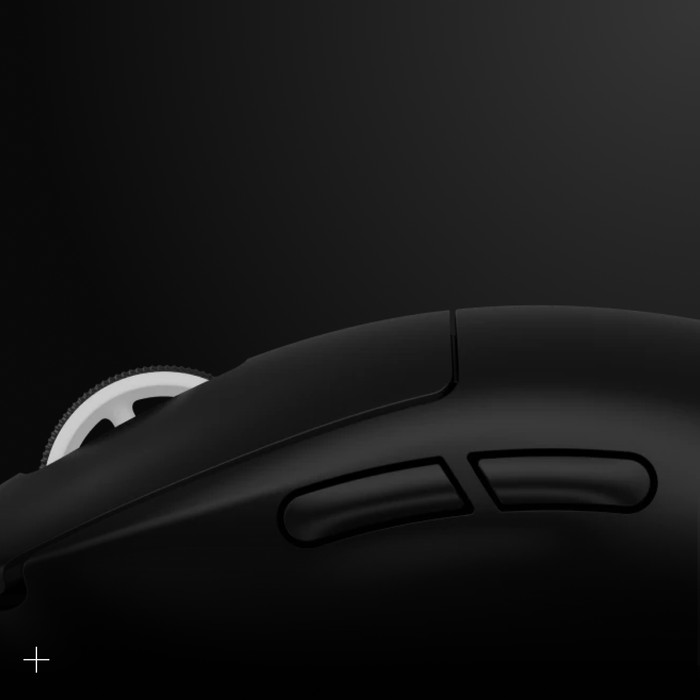
Design The G PRO X Superlight 2 has a minimalist design. I use this gaming mouse wirelessly via the supplied USB dongle. The USB dongle has a USB-C extension, so you can also connect the gaming mouse wired with the supplied USB-A to C cable. There are 2 extra thumb buttons on the mouse that you link to in-game actions. I do miss a DPI button on the mouse, so that I can easily adjust my DPI when I switch games.
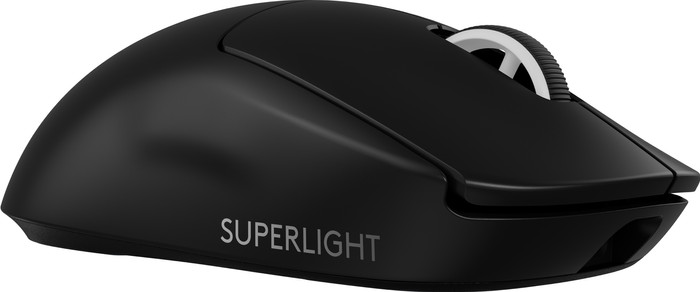
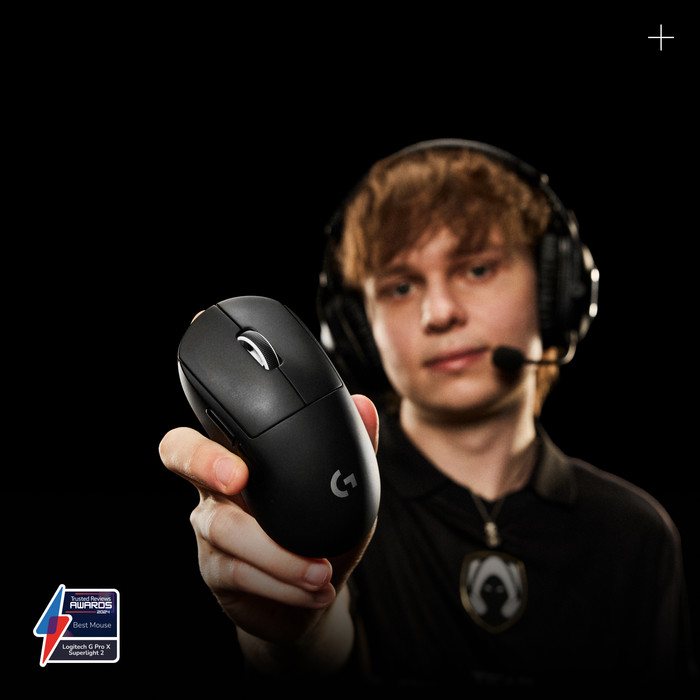
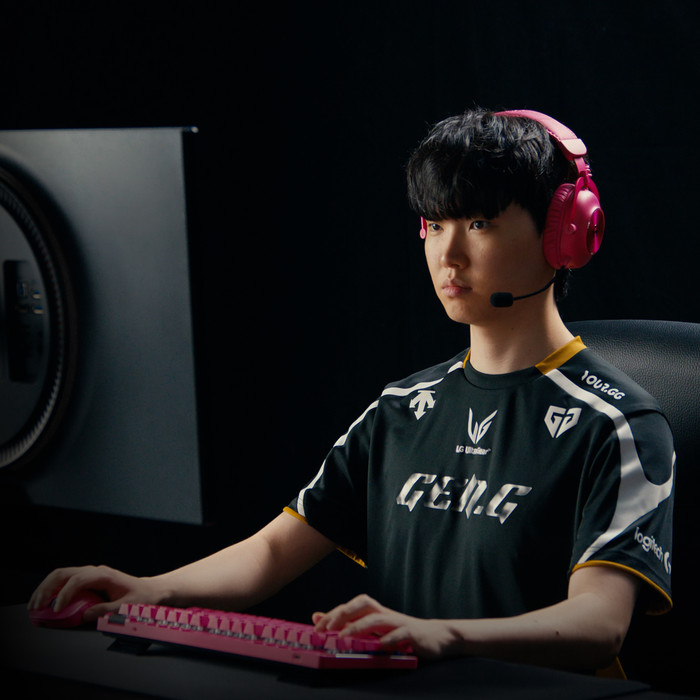
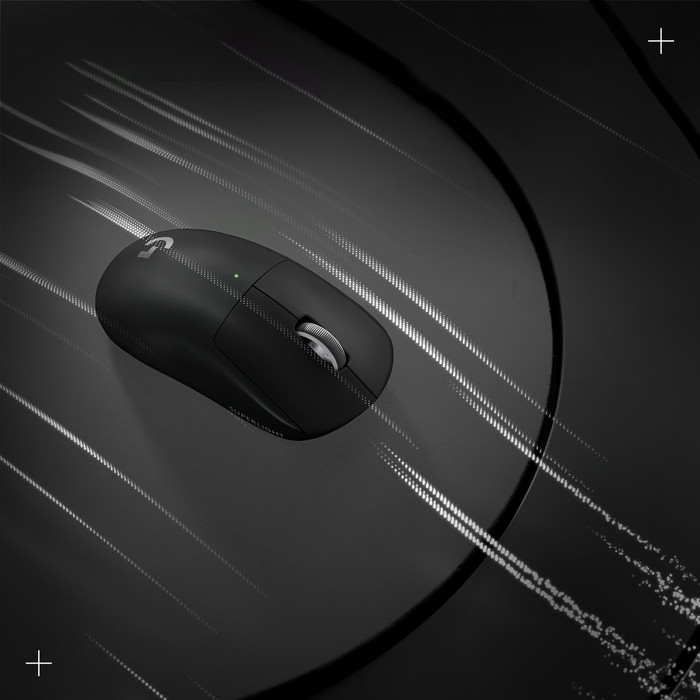
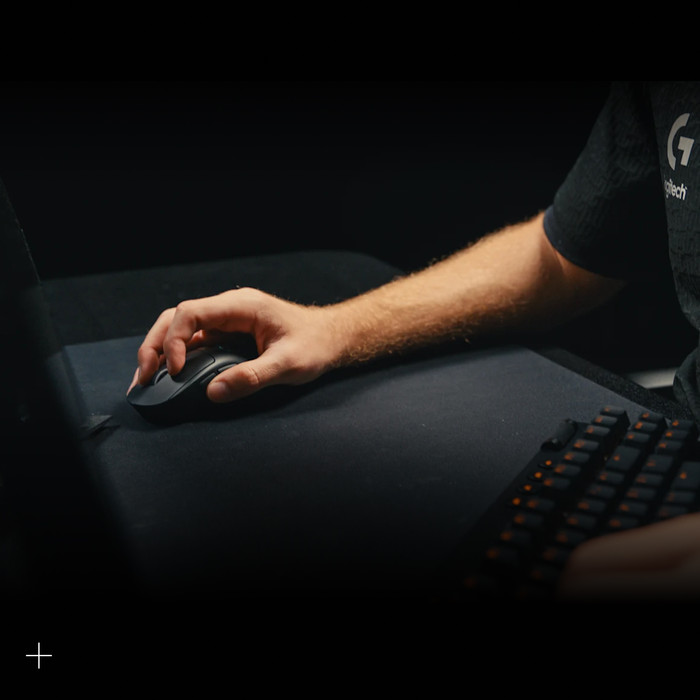
Gaming with the Logitech G Pro X Superlight 2 The name says it all, it is a super light mouse. At 60 grams and with PTFE mouse feet, this gaming mouse slides across my desk without any problems, even without a mouse pad. If you are used to a heavier mouse, this is a world of difference and you will have to get used to it at first. But after a few games of Overwatch, the gaming mouse certainly feels better in the hand. The mouse click is also a bit louder than normal, so I can hear clearly when the mouse click registers. I link the 2 thumb buttons to in-game actions, so that I can respond even faster while gaming. The G Pro
Logitech G Hub I adjust the settings of the Logitech G PRO Superlight 2 via the Logitech G Hub. Because a DPI button is missing on the mouse, I have to adjust this setting via the Logitech G hub. I also create profiles in this software for games that I play. This way I can easily switch profiles when I play a different genre of game. In addition to DPI, you can also adjust the polling rating and calibration of the sensor via Logitech software.
Are you looking for a minimalist gaming mouse with many customizable settings? Then the Logitech G PRO X Superlight 2 is for you.
Prescious. Gaming specialist.
13 November 2023
Automatically translated from Nederlands
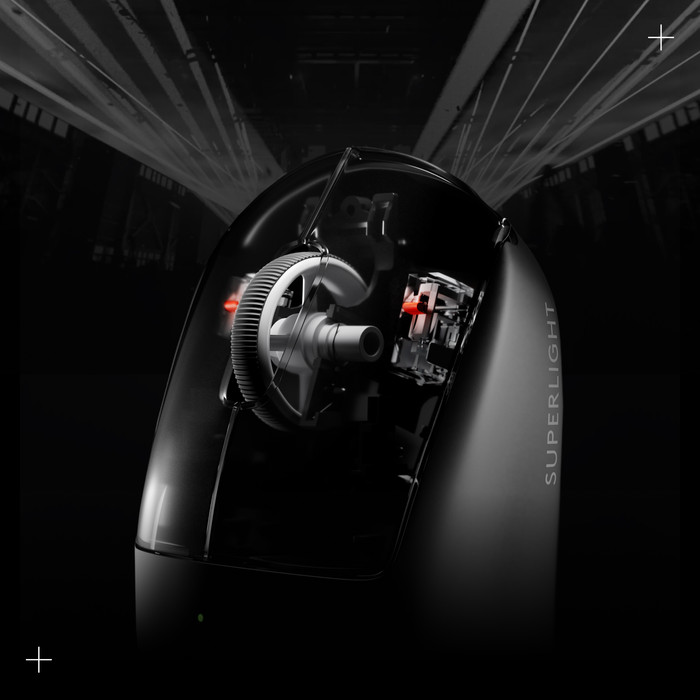
Just like its predecessor, super good mouse with the weight saving of its predecessor, but with better sensors. I had the predecessor, but the scroll wheel broke. With this iteration there seems to be a new one in it. The mouse feels like home (badum tsss).
Emiel
2 December 2024
Automatically translated from Nederlands
Definitely a good mouse, but for people with a claw grip I would first try it physically in the world.
Hans
5 December 2023
Automatically translated from Nederlands
Connection type | Wireless | |
|---|---|---|
Mouse model | Standard | |
Ergonomic design | ||
Left or right-handed | Right-handed | |
Suitable for gaming | ||
Silent mouse | ||
Depth | 12,5 cm | |
Mouse controls | Buttons, Scroll wheel |
According to our mouse expert
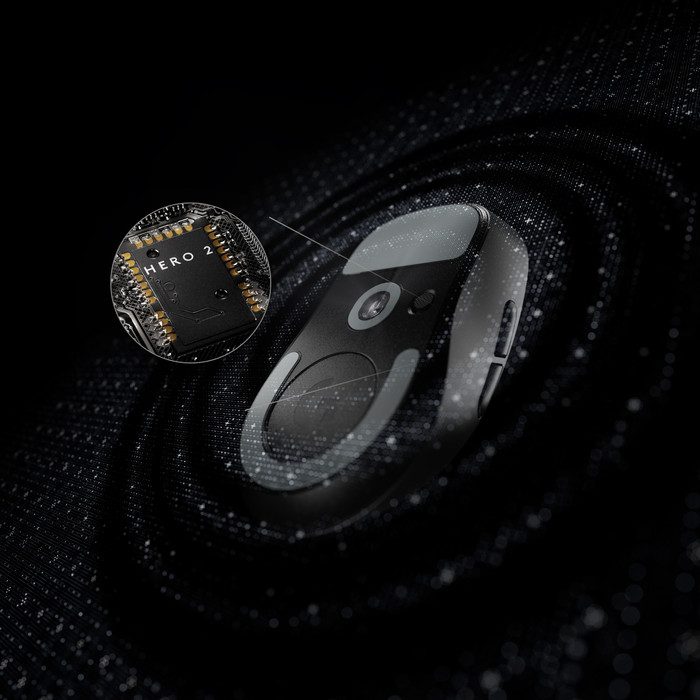
With a DPI up to 44,000, the mouse is suitable for every type of game.
Because the gaming mouse is wireless, you can use it anywhere.
Because the gaming mouse is lightweight, you can control it with more precision.
This gaming mouse doesn't have a thumb rest, so you can't game ergonomically.
110,-
110,-
Product number | 936061 | |
|---|---|---|
Manufacturer code | 910-006631 | |
Brand | Logitech G | |
Processing of your defect | Via Coolblue | |
Old product returned for free |
Mouse model | Standard | |
|---|---|---|
Input | Optical | |
Number of buttons | 5 | |
Ergonomic design | ||
Type of ergonomics | Not ergonomic | |
Left or right-handed | Right-handed | |
Maximum dots per inch (DPI) | 44000 dpi | |
Adjustable DPI | ||
Mouse controls | Buttons, Scroll wheel | |
Suitable for gaming | ||
Polling rate | 8000 Hz | |
Recommended for game genre | Action, Adventure, First Person Shooter, Indie, MMORPG, MOBA, Open World, RPG, Racing, Realtime Strategy, Simulation, Sports | |
Scroll fast | ||
Rechargeable | ||
Mouse grip technique | Claw, Fingertips, Palm | |
Mouse weights | ||
Programmable buttons | ||
Number of programmable buttons | 5 | |
Lighting peripherals | ||
Silent mouse | ||
Horizontal scrolling | ||
Mouse surface | Matte surface | |
Product family | Lightspeed |
Connection type | Wireless | |
|---|---|---|
Nano receiver | ||
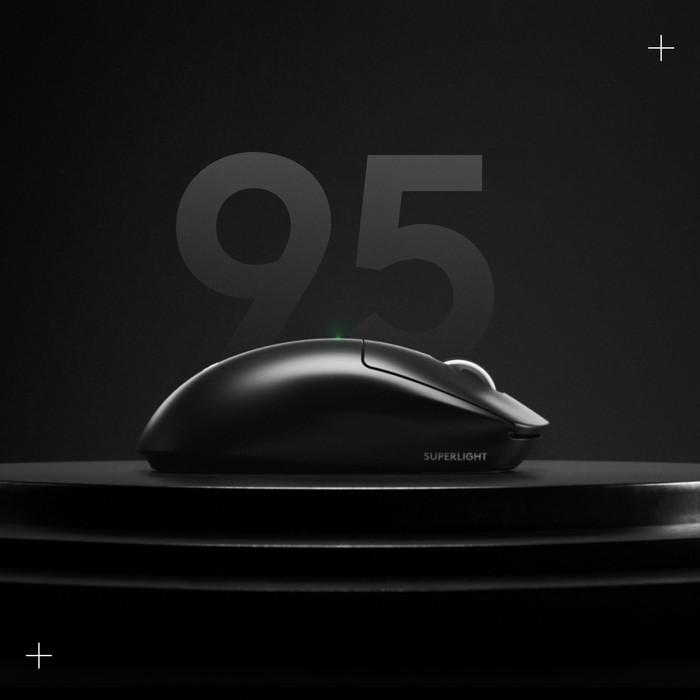
Average battery life | 95 hours | |
Type of USB port | USB-C | |
Cable length | 1,5 m |
Plug and Play | ||
|---|---|---|
Compatible with operating system | ChromeOS, Windows, iPadOS, macOS |
Power supply type | Rechargeable battery, USB port PC/laptop | |
|---|---|---|
Battery level indicator | ||
Replaceable battery | ||
Battery included |
Color | Black | |
|---|---|---|
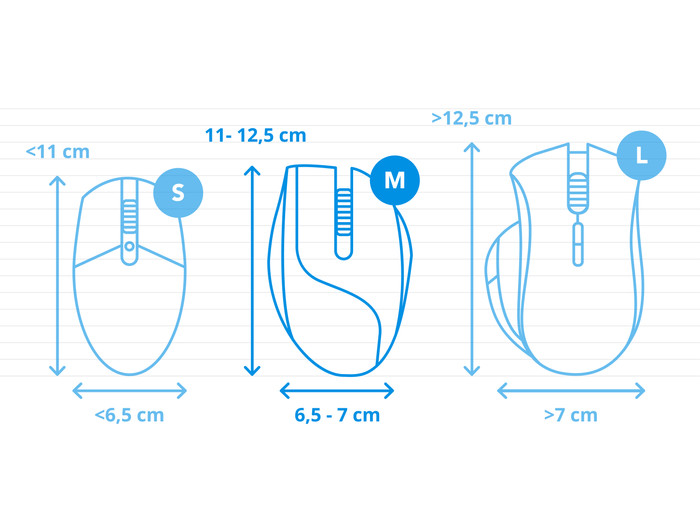
Mouse size | Large | |
Width | 6,35 cm | |
Height | 4 cm | |
Depth | 12,5 cm | |
Material | Plastic | |
Finish | Glossy | |
Weight | 60 g |
Current product
Wireless
Wireless
Wireless
Wireless
Wireless
5
13
5
5
5
60 g
106 g
60 g
60 g
60 g
110,-
100,-
114,-
117,-
147,-
In stock
In stock
Coolblue takes care of everything, from taking out an insurance to repairs
For almost all accidents
More coverage in case of damage than your standard warranty
No deductible
First, add your mouse to your shopping cart. On the next page, choose the Protection Plan below. You always have a 30-day return window and pay no deductible in case of damage.
2-year Protection Plan
7,99
one-time3-year Protection Plan
11,99
one-time