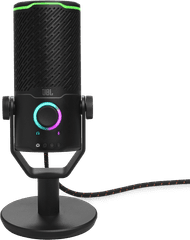
JBL Quantum Stream Studio Wireless USB-C


Product number | 944708 | |
|---|---|---|
Manufacturer code | JBLSTRMWLUSBCBLK | |
Brand | JBL | |
Processing of your defect | Via Coolblue | |
Old product returned for free |
Bit rate | 16 Mbit/s | |
|---|---|---|
Frequency response range | 2000 Hz |
Transducer | Condenser | |
|---|---|---|
Directional characteristic | Omnidirectional | |
Number of recording modes | 1 | |
Microphone recording type | Omnidirectional | |
Application microphone | Gaming, Meetings, Podcasts, Presenting, Streaming, Studio | |
Wireless microphone system |
Mute button | ||
|---|---|---|
Adjustable high pass filter |
Tripod included |
|---|
Type of microphone connection | USB | |
|---|---|---|
Headphone jack |
Weight | 112 g | |
|---|---|---|
Material | Metal |
Coolblue takes care of everything, from taking out an insurance to repairs
For almost all accidents
More coverage in case of damage than your standard warranty
No deductible
First, add your studio microphone to your shopping cart. On the next page, choose the Protection Plan below. You always have a 30-day return window and pay no deductible in case of damage.
2-year Protection Plan
7,99
one-time3-year Protection Plan
8,99
one-time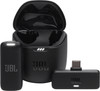
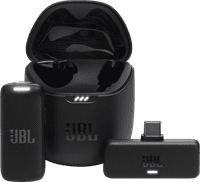
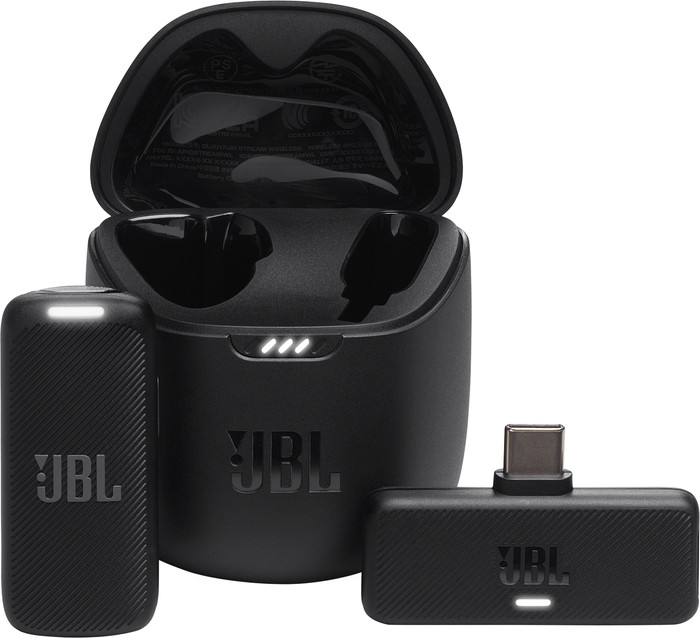
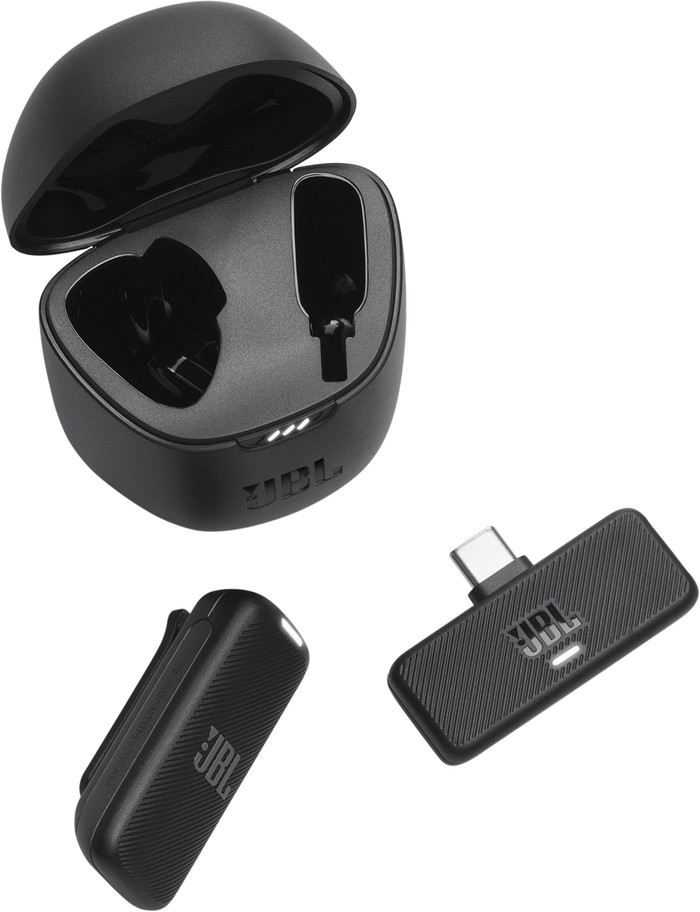
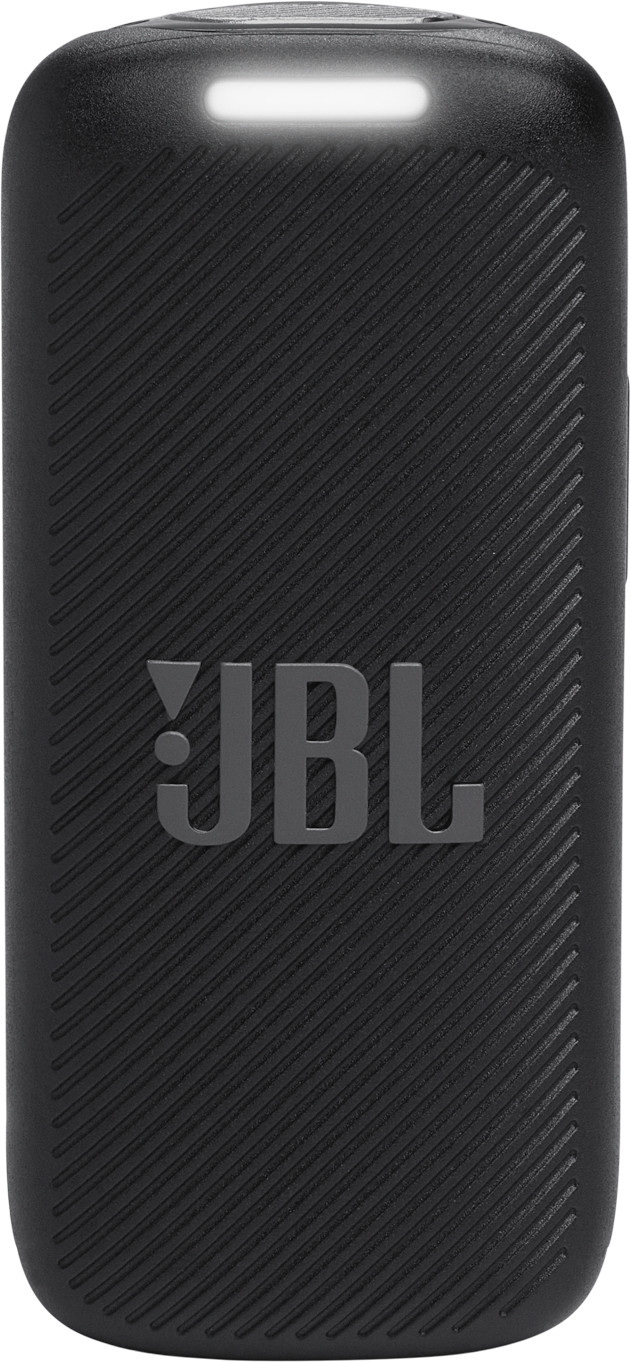
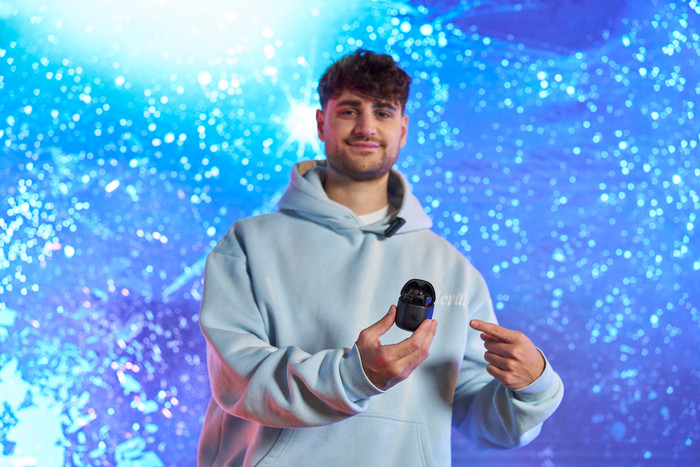
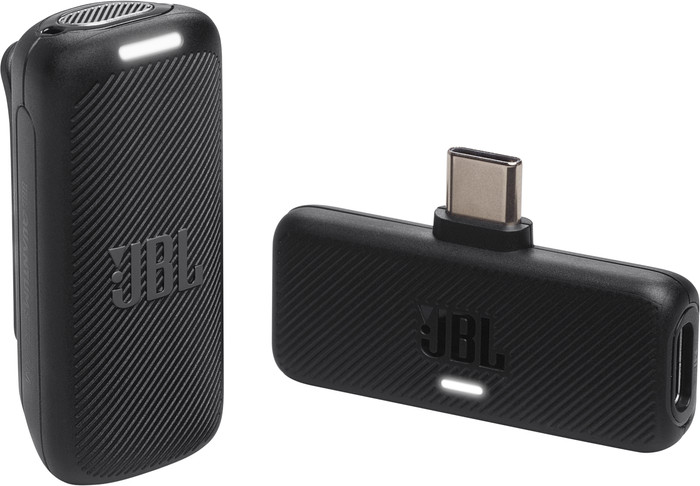
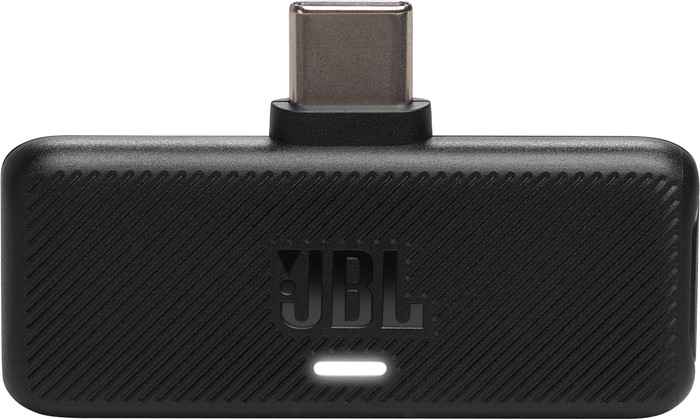
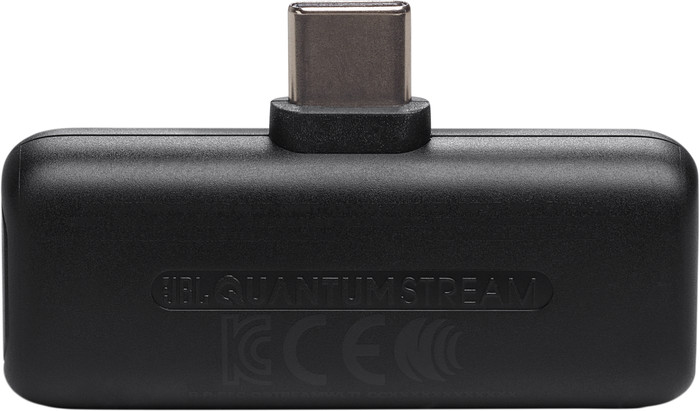
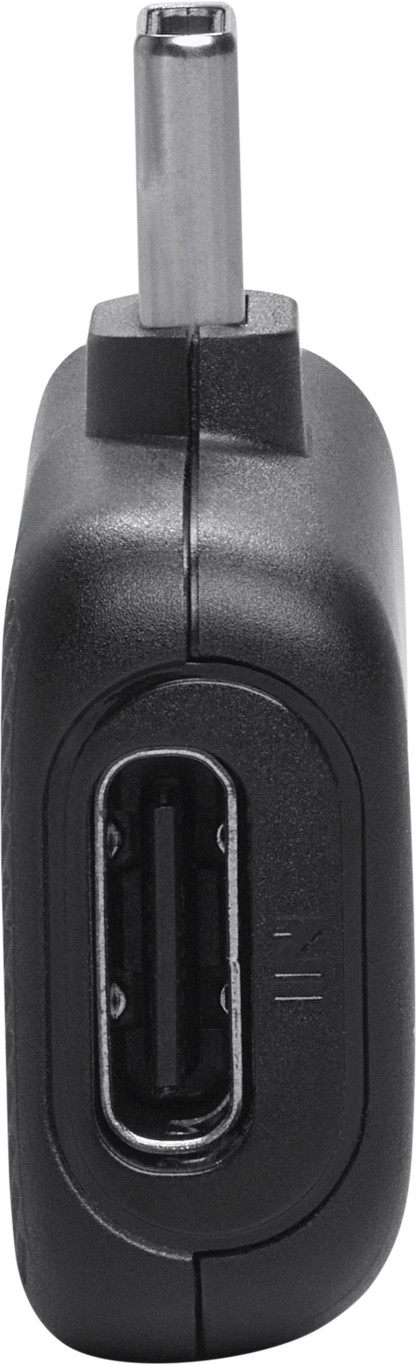
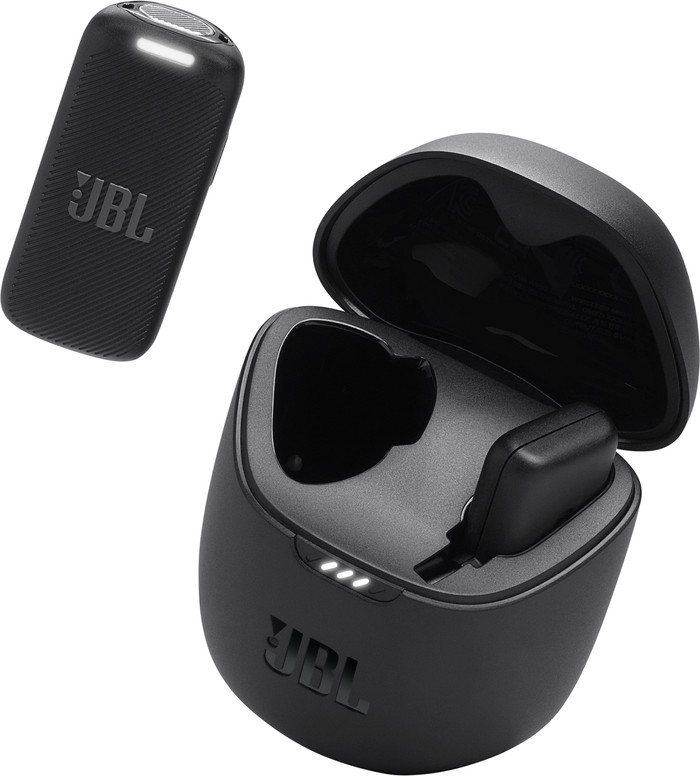
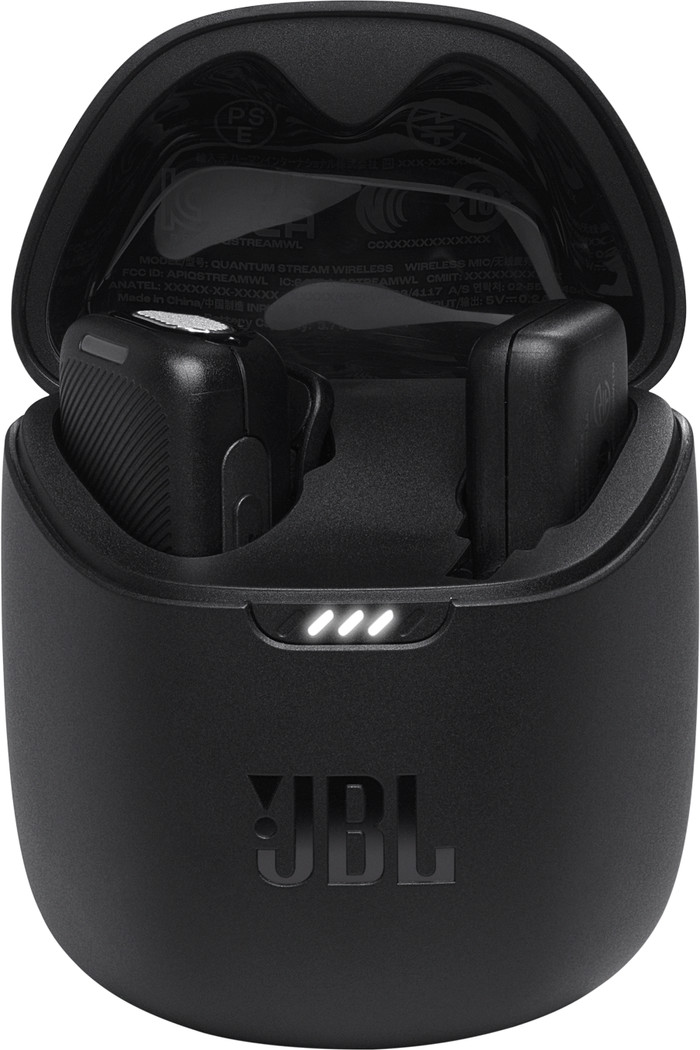
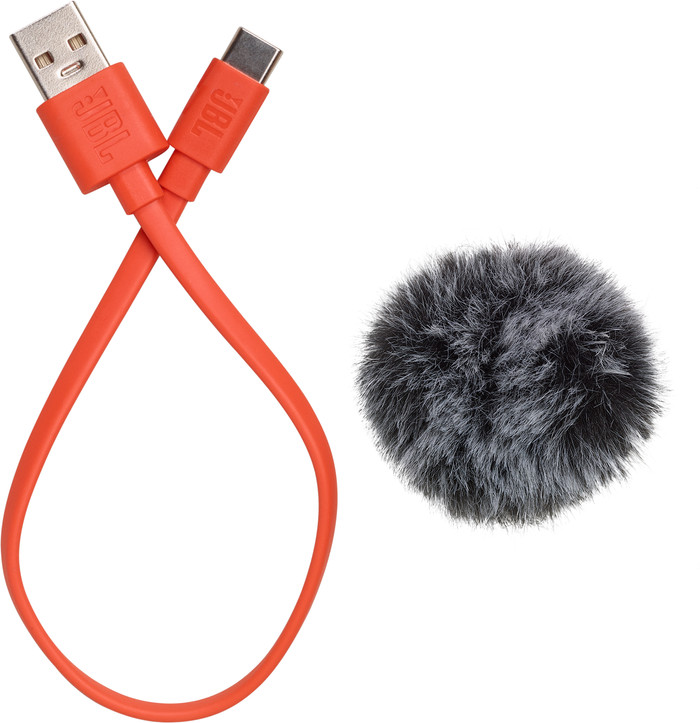
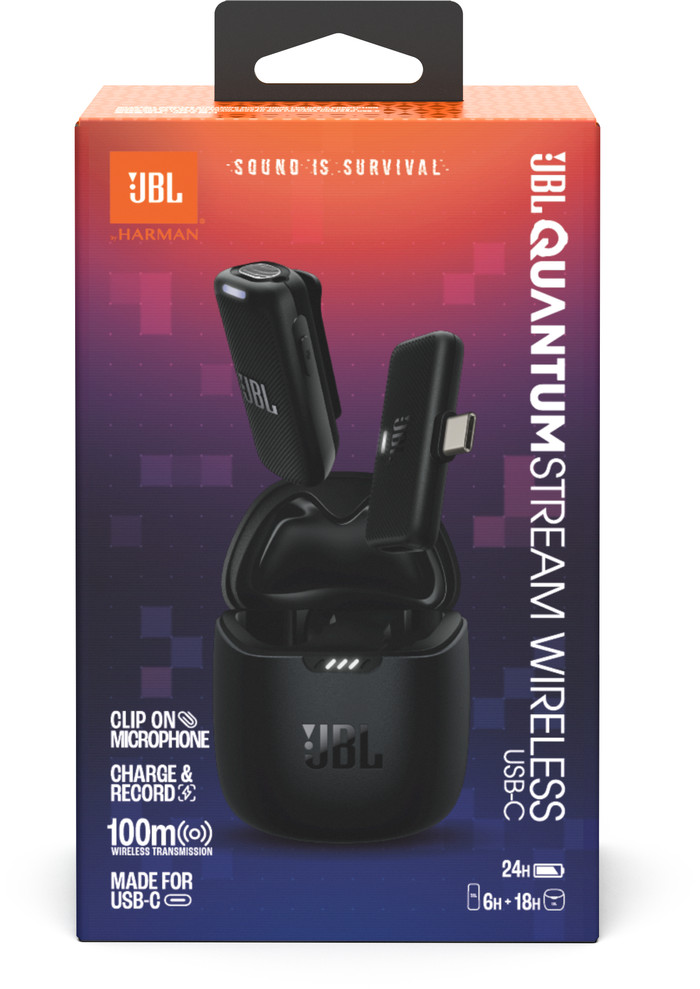
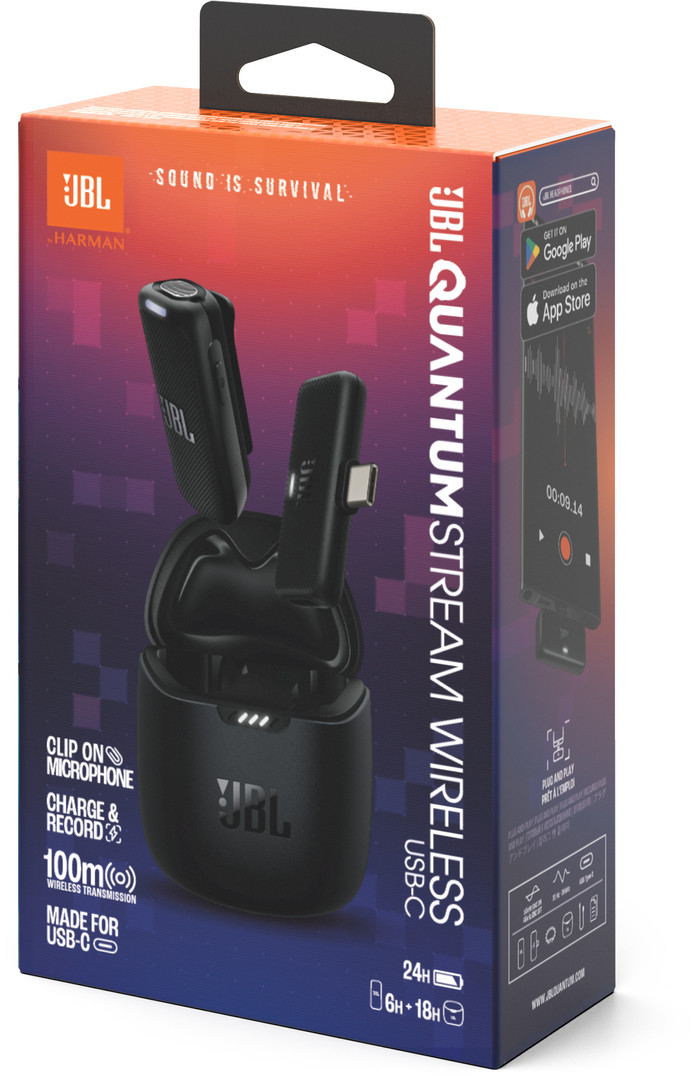
The JBL Quantum Stream Studio Wireless is a wireless streaming microphone. The box contains a microphone, transmitter, charging and storage case, a USB cable and a windshield. I connect the microphone via the transmitter on my phone.
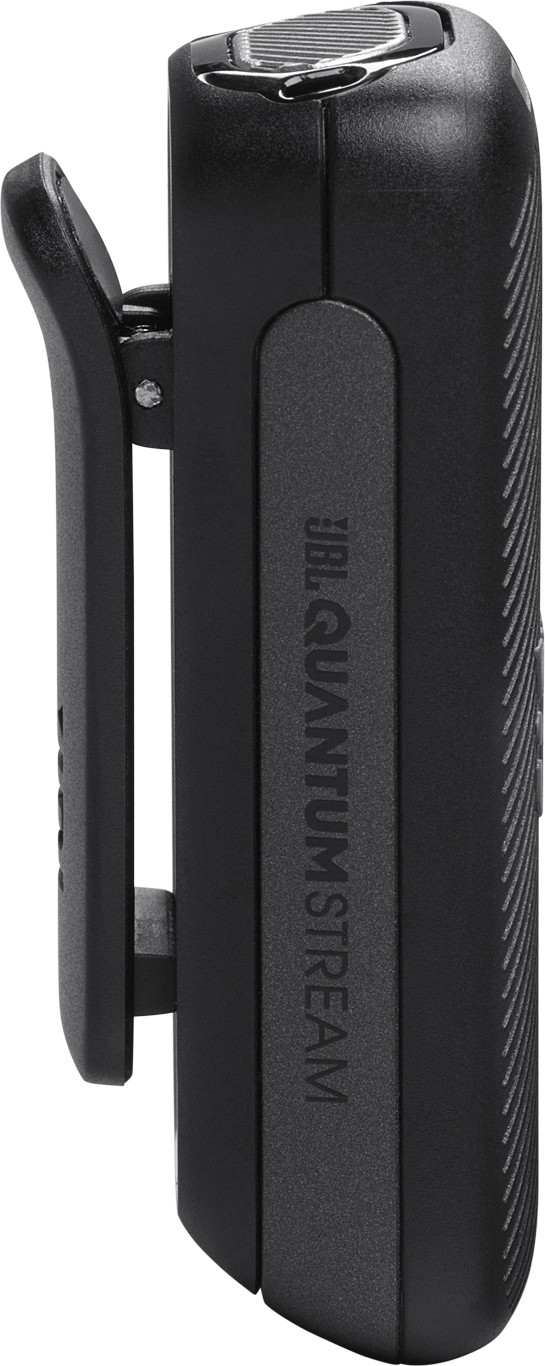
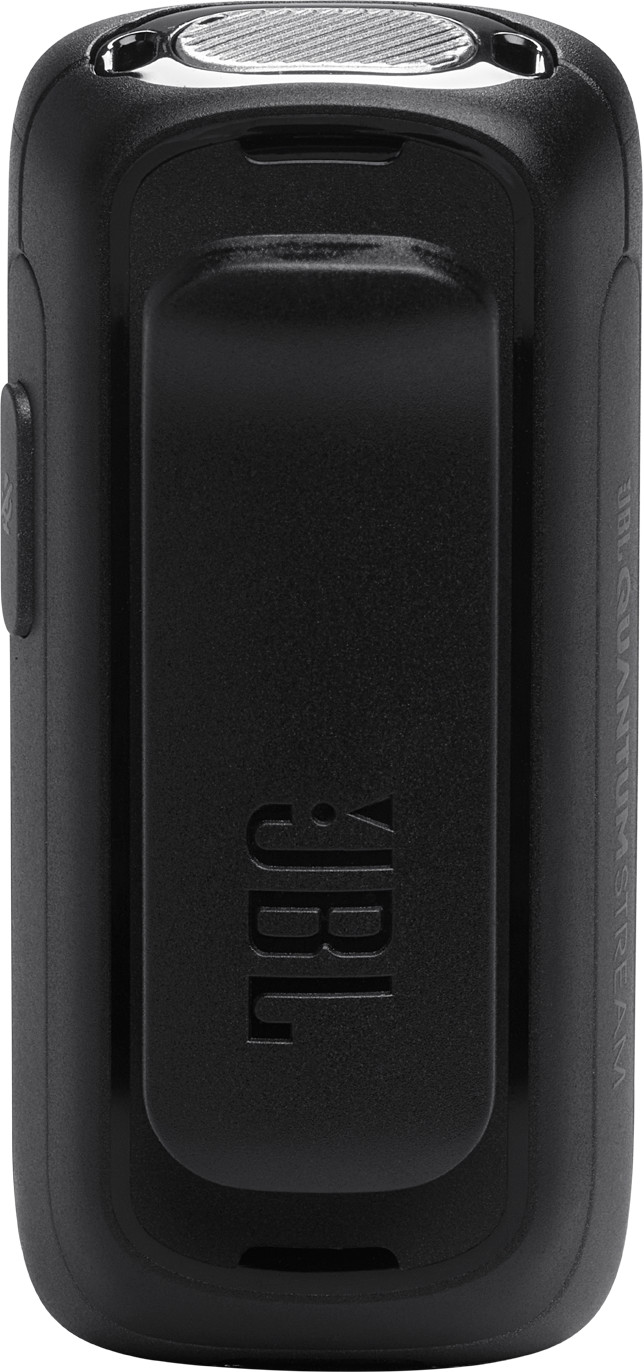
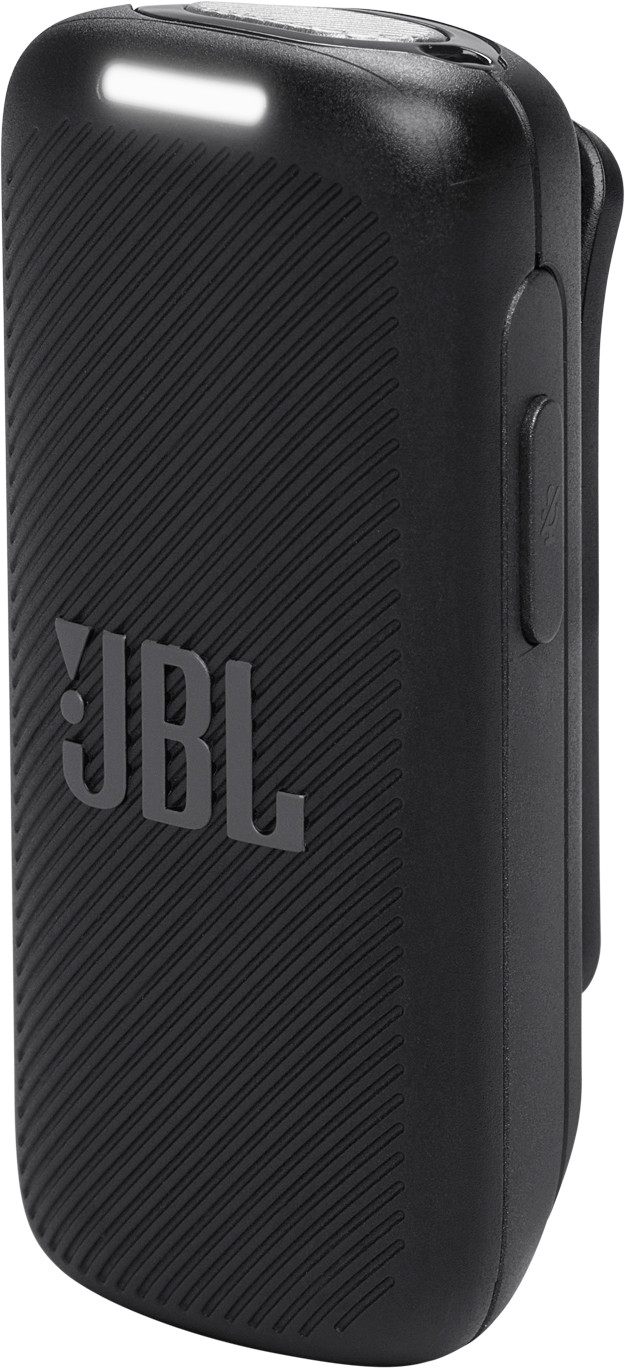
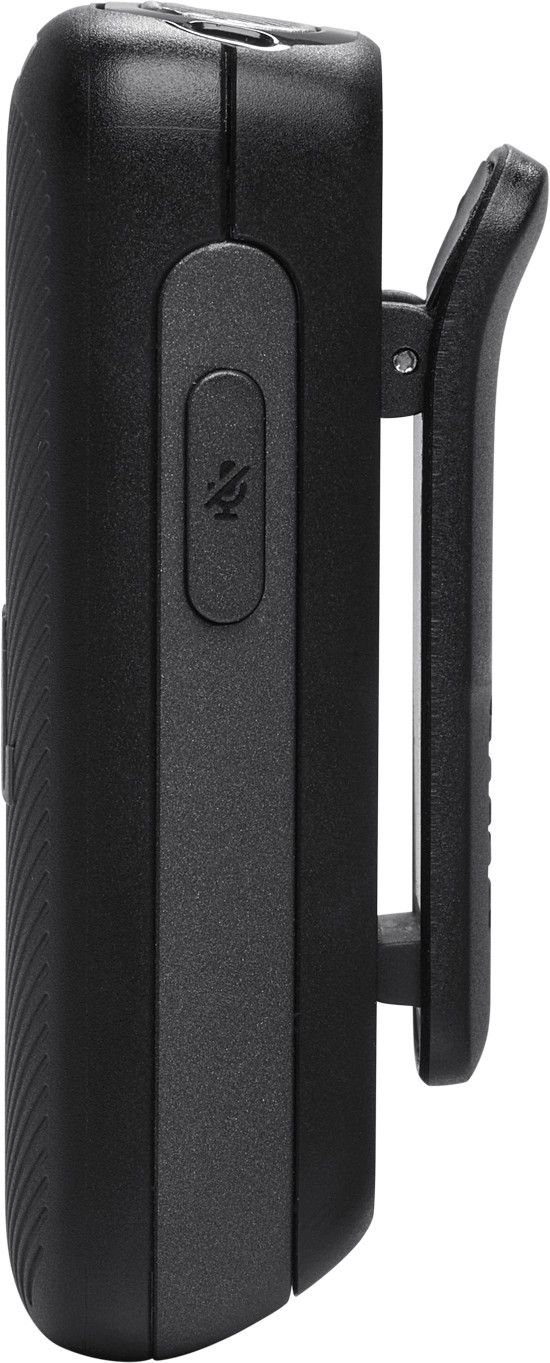
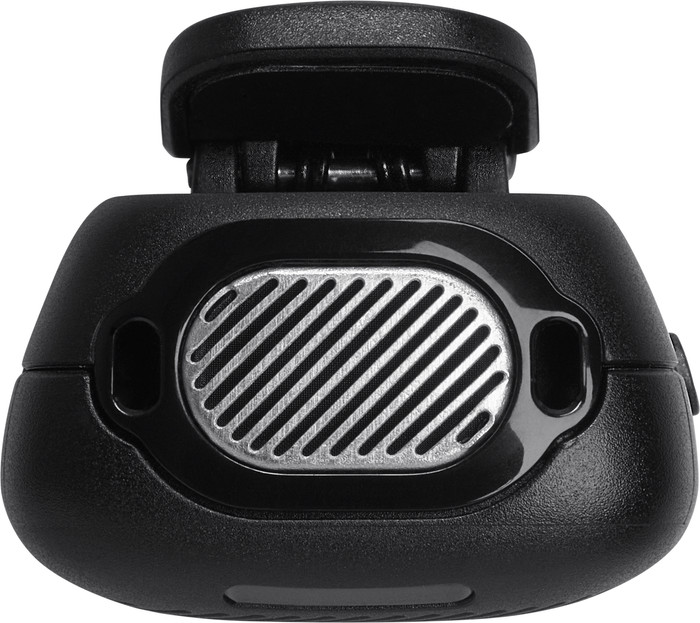
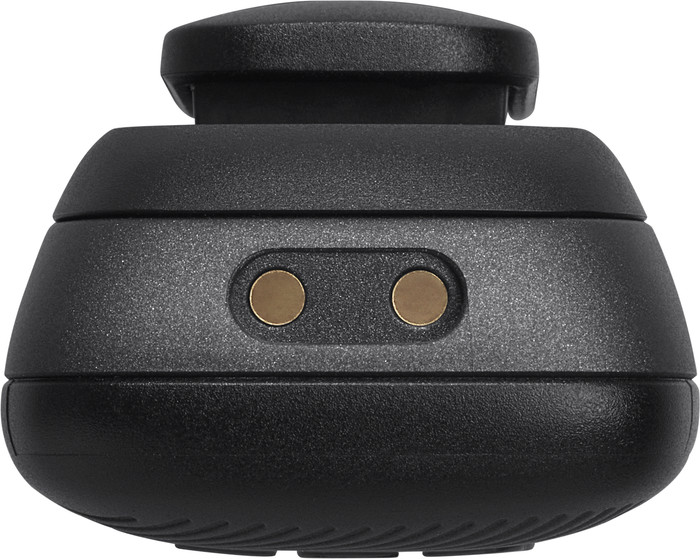
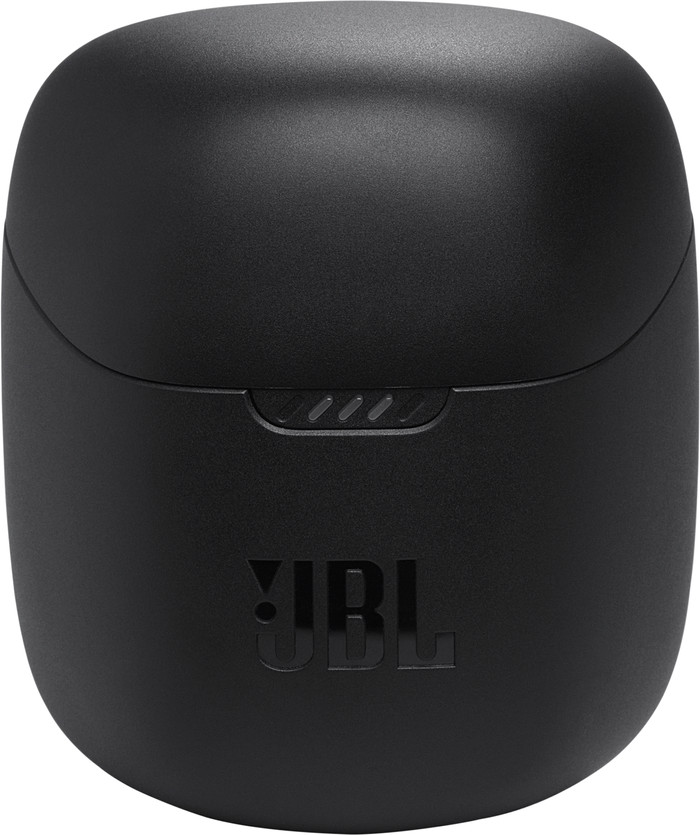
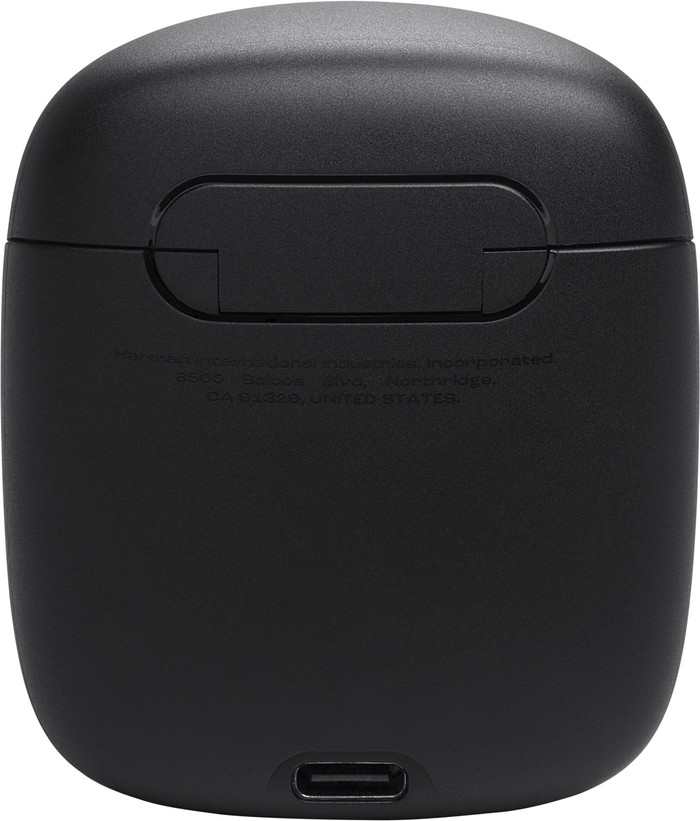
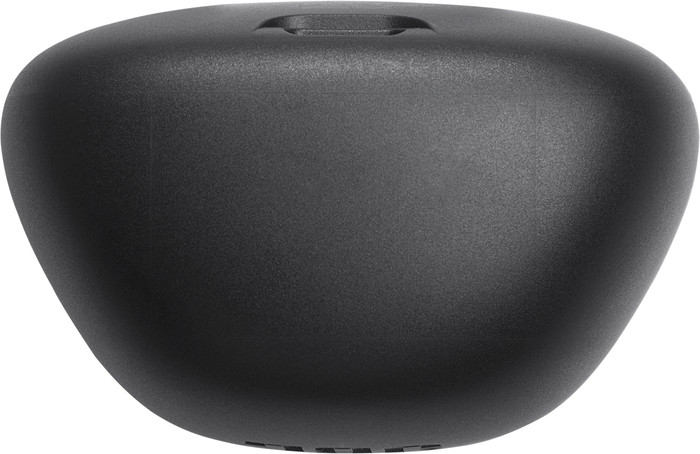
Design This is a compact streaming microphone that I keep in the charging case. The charging case has 2 places for the transmitter and the microphone and is the same size as a case for my wireless earphones. I therefore easily take this with me in my pocket. The microphone has a clip so I can attach it to my shirt while I have the transmitter in my phone. I easily click the windshield onto the top of the microphone.
Recordings The Stream Studio Wireless has an omnidirectional recording pattern. This means that the microphone also records ambient noise. This is useful if, for example, I am streaming outside via my phone or if I am talking to someone else while streaming. I hear my voice clearly on the recordings, but it does sound hollow when I am in a quiet room. I click the windshield onto the microphone if I want to suppress the ambient noise more. The battery lasts about 6 hours and the charging case has 18 hours of battery life. This means I can leave the house without any problems, even if the microphone is not fully charged. I also quickly charge the microphone via the charging case if the battery runs out.
JBL Headphones App I connect the JBL Quantum Stream Wireless to the JBL Headphones App via my phone. With this app I adjust the microphone effect, so that I can, for example, amplify my voice. You can also mute the ambient noise and adjust the recording strength via the app. Furthermore, there are not many customization options.
Are you a streamer who likes to go out and is looking for a wireless streaming microphone? Then choose the JBL Quantum Stream Studio Wireless.
Prescious. Gaming specialist.
19 April 2024
Automatically translated from Nederlands
iPhone connection works fine, but how nice would it be if you could connect the iPhone to an external JBL speaker via Bluetooth so that you have a microphone... missed opportunity!
Pieter
22 April 2024
Automatically translated from Nederlands
The JBL Quantum Stream Studio Wireless wireless streaming microphone works well. The battery lasts at least 5 hours. The battery charging case also lasts a long time. I don't feel like I have to charge the charging case often. The microphone comes with a handy windshield, so I can also use it outdoors. Even during a storm, you can hardly hear the wind. I can easily put the windshield on the microphone. The compact storage case allows me to take it everywhere. The cover is not big and fits in my handbag. There is a clip on the microphone. You can attach this clip to your sweater or shirt. The clip is sturdy and ensures that the microphone stays in place.
The microphone records the sound well. I not only hear myself talking but also the sounds around me. When I am talking to others you can also hear their voices clearly. The sound does not sound hollow. I think that is very important.
Lies123
17 July 2024
Automatically translated from Nederlands
Application microphone | Gaming, Meetings, Podcasts, Presenting, Streaming, Studio | |
|---|---|---|
Directional characteristic | Omnidirectional | |
Microphone recording type | Omnidirectional | |
Type of microphone connection | USB |
According to our studio microphone expert
The JBL Quantum Stream Studio Wireless is wireless, so you can use it outdoors.
After 15 minutes of charging, the microphone has an hour of battery life again.
With the JBL Headphones app, you can customize your recording sound and adjust the equalizer.
You don't get a tie pin microphone.
72,-
72,-
Current product
Gaming, Meetings, Podcasts, Presenting, Streaming, Studio
Gaming, Streaming
Gaming, Podcasts, Streaming
Gaming, Meetings, Podcasts, Presenting, Streaming, Studio, Studio instruments, Studio vocals
Gaming, Meetings, Podcasts, Streaming, Studio, Studio instruments
Omnidirectional
Bidirectional, Cardioid, Omnidirectional
Bidirectional, Cardioid, Omnidirectional
Bidirectional, Cardioid, Omnidirectional , Targeted (X / Y)
Bidirectional, Cardioid, Omnidirectional
Omnidirectional
Mono, Stereo
Bi-directional, Omnidirectional , Stereo
Bi-directional, Omnidirectional , Stereo
Omnidirectional , Stereo
USB
USB
3.5mm jack, USB
USB
USB
72,-
110,-
97,-
122,-
105,-
In stock
In stock