2
|
Ceiling, Wall
Better model
Product number | 944385 | |
|---|---|---|
Manufacturer code | UBI-U7-PRO | |
Brand | Ubiquiti | |
Processing of your defect | Via Coolblue | |
Old product returned for free |
Suitable for business use in | SMEs | |
|---|---|---|
Living situation | 1 floor | |
Usage situation | Gaming and downloading, Manu devices and heavy network load | |
Number of access points | 1 | |
Quality of Service (QoS) | ||
Suitable for IPv6 | ||
Guest network | ||
Bridge option | ||
Repeater function | ||
IGMP Snooping | ||
Beamforming | ||
Seamless roaming | ||
Can be expanded with extra stations | ||
On/off switch | ||
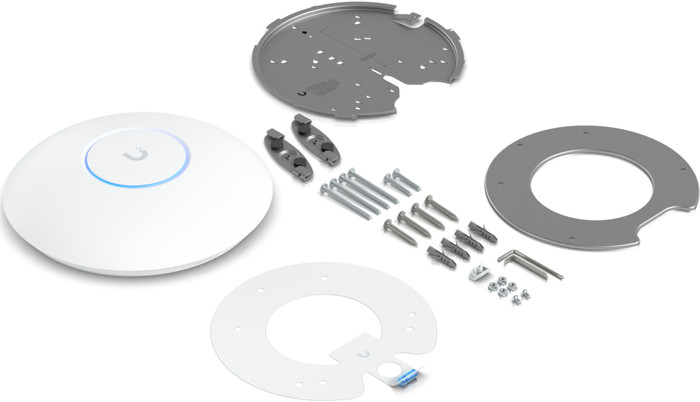
Mounting possible | ||
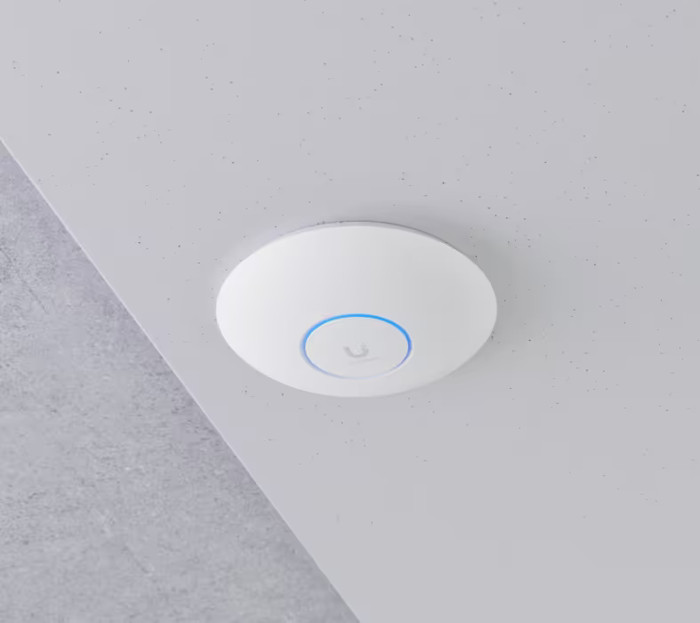
Mounting surface | Ceiling, Wall |
Fastest WiFi standard | Wireless BE (WiFi 7) | |
|---|---|---|
WLAN security | 802.1X, WEP, WPA, WPA-PSK, WPA2, WPA2-PSK, WPA3 | |
Number of WiFi antennas | 4 | |
Frequency bands | Simultaneous tri-band | |
5GHz band speed | 2882 Mbit/s | |
2.4GHz band speed | 688 Mbit/s | |
External antennas | ||
Signal transmission | Omnidirectional | |
Antenna connection type | MMCX, MMCX female, Standard antenna | |
Replaceable WLAN antennas | ||
MAC address filter | ||
MIMO | ||
MU-MIMMO |
Ethernet speed | 2.5Gb Ethernet (2500Mbps) | |
|---|---|---|
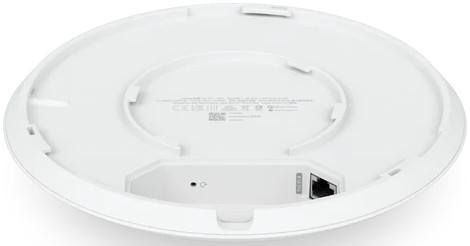
Number of Ethernet ports | 1 | |
WAN ports | 1 | |
Connection type | PoE | |
PoE support | ||
Type of PoE | 802.3at (PoE+) |
Type of access point | Indoors | |
|---|---|---|
Material | Metal | |
Height | 4,6 cm | |
Width | 20,6 cm | |
Depth | 20,6 cm | |
Color | White |
From standard KPN WiFi products to Unifi u7 pro. 1 AP already has better range and speed throughput than 5 APs from KPN. Setting it up is quite simple, but if you really want to go through all the settings, you need to have a little knowledge.
I should have started this sooner.
Chris
30 March 2024
Automatically translated from Nederlands
I'm very happy with my new Ubiquiti UniFi U7 Pro. I was already using a U6 Pro, and it works seamlessly with the new access point. This gives me excellent coverage and a fast, stable internet connection everywhere.
Installation is easy via the UniFi app, but the device can also be managed via the UniFi software, which you run locally or via the cloud. This makes the U7 Pro not only suitable for home use but also very attractive for professional installations, such as in businesses.
Keep in mind that you need a PoE switch or PoE injector to power the access point. My switch, also from the same brand, works seamlessly with the U7 Pro and is managed via the same software. This allows you to easily set up a clear and professional network.
In addition, the access points support broadcasting multiple networks, allowing you to separate a guest network from your own network for added security, for example. Honestly, I couldn't think of any drawbacks to this product.
Chris
31 December 2025
Automatically translated from Nederlands
Nice product, works as expected. The only downside is that they do not work very well standalone, set via the app. You need to install the controller software on a computer and set them up to run smoothly.
Donovan
28 May 2024
Automatically translated from Nederlands
According to our access point expert
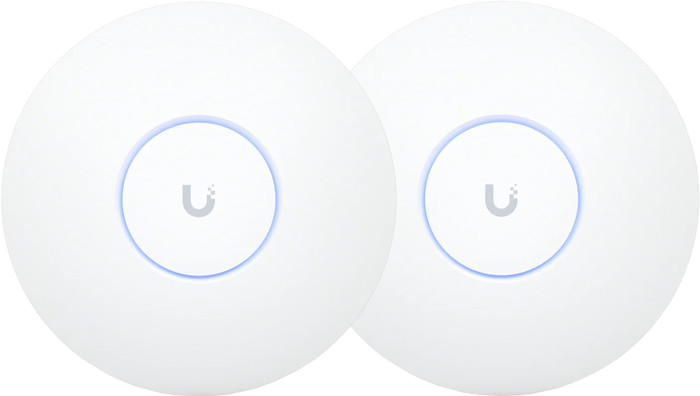
These access points supports WiFi 7, so you can set up the fastest stable WiFi connection.
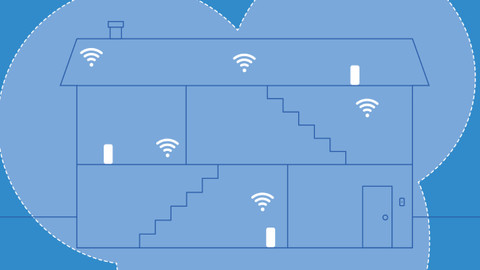
You can link the access points and manage them at the same time via the UniFi Network app.
It's powered through the network cable, which means you don't need a socket.
You need a PoE switch or PoE injector to power the access points.
To take advantage of all of the WiFi 7 improvements, your devices have to support this.
410,-
410,-
In stock
In stock