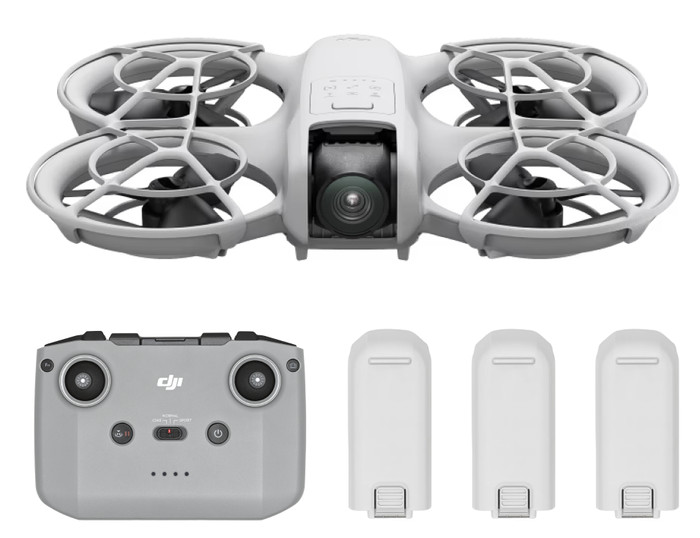
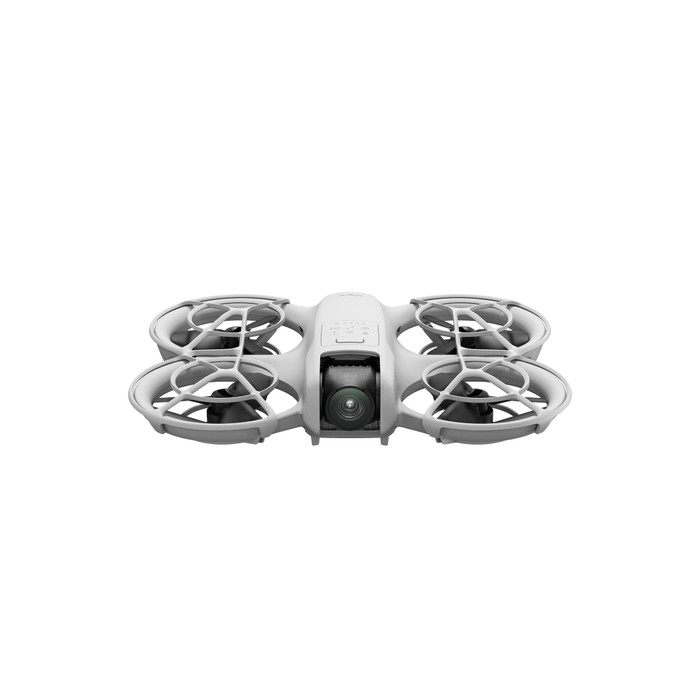
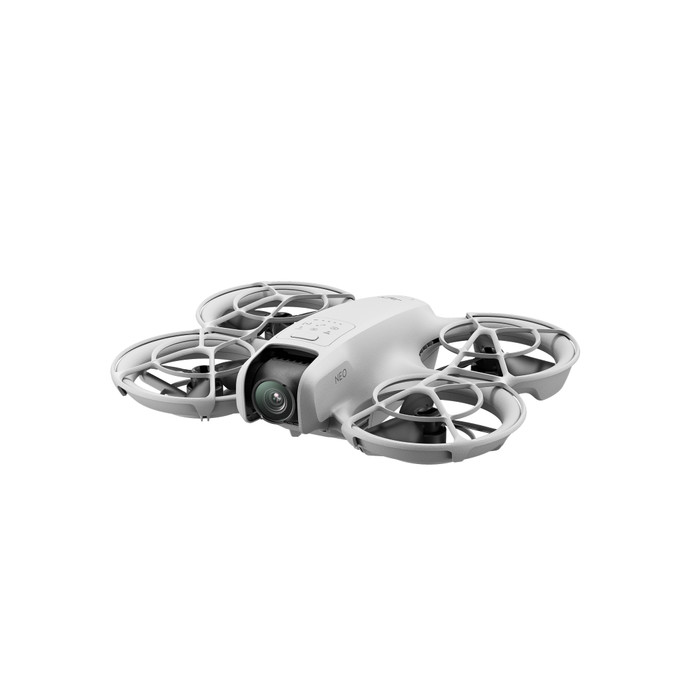
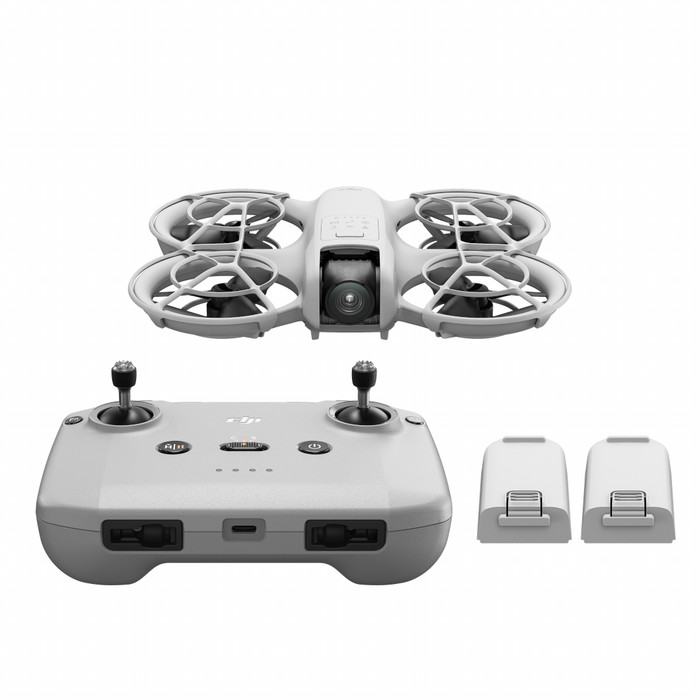
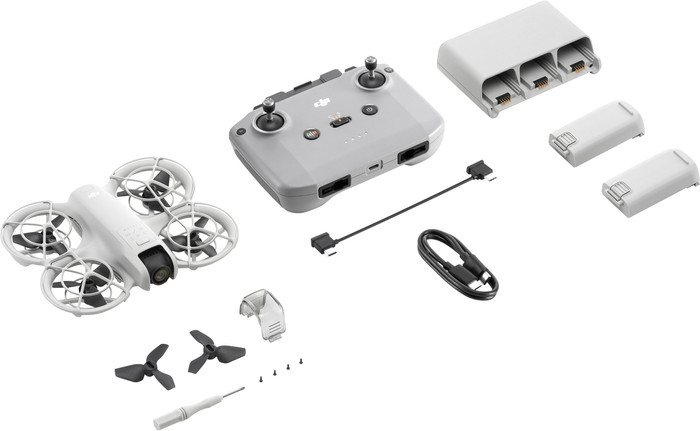
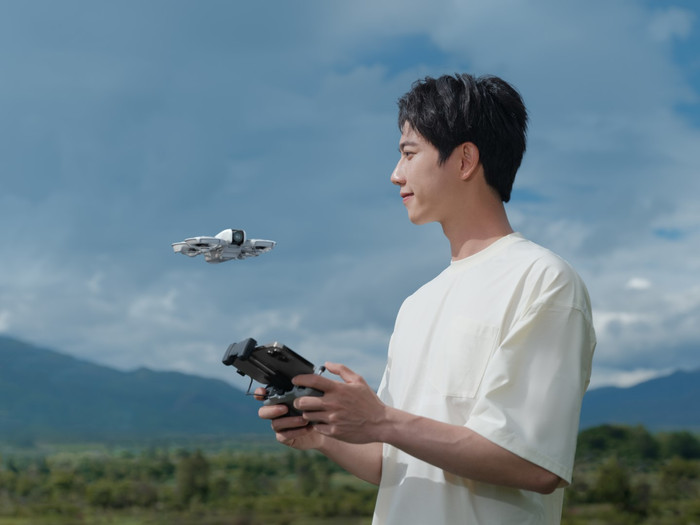
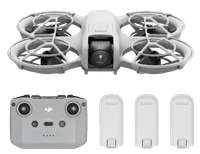
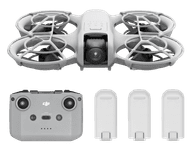
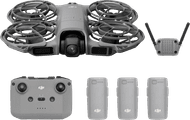
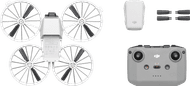
The DJI Neo is an entry-level drone for a good price. I film in 4K, follow myself or others and control it without a phone or remote control. It has no obstacle detection, so I have to pay close attention while flying.
Lightweight design
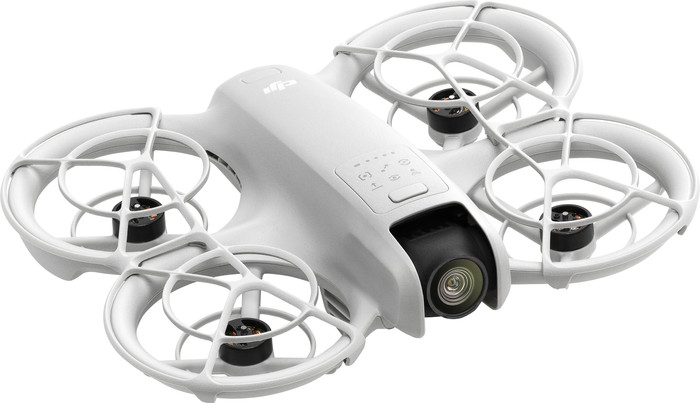
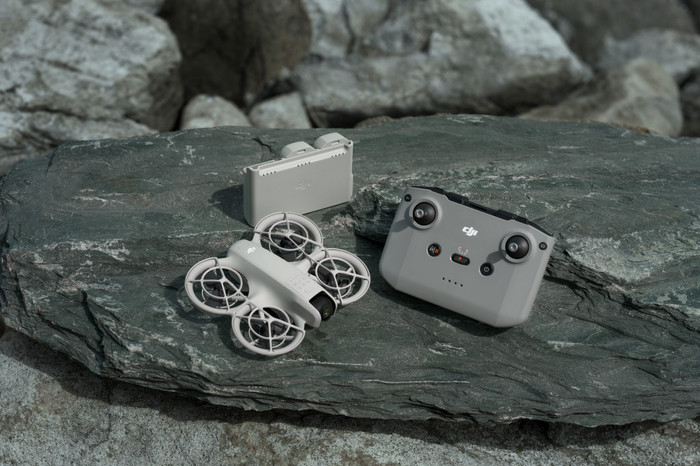
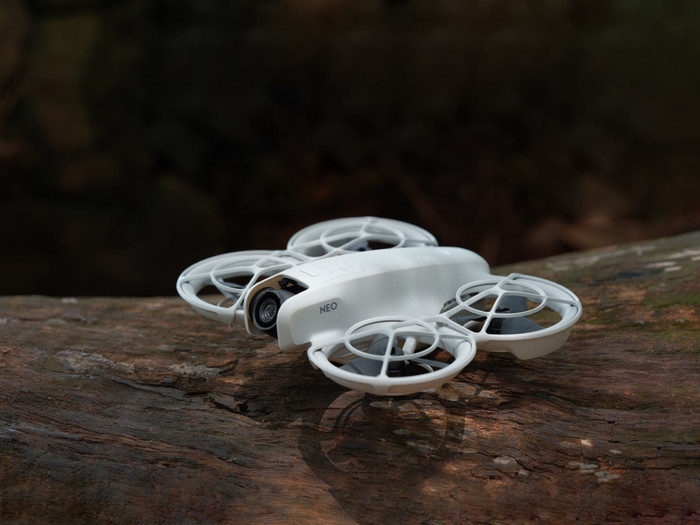
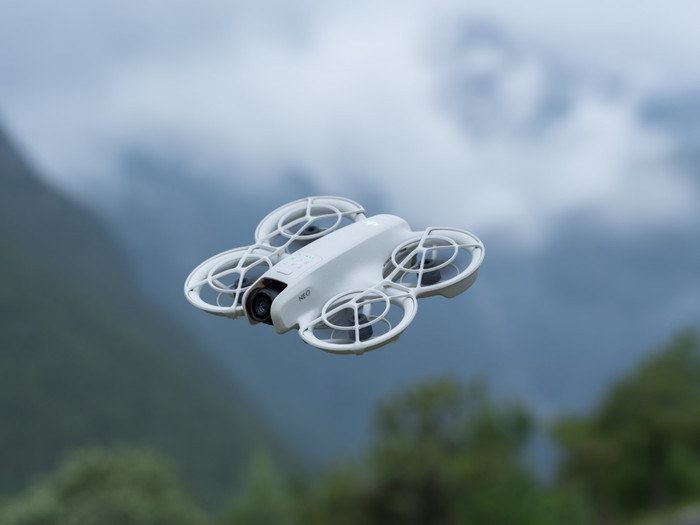
I test the DJI Neo drone in the office with my colleague. Due to its compact size and propeller protectors, it is suitable for flying indoors. It weighs very little, which makes it easy to take with me. The design is not foldable, which I find a drawback. I find it more difficult to put in my bag. When I send the drone into the air, I notice that it makes a high-pitched noise. You can't just fly around without disturbing people. Because the drone is so light, the battery life is shorter than that of most DJI drones. In perfect conditions and with a fully charged battery, I fly for a maximum of 18 minutes.
Control without a remote control or phone
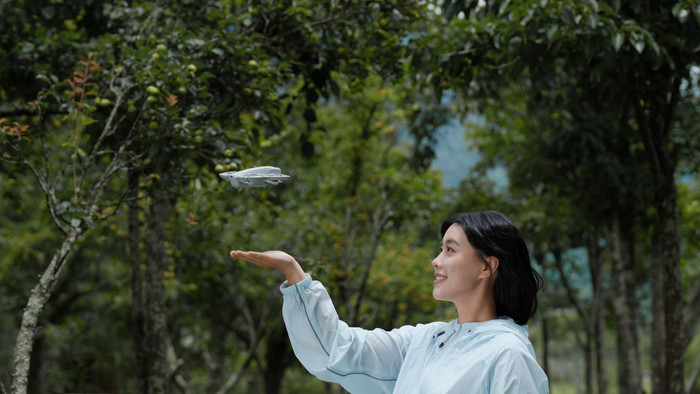
I find the operation of the drone very easy. I control the NEO with the remote control or just with my phone. On the screen of my phone I see 2 joysticks, which I move the same as the joysticks of the remote control. I drag them forward, backward, left and right. What makes the DJI Neo really special is that I can also control it without a remote control or phone. I set a flight mode with the mode button on the drone. I choose from different options, such as follow, dronie, rocket and circle. For example, I choose circle and the drone takes off from my hand. The drone makes the set movement by itself. After this, it flies back to me and I hold my hand underneath it so that it lands. In this way, I can easily make short shots without the remote control or my phone.
Handy flight modes
On top of the drone is a button with which I set different flight modes. I choose the tracking mode and follow my colleague. I think the tracking function works very well. It follows my colleague accurately. If she disappears from view and comes back into view, it immediately picks up the tracking again. The only disadvantage is that the drone does not have obstacle detection. My colleague is walking too fast, which causes him to make a very large turn to keep her in the picture. This causes him to suddenly fly into a plant. It is therefore important that the person you are following remains in the picture. Are you going skateboarding or cycling and do you want the drone to follow you? Then I recommend having someone else keep an eye on the drone. He or she can use the remote control to stop the drone from flying if it almost flies into something. With the other flight modes, I also have to check carefully whether the drone has enough space to make the movement.