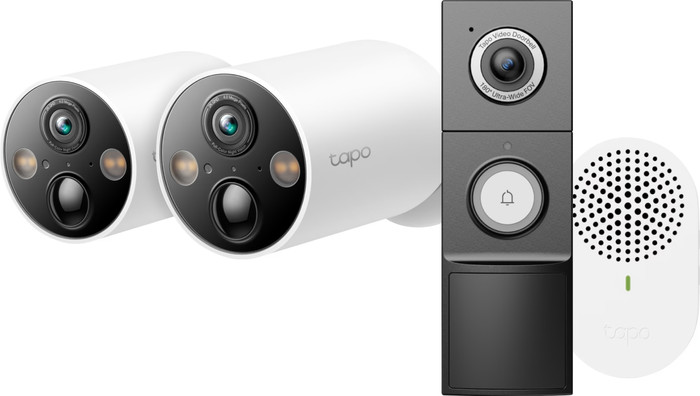
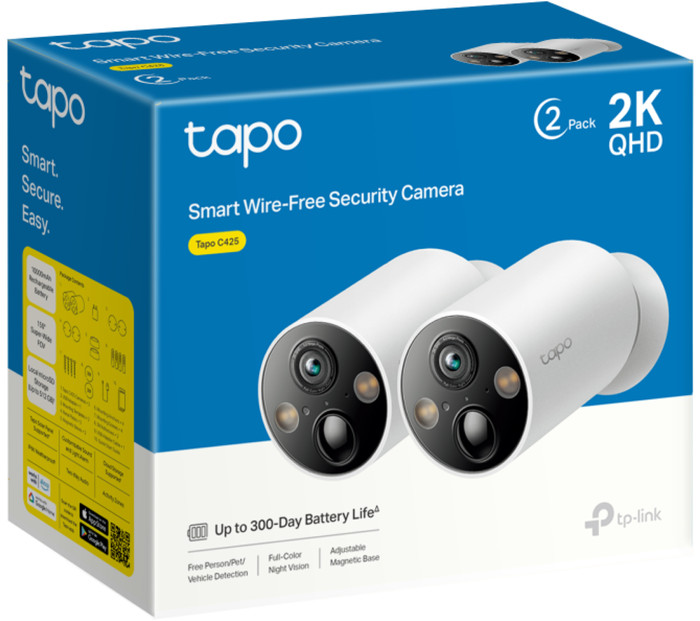
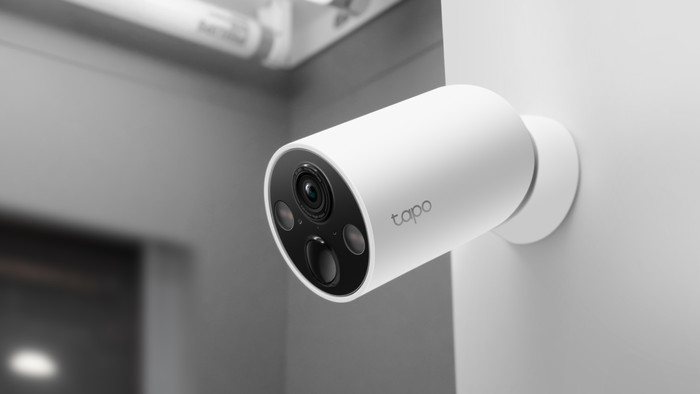
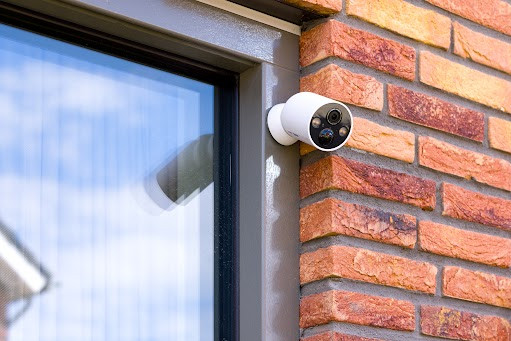
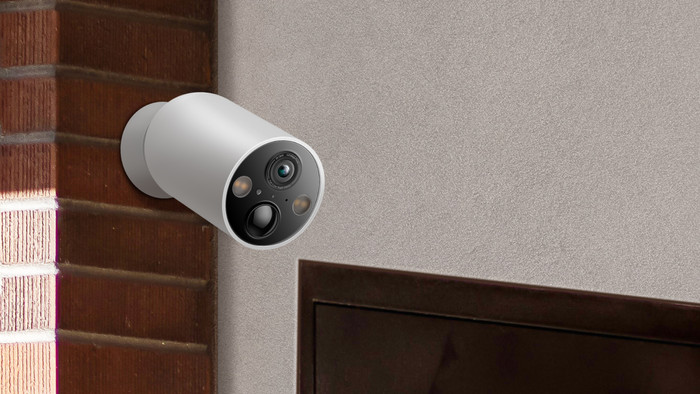
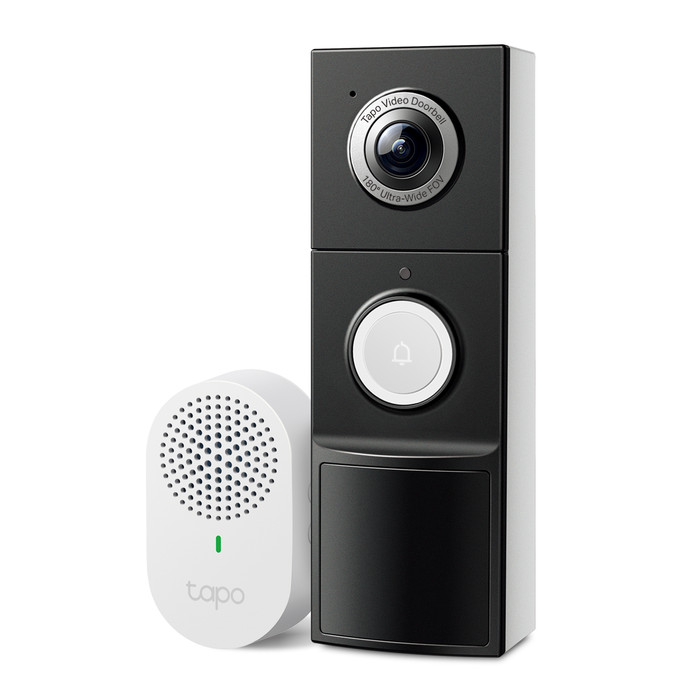
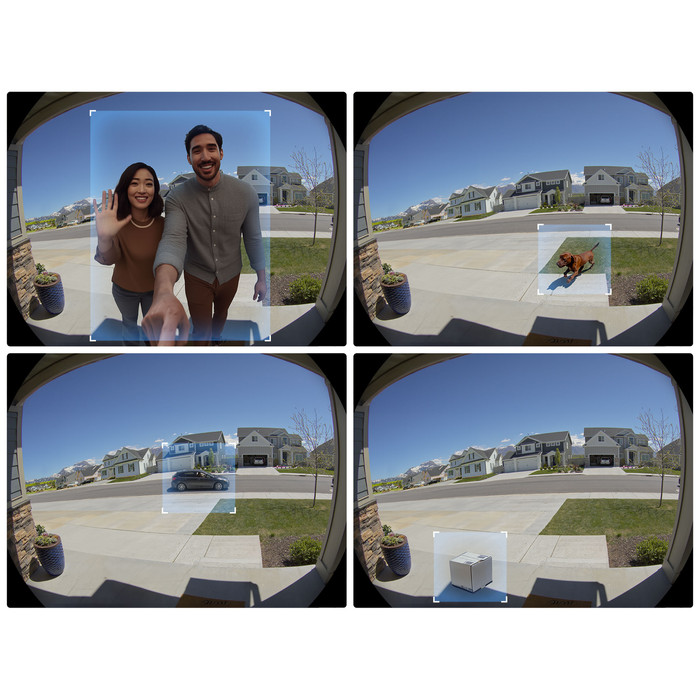
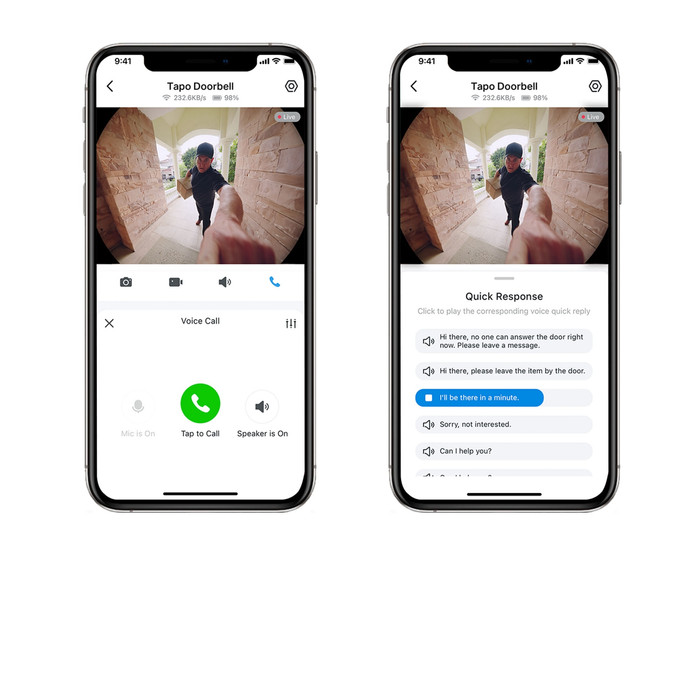
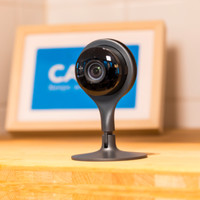
With this IP camera I store my images without an additional subscription and I choose what notifications I receive. I do need a strong WiFi signal, otherwise my image sometimes freezes.
Image storage without additional subscription
I save the images from this camera on an SD card. I do not take out an additional cloud subscription for this. If I do want cloud storage, I pay a fixed amount per month. Most other functions, such as talking to visitors and setting motion zones, also don't require a cloud subscription.
Quick and easy installation
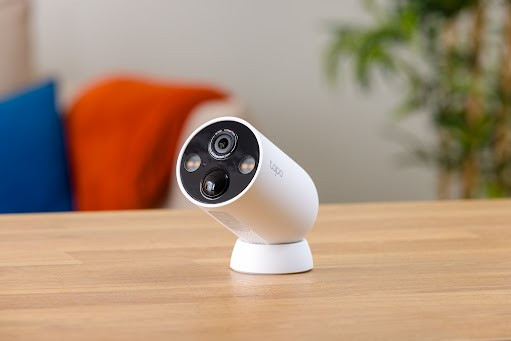
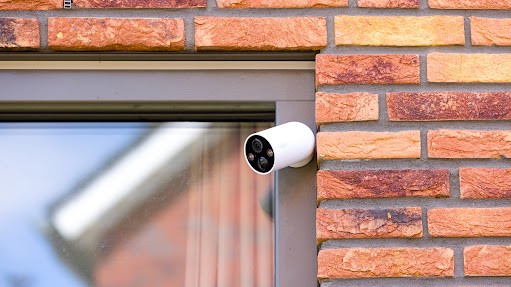
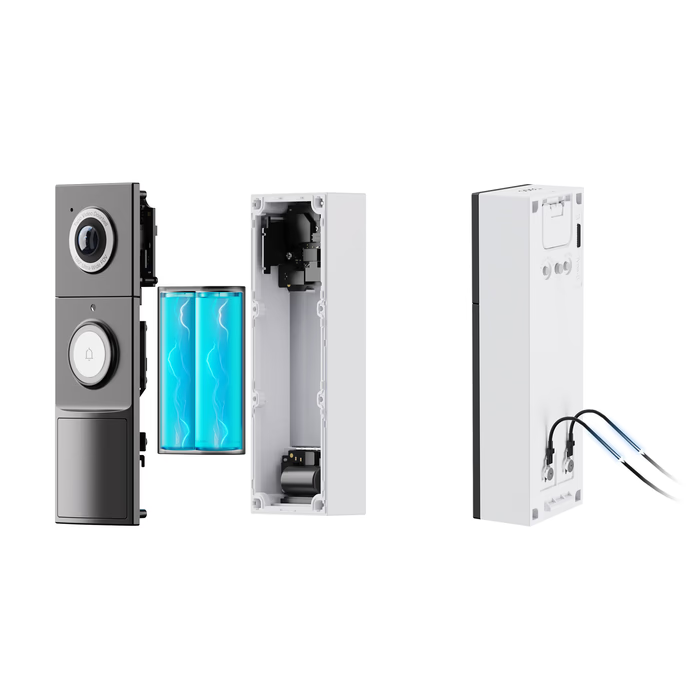
I find the installation of this IP camera easy, because it is completely wireless. To do this, I first charge the battery with the supplied USB cable. I screw the base of the camera to the fence. Would you rather not make holes? Then you stick it on. There are strong magnets in the base and the camera. This makes it easy for me to click the camera onto the base. However, this is slightly less resistant to theft than a camera with a screw mounting.
Keep an eye on everything via the app
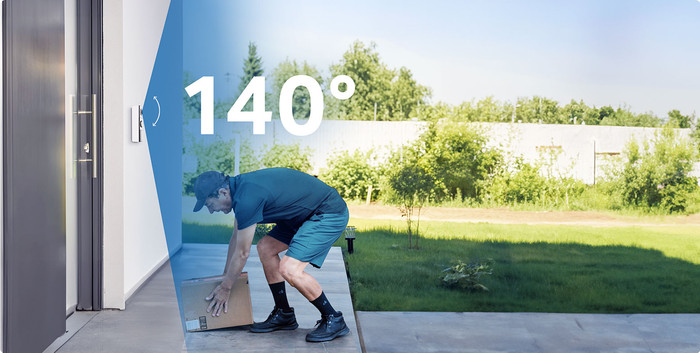
I connect the camera to the app on my smartphone. Here I watch the live images, which are very sharp. For this I need a good WiFi connection with the camera. Otherwise the image stutters or even freezes completely. I solve this by placing my WiFi extender closer to the camera. After that I no longer have connection problems. In the app I also set exactly what kind of notifications I want to receive. I turn on personal and pet recognition. I also set the built-in lamp to turn on in the evening when there is movement. This way I can see exactly who or what is in the picture. I leave out extensive notifications with screenshots, because I need a cloud subscription for this.