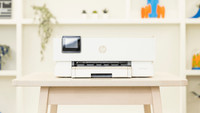
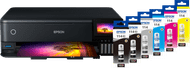
Epson EcoTank ET-8550 + 1 Set Extra Ink Bottles


Set ink
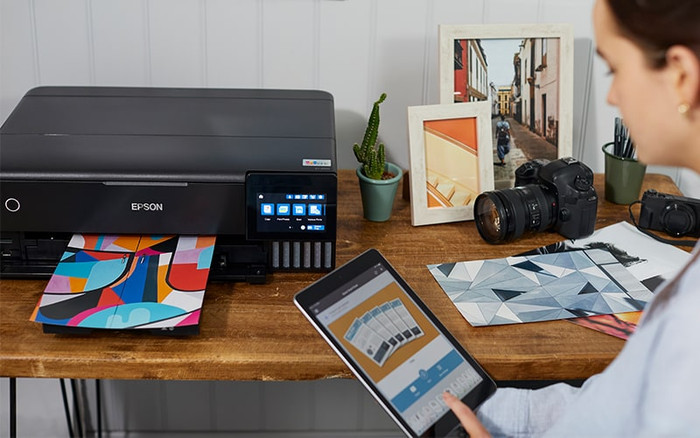
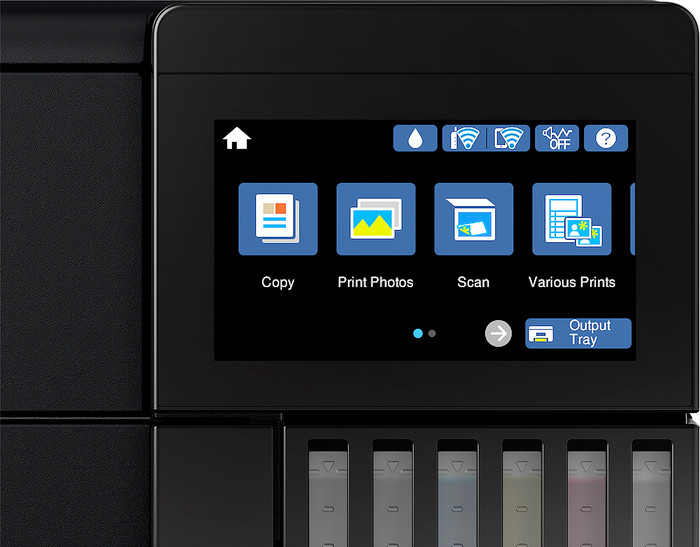
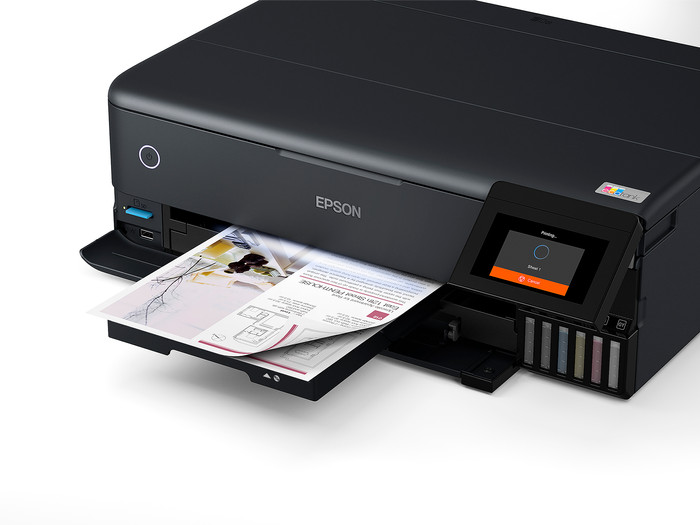
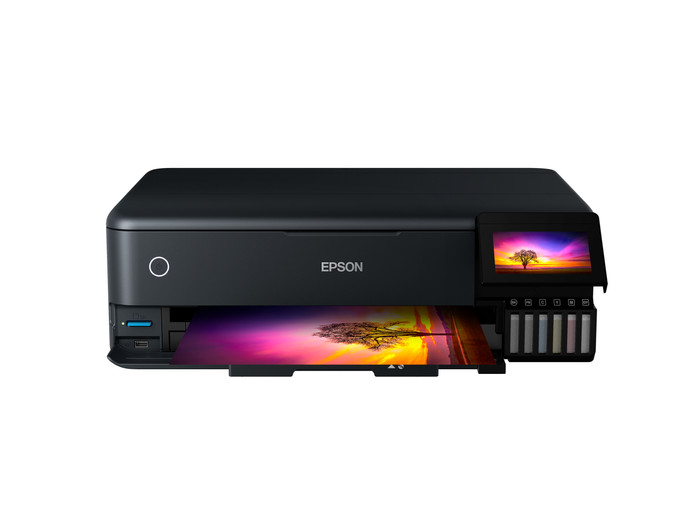
With the Epson EcoTank ET-8550, I print my photos in high quality. I operate the printer via the touchscreen and easily connect it to my iPhone via Wi-Fi Direct. However, I do need an extra extension cord, because the power cable is too short for my workspace.
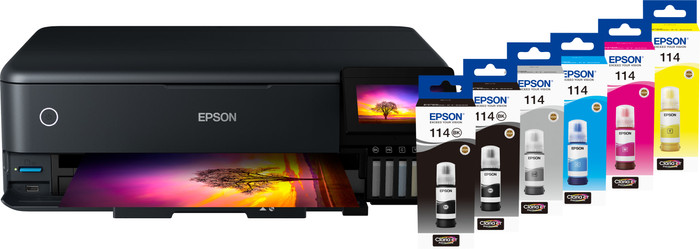
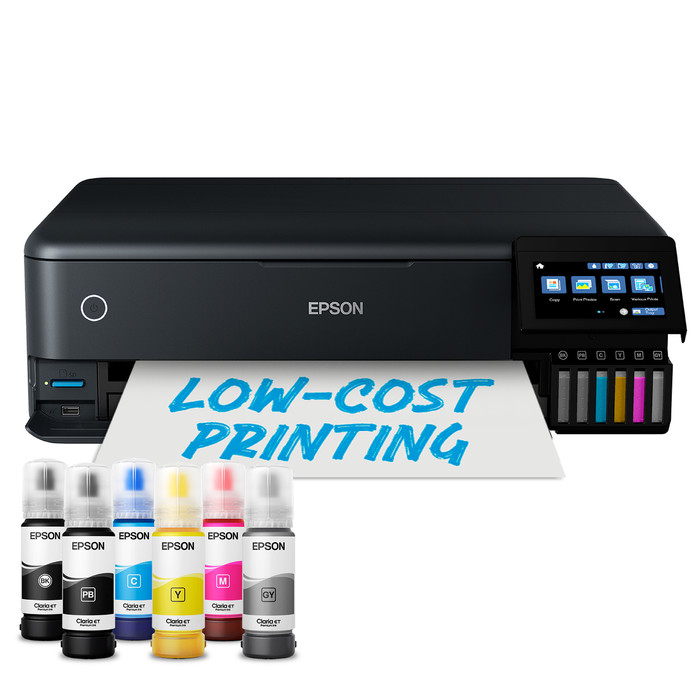
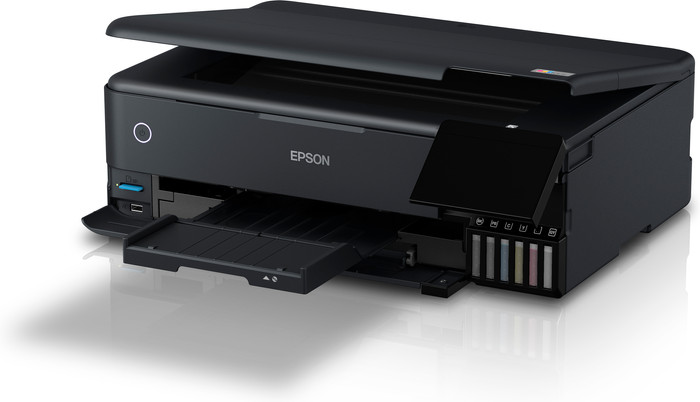
First impression The photo printer comes in a large box, along with the manual and power cable. There are no fewer than 6 ink bottles in the package: 1 black, 1 photo black, 1 magenta, 1 cyan, 1 yellow, and 1 gray. I plug the printer into a power outlet using an extension cord, because the short power cable is insufficient. The installation steps appear on the glossy color touchscreen. I fill the reservoirs with the correct color ink and place some A4 paper in the bottom paper tray. I also adjust the color settings. The printer prints various test pages with different shades of color. I select the best colors via the screen so that I print my photos in the best quality. Convenient separate paper trays
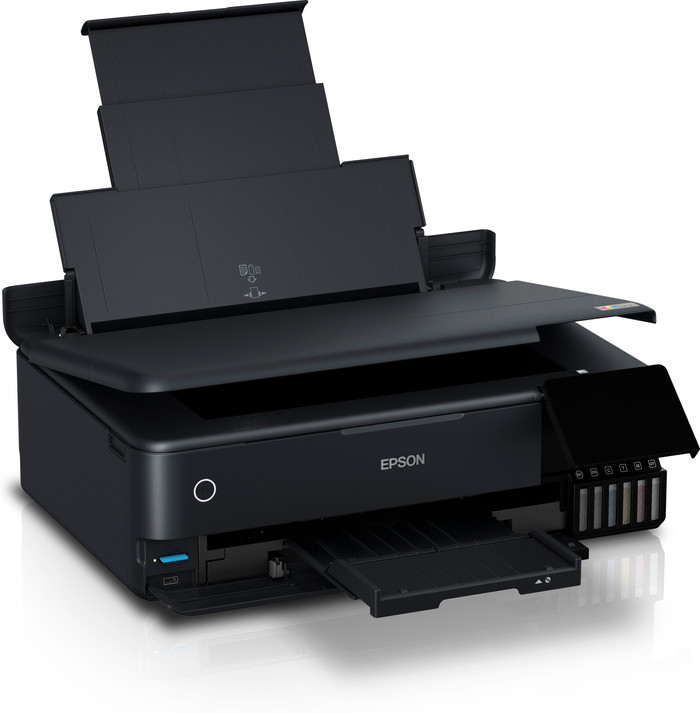
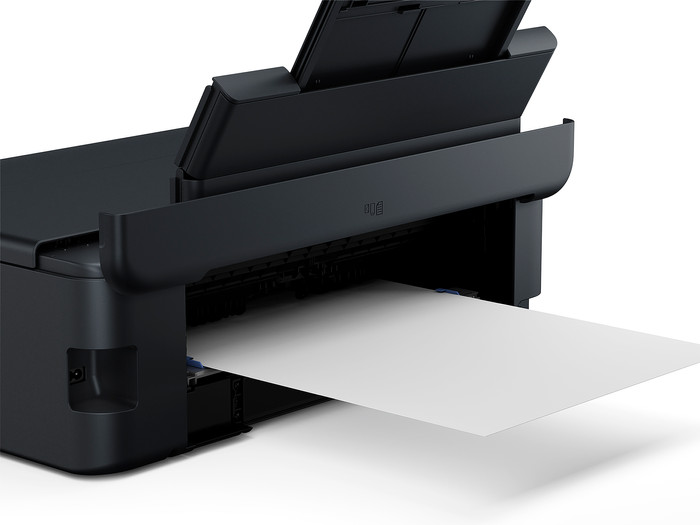
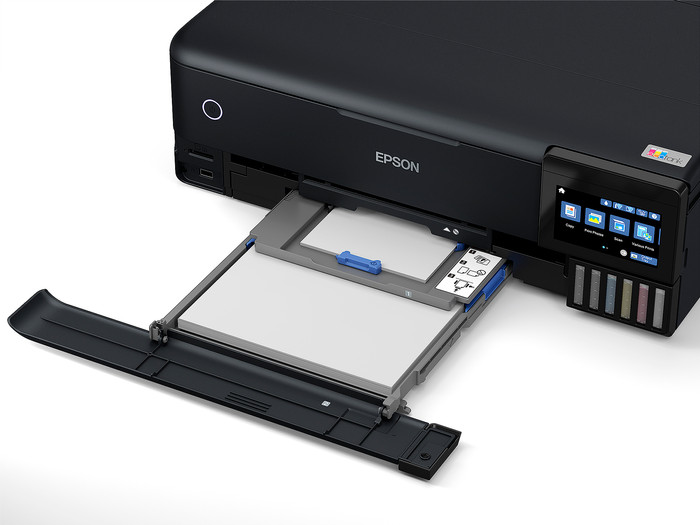
I find the different paper trays to be a major advantage of this printer. This means I don't have to constantly adjust the guides. I put my 10 x 15 photo paper in the tray above the tray for standard A4 paper. I put the A4 photo paper in the paper tray at the top of the printer. This flap does stick out a bit at the back, so I don't place it flush against a wall or cabinet.
Connect quickly via Wi-Fi Direct
I select Wi-Fi Direct on the printer's touchscreen. The ET-8550 immediately appears in the Wi-Fi list on my iPhone. I enter the password and am connected instantly. However, with Wi-Fi Direct, I cannot surf the internet at the same time. Fortunately, I can switch Wi-Fi connections quickly, and the printer remembers my iPhone.
Razor-sharp photos
I have the handy Epson Smart Panel App on my iPhone. In the app, I can easily select photos from my gallery and adjust the print settings. First, I print 2 photos in A4 format. Printing takes a long time, but the result is definitely worth it. I am really impressed with the quality of the photos. The colors pop off the page and every detail is razor-sharp on the Epson Premium photo paper. My smaller 10 x 15 photos have a slightly matte finish, but are sharp and have beautiful colors.
Rowan. Printer specialist.
24 April 2026
Automatically translated from Nederlands
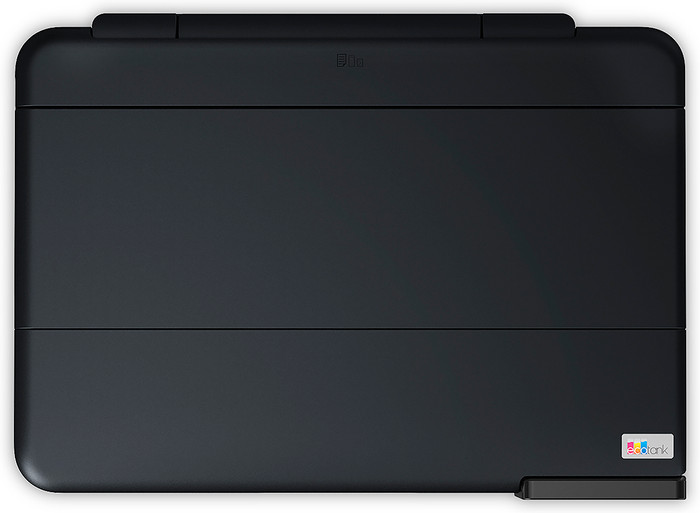
Only used for a week so can only give a first impression. Software looks terribly old-fashioned. Windows 3.1 style. Furthermore, it is functional and with useful information about what is going to happen. Easy to make new settings. I use this in combination with my own profiles, so for every paper type and setting combination. Then in my case in Affinity use the color profiles for the printer. After correction, the colors are good and consistent with a few exceptions, but that could also be just me. The printer doesn't make a lot of noise and is fairly compact for its size when closed. Same footprint as my older HP for a4. Please note the actual total depth when the tailgate is open (above input). A3 has to go through and that holder is at the back of the printer and goes diagonally backwards, so that the printer must be 10 cm from the wall to unfold it. With A3, the output tray also comes a long way from the printer. You also have to reserve space for this. Fortunately, this can all be closed when the printer is not in use and the collection tray also goes out by itself. I find that very useful, so you don't forget that either. After each print run, it asks whether printing went well, so you have to click that away before you can close the collection bin again. Not insurmountable, but annoying if you have to do that every time. Furthermore, I have not been able to detect any stripes from the wheels on my prints. There are quite a few negative reviews about this, but I have not yet seen this with my printer paper combination. Printed with multiple types of paper. Not all Epson, but still remnants of my HP printer. They print perfectly with their own profiles. Clairfontaine also uses DCP and it is also very nice on the VFA setting, then the colors become very bright and the black also deep black. It may be painfully slow, but the result may be there. No stripes or overlap and with very subtle transitions. The installation was fine. Calibration took a while but is doable. Don't expect to print after 5 minutes after switching it on for the first time, but take some time for that. So far I am very satisfied with my purchase. Despite the fact that the information on the Coolblue website was incorrect (I reported it), I would buy here again in a heartbeat. Fast and clear delivery and they were one of the few parties who had the printer in stock and could also deliver the next day.
Peter Groen
17 January 2023
Automatically translated from Nederlands
Nice printer, but definitely recommended if some parts are improved. The paper basket comes out automatically when a print is made. These do not automatically go back in when the printer goes into standby. always manually on display to press.
roger kums
7 September 2021
Automatically translated from Nederlands
According to our printer expert
You can print up to 4500 black and white pages and 7500 colored pages with the extra ink bottles set, so you won't be without ink for a while
With this all-in-one printer, you can print, scan, and copy.
In addition to the standard A4 size, you can also print and scan documents on A3 paper.
If you want to print or scan a stack of paper in one go, choose a printer with an automatic document feeder.
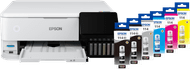
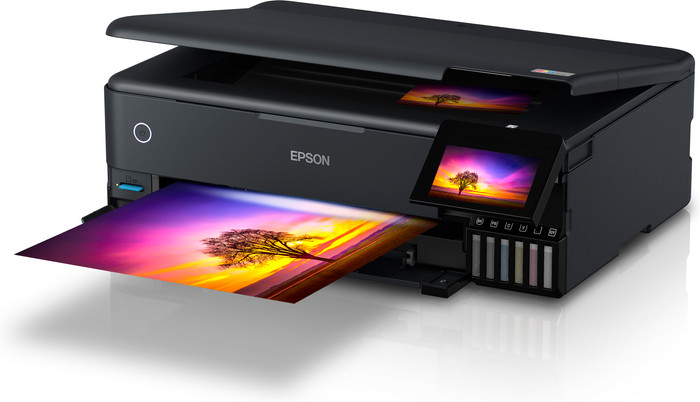
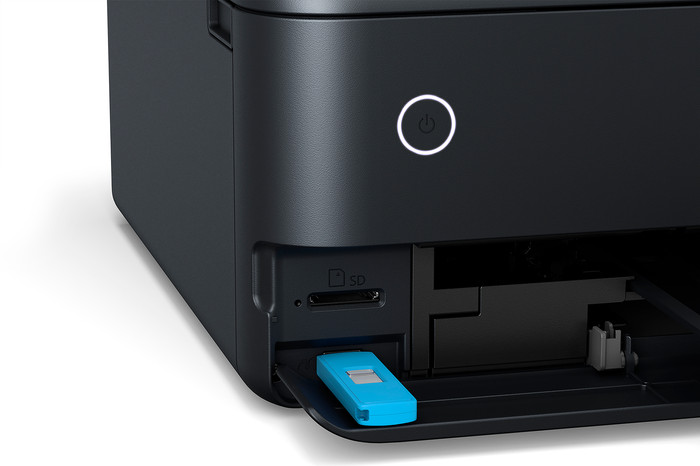
Prevent running out of ink with the Epson EcoTank ET-8550 + 1 set extra ink bottles bundle. You can print up to 9000 black and white pages and 12,000 colored pages thanks to the extra set of ink bottles. You can print affordably on A3+ paper with the Epson EcoTank ET-8550 all-in-one inkjet printer. You can even print beautiful images on A3+ paper with this photo printer. The ET-8550 also uses photo black and gray ink besides to the 4 basic colors black, magenta, yellow, and cyan. You can print deep black and white contrasts thanks to these 2 extra colors. This EcoTank printer has 6 ink tanks at the front. If you notice the ink is almost empty, you can easily fill it with the ink bottles. You can connect your devices wirelessly, so you can send print jobs from your tablet or smartphone. Are there photos on your memory card or USB flash drive? Put it in the memory card reader and print them directly.
859,-
859,-
Product number | 880726 | |
|---|---|---|
Manufacturer code | C11CJ21401 | |
Brand | Epson | |
Processing of your defect | Via Coolblue | |
Old product returned for free |
Printer size | Large | |
|---|---|---|
Width | 52,3 cm | |
Depth | 37,9 cm | |
Height | 16,9 cm | |
Color | Black | |
Weight | 11,1 kg |
Printer type | All-in-one | |
|---|---|---|
Photo printer | ||
Print quality photos | Very good | |
Portable (mobile use) | ||
Recommended for use printers | Business printing, Printing at home, Printing photos |
Ink bottle series | Epson 114 | |
|---|---|---|
Usage costs for 1 page | 1 eurocent | |
Print technology | Ink tank | |
Type of ink | Ink bottles | |
Number of cartridges/toner cartridges | 6 | |
Color printer | ||
Print speed black (ISO) | 16 ppm | |
Print speed color (ISO) | 12 ppm | |
First black page ready after | 22 seconds | |
Speed class | Good | |
Maximum print resolution height | 1440 dpi | |
Maximum print resolution width | 5760 dpi | |
Maximum print size | A3+ | |
Automatic duplex printing | ||
Borderless printing | ||
Maximum print size duplex printing | A4 |
Scan functionality | ||
|---|---|---|
Automatic duplex scanning | ||
Maximum optical scan resolution width | 4800 dpi | |
Maximum optical scan resolution height | 1200 dpi | |
Scanner type | Flatbed scanner | |
Maximum scan size | A4 (21x29.7cm) | |
Automatic document feeder (ADF) | ||
Scan sizes | A4 | |
Scan speed (PPM) | 12 Hz | |
Color depth output | 24 bpp | |
Scan to | BMP, Cloud, Dropbox, Email, Email address, Email server, Evernote, FTP, Folder, Google Docs, Image, JPEG, MicroSD card, Multi-TIFF, Network, PC (local), PC (network), PDF, PNG, SD card, TIFF, USB | |
OCR |
Copying functionality | ||
|---|---|---|
Copy speed black (ISO) | 6 Hz | |
Copy speed color (ISO) | 4 Hz | |
Maximum copy resolution height | 5760 dpi | |
Maximum copy resolution width | 1440 dpi |
Fax functionality |
|---|
Built-in screen | ||
|---|---|---|
Color screen | ||
Touchscreen |
Compatible with operating system | Android, ChromeOS, Linux, Windows, Windows Phone, iOS, macOS | |
|---|---|---|
Connection type | Wired, Wireless | |
Apple AirPrint | ||
Email print | ||
WPS (Wireless Protected Setup) | ||
Female standard USB-A port version | 2.0 | |
Ethernet port | ||
Number of Ethernet ports | 1 | |
NFC | ||
Built-in WiFi | ||
WiFi frequency printers | 2.4GHz, 5GHz | |
WiFi direct | ||
Bluetooth | ||
USB port |
Location paper input | Back, Front | |
|---|---|---|
Manual input tray | ||
Photo paper drawer | ||
Output capacity output drawer | 50 | |
Input capacity photo paper tray | 30 | |
Maximum print size standard paper tray | A3 | |
Input capacity standard paper tray | 150 | |
Maximum print size photo paper tray | 13x18 | |
Number of standard paper trays | 3 |
Memory card | SD, SDHC, SDXC | |
|---|---|---|
Memory card reader |
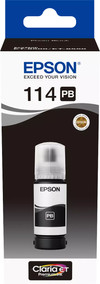
Product number | 901733 | |
|---|---|---|
Manufacturer code | C13T07B140 | |
Brand | Epson | |
Processing of your defect | Via Coolblue |
Suitable for brand line | Epson Ecotank | |
|---|---|---|
Suitable for model | Epson Ecotank ET 8500, Epson Ecotank ET 8550 |
Manufacturer's ink | Original | |
|---|---|---|
Ink bottle series | Epson 114 | |
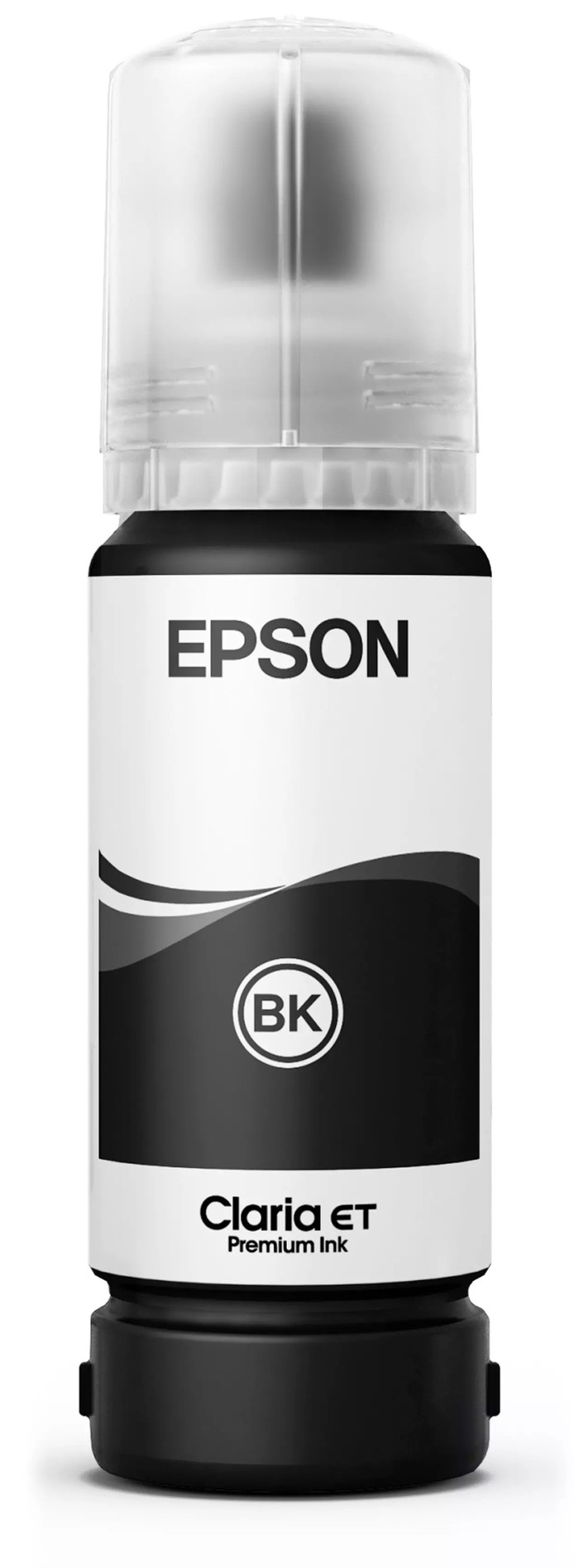
Page yield black | 6200 | |
Usage costs for 1 page | 0,4 eurocent | |
Ink/toner color | Photo black | |
Ink contains a color | ||
Number of colors | 1 color | |
Quantity | 1 |
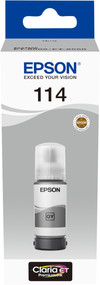
Product number | 901728 | |
|---|---|---|
Manufacturer code | C13T07B540 | |
Brand | Epson | |
Processing of your defect | Via Coolblue |
Suitable for brand line | Epson Ecotank | |
|---|---|---|
Suitable for model | Epson Ecotank ET 8500, Epson Ecotank ET 8550 |
Manufacturer's ink | Original | |
|---|---|---|
Ink bottle series | Epson 114 | |
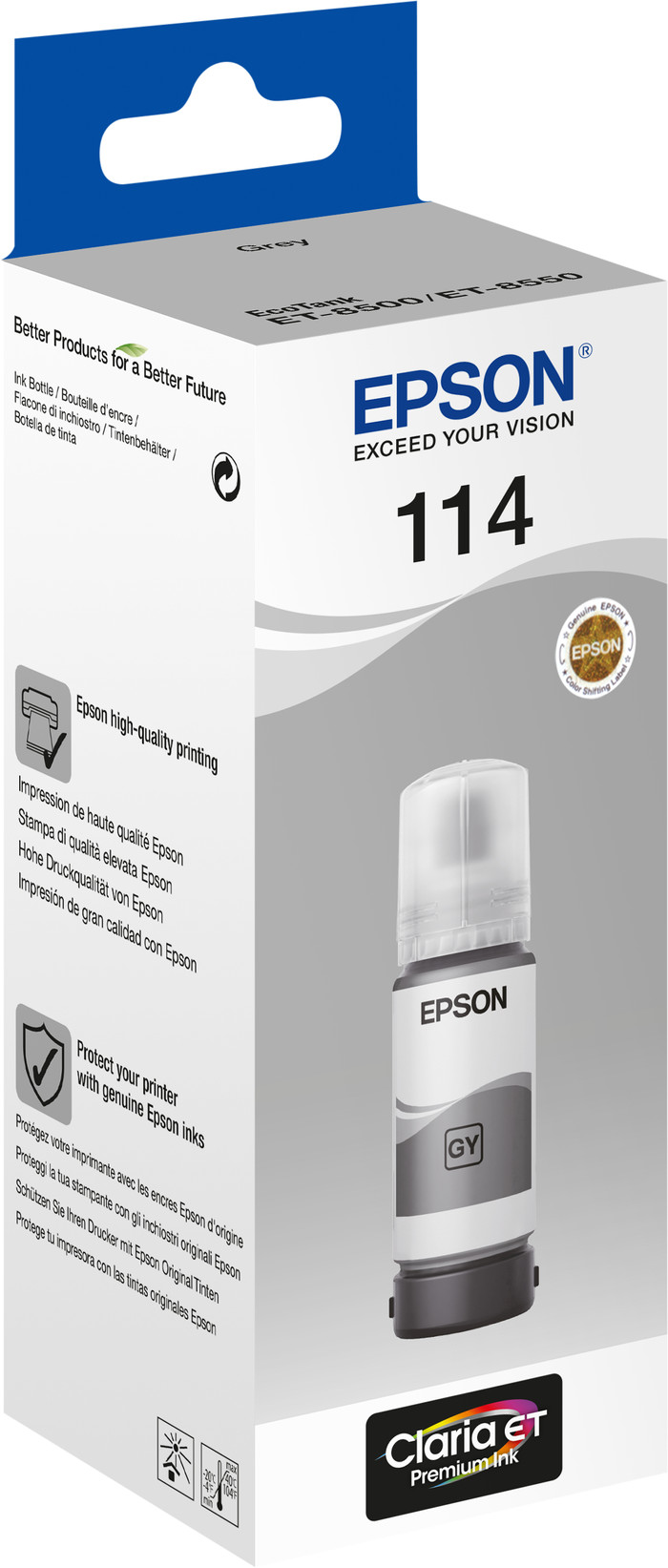
Page yield color | 6200 | |
Usage costs for 1 page | 0,24 eurocent | |
Ink/toner color | Gray | |
Ink contains a color | ||
Number of colors | 1 color | |
Quantity | 1 |
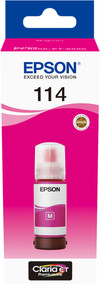
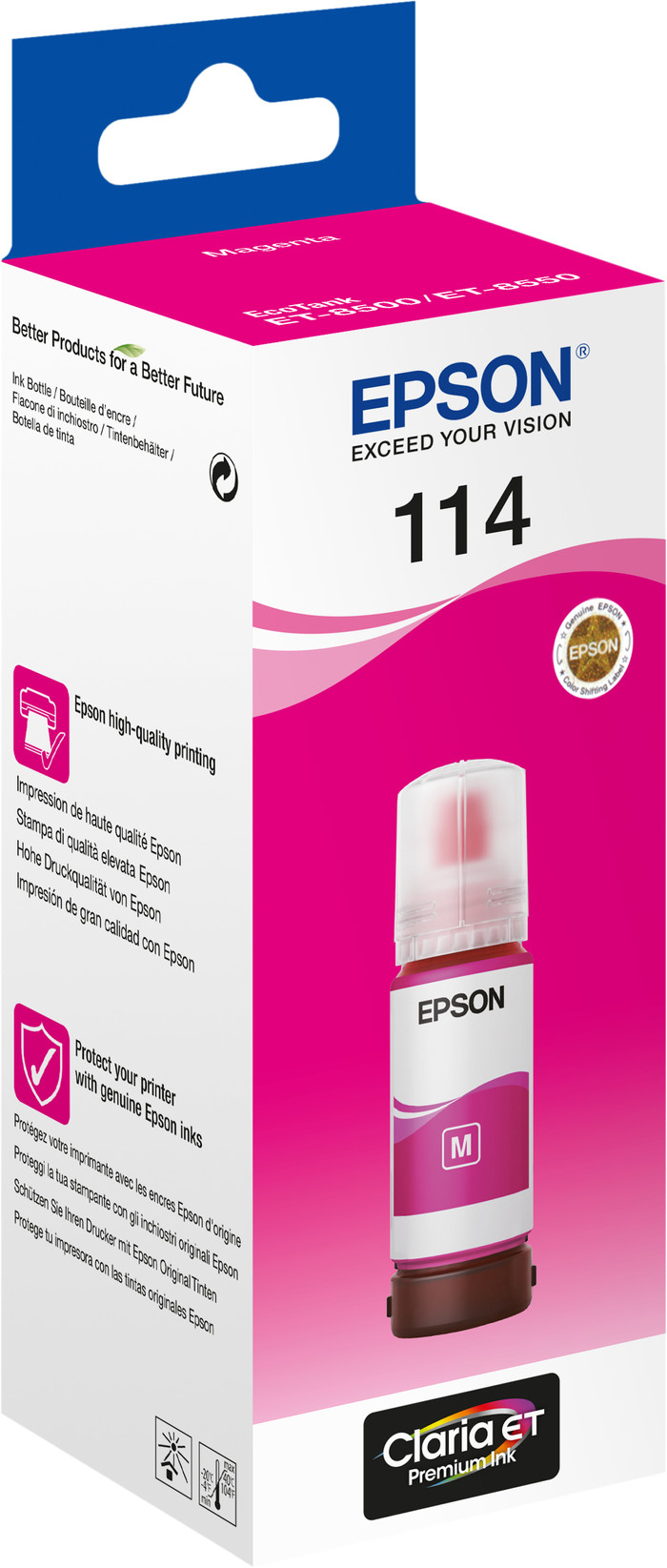
Product number | 901732 | |
|---|---|---|
Manufacturer code | C13T07B340 | |
Brand | Epson | |
Processing of your defect | Via Coolblue |
Suitable for brand line | Epson Ecotank | |
|---|---|---|
Suitable for model | Epson Ecotank ET 8500, Epson Ecotank ET 8550 |
Manufacturer's ink | Original | |
|---|---|---|
Ink bottle series | Epson 114 | |
Page yield color | 6200 | |
Usage costs for 1 page | 0,24 eurocent | |
Ink/toner color | Magenta | |
Ink contains a color | ||
Number of colors | 1 color | |
Quantity | 1 |
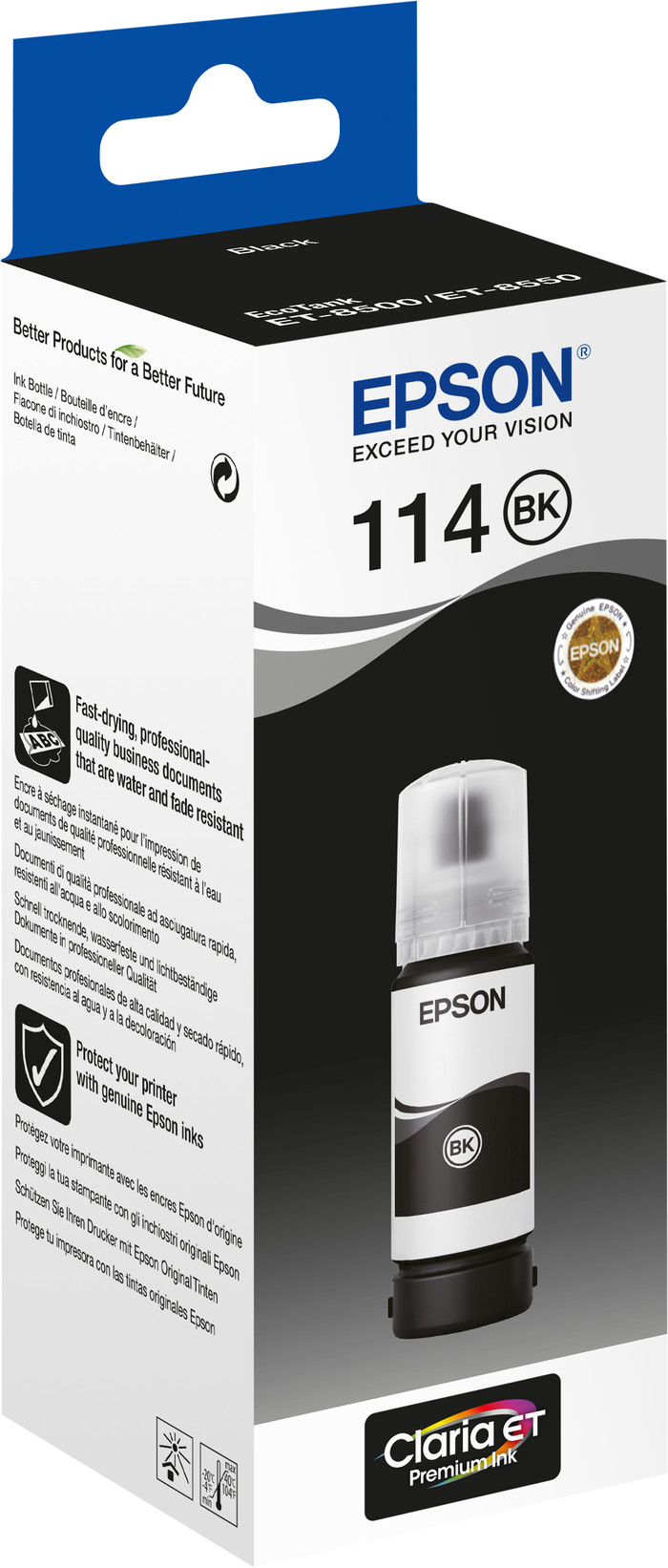
Product number | 901735 | |
|---|---|---|
Manufacturer code | C13T07A140 | |
Brand | Epson | |
Processing of your defect | Via Coolblue |
Suitable for brand line | Epson Ecotank | |
|---|---|---|
Suitable for model | Epson Ecotank ET 8500, Epson Ecotank ET 8550 |
Manufacturer's ink | Original | |
|---|---|---|
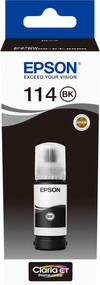
Ink bottle series | Epson 114 | |
Page yield black | 6200 | |
Usage costs for 1 page | 0,4 eurocent | |
Ink/toner color | Black | |
Ink contains a color | ||
Number of colors | 1 color | |
Quantity | 1 |
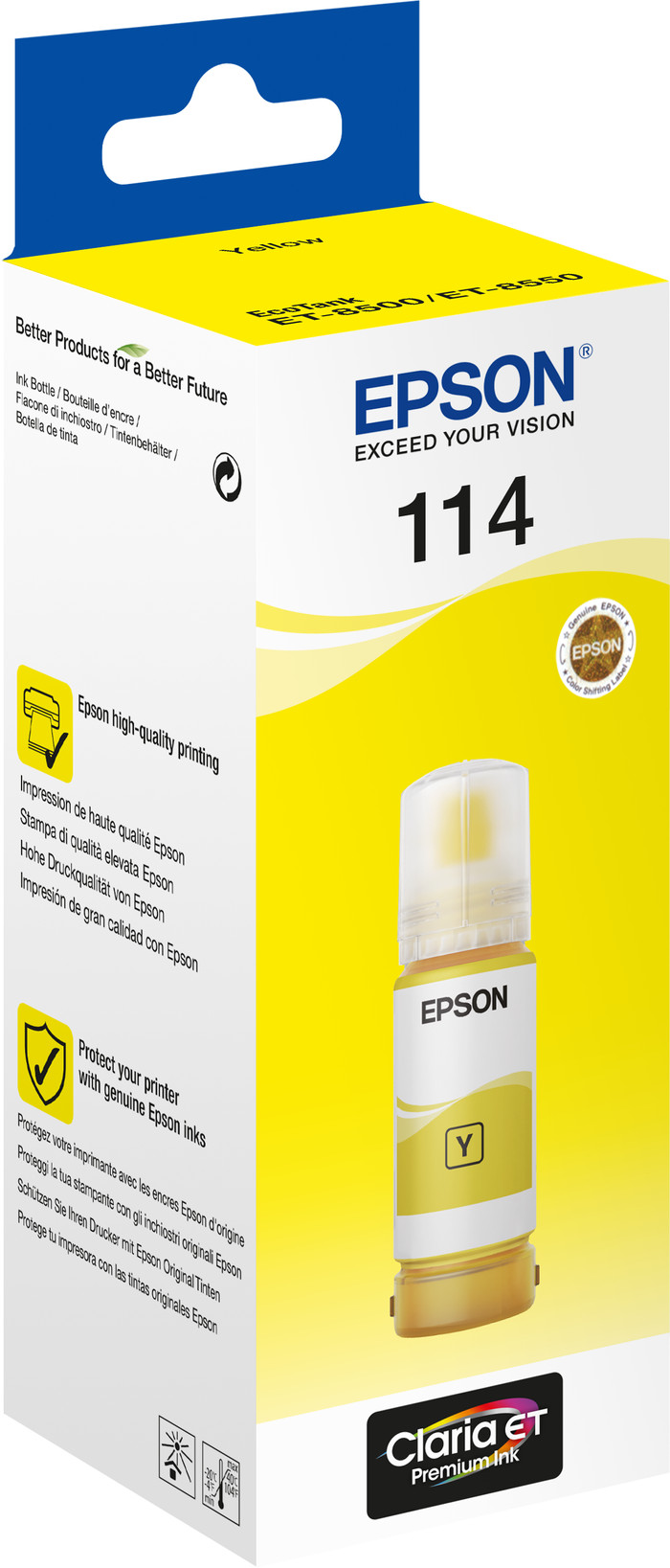
Product number | 901719 | |
|---|---|---|
Manufacturer code | C13T07B440 | |
Brand | Epson | |
Processing of your defect | Via Coolblue |
Suitable for brand line | Epson Ecotank | |
|---|---|---|
Suitable for model | Epson Ecotank ET 8500, Epson Ecotank ET 8550 |
Manufacturer's ink | Original | |
|---|---|---|
Ink bottle series | Epson 114 | |
Page yield color | 6200 | |
Usage costs for 1 page | 0,24 eurocent | |
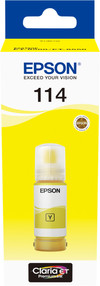
Ink/toner color | Yellow | |
Ink contains a color | ||
Number of colors | 1 color | |
Quantity | 1 |
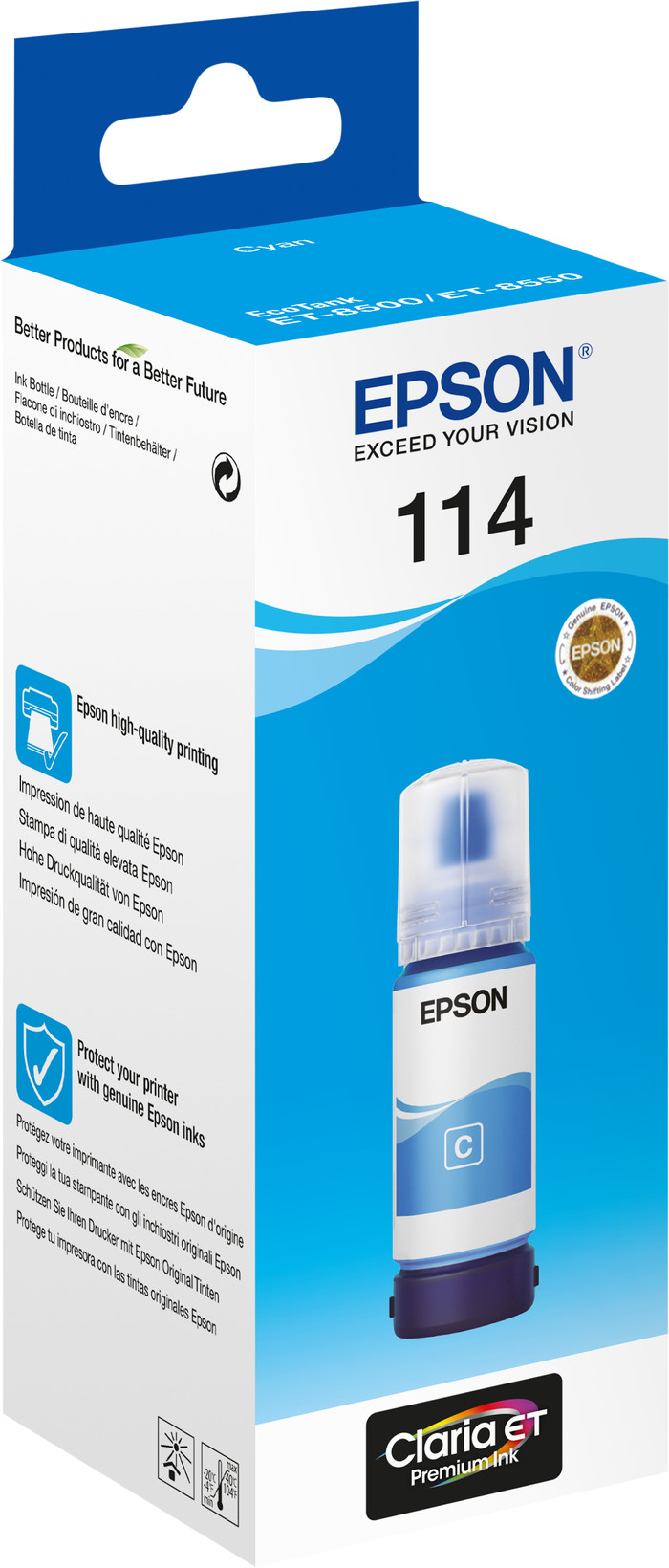
Product number | 901725 | |
|---|---|---|
Manufacturer code | C13T07B240 | |
Brand | Epson | |
Processing of your defect | Via Coolblue |
Suitable for brand line | Epson Ecotank | |
|---|---|---|
Suitable for model | Epson Ecotank ET 8500, Epson Ecotank ET 8550 |
Manufacturer's ink | Original | |
|---|---|---|
Ink bottle series | Epson 114 | |
Page yield color | 6200 | |
Usage costs for 1 page | 0,24 eurocent | |
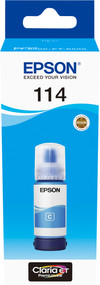
Ink/toner color | Cyan | |
Ink contains a color | ||
Number of colors | 1 color | |
Quantity | 1 |
Current product
859,-
713,-
Coolblue takes care of everything, from taking out an insurance to repairs
For almost all accidents
More coverage in case of damage than your standard warranty
No deductible
First, add your printer to your shopping cart. On the next page, choose the Protection Plan below. You always have a 30-day return window and pay no deductible in case of damage. The insurance only covers the printer. The included accessories aren't covered.
3-year Protection Plan
105,-
one-time5-year Protection Plan
233,-
one-time
In stock
In stock