Choose your printer
Set ink
Choose the better printer that also allows you to print larger sizes

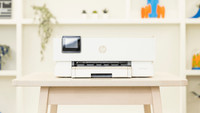
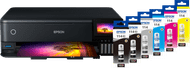
Epson EcoTank ET-8550
Better model
This printer prints in A4, but also in A3 size. You can also print flyers, brochures, or posters this way.

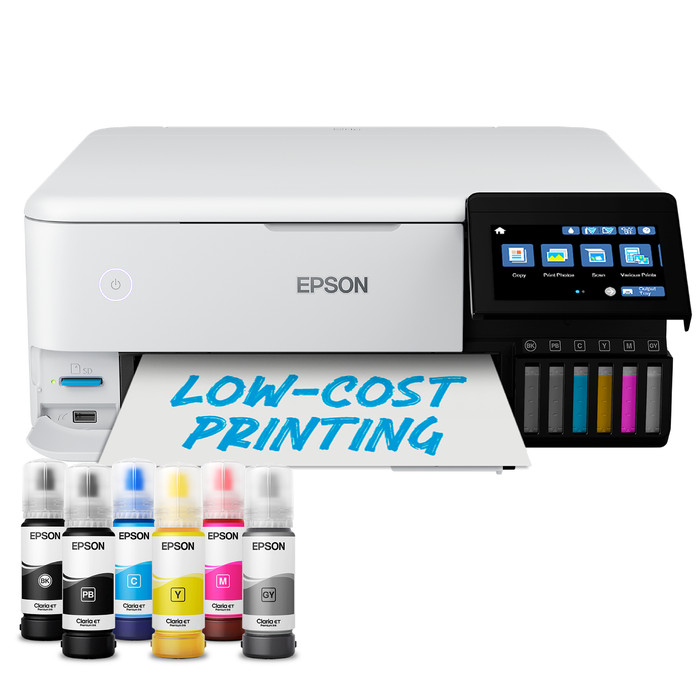
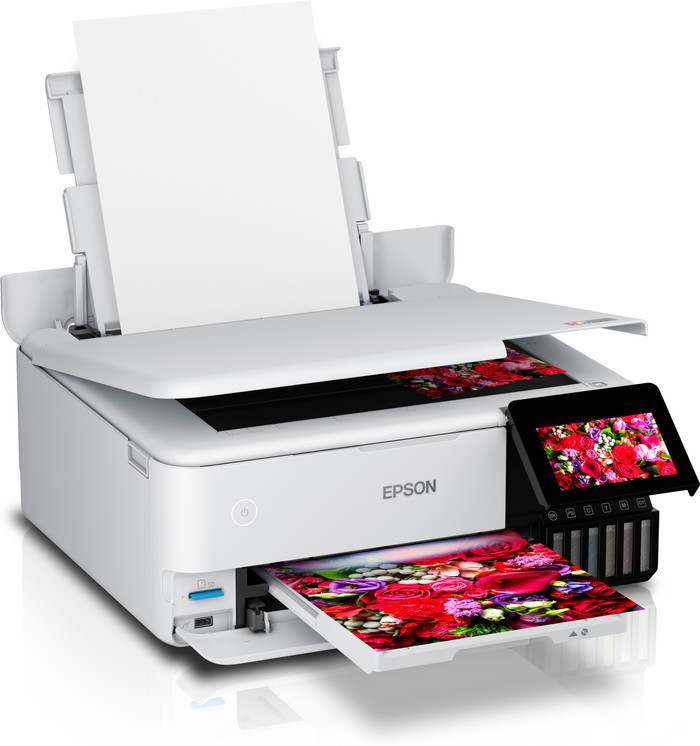
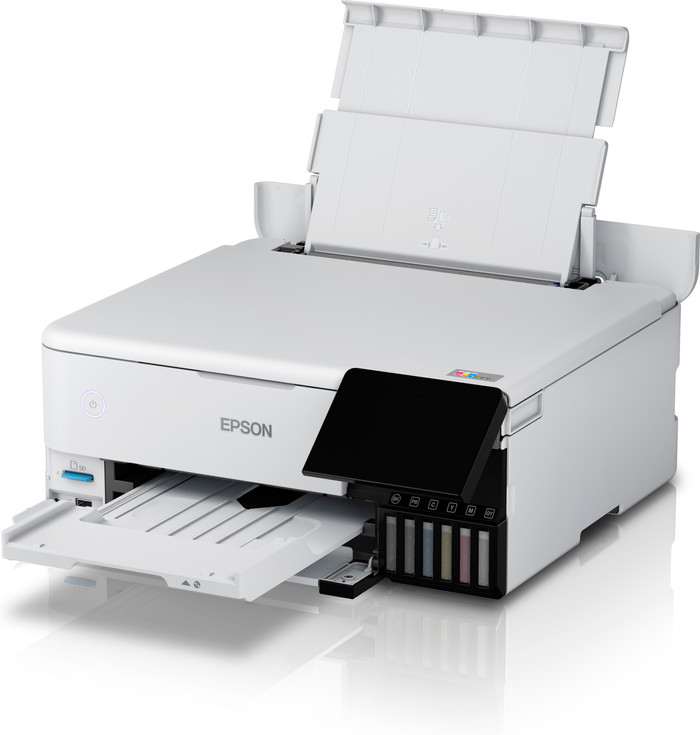
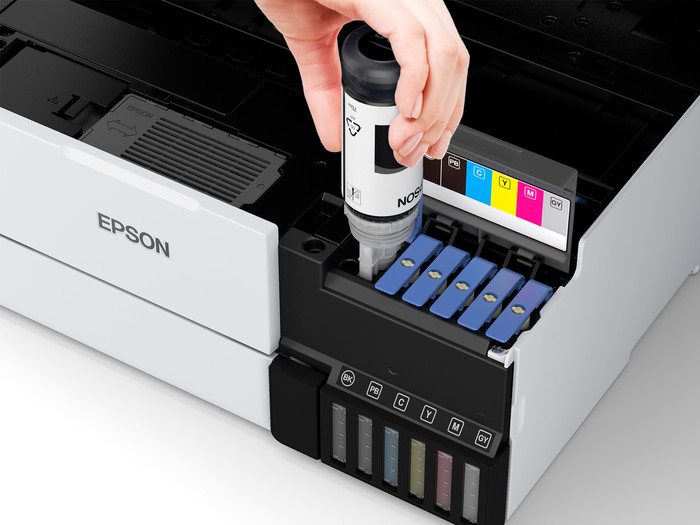
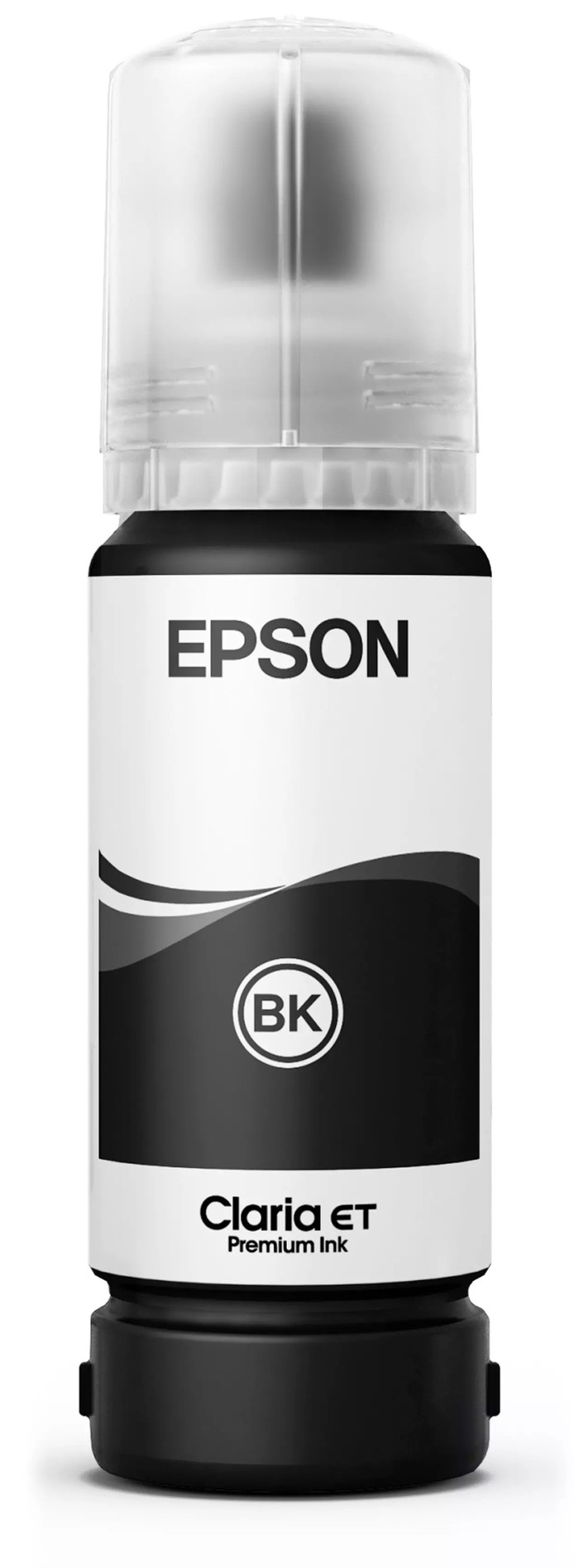
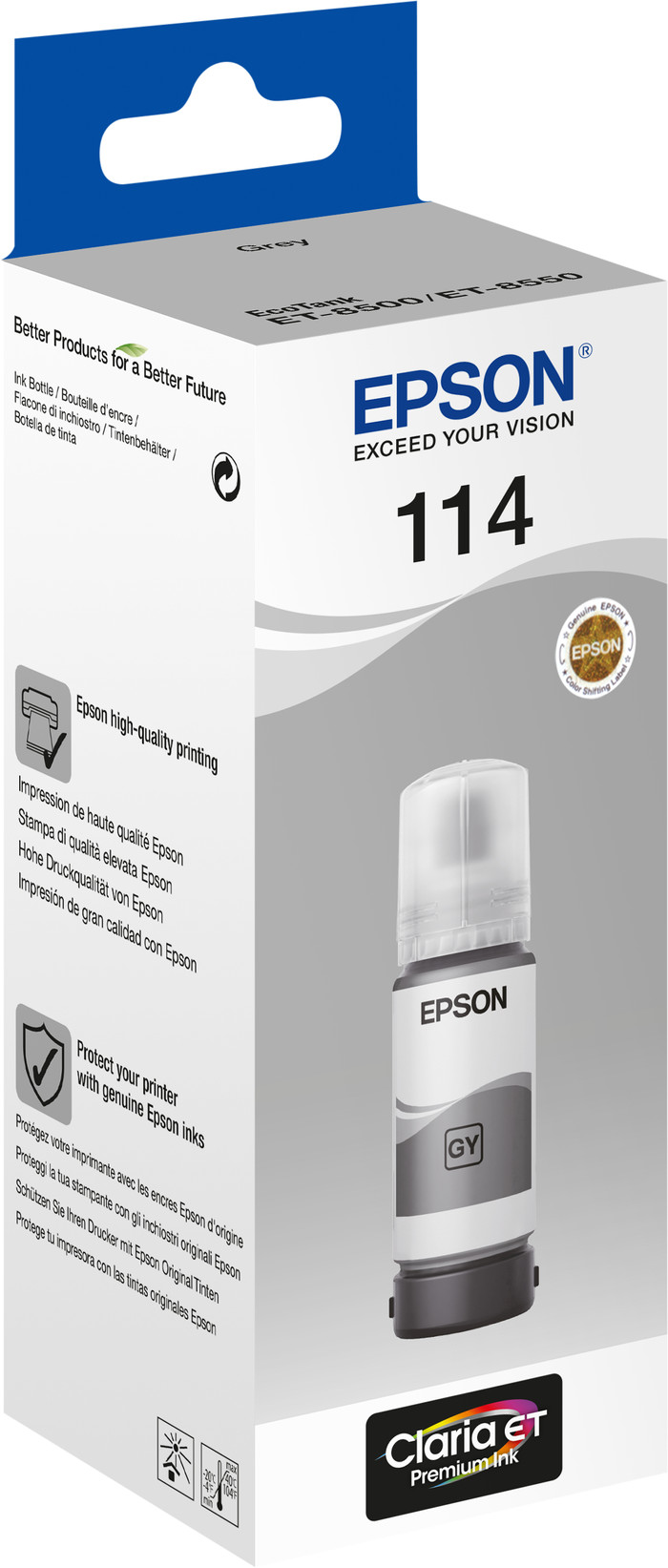
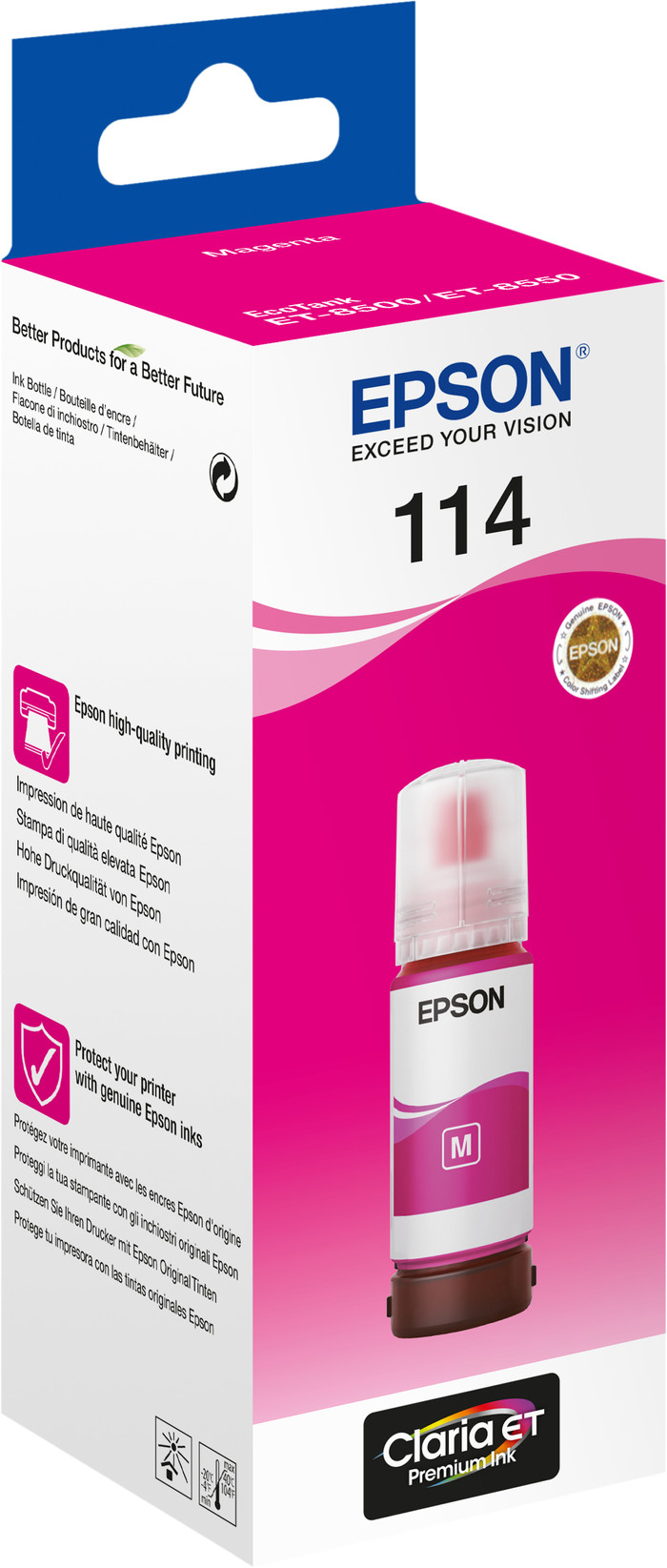
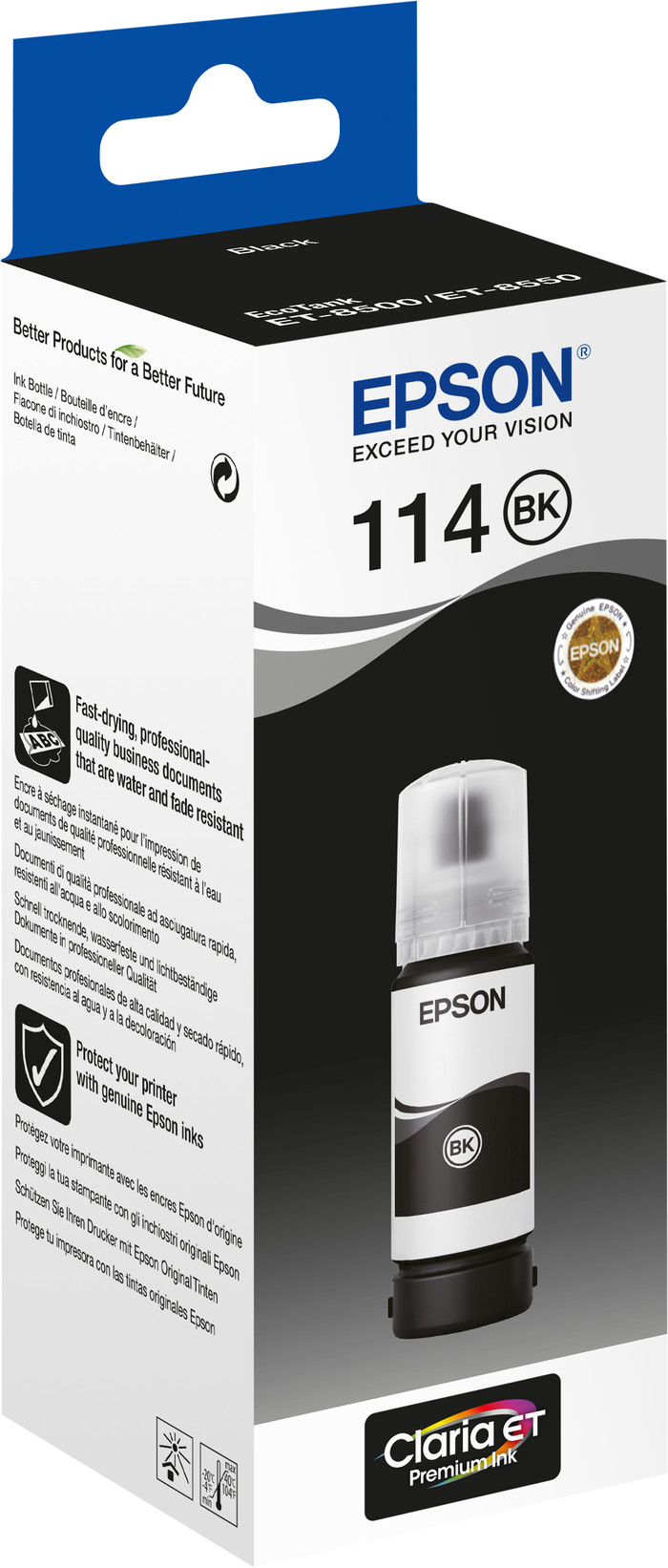
Set ink
Better model
The printer is fine and does what it promises. The description of the supplied ink by Coolblue is not clear. It says that the included ink for installation is not required, but that is incorrect. To install the printer you also have to go through the menu of filling the tanks. The suggestion is also made that the ink tanks are filled and that the supplied ink is extra, but that is not the case: you need the entire bottles for installation and to be able to print.
Ellen
9 September 2022
Automatically translated from Nederlands
Went looking for a new printer because my previous Epson no longer prints properly (constant nozzles). After reviewing many brands and types, I returned to Epson, and more specifically an Ecotank because I am tired of frequently changing expensive cartridges. The cheaper and ecological refill ink makes the printer significantly more expensive. The printer has a nice and modern design, but is quite large. Installation went quite smoothly but from the printer there is no firmware update to perform (still gives wifi error even though the printer is connected and all other wifi functions work smoothly). Then just perform a firmware update with the supplied software from the laptop. Epson allows you to download a package of software for this printer, but this is a bit of everything without a clear structure and explanation. The nice thing is that you can print (everything via WiFi) when the printer is turned off. The device switches on automatically and opens the output tray itself. The print quality is excellent, both documents and photos. It's not the fastest printer but the quality is top notch. The high purchase price, combined with cheaper and ecological refill ink, makes it primarily a printer for larger numbers of photos. I will use the printer more for everyday printing, with the occasional photo, and rely more on less spending on ink and the ecological concept. By the way, refilling the ink is super simple and well-developed. The output tray can be retracted via a button on the display. Make sure that the cover does not close with it.
Ivo V
10 January 2022
Automatically translated from Nederlands
You are expected to download an app that immediately asks for all kinds of permissions. Why does Epson want so much data? Fortunately, the installation can also be done without an app. Other than that, the installation was fairly easy.
Detail settings must all be chosen via a website. That's a bit unclear and buggy.
The link with the Epson server was suddenly broken for an unknown reason, but also easily restored.
Scanning to OneDrive for business is not possible. It is listed on the website but you can activate it afterwards after which it does not work. Not Epson's fault, but annoying nonetheless.
Double-sided printing is possible, but then you have to put paper in a different feeder. Duplex scanning is possible but there is no automatic sheet feeder. The latter was of course clear when purchasing the device.
All in all, I think the price-quality ratio is missing. HP printers with more functionality cost a lot less. I chose Epson this time because those HPs stop too quickly.
Michel Goedegebuure
1 August 2022
Automatically translated from Nederlands
According to our printer expert
You can print up to 4500 black and white pages and 7500 colored pages with the extra ink bottles set, so you won't be without ink for a while
With this all-in-one printer, you can print, scan, and copy.
The printer has 6 cartridges, so you can print photos and illustrations with beautiful colors.
If you want to print or scan a stack of paper in one go, choose a printer with an automatic document feeder.
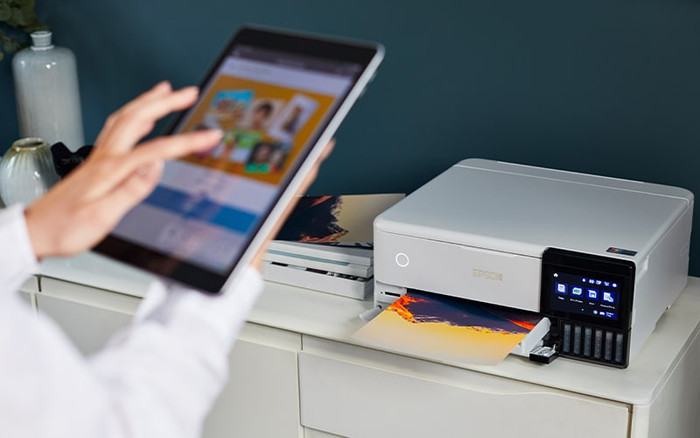
With the Epson EcoTank ET-8500 + 1 set extra ink bundle, you won't have to buy new ink for a while. You can print up to 9000 black and white pages and 15,000 colored pages thanks to the extra set of ink bottles. The Epson EcoTank ET-8500 is the all-in-one photo printer to print deep contrasts. You can do this because of the 2 extra cartridges, photo black and gray. You can also copy and scan your documents with this all-in-one model. This printer prints with ink from ink tanks. This way, you can save quite a bit on your printing costs. If you notice that the ink is almost empty, you can easily fill the tanks with the ink bottles. You can print from a USB flash drive, SD card, phone, and tablet directly. You can control the printer easily with the Epson Smart Panel App.
713,-
713,-
Product number | 883856 | |
|---|---|---|
Manufacturer code | C11CJ20401 | |
Brand | Epson | |
Processing of your defect | Via Coolblue | |
Old product returned for free |
Printer size | Medium | |
|---|---|---|
Width | 40,3 cm | |
Depth | 36,9 cm | |
Height | 16,2 cm | |
Color | White | |
Weight | 8,4 kg |
Printer type | All-in-one | |
|---|---|---|
Photo printer | ||
Print quality photos | Very good | |
Portable (mobile use) | ||
Recommended for use printers | Business printing, Printing at home, Printing photos |
Ink bottle series | Epson 114 | |
|---|---|---|
Usage costs for 1 page | 1 eurocent | |
Print technology | Ink tank | |
Type of ink | Ink bottles | |
Number of cartridges/toner cartridges | 6 | |
Color printer | ||
Print speed black (ISO) | 16 ppm | |
Print speed color (ISO) | 12 ppm | |
First black page ready after | 22 seconds | |
Speed class | Good | |
Maximum print resolution height | 1440 dpi | |
Maximum print resolution width | 5760 dpi | |
Maximum print size | A4 | |
Automatic duplex printing | ||
Borderless printing | ||
Maximum print size duplex printing | A4 |
Scan functionality | ||
|---|---|---|
Automatic duplex scanning | ||
Maximum optical scan resolution width | 1200 dpi | |
Maximum optical scan resolution height | 4800 dpi | |
Scanner type | Flatbed scanner | |
Maximum scan size | A4 (21x29.7cm) | |
Automatic document feeder (ADF) | ||
Scan sizes | A4, A5, A6 | |
Scan speed (PPM) | 4 Hz | |
Color depth output | 24 bpp | |
Scan to | Cloud, Email, Email address, FTP, File, Folder, Image, MicroSD card, Network, PC (local), PC (network), PDF, SD card, Searchable PDF, USB | |
OCR |
Copying functionality | ||
|---|---|---|
Copy speed black (ISO) | 3 ppm | |
Copy speed color (ISO) | 3 ppm | |
Maximum copy resolution height | 5760 dpi | |
Maximum copy resolution width | 1440 dpi |
Fax functionality |
|---|
Built-in screen | ||
|---|---|---|
Color screen | ||
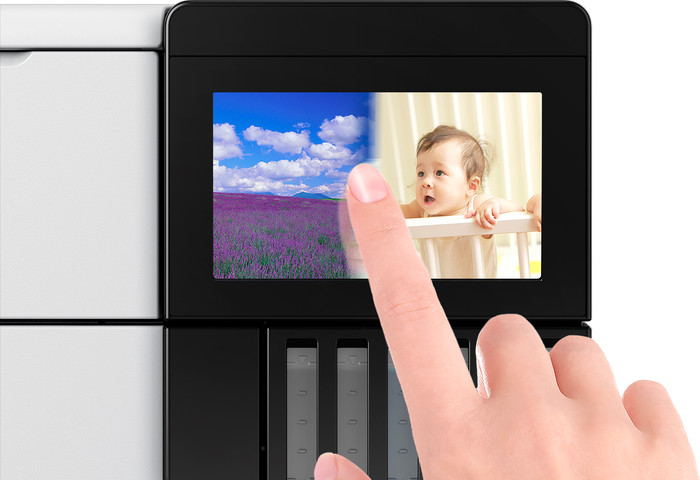
Touchscreen |
Compatible with operating system | Android, ChromeOS, Linux, Windows, Windows Phone, iOS, macOS | |
|---|---|---|
Connection type | Wired, Wireless | |
Apple AirPrint | ||
Email print | ||
WPS (Wireless Protected Setup) | ||
Female standard USB-A port version | 2.0 | |
Ethernet port | ||
Number of Ethernet ports | 1 | |
NFC | ||
Built-in WiFi | ||
WiFi frequency printers | 2.4GHz, 5GHz | |
WiFi direct | ||
Bluetooth | ||
USB port |
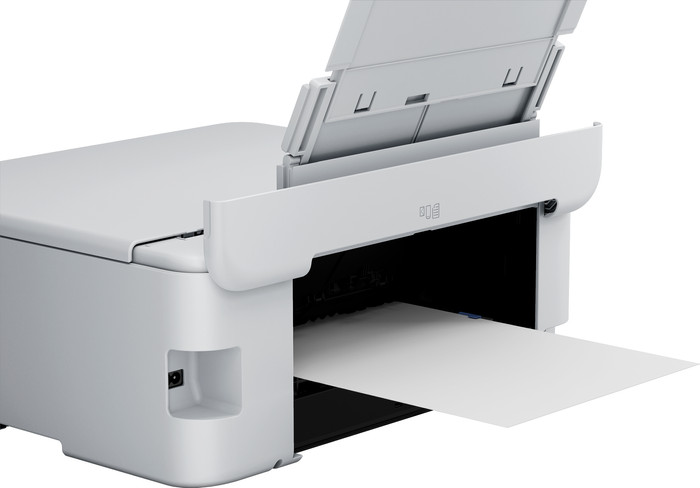
Location paper input | Back, Front | |
|---|---|---|
Manual input tray | ||
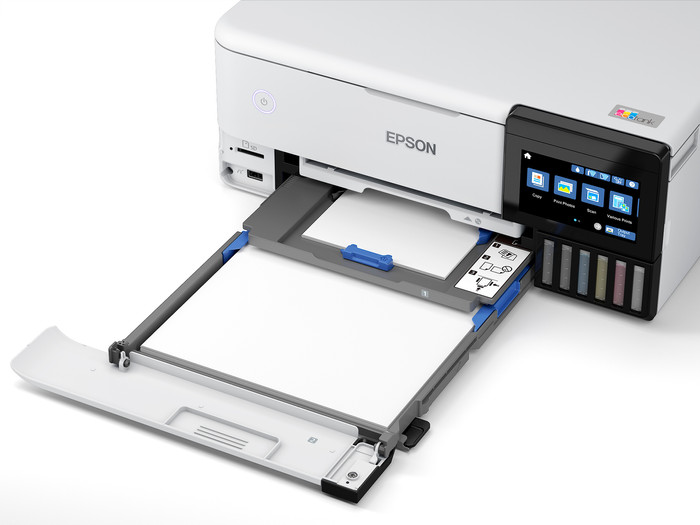
Photo paper drawer | ||
Output capacity output drawer | 50 | |
Input capacity photo paper tray | 30 | |
Maximum print size standard paper tray | A4 | |
Input capacity standard paper tray | 100 | |
Maximum print size photo paper tray | 13x18 | |
Number of standard paper trays | 3 |
Memory card | MicroSD, SD, SDHC, SDXC | |
|---|---|---|
Memory card reader |
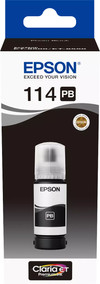
Product number | 901733 | |
|---|---|---|
Manufacturer code | C13T07B140 | |
Brand | Epson | |
Processing of your defect | Via Coolblue |
Suitable for brand line | Epson Ecotank | |
|---|---|---|
Suitable for model | Epson Ecotank ET 8500, Epson Ecotank ET 8550 |
Manufacturer's ink | Original | |
|---|---|---|
Ink bottle series | Epson 114 | |
Page yield black | 6200 | |
Usage costs for 1 page | 0,4 eurocent | |
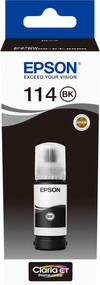
Ink/toner color | Photo black | |
Ink contains a color | ||
Number of colors | 1 color | |
Quantity | 1 |
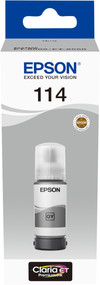
Product number | 901728 | |
|---|---|---|
Manufacturer code | C13T07B540 | |
Brand | Epson | |
Processing of your defect | Via Coolblue |
Suitable for brand line | Epson Ecotank | |
|---|---|---|
Suitable for model | Epson Ecotank ET 8500, Epson Ecotank ET 8550 |
Manufacturer's ink | Original | |
|---|---|---|
Ink bottle series | Epson 114 | |
Page yield color | 6200 | |
Usage costs for 1 page | 0,24 eurocent | |
Ink/toner color | Gray | |
Ink contains a color | ||
Number of colors | 1 color | |
Quantity | 1 |
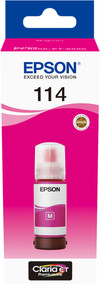
Product number | 901732 | |
|---|---|---|
Manufacturer code | C13T07B340 | |
Brand | Epson | |
Processing of your defect | Via Coolblue |
Suitable for brand line | Epson Ecotank | |
|---|---|---|
Suitable for model | Epson Ecotank ET 8500, Epson Ecotank ET 8550 |
Manufacturer's ink | Original | |
|---|---|---|
Ink bottle series | Epson 114 | |
Page yield color | 6200 | |
Usage costs for 1 page | 0,24 eurocent | |
Ink/toner color | Magenta | |
Ink contains a color | ||
Number of colors | 1 color | |
Quantity | 1 |
Product number | 901735 | |
|---|---|---|
Manufacturer code | C13T07A140 | |
Brand | Epson | |
Processing of your defect | Via Coolblue |
Suitable for brand line | Epson Ecotank | |
|---|---|---|
Suitable for model | Epson Ecotank ET 8500, Epson Ecotank ET 8550 |
Manufacturer's ink | Original | |
|---|---|---|
Ink bottle series | Epson 114 | |
Page yield black | 6200 | |
Usage costs for 1 page | 0,4 eurocent | |
Ink/toner color | Black | |
Ink contains a color | ||
Number of colors | 1 color | |
Quantity | 1 |
Product number | 901719 | |
|---|---|---|
Manufacturer code | C13T07B440 | |
Brand | Epson | |
Processing of your defect | Via Coolblue |
Suitable for brand line | Epson Ecotank | |
|---|---|---|
Suitable for model | Epson Ecotank ET 8500, Epson Ecotank ET 8550 |
Manufacturer's ink | Original | |
|---|---|---|
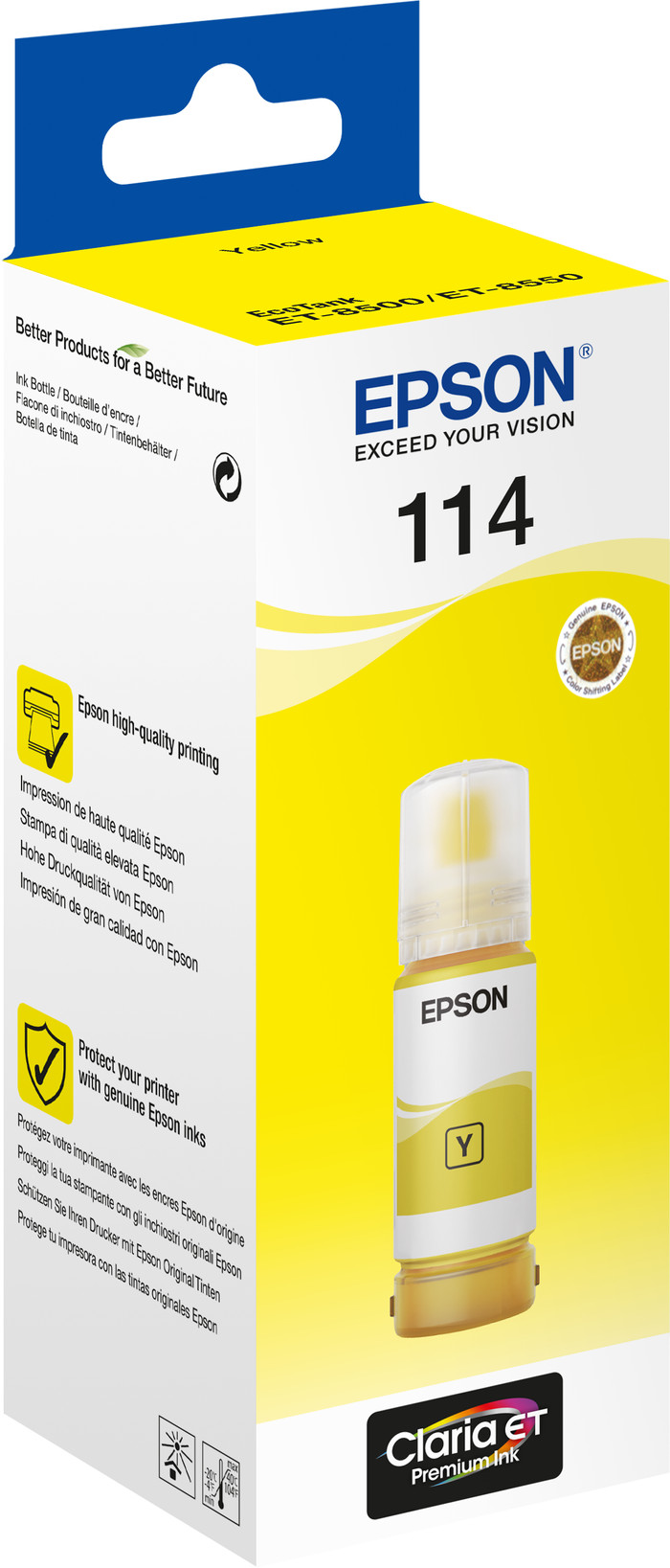
Ink bottle series | Epson 114 | |
Page yield color | 6200 | |
Usage costs for 1 page | 0,24 eurocent | |
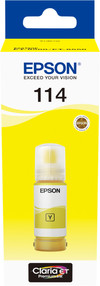
Ink/toner color | Yellow | |
Ink contains a color | ||
Number of colors | 1 color | |
Quantity | 1 |
Product number | 901725 | |
|---|---|---|
Manufacturer code | C13T07B240 | |
Brand | Epson | |
Processing of your defect | Via Coolblue |
Suitable for brand line | Epson Ecotank | |
|---|---|---|
Suitable for model | Epson Ecotank ET 8500, Epson Ecotank ET 8550 |
Manufacturer's ink | Original | |
|---|---|---|
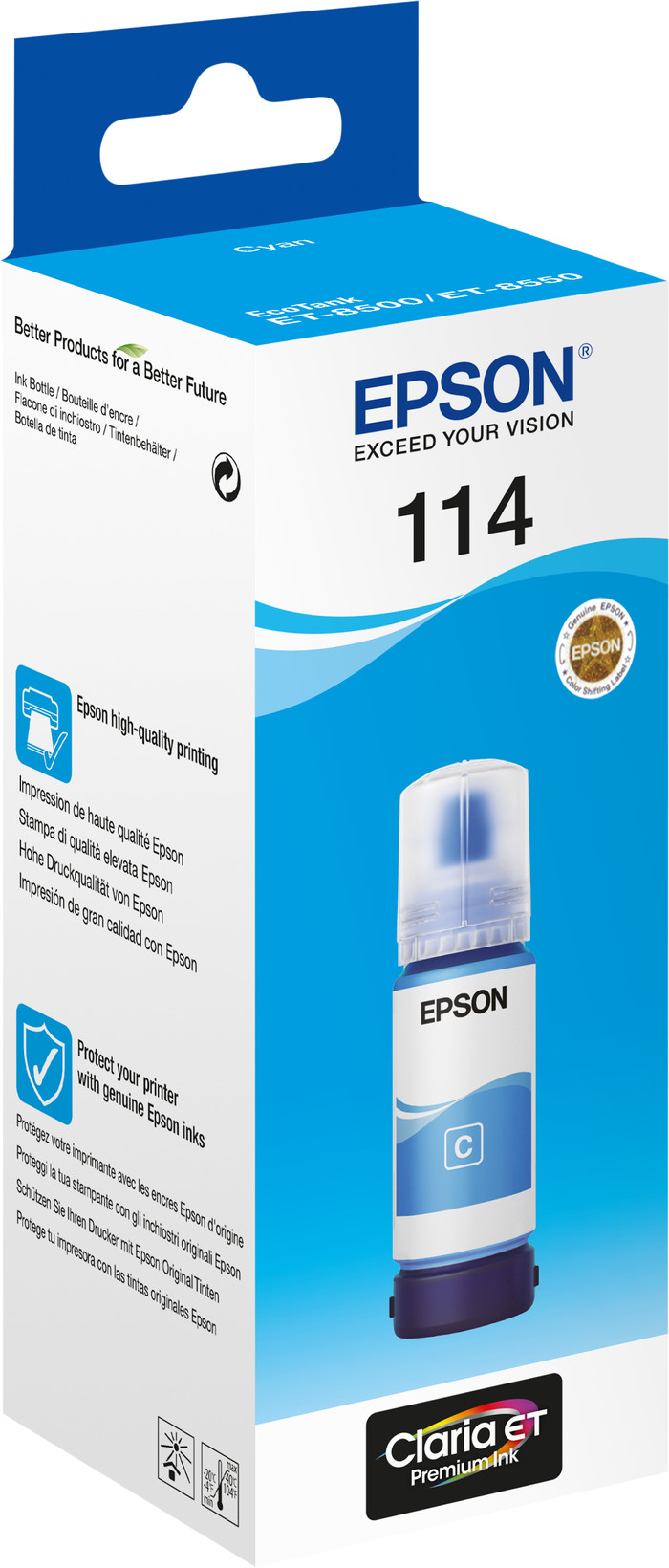
Ink bottle series | Epson 114 | |
Page yield color | 6200 | |
Usage costs for 1 page | 0,24 eurocent | |
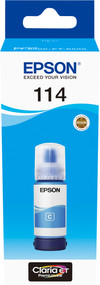
Ink/toner color | Cyan | |
Ink contains a color | ||
Number of colors | 1 color | |
Quantity | 1 |
Current product
713,-
859,-
In stock
In stock
Coolblue takes care of everything, from taking out an insurance to repairs
For almost all accidents
More coverage in case of damage than your standard warranty
No deductible
First, add your printer to your shopping cart. On the next page, choose the Protection Plan below. You always have a 30-day return window and pay no deductible in case of damage. The insurance only covers the printer. The included accessories aren't covered.
3-year Protection Plan
83,-
one-time5-year Protection Plan
184,-
one-time