• Go to main content
  1. Network & internet
  2. Access points
  3. TP-Link access points
  4. Omada EAP613

TP-Link Omada EAP613

  • Review is 8,4 out of 10, based on 1 review.
    8,4/10 (1 review)
  • Show all accessories
  • View all
    TP-Link access points
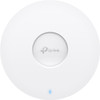
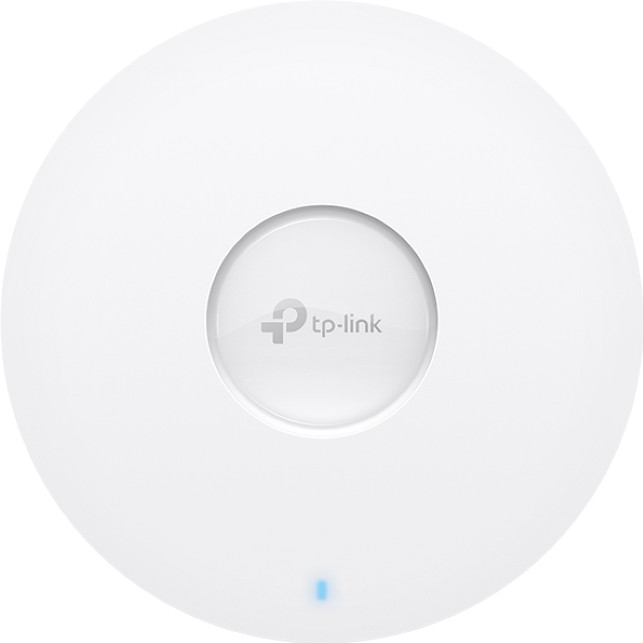
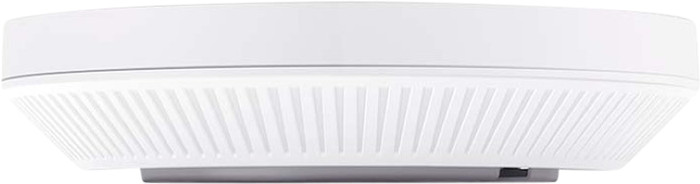
  • TP-Link Omada EAP613 Main Image
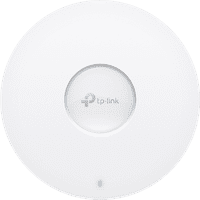
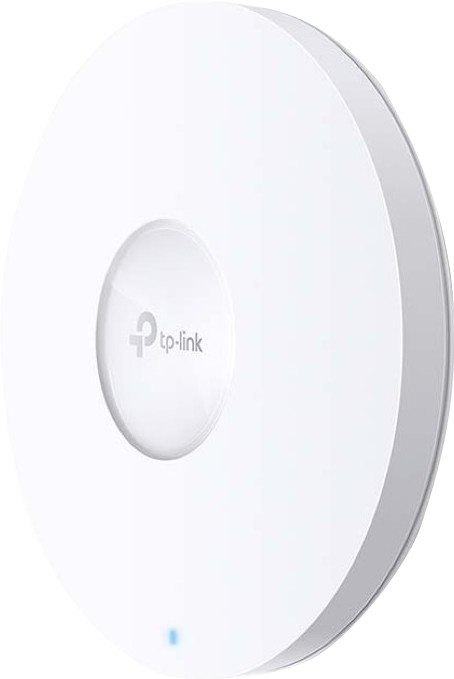
  • TP-Link Omada EAP613 right side
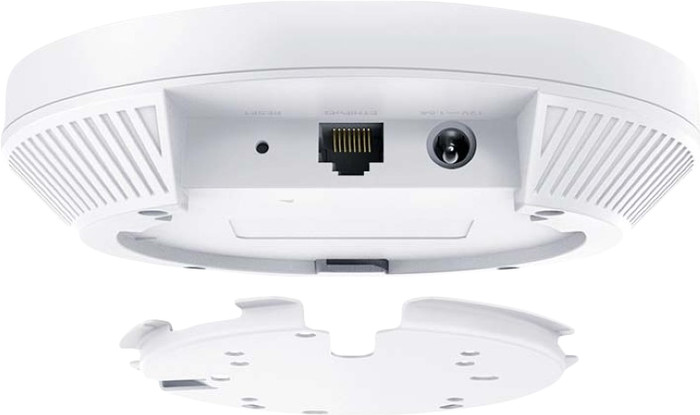
  • TP-Link Omada EAP613 back
  • TP-Link Omada EAP613 back
Select an option

93,-

In stock

  • Delivered for free when it suits you
  • At least a 10 year warranty on your product
  • Free exchange within 30 days
  • Customer rating 9,2/10
View all categories
  • NLNederlands
  • Sign in.Welcome back.
    • My Coolblue
    • Orders and invoices
    • Returns and repairs
    • Information and preferences
    • Credits
    • Discounts
    • Wish list
    • White goods subscriptions
    • Coolblue Energy
    Sign in

    Don't have an account yet? Start here

  • Delivered for free when it suits you
  • Free exchange
  • 22 stores
  • Delivered for free when it suits you
  • Free exchange
  • 22 stores
  • Our app
  • Delivered for free when it suits you
  • Free exchange
  • 22 stores
  • Delivered for free when it suits you
  • Free exchange
  • 22 stores
  • Our app
BusinessStoresCustomer service
  • Network routers
  • Mesh WiFi
  • WiFi routers
  • Access points
  • IT switches
  • Business network
  • Similar and better products
  • Product information
  • Accessories
  • Highlighted
  • Reviews
  • Insurance
  • Specifications

Highlighted

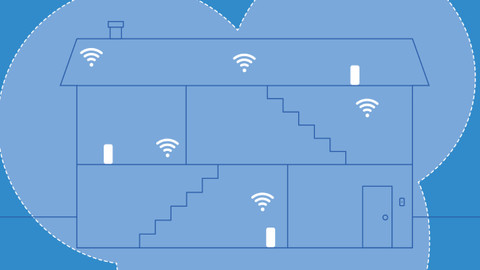
  • The WiFi solution for your living situation

    We'll help you find a solution for your WiFi problem in 2 steps here.
Insure your access point

  • Coolblue takes care of everything, from taking out an insurance to repairs

  • For almost all accidents

  • More coverage in case of damage than your standard warranty

  • No deductible

How do I insure my access point?

First, add your access point to your shopping cart. On the next page, choose the Protection Plan below. You always have a 30-day return window and pay no deductible in case of damage.

  • 2-year Protection Plan

    7,99

    one-time
  • 3-year Protection Plan

    8,99

    one-time
Read more about insurance
TP-Link Omada EAP613

Specifications

The list with properties are filtered when you type

Product

Product

Product number

958742

Manufacturer code

EAP613

Brand

TP-Link

Processing of your defect

At your home

Old product returned for free

Access point options

Access point options

Speed class

High-end

Number of access points

1

Quality of Service (QoS)

Suitable for IPv6

Guest network

Bridge option

Repeater function

IGMP Snooping

Beamforming

Seamless roaming

Can be expanded with extra stations

On/off switch

Mounting possible

Mounting surface

Ceiling, Desk, Floor, Wall socket

Wireless options

Wireless options

Fastest WiFi standard

Wireless AX (WiFi 6)

WLAN security

802.1X, WPA, WPA2

Number of WiFi antennas

4

Frequency bands

Simultaneous dual-band

WiFi speed

AX1800

5GHz band speed

1201 Mbit/s

2.4GHz band speed

574 Mbit/s

External antennas

Signal transmission

Omnidirectional

Antenna connection type

RP-SMA Female

Replaceable WLAN antennas

MAC address filter

MIMO

MU-MIMMO

Wired options

Wired options

Ethernet speed

Gigabit Ethernet (1000Mbps)

Number of Ethernet ports

1

WAN ports

1

PoE support

Type of PoE

48V Passive, 802.3af (PoE), 802.3at (PoE+)

Number of PoE ports

1

Physical properties

Physical properties

Type of access point

Indoors

Material

Plastic

Height

33,6 cm

Width

16 cm

Depth

16 cm

Color

White

Related products

  • TP-Link access points
  • WiFi solution for a freestanding house
  • Business access points
  • All Access points
  • WiFi 6 access points
TP-Link access pointsWiFi solution for a freestanding houseBusiness access pointsView all Access pointsWiFi 6 access points

This is the one

TP-Link Omada EAP613
Review is 8,4 out of 10, based on 1 review.
1 review
TP-Link Omada EAP613

93,-

In stock


anything for a smile

  • Delivered for free when it suits you
  • 22 stores
  • Our app
  • Delivered for free when it suits you
  • 22 stores
  • Our app
Product expert at Coolblue

Do you have a question?

Find your answer quickly and easily on our customer service page.

Sign up for our newsletter

Receive the best promotions and personal advice.

  • Our assortment
  • Company website
  • Customer service
  • Business
  • Our stores
  • About Coolblue
  • Careers at CoolbluePlenty of vacancies!
  • Sign in
  • Customer service
    • Delivery and installation
    • Payment
    • Exchanges and returns
    • Warranty, repairs, and insurance
    • Place order
    • Stores
    • Status of my order
    • Register return or repairs
    • All my orders and invoices
    • My Coolblue account
    • Sign in
    • Go to customer service
  • Business
    • Business order
    • Business gift cards
    • Christmas gifts
    • Company Stores
    • Home Office Store
    • Bring Your Own Device
    • Gift Store
    • Affiliate program
    • Everything on Business
  • Our stores
    • EkkersrijtNew!
    • Alkmaar
    • Almere
    • Amsterdam West
    • Amsterdam Zuidas
    • Arnhem
    • Breda
    • Cruquius
    • Den Bosch
    • Eindhoven
    • View all our 22 stores
  • About Coolblue
    • Our assortment
    • Company website
    • News
    • Gift cards
    • Careers at CoolbluePlenty of vacancies!
    • The Coolblue App
    • Coolblue Belgium
    • Coolblue Germany
    • Privacy
    • Accessibility Statement
    • Everything on Coolblue
Pay with iDEAL | Wero
Pay with MasterCard and Visa via ClickToPay
Pay with ApplePay
Thuiswinkel Waarborg
Thuiswinkel Waarborg business
Shipping and delivery with PostNL
Best webshop 2022

  • Terms and Conditions
  • Terminate agreement
  • Privacy
  • Cookies
  • Nederlands (NL)
© 1999 - 2026 - Coolblue B.V.

Similar and better products

    • Current product

      TP-Link Omada EAP613

    •  

      TP-Link Omada EAP650
    •  

      TP-Link Omada EAP670
    •  

      TP-Link Omada EAP610
    •  

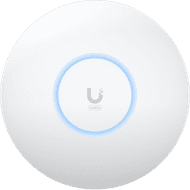
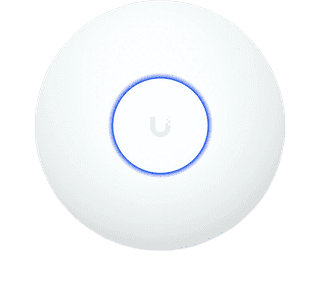
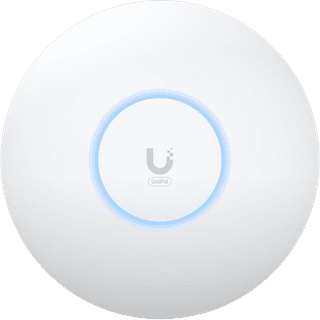
      Ubiquiti Access Point U7 Lite
      • 93,-

      • 102,-

      • 157,-

      • 100,-

      • 113,-

    • Reviews
    • Fastest WiFi standard
      • Wireless AX (WiFi 6)

      • Wireless AX (WiFi 6)

      • Wireless AX (WiFi 6)

      • Wireless AX (WiFi 6)

      • Wireless BE (WiFi 7)

    • Ethernet speed
      • Gigabit Ethernet (1000Mbps)

      • Gigabit Ethernet (1000Mbps)

      • 2.5Gb Ethernet (2500Mbps)

      • Gigabit Ethernet (1000Mbps)

      • 2.5Gb Ethernet (2500Mbps)

    • Mounting surface
      • Ceiling, Desk, Floor, Wall socket

      • Ceiling, Wall

      • Ceiling, Wall

      • Ceiling, Wall

      • Ceiling, Wall

    • 5GHz band speed
      • 1201 Mbit/s

      • 2402 Mbit/s

      • 4804 Mbit/s

      • 1201 Mbit/s

      • 4300 Mbit/s

    Show full comparison

    Product information

    Key specs

    Type of access point

    Indoors

    Fastest WiFi standard

    Wireless AX (WiFi 6)

    Number of access points

    1

    Frequency bands

    Simultaneous dual-band

    Ethernet speed

    Gigabit Ethernet (1000Mbps)

    PoE support

    Mounting surface

    Ceiling, Desk, Floor, Wall socket

    5GHz band speed

    1201 Mbit/s
    Show all specifications

    Pros and cons

    According to our access point expert

    • This access point supports WiFi 6, so you can set up a more stable connection and better coverage.

    • You can power this access point via a network cable, so you don't need a socket.

    • For a large range, you can connect multiple access points.

    • In order to take advantage of all the benefits of WiFi 6, you need suitable devices.

    • For even faster connections in large companies, choose WiFi 6E or WiFi 7.

    Description

    You can provide your office with a stable WiFi 6 connection with the TP-Link Omada EAP613 access point. Thanks to WiFi 6, you can set up a more stable connection compared to WiFi 5. You can easily connect more than 30 people to WiFi at the same time. This means you're not be bothered with an interfering wireless network when multiple people participate in an online meeting at the same time. For a network that covers your entire company, you can easily add extra access points. You can adjust the settings via the cloud. You can easily add extra connection points and set the network to your preferences. You could make a separate network for employees and guests.

    Tips for using this product

    Included by default

    • Manual(0.71 MB)
    • Mounting materials

    Reviews

    Rating

    5 stars

    0

    4 stars

    1

    3 stars

    0

    2 stars

    0

    1 star

    0

    Most helpful reviews

    Review is 8,4 out of 10.
    8,4/10 ()

    Good product, could be a little easier to install.

    • Wide range
    • Fast internet
    • Manual could be better

    It took quite a while to get it up and running on an existing network, but once installed it works fine.

    • Review by:

      Paul

    • Date:

      3 January 2025

    • Translation:

      Automatically translated from Nederlands

    Customer reviews:

    • Trustpilot 3.8/5 - 157,690 reviews
    • Kiyoh 9.1/10 - 135,774 reviews