



Black
|
Set ink

Better model
Installation ease
Options
Print quality
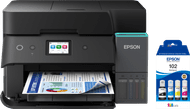
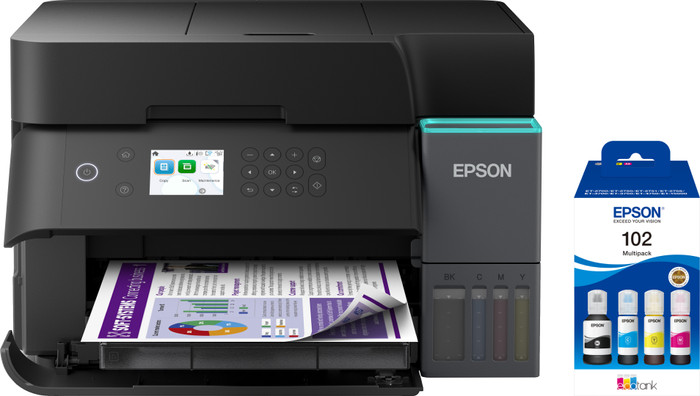
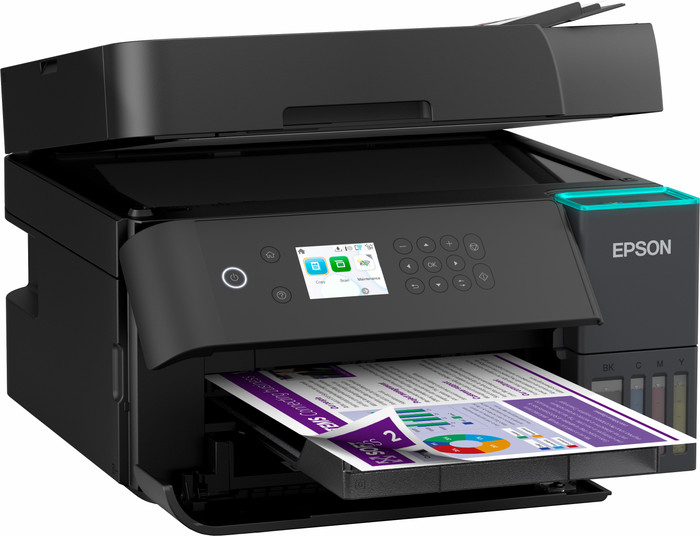
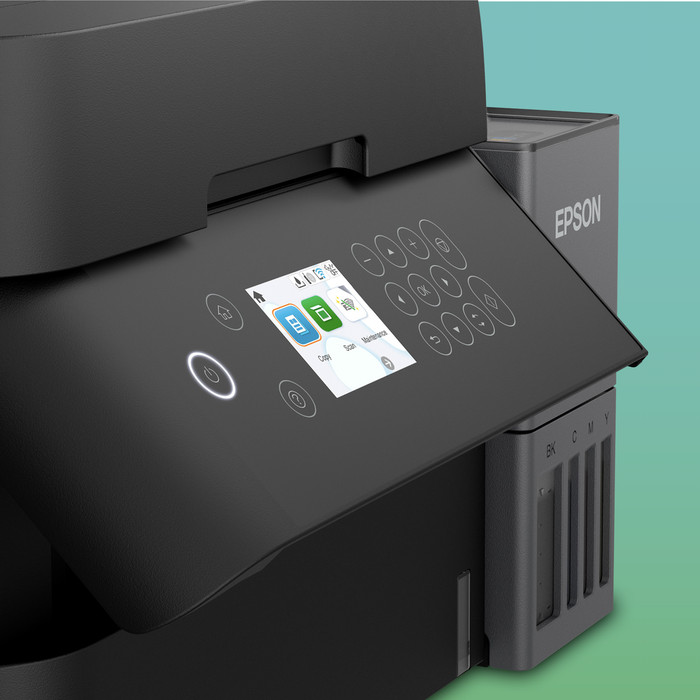
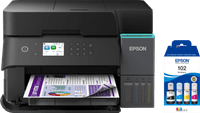
The Epson EcoTank ET-3950 is a handy all-in-one printer for printing all my documents and images. Installation is easy, and I get started right away. I operate the printer via the buttoned color screen, as it does not have a touchscreen.
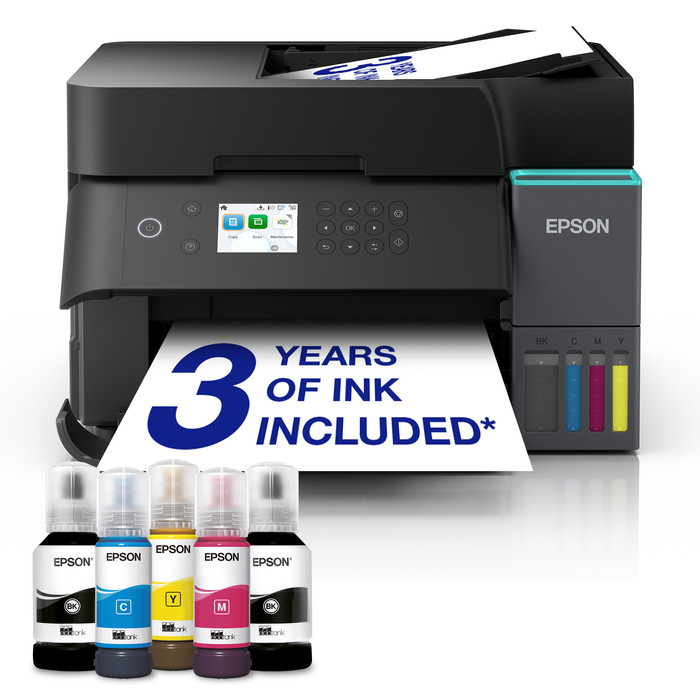
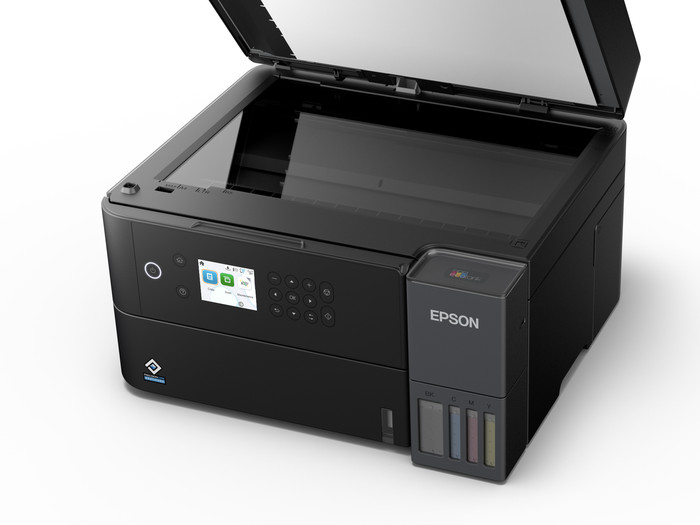
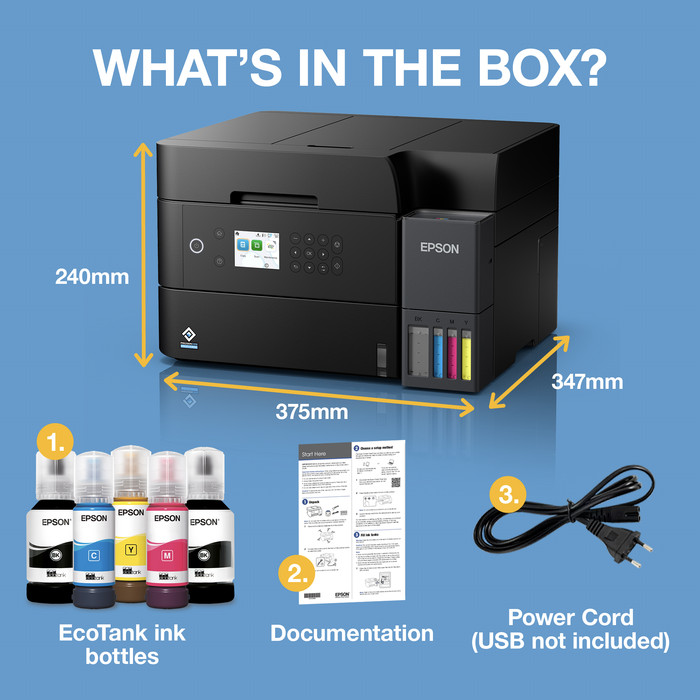
First Impression The printer comes in a large box, but the printer is smaller than I had expected. What strikes me immediately is that there is no flap on the back of the printer. This allows it to fit flush against a wall. In the box, besides the printer, I find a manual and a power cable. There are also 5 ink bottles in the package: 2 black, one magenta, one cyan, and one yellow. I turn on the printer and select my language. I then follow the installation step by step via the buttoned screen. I carefully fill the 4 ink reservoirs. After 11 minutes of initialization, the paper tray at the bottom opens. I put some A4 paper in it and adjust the guides. The printer prints a test page with different colors. After this, I place this sheet on the scan plate. Now the printer is also ready for copying and scanning.
Connecting via Apple AirPrint I easily connect the EcoTank to my iPhone or MacBook via Apple AirPrint. To do this, I go to the settings on my Apple device and select the Wi-Fi network of the 3950. I find the password on the inside of the paper tray. Now the printer is connected, and I print documents directly from apps like Safari, Mail, and Photos. This is handy if I want to quickly print a return form or another document.
Unique print ideas in the Epson Smart Panel app I only adjust a few settings via the Apple share menu, such as the print size. For more print settings, I use the Epson Smart Panel app. In this app, I also get nice inspiration for printing cards, for example. Father's Day is just around the corner. In the app, I select a Father's Day card and add a personal message.
Handy automatic functions With this Epson, I quickly scan or copy a large stack of paper double-sided using the automatic double-sided document feeder. Double-sided printing is also automatic, which saves paper. When I turn off the printer, the paper tray retracts automatically. This printer does not have a transport handle. When switched off, the print head slides to the right, thereby blocking the seal that prevents leakage.
Rowan. Printer specialist.
12 June 2026
Automatically translated from Nederlands
I hesitated for a long time between a laser printer and this EcoTank because we only print sporadically. However, the ink is so inexpensive that you can automatically print more often and in large quantities. I'm now trying to make it a habit to occasionally print a photo on photo paper so the ink flows freely through the nozzle. This printer does a great job, by the way!
Tom
24 November 2025
Automatically translated from Nederlands
Furthermore I like the printer
Johan
12 November 2025
Automatically translated from Nederlands
According to our printer expert
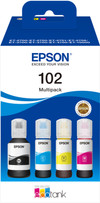
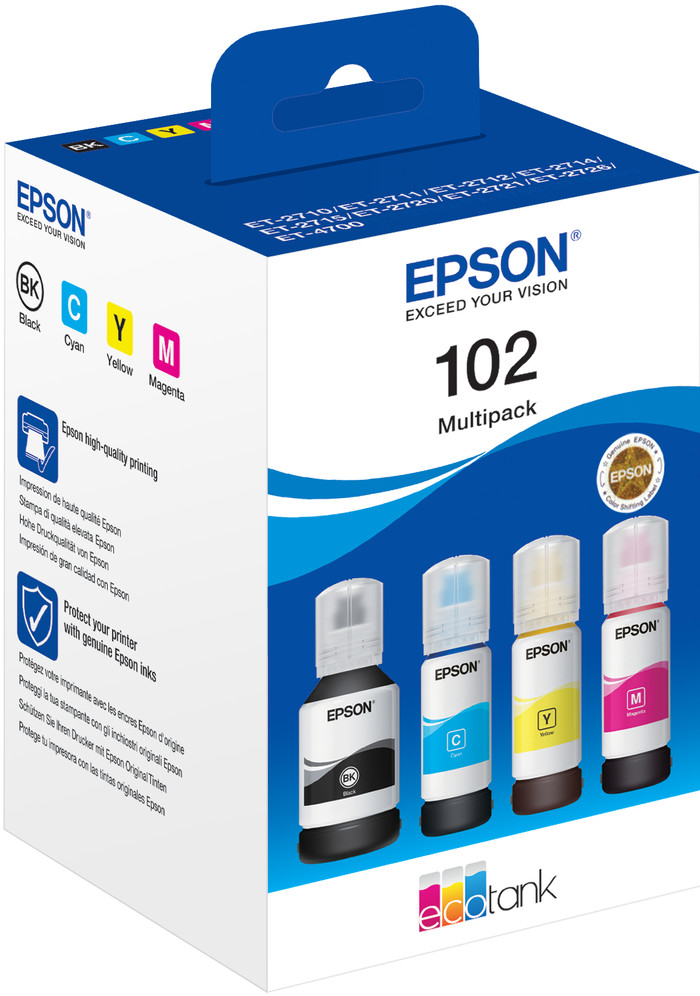
You can print up to 15,000 pages in black-white and 12,000 pages in color with the set of extra ink bottles, so you don't need to buy new ink for a while.
This all-in-one printer can print, scan, and copy.
The usage costs per page are very low, so you don't pay much for ink.
If you want to print or scan a stack of paper in one go, choose a printer with an automatic document feeder.
421,-
421,-
Product number | 969988 | |
|---|---|---|
Manufacturer code | C11CL43402 | |
Brand | Epson | |
Processing of your defect | Via Coolblue | |
Old product returned for free |
Printer size | Medium | |
|---|---|---|
Width | 37,5 cm | |
Depth | 34,7 cm | |
Height | 24 cm | |
Color | Black | |
Weight | 7,2 kg |
Printer type | All-in-one | |
|---|---|---|
Photo printer | ||
Print quality photos | Stand | |
Portable (mobile use) | ||
Recommended for use printers | Business printing, Printing at home |
Ink bottle series | Epson 102 | |
|---|---|---|
Usage costs for 1 page | 1 eurocent | |
Print technology | Ink tank | |
Type of ink | Ink bottles | |
Number of cartridges/toner cartridges | 4 | |
Color printer | ||
Print speed black (ISO) | 18 ppm | |
Print speed color (ISO) | 9 ppm | |
First black page ready after | 8,5 seconds | |
Speed class | Good | |
Maximum print resolution height | 1200 dpi | |
Maximum print resolution width | 4800 dpi | |
Maximum print size | A4 | |
Automatic duplex printing | ||
Borderless printing | ||
Maximum print size duplex printing | A4 |
Scan functionality | ||
|---|---|---|
Automatic duplex scanning | ||
Maximum optical scan resolution width | 1200 dpi | |
Maximum optical scan resolution height | 2400 dpi | |
Scanner type | File scanner, Flatbed scanner | |
Maximum scan size | A4 (21x29.7cm) | |
Automatic document feeder (ADF) | ||
Maximum paper size ADF | A4 | |
Scan sizes | A4, A5, A6 | |
Scan speed (PPM) | 6,5 ppm | |
Color depth output | 24 bpp | |
Scan to | App, Application, Cloud, Dropbox, Email, Email address, Email server, Evernote, FTP, File, Folder, Folder with images, Google Docs, Image, Microsoft Excel, Microsoft PowerPoint, Microsoft SharePoint Connector, Microsoft Word, Network, PC (local), PC (network), PDF, PDF/A, Searchable PDF, Secured PDF, USB | |
ADF capacity | 30 | |
OCR |
Copying functionality | ||
|---|---|---|
Copy speed black (ISO) | 11,5 ppm | |
Copy speed color (ISO) | 6 ppm | |
Maximum copy resolution height | 1200 dpi | |
Maximum copy resolution width | 4800 dpi |
Fax functionality |
|---|
Built-in screen | ||
|---|---|---|
Color screen | ||
Touchscreen |
German awards | ||
|---|---|---|
Awards DE | Stiftung Warentest | |
Result Stiftung Warentest | Good |
Compatible with operating system | Android, ChromeOS, Linux, Windows, Windows Phone, iOS, macOS | |
|---|---|---|
Connection type | Wired, Wireless | |
Apple AirPrint | ||
Email print | ||
WPS (Wireless Protected Setup) | ||
Female standard USB-A port version | 2.0 | |
Ethernet port | ||
Number of Ethernet ports | 0 | |
NFC | ||
Built-in WiFi | ||
WiFi frequency printers | 2.4GHz, 5GHz | |
WiFi direct | ||
Bluetooth | ||
USB port |
Location paper input | Front | |
|---|---|---|
Manual input tray | ||
Photo paper drawer | ||
Output capacity output drawer | 30 | |
Maximum print size standard paper tray | A4 | |
Input capacity standard paper tray | 250 | |
Number of standard paper trays | 1 |
Memory card reader |
|---|
Product number | 884216 | |
|---|---|---|
Manufacturer code | C13T03R640 | |
Brand | Epson | |
Processing of your defect | Via Coolblue |
Suitable for brand line | Epson Ecotank | |
|---|---|---|
Suitable for model | Epson EcoTank ET-2950, Epson EcoTank ET-3950, Epson EcoTank ET-4950, Epson Ecotank ET 15000, Epson Ecotank ET 2700, Epson Ecotank ET 2750, Epson Ecotank ET 2850, Epson Ecotank ET 3700, Epson Ecotank ET 3800, Epson Ecotank ET 4750, Epson Ecotank ET 4850 |
Manufacturer's ink | Original | |
|---|---|---|
Ink bottle series | Epson 102 | |
Page yield black | 7500 | |
Page yield color | 6000 | |
Usage costs for 1 page | 0,31 eurocent | |
Ink/toner color | Black, Cyan, Magenta, Yellow | |
Ink contains a color | ||
Number of colors | 4 colors | |
Quantity | 1 |
Current product

421,-
594,-
451,-
In stock
In stock
Coolblue takes care of everything, from taking out an insurance to repairs
For almost all accidents
More coverage in case of damage than your standard warranty
No deductible
First, add your printer to your shopping cart. On the next page, choose the Protection Plan below. You always have a 30-day return window and pay no deductible in case of damage. The insurance only covers the printer. The included accessories aren't covered.
3-year Protection Plan
55,-
one-time5-year Protection Plan
122,-
one-time