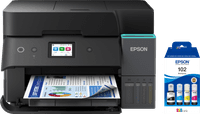
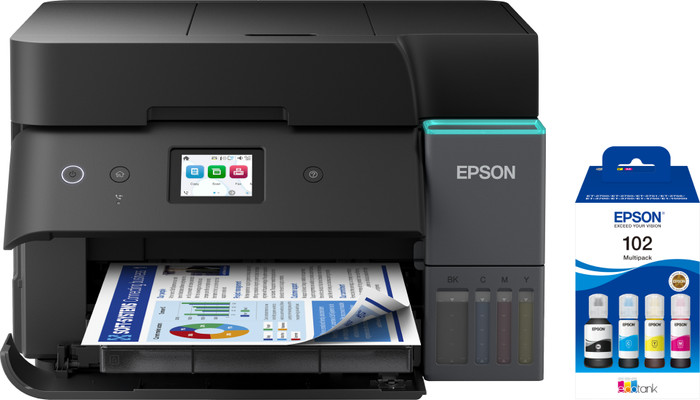
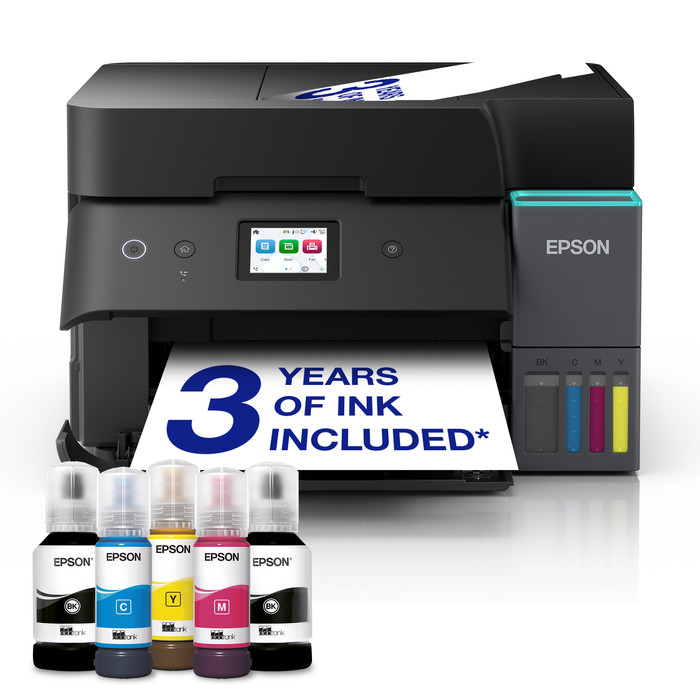
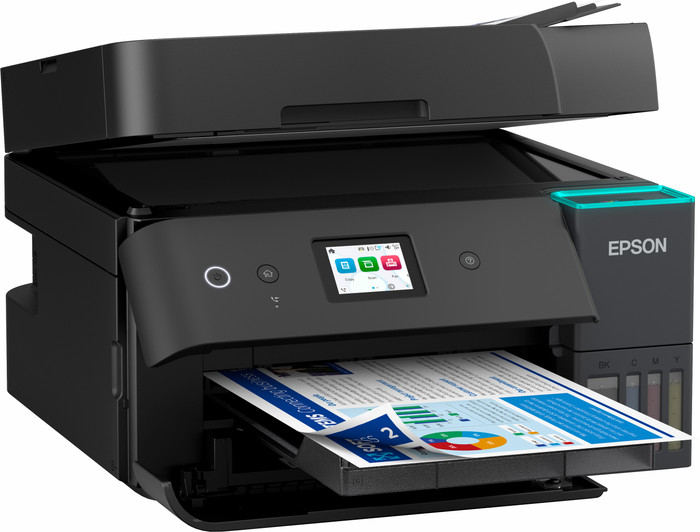
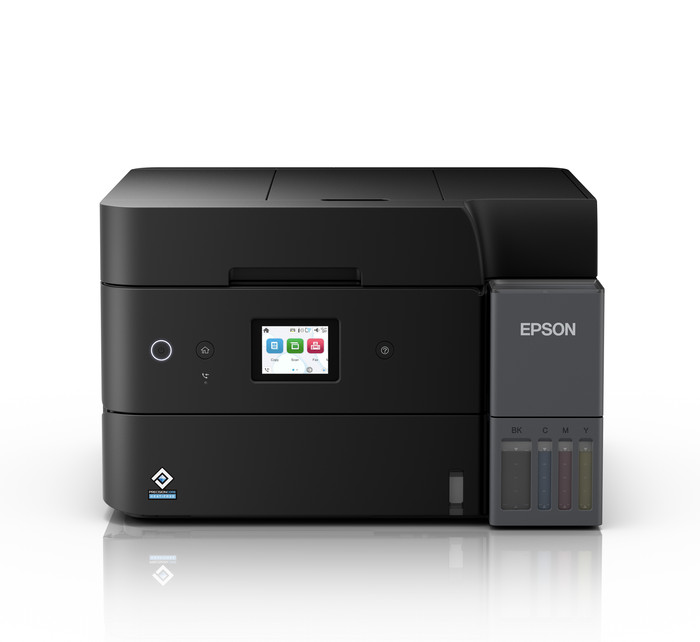
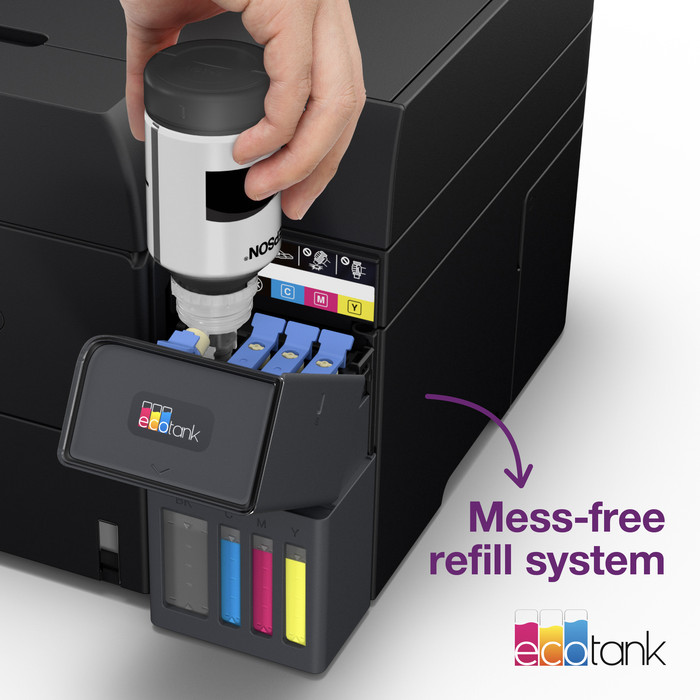
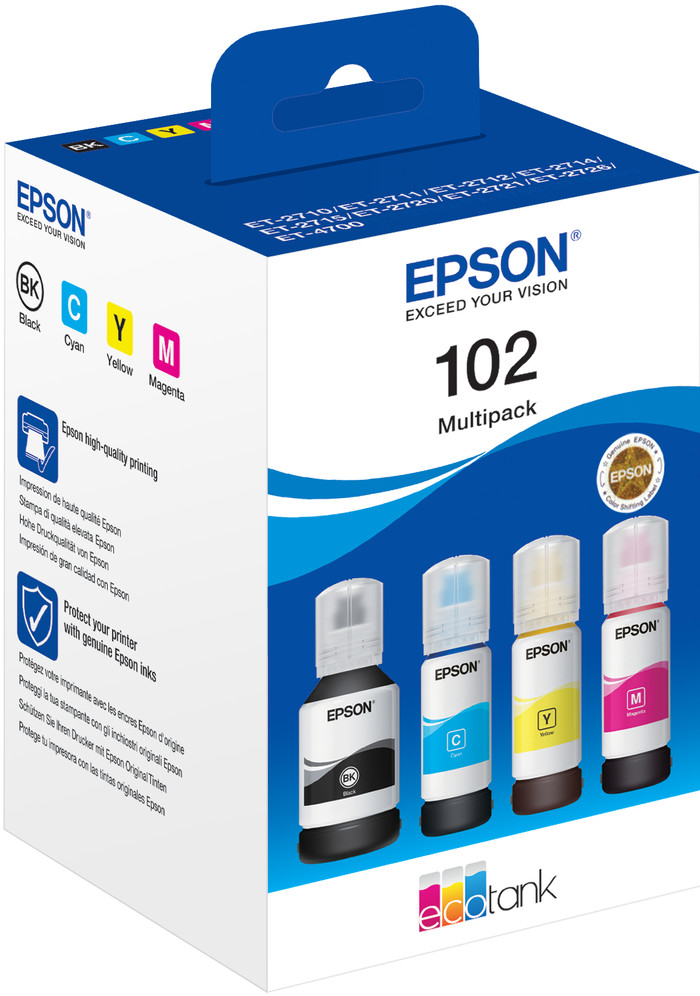
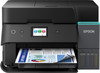
Epson EcoTank ET-4950 + 1 Set Extra Ink Bottles




Choose your printer
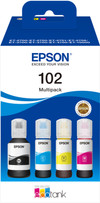
Set ink
Choose the better printer that you can print large files with faster

Epson EcoTank ET-5805
Better model
Insure your printer
Coolblue takes care of everything, from taking out an insurance to repairs
For almost all accidents
More coverage in case of damage than your standard warranty
No deductible
How do I insure my printer?
First, add your printer to your shopping cart. On the next page, choose the Protection Plan below. You always have a 30-day return window and pay no deductible in case of damage. The insurance only covers the printer. The included accessories aren't covered.
3-year Protection Plan
59,-
one-time5-year Protection Plan
130,-
one-time
Specifications
Product
Product number | 969989 | |
|---|---|---|
Manufacturer code | C11CL40402 | |
Brand | Epson | |
Processing of your defect | Via Coolblue | |
Old product returned for free |
Physical properties
Printer size | Medium | |
|---|---|---|
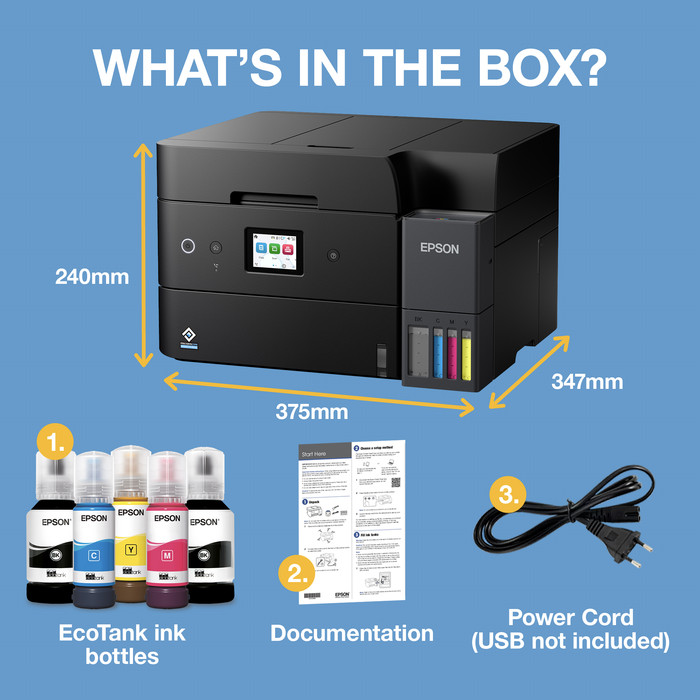
Width | 37,5 cm | |
Depth | 34,7 cm | |
Height | 24 cm | |
Color | Black | |
Weight | 7,46 kg |
Printer type
Printer type | All-in-one | |
|---|---|---|
Photo printer | ||
Print quality photos | Stand | |
Portable (mobile use) | ||
Recommended for use printers | Business printing |
Print properties
Ink bottle series | Epson 102 | |
|---|---|---|
Usage costs for 1 page | 1 eurocent | |
Print technology | Ink tank | |
Type of ink | Ink bottles | |
Number of cartridges/toner cartridges | 4 | |
Color printer | ||
Print speed black (ISO) | 18 ppm | |
Print speed color (ISO) | 9 ppm | |
First black page ready after | 8,5 seconds | |
Speed class | Good | |
Maximum print resolution height | 1200 dpi | |
Maximum print resolution width | 4800 dpi | |
Maximum print size | A4 | |
Automatic duplex printing | ||
Borderless printing | ||
Maximum print size duplex printing | A4 |
Scan properties
Scan functionality | ||
|---|---|---|
Automatic duplex scanning | ||
Maximum optical scan resolution width | 1200 dpi | |
Maximum optical scan resolution height | 2400 dpi | |
Scanner type | File scanner, Flatbed scanner | |
Maximum scan size | A4 (21x29.7cm) | |
Automatic document feeder (ADF) | ||
Maximum paper size ADF | A4 | |
Scan sizes | A4, A5, A6 | |
Scan speed (PPM) | 6,5 ppm | |
Color depth output | 24 bpp | |
Scan to | App, Application, Cloud, Dropbox, Email, Email address, Email server, Evernote, FTP, File, Folder, Folder with images, Google Docs, Image, Microsoft Excel, Microsoft PowerPoint, Microsoft SharePoint Connector, Microsoft Word, Network, PC (local), PC (network), PDF, PDF/A, Searchable PDF, Secured PDF, USB | |
ADF capacity | 30 | |
OCR |
Copy properties
Copying functionality | ||
|---|---|---|
Copy speed black (ISO) | 11,5 ppm | |
Copy speed color (ISO) | 6 ppm | |
Maximum copy resolution height | 1200 dpi | |
Maximum copy resolution width | 4800 dpi |
Fax properties
Fax functionality | ||
|---|---|---|
Color fax |
Screen
Built-in screen | ||
|---|---|---|
Color screen | ||
Touchscreen |
Extensions
German awards | ||
|---|---|---|
Result Stiftung Warentest | Good |
Connectors
Compatible with operating system | Android, ChromeOS, Linux, Windows, Windows Phone, iOS, macOS | |
|---|---|---|
Connection type | Wired, Wireless | |
Apple AirPrint | ||
Email print | ||
WPS (Wireless Protected Setup) | ||
Female standard USB-A port version | 2.0 | |
Ethernet port | ||
NFC | ||
Built-in WiFi | ||
WiFi frequency printers | 2.4GHz, 5GHz | |
WiFi direct | ||
Bluetooth | ||
USB port |
Paper tray
Location paper input | Front | |
|---|---|---|
Manual input tray | ||
Photo paper drawer | ||
Output capacity output drawer | 30 | |
Maximum print size standard paper tray | A4 | |
Input capacity standard paper tray | 250 | |
Number of standard paper trays | 1 |
External memory card reader
Memory card reader |
|---|
Product
Product number | 884216 | |
|---|---|---|
Manufacturer code | C13T03R640 | |
Brand | Epson | |
Processing of your defect | Via Coolblue |
Suitable for printer
Suitable for brand line | Epson Ecotank | |
|---|---|---|
Suitable for model | Epson EcoTank ET-2950, Epson EcoTank ET-3950, Epson EcoTank ET-4950, Epson Ecotank ET 15000, Epson Ecotank ET 2700, Epson Ecotank ET 2750, Epson Ecotank ET 2850, Epson Ecotank ET 3700, Epson Ecotank ET 3800, Epson Ecotank ET 4750, Epson Ecotank ET 4850 |
Properties ink bottle
Manufacturer's ink | Original | |
|---|---|---|
Ink bottle series | Epson 102 | |
Page yield black | 7500 | |
Page yield color | 6000 | |
Usage costs for 1 page | 0,31 eurocent | |
Ink/toner color | Black, Cyan, Magenta, Yellow | |
Ink contains a color | ||
Number of colors | 4 colors | |
Quantity | 1 |
This is the one