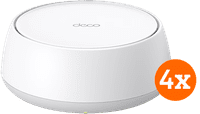
TP-Link Deco BE25 4-pack

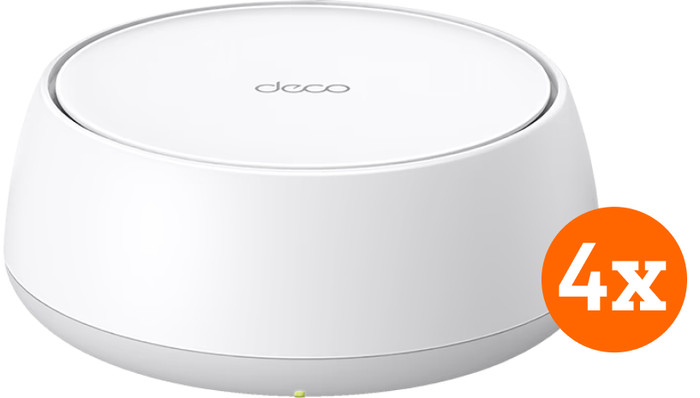


4

Better model
Product number | 958399 | |
|---|---|---|
Manufacturer code | Deco BE25(3-pack) | |
Brand | TP-Link | |
Processing of your defect | Via Coolblue | |
Old product returned for free |
Type router | Mesh WiFi system | |
|---|---|---|
WiFi speed class | High-end | |
Living situation | Large apartment, Single-family home | |
Number of stations | 3 | |
Can be expanded with extra stations | ||
Built-in modem |
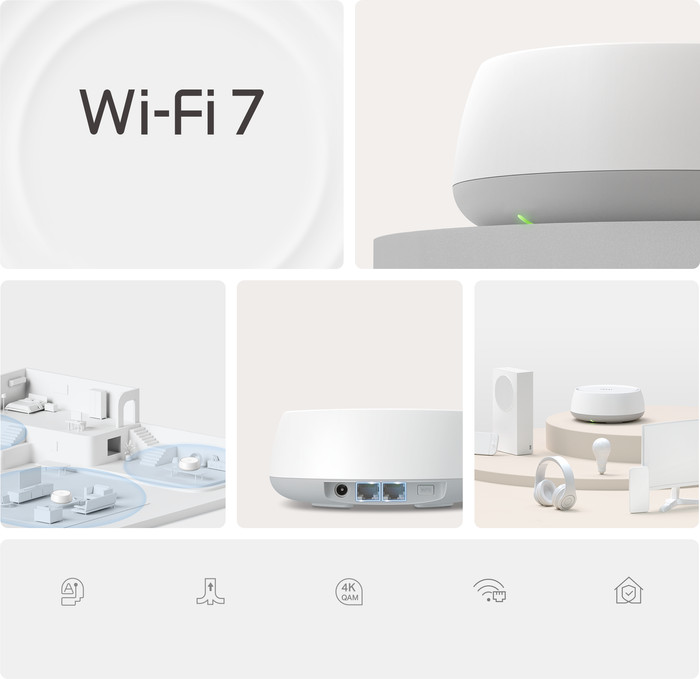
Fastest WiFi standard | Wireless BE (WiFi 7) | |
|---|---|---|
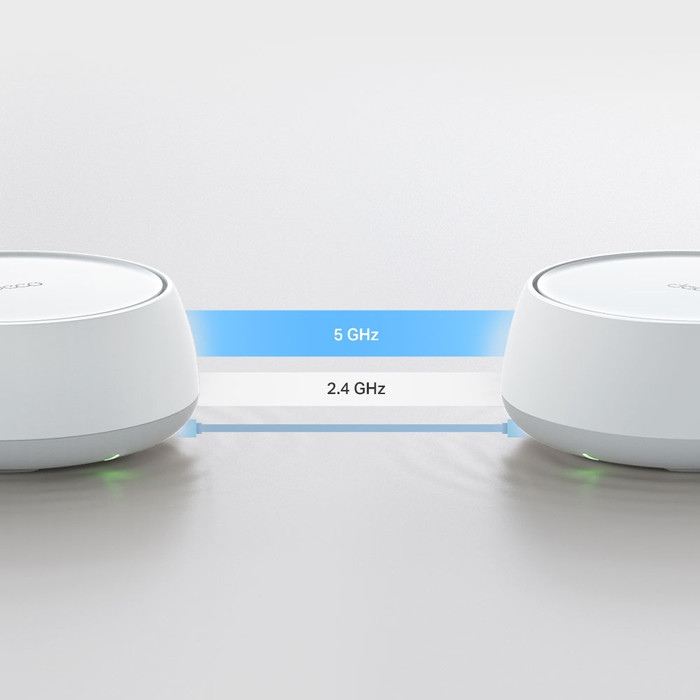
Frequency bands | Dual-band | |
WiFi speed | BE3600 | |
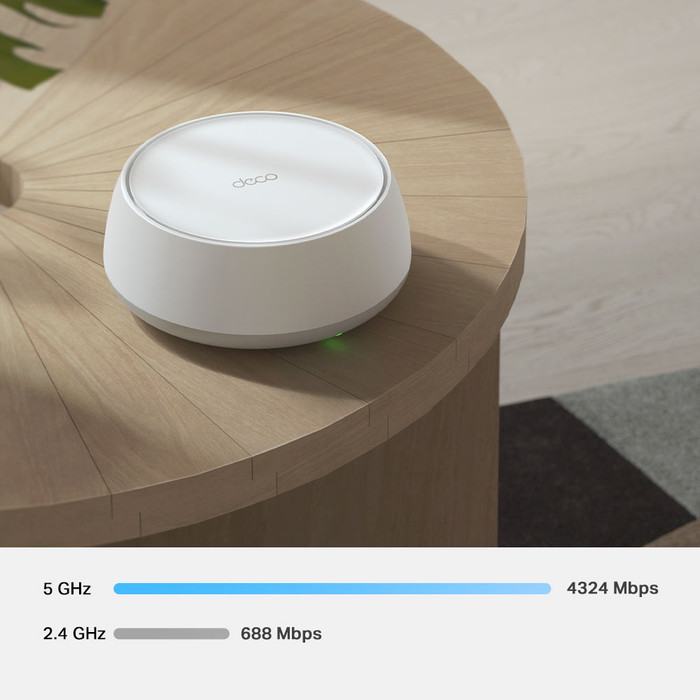
2.4GHz band speed | 688 Mbit/s | |
5GHz band speed | 2882 Mbit/s | |
Number of WiFi antennas | 4 |
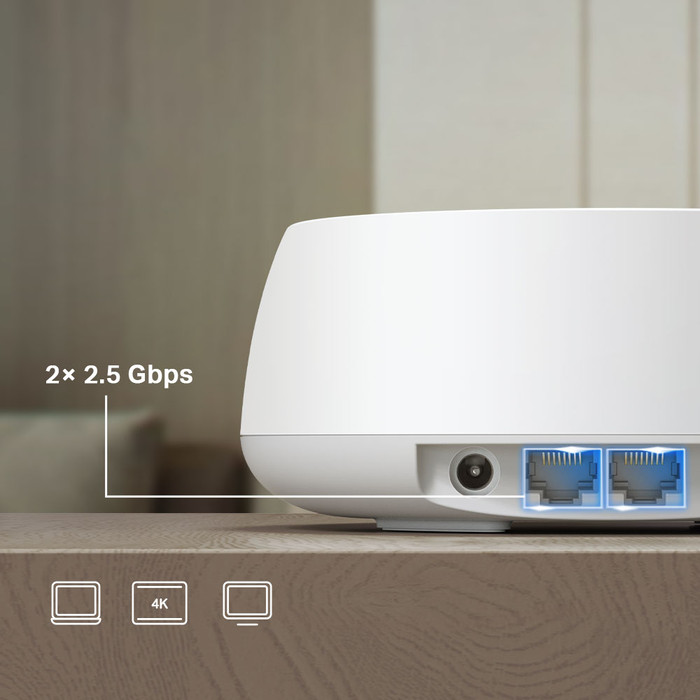
Ethernet speed | 2.5Gb Ethernet (2500Mbps) | |
|---|---|---|
Network connector | ||
Maximum ethernet speed | 2500 Mbit/s | |
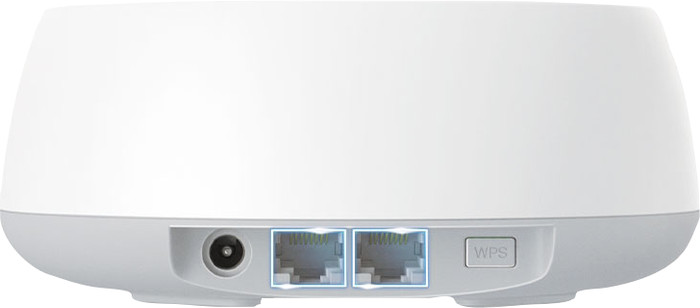
Number of Ethernet ports | 2 | |
SFP/GBIC ports | 0 | |
PoE support | ||
USB port |
Mobile data connection | No | |
|---|---|---|
SIM card slot |
Quality of Service (QoS) | ||
|---|---|---|
MU-MIMMO | ||
Seamless roaming | ||
Beamforming | ||
Port forwarding | ||
LACP Link aggregation |
Parental controls | ||
|---|---|---|
WLAN security | WEP, WPA, WPA-PSK, WPA2, WPA2-PSK, WPA3, WPA3 Personal | |
Firewall | ||
Firewall type | SPI Firewall | |
Guest network | ||
VPN support | ||
VPN server | ||
VPN client | ||
VPN passthrough |
Mounting possible | ||
|---|---|---|
Width | 15 cm | |
Height | 6,2 cm | |
Depth | 15 cm | |
Weight | 1,31 kg | |
Color | White | |
Material | Plastic |
Power supply type | Power grid |
|---|
Product number | 967105 | |
|---|---|---|
Manufacturer code | Deco BE25(1-pack) | |
Brand | TP-Link | |
Processing of your defect | Via Coolblue | |
Old product returned for free |
Type router | WiFi router | |
|---|---|---|
WiFi speed class | Mid-range | |
Living situation | Student room | |
Number of stations | 1 | |
Can be expanded with extra stations | ||
Built-in modem |
Fastest WiFi standard | Wireless BE (WiFi 7) | |
|---|---|---|
Frequency bands | Dual-band | |
WiFi speed | BE3600 | |
2.4GHz band speed | 688 Mbit/s | |
5GHz band speed | 2882 Mbit/s | |
Number of WiFi antennas | 4 |
Ethernet speed | 2.5Gb Ethernet (2500Mbps) | |
|---|---|---|
Network connector | ||
Maximum ethernet speed | 2500 Mbit/s | |
Number of Ethernet ports | 2 | |
SFP/GBIC ports | 0 | |
PoE support | ||
USB port |
Mobile data connection | No | |
|---|---|---|
SIM card slot |
Quality of Service (QoS) | ||
|---|---|---|
MU-MIMMO | ||
Seamless roaming | ||
Beamforming | ||
Port forwarding | ||
LACP Link aggregation |
Parental controls | ||
|---|---|---|
WLAN security | WPA, WPA2, WPA3 Personal | |
Firewall | ||
Firewall type | SPI Firewall | |
Guest network | ||
VPN support | ||
VPN server | ||
VPN client | ||
VPN passthrough |
Mounting possible | ||
|---|---|---|
Width | 15 cm | |
Height | 6,2 cm | |
Depth | 15 cm | |
Weight | 0,51 kg | |
Color | White | |
Material | Plastic |
Power supply type | Power grid |
|---|
5 stars
29
4 stars
11
3 stars
2
2 stars
0
1 star
0
I recently tested this TP-Link Deco BE25 WiFi 7 mesh set (in 3-pack). Before I could test this set, I used a WiFi5 (AC3000) set. The WiFi 7 set is at the same locations, with the same (partly) wired backhaul, to make a 'fair' comparison.
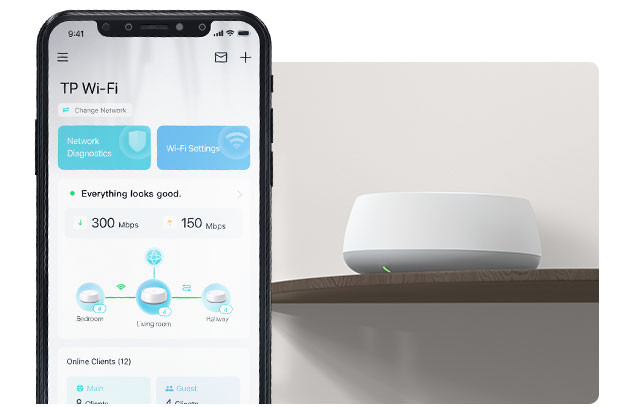
After receiving it, the installation was done in no time. Admittedly with the mobile app, because just like other Deco sets. The configuration can only be done via the app. You can access the web interface of the main deco, but you only see a status page there.
The Deco app offers many options and functionalities for the Deco set.
From VPN access, to setting up different networks (Guest Network/IoT Network) etc. New for me in combination with WiFi7 is the use of MLO, Multi-Link Operation (MLO), where your WiFi7 client can use multiple channels and therefore gets more throughput compared to a single link.
The coverage in the house is better than the previous WiFi 5 set. Due to the better coverage, you have a chance that your device will stay connected to a specific Deco for longer. But after turning on 'fast roaming' I no longer notice this. By connecting the main Deco wired to the first floor, and a wireless backhaul between the first and the attic; the speed throughout the house can be called very good.
Despite the capabilities of the set, it is noticeable that logically with a wired backhaul the speeds are significantly better than when using wireless backhaul. Perhaps a somewhat more expensive set with dedicated backhaul antennas offers a solution for the more demanding users.
Besides that, this BE25 set is a great starter and even low priced for a WiFi7 set. For people considering an upgrade from a WiFi5 set, the threshold is not too high with this set.
Kelly
25 March 2025
Automatically translated from Nederlands
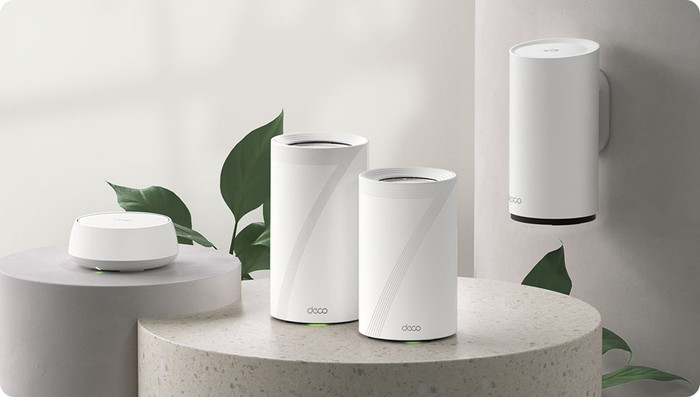
The TP-Link Deco BE25 Wi-Fi 7 mesh set is, as the name suggests, a Wi-Fi 7 set, which is of course backward compatible so that older devices can also simply connect. The package contains 3 Wi-Fi points, and 1 LAN cable is included to connect the main unit to your router. The other 2 receive the connection wirelessly and only need to be connected to the socket for power.
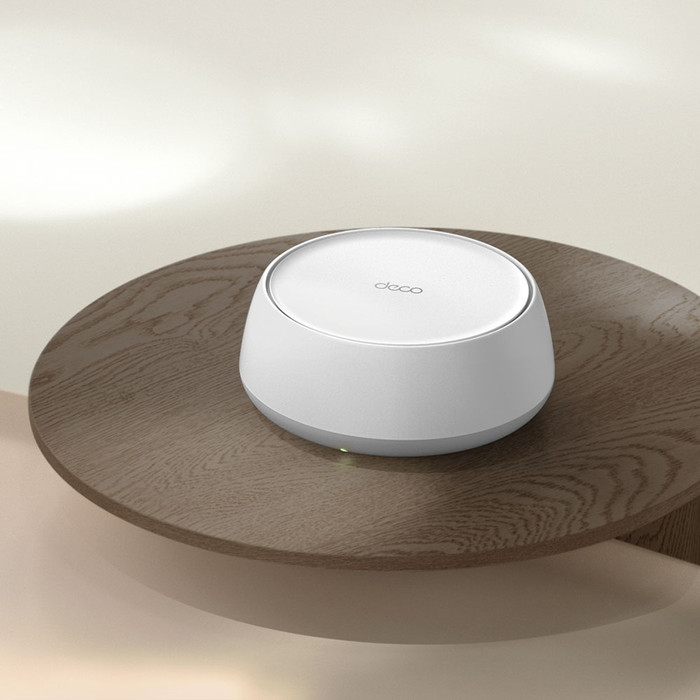
The Wi-Fi points are small and easy to install, although I would have preferred that they could be mounted on the wall as is now the case with my Ubiquiti set.
I have never installed 3 Wi-Fi points so quickly before. Using the DECO app on your mobile phone, everything was up and running in less than 10 minutes. Everything actually happens in the app, so all settings and configurations (SSID, channels, VPN, QOS) are done there. You connect the main unit to the app, the other 2 points are automatically found and added as soon as they have power. I have never seen it easier than this.
During testing, it was noticed that my Wi-Fi 7 devices lose their connection several times a day, which you can also see in the app (the connection then has to be re-established). But also that it switches back to Wi-Fi 6. The range between the mutual points is also disappointing, which means that I do not achieve the maximum speed, even though they are not very far apart.
The major advantages are therefore summarized: easy to install (anyone can do it), suitable for Wi-Fi 7 devices, suitable in a not too large home. Something still needs to be done about the loss/loss of the connection. I was allowed to test this set for Review.nl
RichardG
14 March 2025
Automatically translated from Nederlands
Excellent range, but low speed. A wired LAN connection maxes out at 90Mbps, while a KPN modem provides 400Mbps. Installation is quite complicated. AP or dedicated network?
Tim
15 February 2026
Automatically translated from Nederlands
According to our router expert
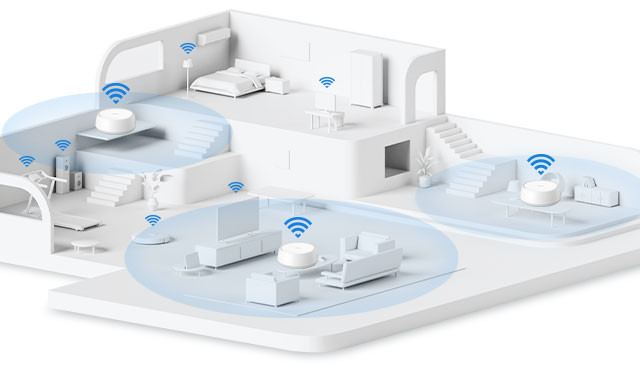
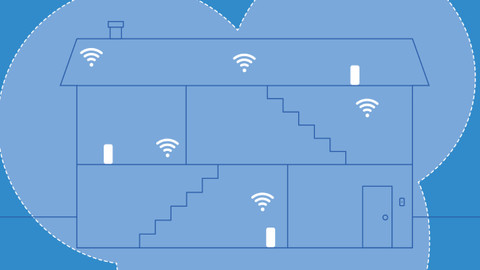
This package includes 4 stations, so you can set up a stable network in a medium-sized to large home.
With WiFi 7, you get higher speeds and experience less interference from other devices.
Your devices automatically connect to the strongest WiFi signal.
WiFi 7 only works with devices that support this WiFi standard.
Obstacles like thick walls and floors block the WiFi signal, so you don't get the strongest connection everywhere in your home.
408,-
408,-
In stock
In stock