Philips Hue smart lights
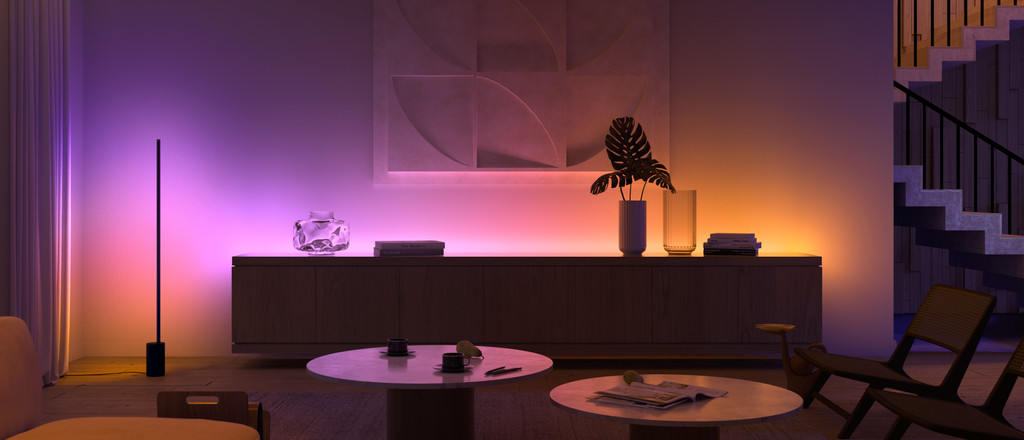


Get inspired
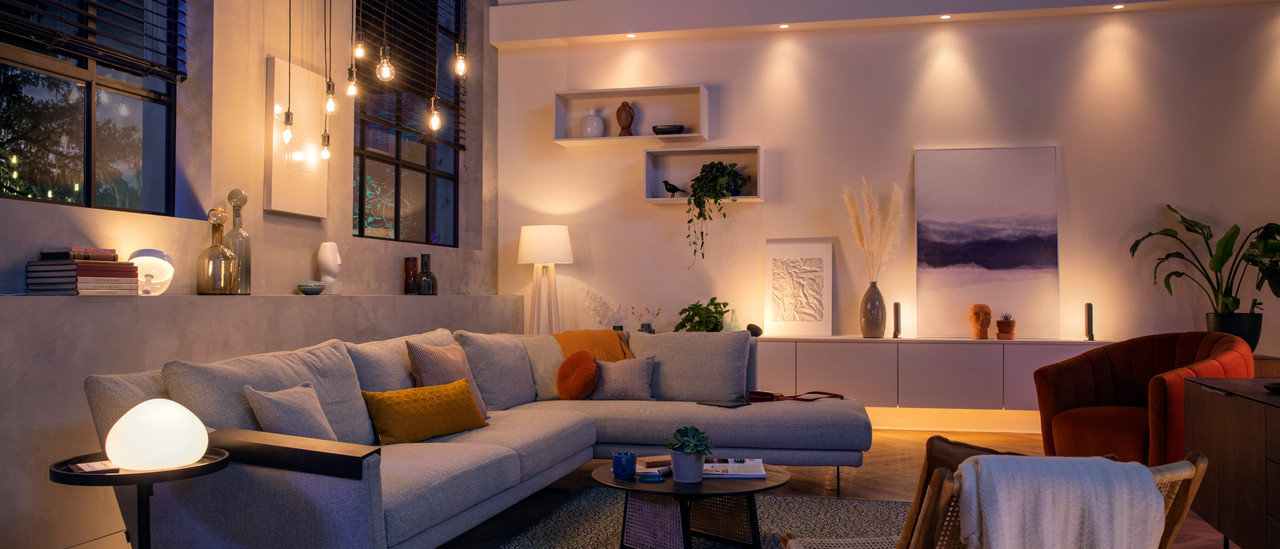
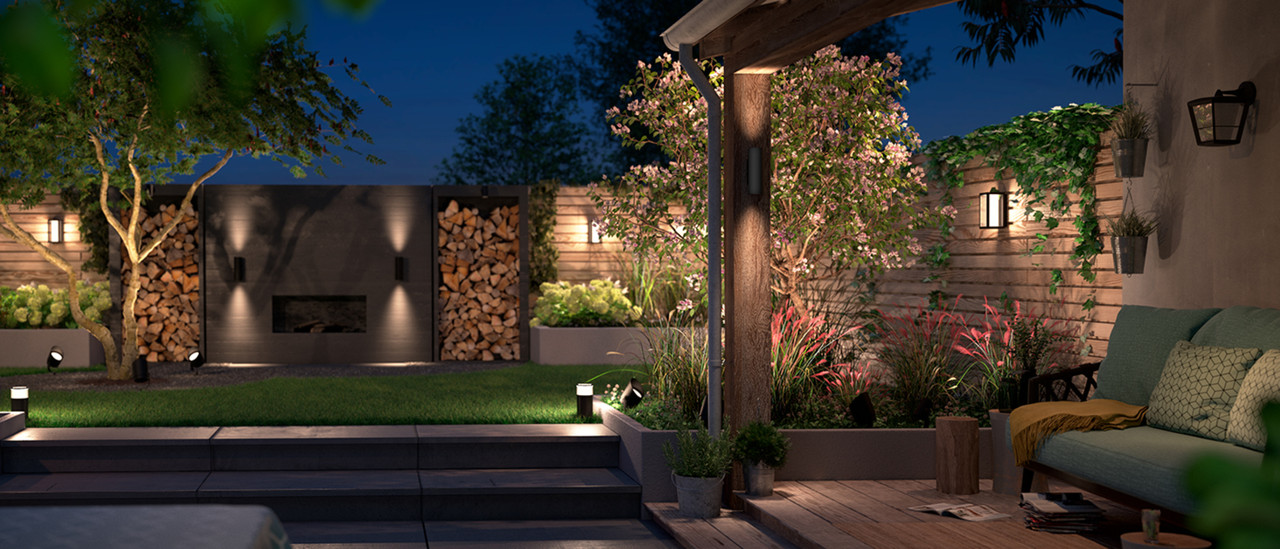
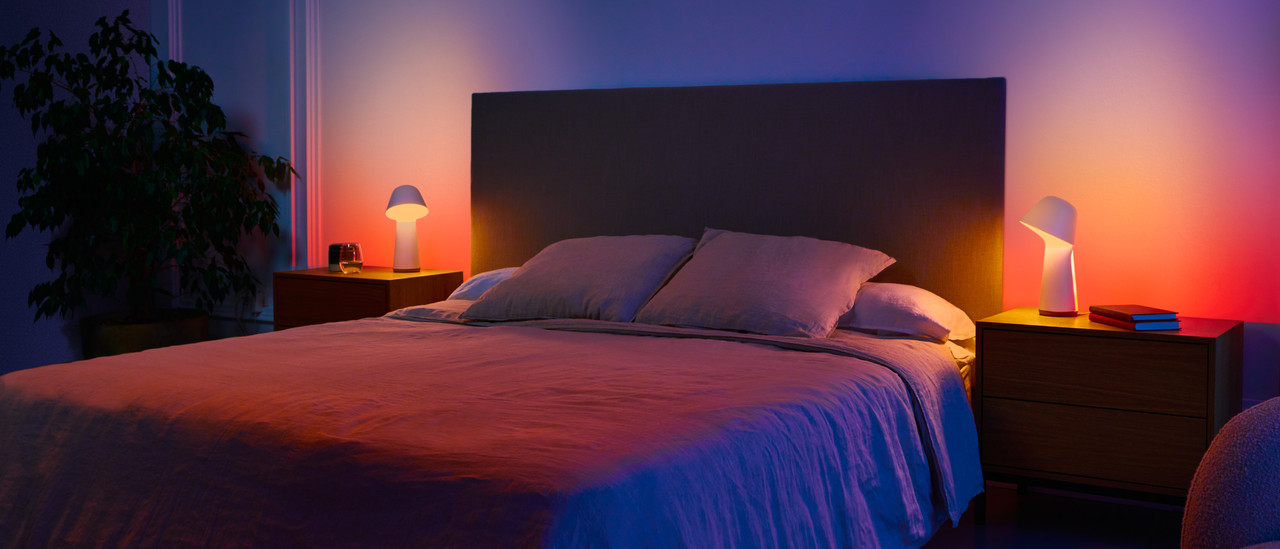
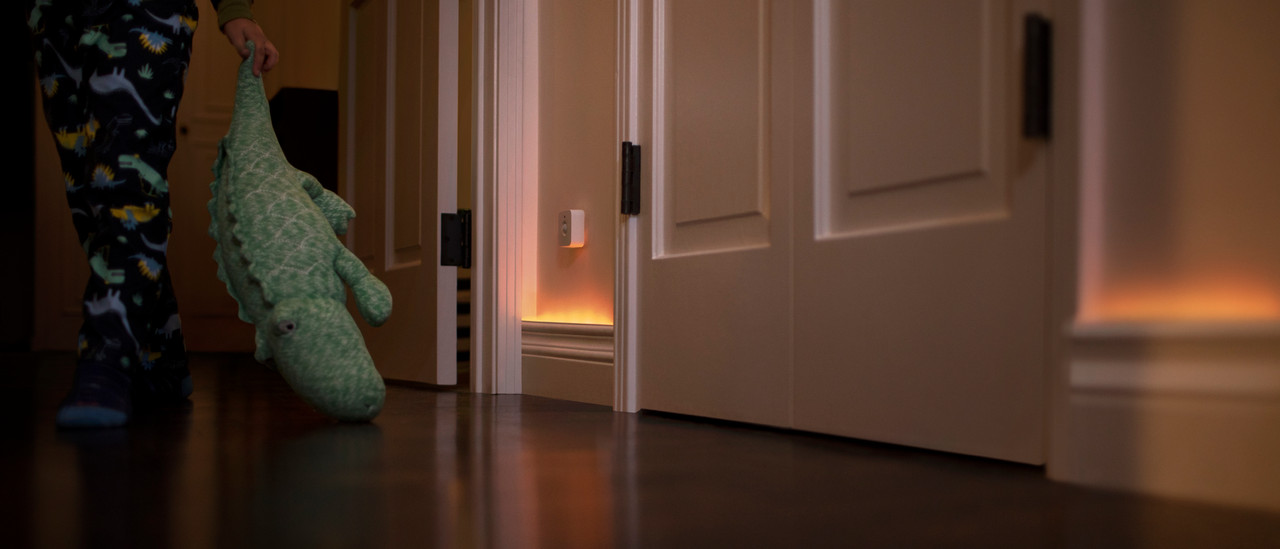
Types of Philips Hue lights

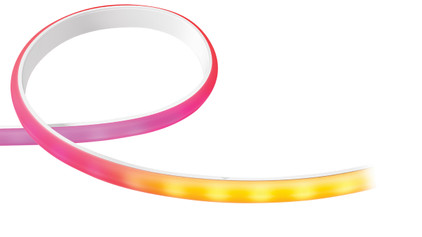


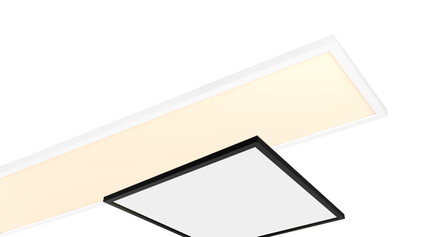
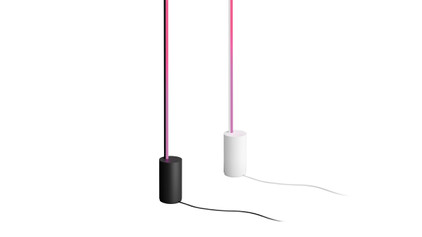
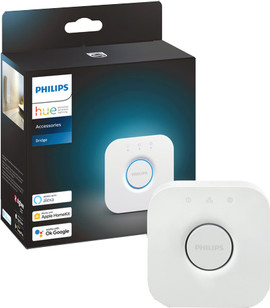
New: Philips Hue Bridge Pro
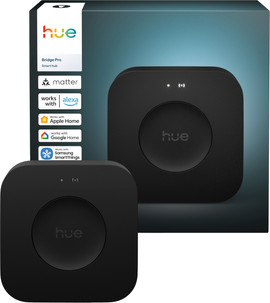
- Philips Hue Bridge Pro
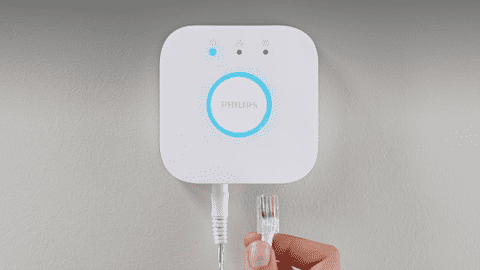
Connect the bridge to your router with a cable or wirelessly via WiFi.
Make the Hue lights turn on automatically when motion is detected.
Connect 150 lights and 50 accessories to the bridge.
Connect your lighting with your other smart devices via Alexa, Google Home, Samsung SmartThings, and Matter.
Also control your lights when you're not at home.
From
85,-
- Philips Hue Bridge
Connect 50 lights and 12 accessories to the bridge.
Connect your lighting with your other smart devices via Alexa, Google Home, Samsung SmartThings, and Matter.
Also control your lights when you're not at home.
You connect thus bridge with a cable to your router, it doesn't work wirelessly.
From
57,-


The differences between the Philips Hue lights
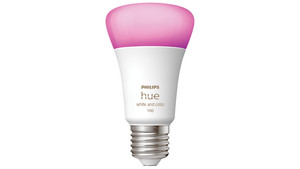
This light provides all shades of white and colored light
Control your lights with your smartphone
Colored and all shades of white light
Suitable for connecting to your TV or PC
From
to24,99
818,-
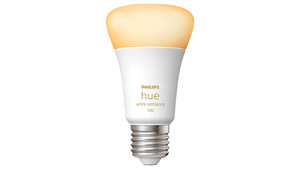
This light provides all shades of white light
Control your lights with your smartphone
Provides all shades of white
From
to31,99
503,-
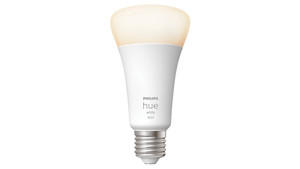
This light only provides warm white light
Control the Hue lights with your smartphone
From
to20,99
234,-
Philips Hue starter pack of the month

Add atmosphere to your house
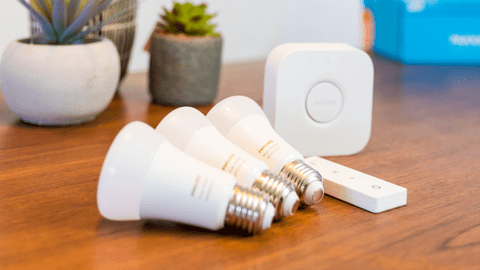
In this pack, you'll find everything you need to get started with smart lights. These Hue lights emit colored and white light, which allows you to choose the right ambiance for every occasion. Thanks to the Bridge Pro, you can connect up to 150 lights in total and always adjust them, even when you're not home.
All Philips Hue starter packs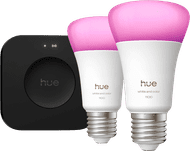
What's Philips Hue Play?
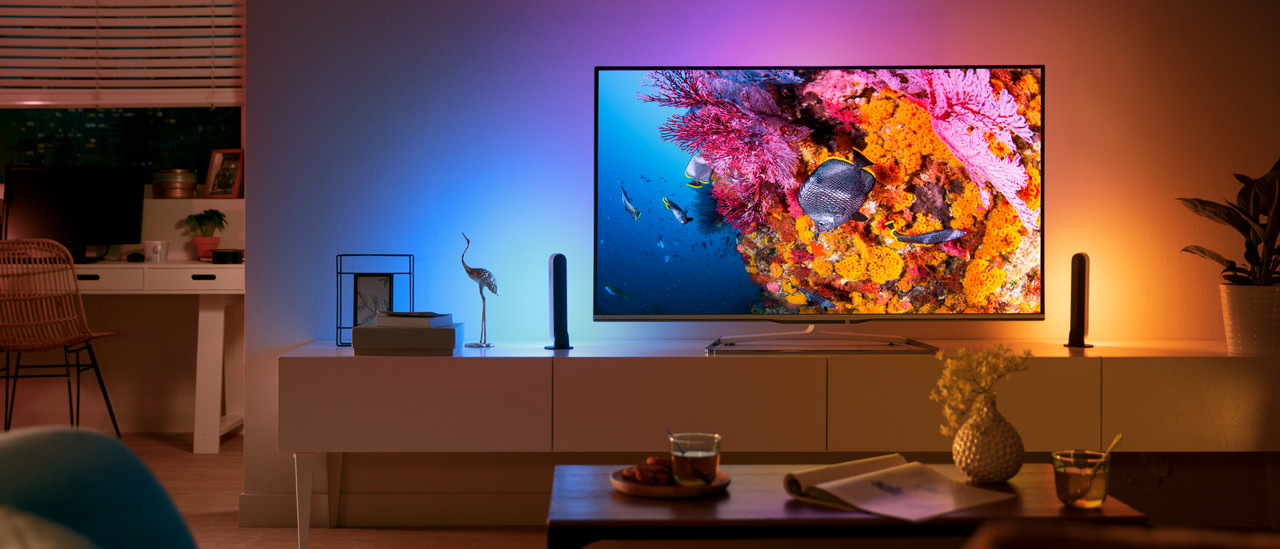
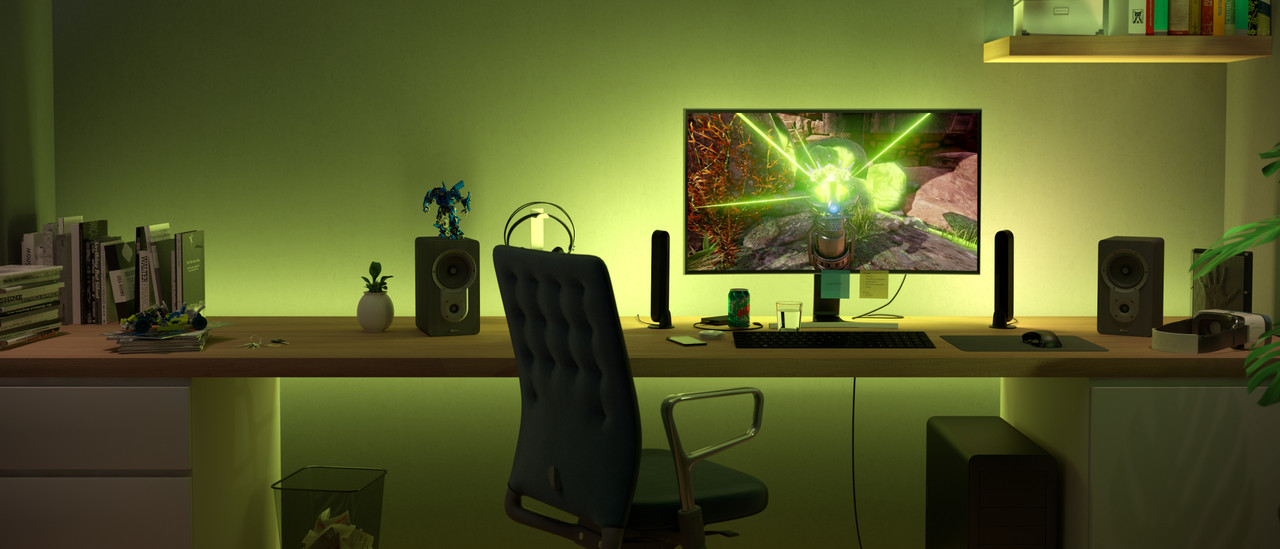
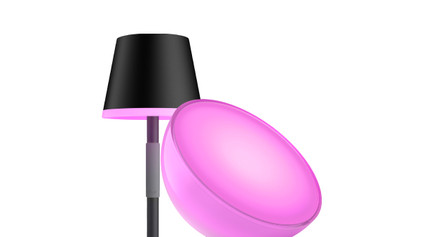
Philips Hue Play lights are ideal for connecting to your TV. You can choose from light strips, table lamps, and floor lamps. You can place them around your TV or PC monitor easily. Some lights are "Gradient". They provide various colors of light at the same time, so they match your screen.
Frequently asked questions
Do Philips Hue lights also work without bridge?
You can control Philips Hue lights via Bluetooth or with a Bridge. You can connect a Bridge to your router with a cable. Thanks to a Bridge, your lights are connected to the internet. This way, you can control the lights outdoors too and set up your fixed routines. That way, you can automatically make the lights go on when you come home. Without a Bridge, you can control up to 10 lights. Do you have more? You need a Bridge.
Which Philips Hue starter pack do I need?
At Coolblue, we put together starter packs for you. There's a starter pack for every desire. Do you like ambiance? Choose White Ambiance. Get the Hue Play for gaming lighting, for example.
Can I use Hue lights in my existing fixture?
Yes. Keep in mind that you choose the right fixture type (such as E27, GU10, or E14). And check if your lamp has enough space for the Hue light.
What's the difference between White, White Ambiance, and White and Color?
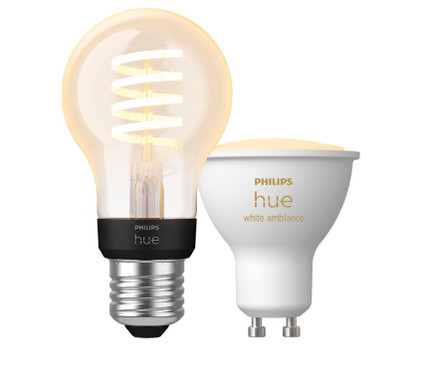
White: only provides warm white light. White Ambiance: adjustable white light (from cool to warm) White and Color: white and colored light in millions of colors.
Are Philips Hue lights energy-efficient?
Yes. Philips Hue uses LED lighting, which is energy-efficient. They also last long: about 25,000 burning hours on average. Philips Hue lights and other smart lights often have a high energy label, such as G or F. This is because they use the peak power. You almost never use smart lights at their peak power.


Advice on Philips Hue smart lights
Can't choose? View the advice from our expert.