Welcome to your environment! You can order everything from your assortment with your personal budget here.

You can always return to the normal Coolblue website by clicking here.

Your outstanding budget (incl. VAT) is always visible here, so you know exactly how much you can spend.

Coolblue home

Help with your product
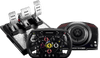
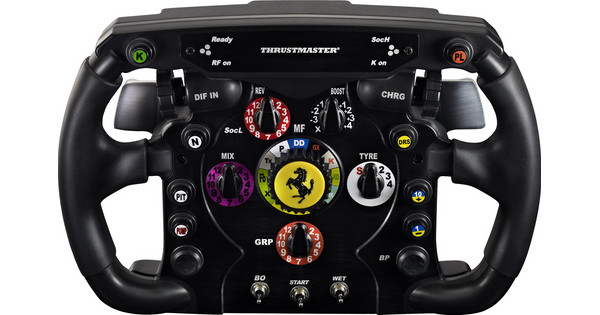
Thrustmaster TS-XW Servo Base + Ferrari F1 Wheel Add-On + T-LCM Pedals

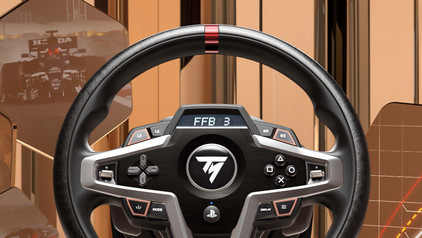
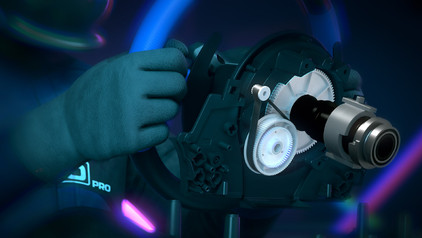
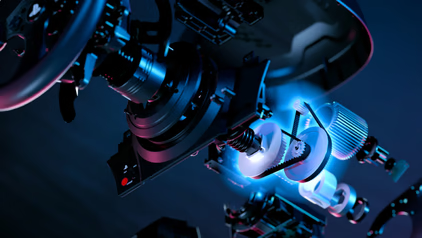
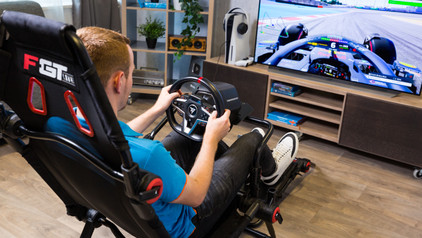
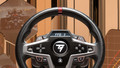
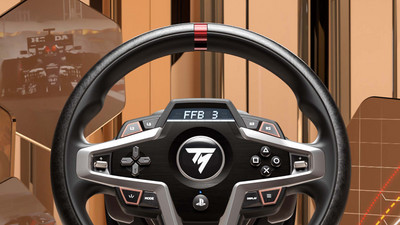
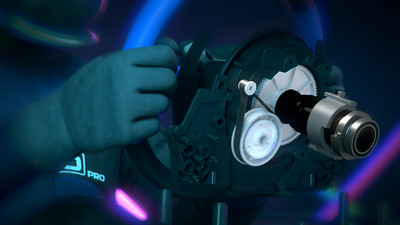
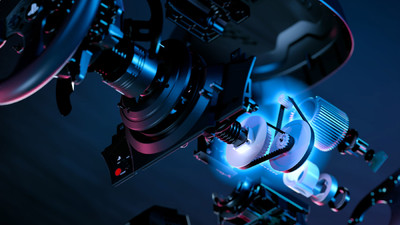
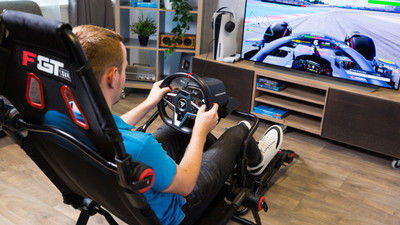
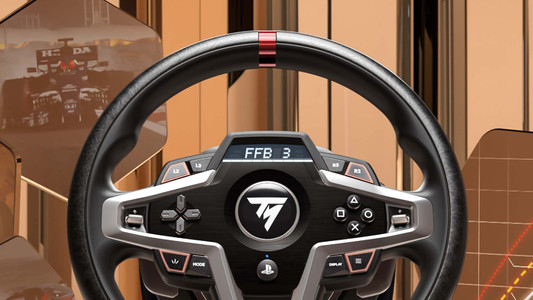
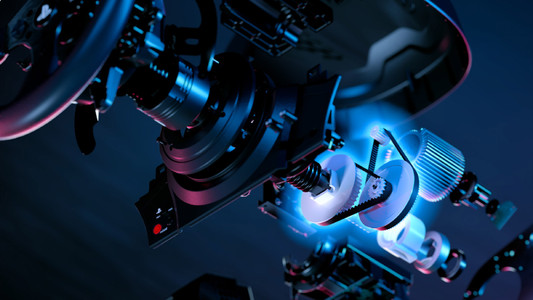
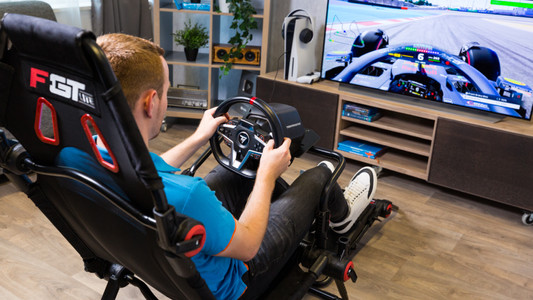
Make your racing cockpit ready with a Thrustmaster TS-XW Servo Base, Ferrari Wheel Add-On, and T-LCM pedals. With the Thrustmaster TS-XW Servo Base, you can renew your racing experience, and it's like you're really in the car. The brushless motor in the frame makes sure you get the right amount of force feedback, so the effects feel realistic. With the Thrustmaster Ferrari F1 Wheel, you have a racing wheel that's more accurate, robust, and realistic. This attachment is easy to mount, and it's an exact replica of the steering wheel of the Ferrari 150° Italia, the car Ferrari used in the 2011 Formula 1 season. The T-LCM pedal set makes your setup ready for use.

Read all tips here

How do I calibrate my Thrustmaster racing wheel?

Racing with a steering wheel is awesome, but everything must respond exactly to what you do with your steering wheel. In this article, we'll explain how to calibrate your Thrustmaster steering wheel and we'll give you some useful tips to prevent calibration problems.

How do you update the drivers of your Thrustmaster racing wheel?

The manufacturer of a racing wheel, Thrustmaster in this case, updates the racing wheel programs on a regular basis. The drivers ensure your racing wheel continues to work properly. Your force feedback stays up to date, for example. You can update the drivers of your racing wheel automatically or manually. In this article, we'll explain how to do this step by step.

How do I expand my Thrustmaster race set?

You can complete your Thrustmaster racing setup with the accessories on this page. There are bundles so you can get started with your own Thrustmaster cockpit, for example. There are also separate accessories like racing wheels, pedals, or shifter. We'll explain how you can expand your Thrustmaster racing setup.

How do I calibrate my Thrustmaster racing wheel?

Racing with a steering wheel is awesome, but everything must respond exactly to what you do with your steering wheel. In this article, we'll explain how to calibrate your Thrustmaster steering wheel and we'll give you some useful tips to prevent calibration problems.
How do you update the drivers of your Thrustmaster racing wheel?

The manufacturer of a racing wheel, Thrustmaster in this case, updates the racing wheel programs on a regular basis. The drivers ensure your racing wheel continues to work properly. Your force feedback stays up to date, for example. You can update the drivers of your racing wheel automatically or manually. In this article, we'll explain how to do this step by step.

How do I expand my Thrustmaster race set?

You can complete your Thrustmaster racing setup with the accessories on this page. There are bundles so you can get started with your own Thrustmaster cockpit, for example. There are also separate accessories like racing wheels, pedals, or shifter. We'll explain how you can expand your Thrustmaster racing setup.

Didn't find your answer?

Find an answer to your question quickly and easily via our customer service.

Coolblue specialist
Personal chat Digitalk.
You're now chatting with Coolblue customer service
This chat is closed
foo
Oeps File size is larger than 5MB. Upload a smaller file.