Welcome to your environment! You can order everything from your assortment with your personal budget here.

You can always return to the normal Coolblue website by clicking here.

Your outstanding budget (incl. VAT) is always visible here, so you know exactly how much you can spend.

Coolblue home

Help with your product

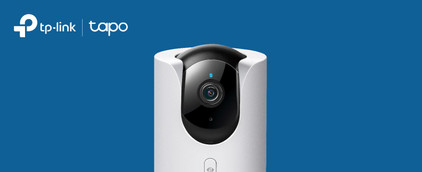
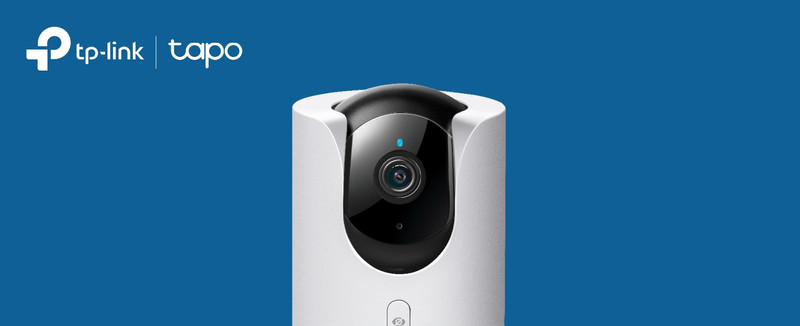
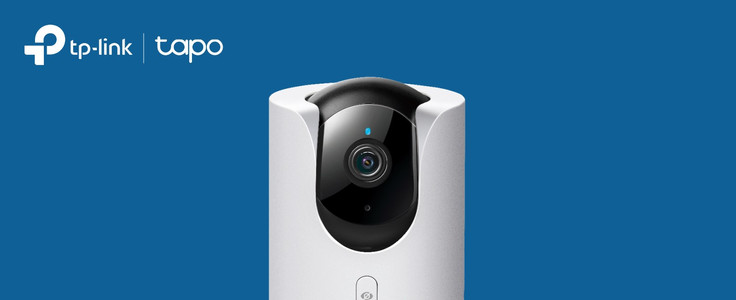
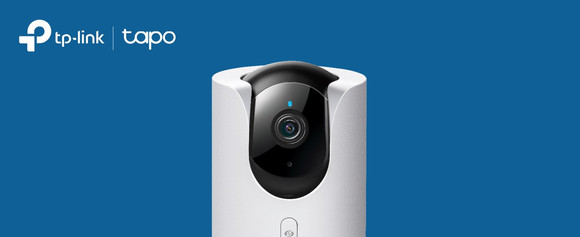
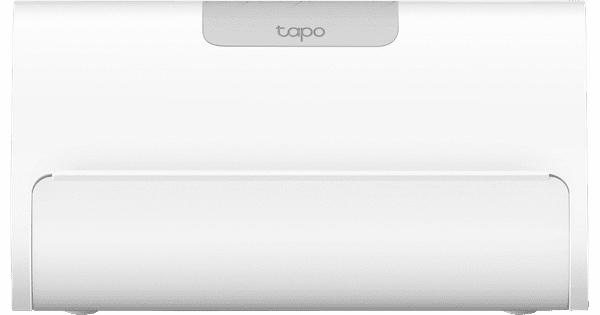
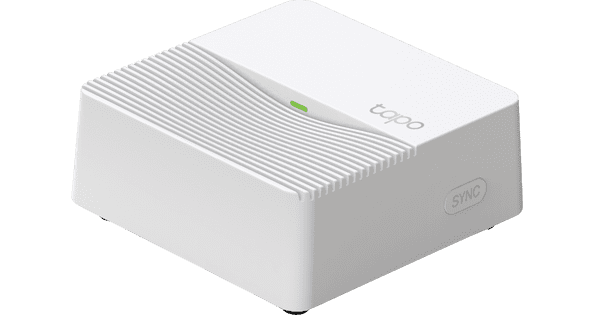
TP-Link Tapo C460 + H500 CentralHub

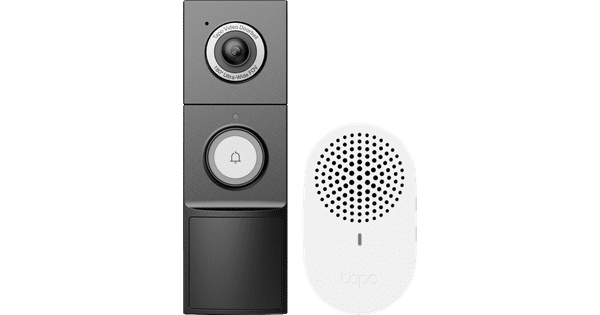
Keep a razor-sharp eye on your garden day and night with the TP-Link Tapo C460 + H500 Smart HomeBase. You can install this camera quickly and easily wherever you want. C460 This IP camera has a sharp 4K resolution and a sensor for color image at night. This way, you can always see every detail. It runs on a battery, so you can install it very easily. Thanks to the magnetic back, you can turn the camera in the right direction yourself. This gives you fewer blind spots. You can view the footage and talk to people near the camera via the Tapo app on your smartphone. H500 CentralHub With the H500 CentralHub, you can control all your smart Tapo devices from 1 place. You can connect up to 16 IP cameras and doorbells, and 64 sensors to the hub. It has 16GB of internal storage. With an extra hard drive, you can expand this storage space up to 16TB. That¿s useful if you want to record day and night.

Read all tips here

Which product do you want to see articles about?

How do you set up a TP-link Tapo IP camera?

With the Tapo IP cameras from TP-Link, you can keep an eye on what happens around your home day and night. You set up the cameras via the Tapa app. In this article, I'll explain how to set up your TP-Link Tapo IP camera in 5 steps.


6 tips to extend the battery life of your IP camera

Batteries of IP cameras sometimes don't last as long as expected. Generally, the less you use the cameras, the longer the battery lasts. Read how to save battery while still enjoying all the functions of the IP camera in this article.

How do you set up a TP-link Tapo IP camera?

With the Tapo IP cameras from TP-Link, you can keep an eye on what happens around your home day and night. You set up the cameras via the Tapa app. In this article, I'll explain how to set up your TP-Link Tapo IP camera in 5 steps.

6 tips to extend the battery life of your IP camera

Batteries of IP cameras sometimes don't last as long as expected. Generally, the less you use the cameras, the longer the battery lasts. Read how to save battery while still enjoying all the functions of the IP camera in this article.

Subjects

Didn't find your answer?

Find an answer to your question quickly and easily via our customer service.

Coolblue specialist
Personal chat Digitalk.
You're now chatting with Coolblue customer service
This chat is closed
foo
Oeps File size is larger than 5MB. Upload a smaller file.