Welcome to your environment! You can order everything from your assortment with your personal budget here.

You can always return to the normal Coolblue website by clicking here.

Your outstanding budget (incl. VAT) is always visible here, so you know exactly how much you can spend.

Coolblue home

Help with your product
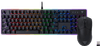
Vortech Pro Keyboard and Wireless Mouse Set

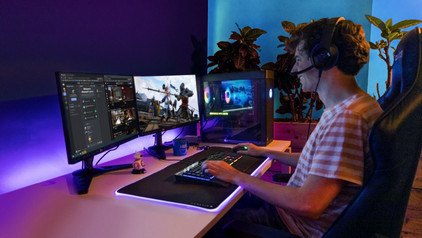
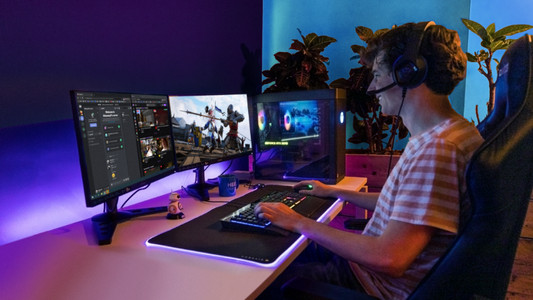
Complete your gaming setup with the Vortech Pro Keyboard and wireless mouse set. Thanks to the linear mechanical keys of the Vortech Pro Gaming Keyboard, you won't hear or feel any feedback when you press a key. This gaming keyboard is also spill-resistant, so you don't have to worry if you spill a drink. It's a full-size gaming keyboard with a numeric keypad. This way, you can also use your gaming keyboard for work or school. The keyboard is wired and connects via a USB cable. With the 16,000DPI optical sensor of the Vortech Pro Wireless Gaming Mouse, you can game quickly. You can connect this mouse wirelessly via the included USB dongle or Bluetooth, and it has a battery life of 30 hours. This gives you plenty of freedom of movement while gaming.

Read all tips here

Which product do you want to see articles about?

How do I use my keyboard and mouse for the PS4?

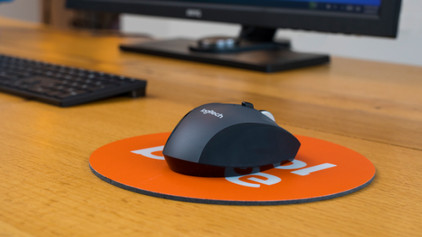
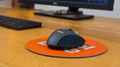
You can connect a gaming headset to your PlayStation 5, as well as a mouse and keyboard. This is a great solution when you're more of a PC gamer with a mouse and keyboard, because aiming is more difficult with a PS5 controller. In this article, we'll explain how to connect a mouse and keyboard to your PlayStation 5.

How do I clean my keyboard?

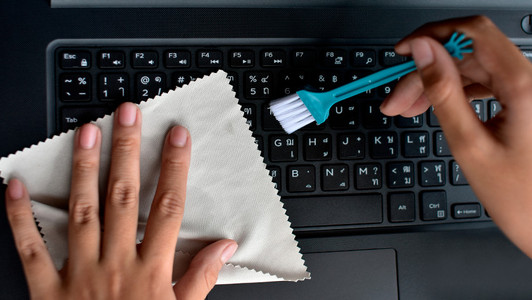
Cleaning your keyboard isn't one of the most fun chores, but if your fingers stick to your keyboard, you'll have to face the music. In this article, I'll explain how to clean a separate keyboard, and you'll read how to clean the keyboard of your laptop.

How do I use my keyboard and mouse for the PS4?

You can connect a gaming headset to your PlayStation 5, as well as a mouse and keyboard. This is a great solution when you're more of a PC gamer with a mouse and keyboard, because aiming is more difficult with a PS5 controller. In this article, we'll explain how to connect a mouse and keyboard to your PlayStation 5.
How do I clean my keyboard?

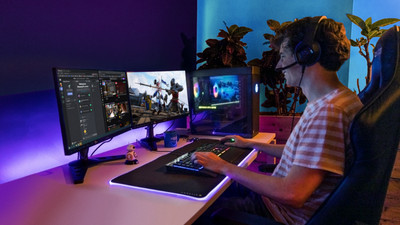
Cleaning your keyboard isn't one of the most fun chores, but if your fingers stick to your keyboard, you'll have to face the music. In this article, I'll explain how to clean a separate keyboard, and you'll read how to clean the keyboard of your laptop.

Didn't find your answer?

Find an answer to your question quickly and easily via our customer service.

Coolblue specialist
Personal chat Digitalk.
You're now chatting with Coolblue customer service
This chat is closed
foo
Oeps File size is larger than 5MB. Upload a smaller file.