Welcome to your environment! You can order everything from your assortment with your personal budget here.

You can always return to the normal Coolblue website by clicking here.

Your outstanding budget (incl. VAT) is always visible here, so you know exactly how much you can spend.

Coolblue home

Help with your product
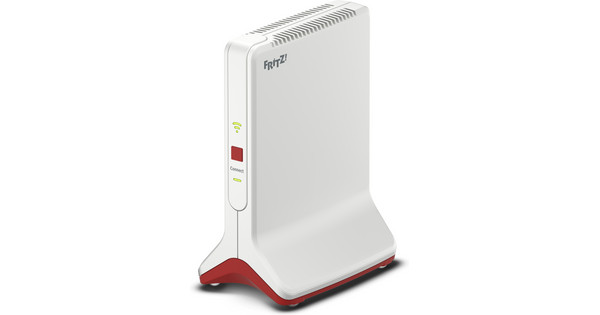
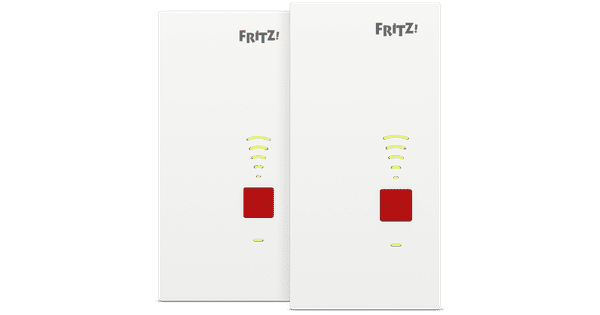
FRITZ!Box 5690 Pro + Mesh Set 4200 Duo Pack

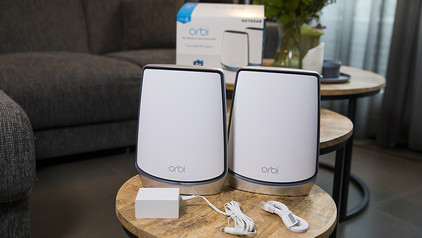
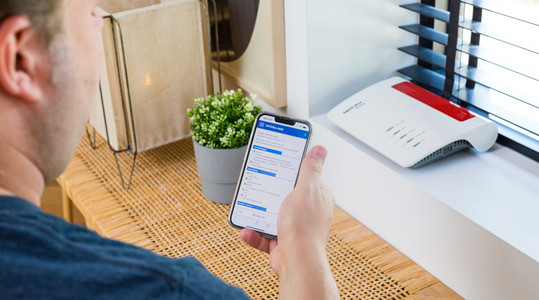
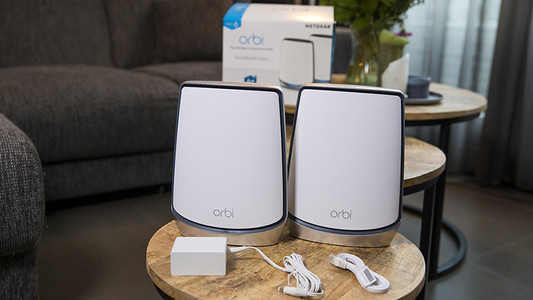
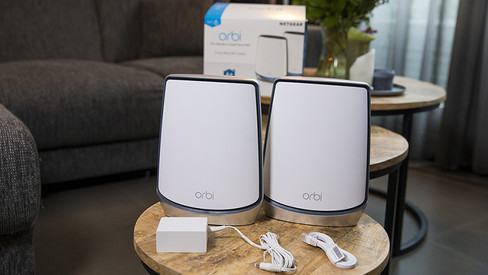
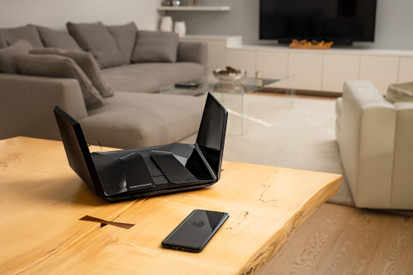
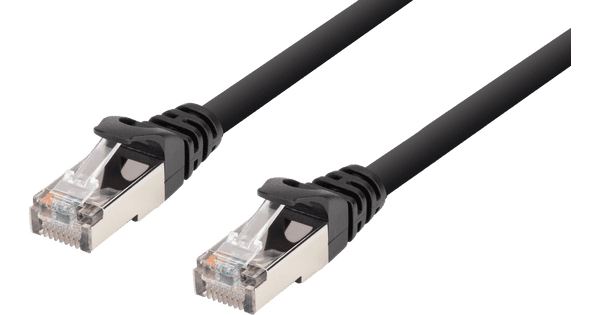
Set up a complete mesh network in your home with the FRITZ!Box 5690 Pro + Mesh Set 4200 Duo Pack. This pack includes 1 WiFi router and 2 mesh stations. You connect 1 mesh station to the router with a cable. You connect the other station wirelessly and place it on another floor. This way, you'll have a strong internet connection throughout your home. Your connected devices always have the best possible connection, because they automatically connect to the station with the strongest signal. This way, you'll stay connected when you walk through the house during a video call. The routers divide your devices across 3 frequency bands, so you'll hardly notice any interruptions. For an even more stable connection, you can connect your devices to the routers with a cable.

Read all tips here

Which product do you want to see articles about?

How do you set up a FRITZ!Box?

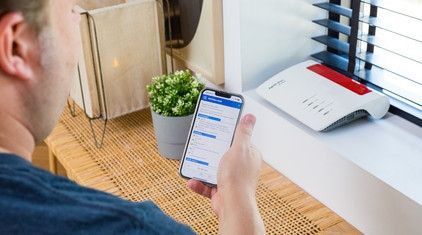
The FRITZ!Box is easy to set up, but we'll giv eyou some tips to help you easily replace your router. Connect the router to your internet connection and PC, for example. You can also go through the steps of the Wizard and configure FRITZ!Box. In this article, we'll explain how to set up your FRITZ!Box in 5 steps.
3 tips to connect your mesh system to your modem

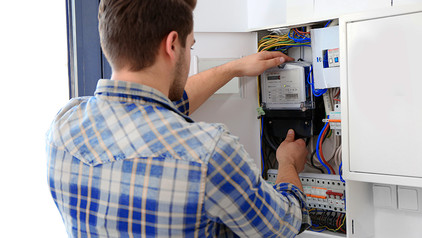
You want to reach the highest internet speeds everywhere in you home with your new mesh routers. We'll give you 3 tips to set up your mesh routers optimally in this article. Think of turning off the WiFi of your provider and also the settings you have to adjust in the modem.

Tips to improve your WiFi range

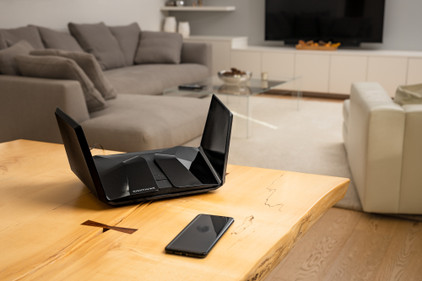
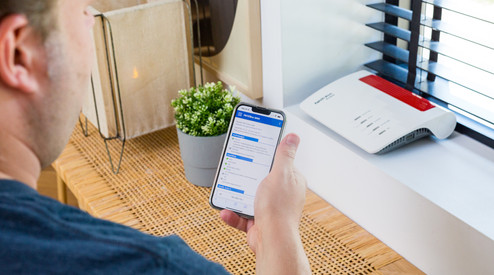
Bad WiFi signal can totally ruin your night of Netflix fun. Want to expand the WiFi range in your house? Here, we'll give 4 tips for a better WiFi range.

How do you set up a FRITZ!Box?

The FRITZ!Box is easy to set up, but we'll giv eyou some tips to help you easily replace your router. Connect the router to your internet connection and PC, for example. You can also go through the steps of the Wizard and configure FRITZ!Box. In this article, we'll explain how to set up your FRITZ!Box in 5 steps.
Tips to improve your WiFi range

Bad WiFi signal can totally ruin your night of Netflix fun. Want to expand the WiFi range in your house? Here, we'll give 4 tips for a better WiFi range.

How do you set up a FRITZ!Box?

The FRITZ!Box is easy to set up, but we'll giv eyou some tips to help you easily replace your router. Connect the router to your internet connection and PC, for example. You can also go through the steps of the Wizard and configure FRITZ!Box. In this article, we'll explain how to set up your FRITZ!Box in 5 steps.
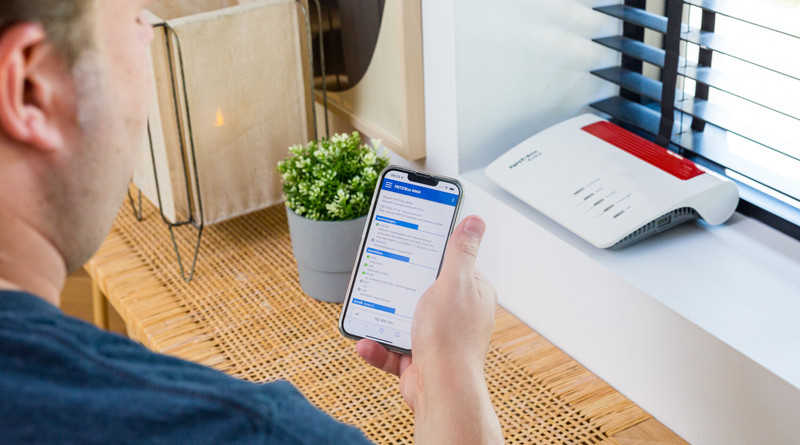
3 tips to connect your mesh system to your modem

You want to reach the highest internet speeds everywhere in you home with your new mesh routers. We'll give you 3 tips to set up your mesh routers optimally in this article. Think of turning off the WiFi of your provider and also the settings you have to adjust in the modem.

Tips to improve your WiFi range

Bad WiFi signal can totally ruin your night of Netflix fun. Want to expand the WiFi range in your house? Here, we'll give 4 tips for a better WiFi range.

Subjects

Didn't find your answer?

Find an answer to your question quickly and easily via our customer service.

Coolblue specialist
Personal chat Digitalk.
You're now chatting with Coolblue customer service
This chat is closed
foo
Oeps File size is larger than 5MB. Upload a smaller file.