Written by Bram
Edited on
9 October 2026
·
12:37
Which brand IP camera suits you best?
When you're looking for an IP camera, you can choose from a number of different brands. Every brand has different properties. For example, the way you store images or to which smart home platform you can connect it. In this article, we'll help you choose the best IP camera for you.
Comparison IP camera brands
| Google Nest | eufy | TP-Link Tapo | Imou | Hue | Reolink | |
|---|---|---|---|---|---|---|
| Subscription required for footage storage? | Yes | No | No | No | Yes | No |
| Smart Home Platforms | Google Assistant, Homey, IFTTT, Samsung SmartThings | Amazon Alexa, Apple HomeKit, Google Assistant, Homey | Amazon Alexa, Google Assistant | Amazon Alexa, Google Assistant, Homey | Amazon Alexa, Google Assistant, Samsung SmartThings | Amazon Alexa, Google Assistant |
| Country where data is stored | Unknown | US, Singapore, and Germany | Unknown | Germany | Nearest region of the user | Reolink Cloud in your region |
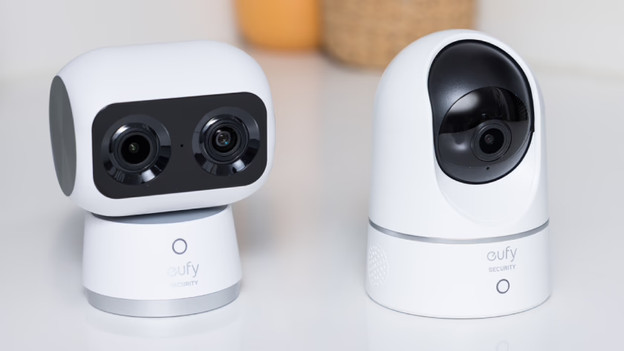
eufy
When you buy a eufy, what you see is what you get. You don't have to pay any extra monthly costs. In addition, you can easily expand the storage of the cameras with an SD card. The eufyCams are wireless, but often connected to a HomeBase. The HomeBase is connected to your router via an Ethernet cable. Keep this in mind when you want to place the cameras far away from the router. Without walls, the range is about 90m. You can store footage on an SD card, on the HomeBase, or in the cloud.
- Local storage
- No subscription costs
- SD card isn't always included
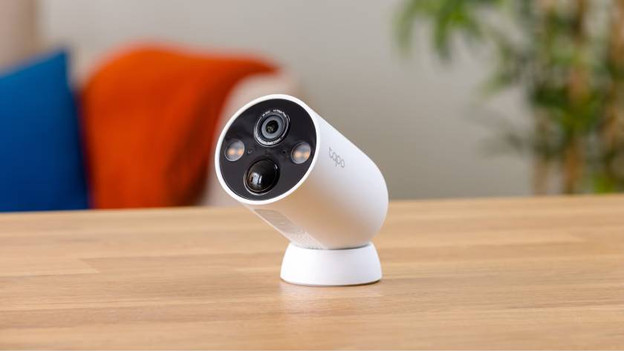
Tapo
Tapo is the smart home brand from TP-Link. You can choose from various types of cameras for indoors and outdoors here. Each camera has an SD card slot. This way, you can store the footage locally and without extra subscription. Or choose storage on the smart hub and store the footage of multiple Tapo camera and doorbells in a single place.
- Tapo has a diverse collection
- No subscription required
- SD card isn't included
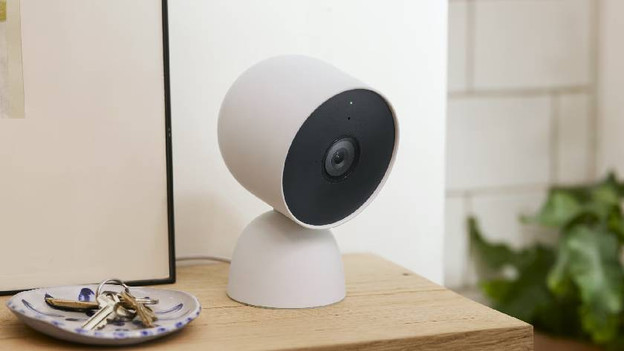
Google Nest
Google Nest is the name of all Google smart home products. That's why the Nest Cam works well with the Nest thermostat and Nest Protect, which you can control with your Google Next Hub. You can watch live footage of your Nest Cam on your Nest Hub, for example. Do you use Google Home and already have a Chromecast? We recommend the Nest Cam. In addition, you can easily set it up. You do have to pay a fixed monthly fee to store the footage.
- Integration with Google Nest
- Easy setup
- Subscription required for footage storage
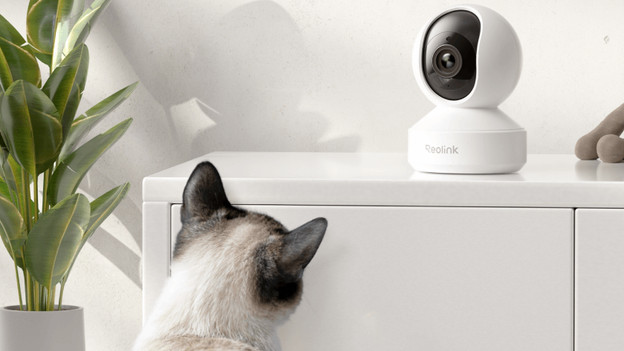
Reolink
You can choose from various types of Reolink IP cameras. There are wired and wireless cameras for indoors and outdoors. You can also choose from a camera with WiFi or Power over Ethernet (PoE). You can store the footage on an SD card. For more footage storage, add a Home Hub.
- Many different models and connectors
- No subscription required for footage storage
- SD card isn't always included
Imou
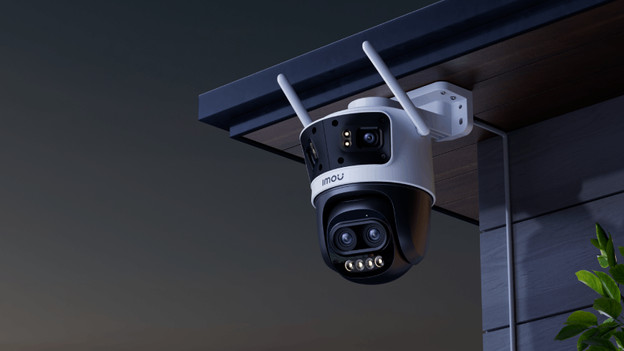
Imou IP cameras are available in various price categories. In addition, you don't need a subscription to use all of the functions. You can store footage locally. Every Imou camera has a memory card slot. If you use Google Home or Alexa, Imou cameras are a good choice.
- A good choice as a first IP camera
- No subscription required
- Doesn't work with Apple HomeKit
Hue
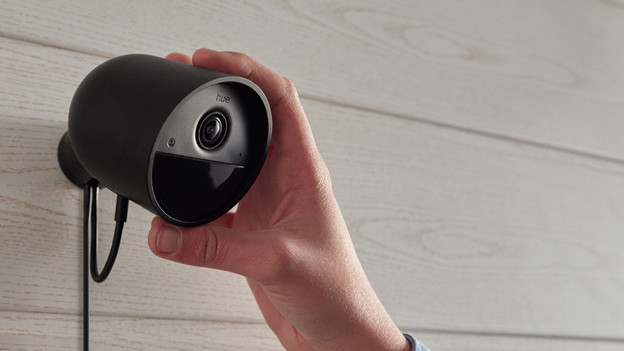
Hue doesn't only have smart lighting, but also security cameras. You can connect the camera to your smartphone and to your Philips Hue smart lights. For example, you can set that the lights at the front door turn on as soon as the camera recognizes movement. Choose from wired or wireless.
- Connect the camera to your Philips Hue lighting
- Easy installation
- Subscription required for footage storage