
Written by Maurits
Edited on
30 December 2024
·
08:50
How do you ensure a good connection with your LG earbuds?
If the sound of your LG earbuds stutters, that means the connection isn't strong enough. In this article, we'll explain how you can strengthen the connection between the earbuds and your smartphone.
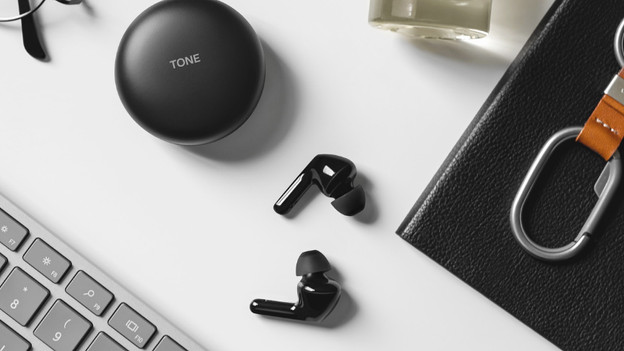
A good connection in 2 steps
Read how to provide a good connection with your LG earbuds in 2 steps.
Step 1: check the signals around you
Step 2: turn the earbuds off and on again
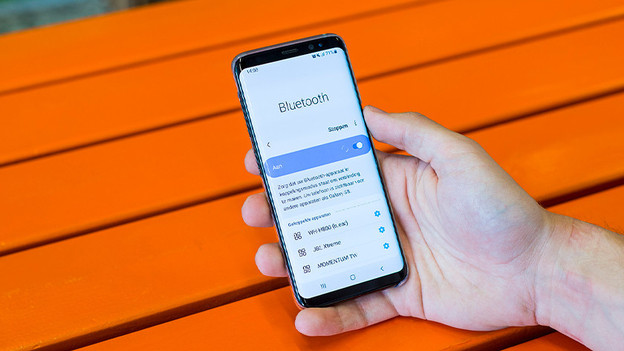
Step 1: check the wireless signals around you
If the sound stutters, it's because of an unstable connection. This unstable connection may be caused by other wireless signals around you. Turn off other Bluetooth devices in your surrounding and make the distance between your smartphone and earbuds as small as possible. For example, don't put your smartphone in your bag or pocket, but hold it in your hand.
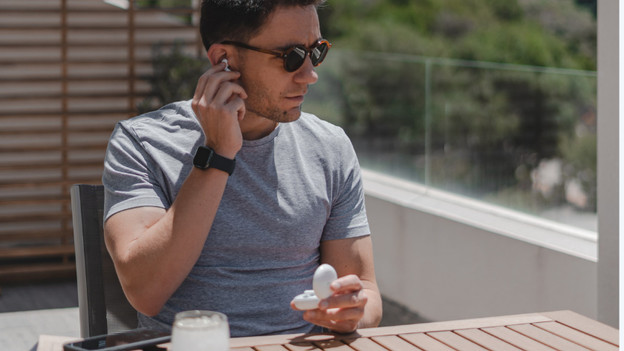
Step 2: turn the earbuds off and on again
Once you've checked the devices around you, you turn the earbuds off and on again. To do this, you put the earbuds in the charging case, close the case, and take them back out. With wireless earbuds, you use the on/off button.
Article by Maurits
Audio Expert.
