Written by Kasper
Edited on
2 October 2025
·
10:17
How do you connect the mouse of an Acer all-in-one?
You've bought an Acer all-in-one, but how do you connect the mouse and keyboard? You can find the USB dongle of the mouse and keyboard on the inside of the mouse, next to the batteries. We'll tell you how to connect the mouse to the all-in-one.
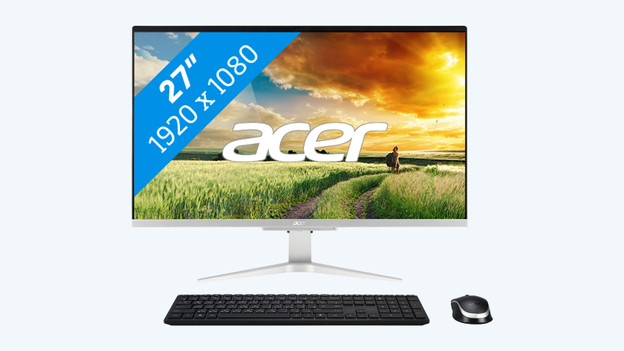
Connect the mouse in 3 steps
In order to easily connect the mouse, you go through the following steps:
- Step 1. Open the bottom of the mouse.
- Step 2. Look for the USB dongle next to the batteries.
- Step 3. Remove the dongle from the mouse and plug it into a USB port on the all-in-one.

Step 1: open the mouse
Open the bottom of the mouse. You'll now see the batteries of the mouse as well as the dongle.
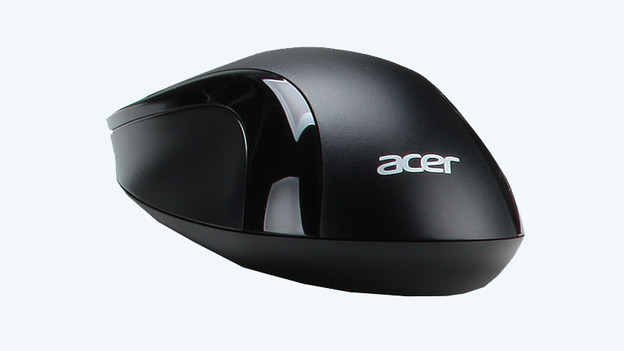
Step 2: look for the dongle
Look for the dongle, remove it for the mouse, and close the hatch on the mouse.
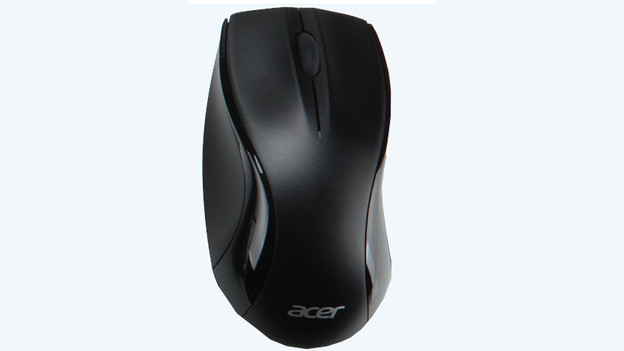
Step 3: connect the mouse
Connect the mouse to a USB port on the all-in-one. The mouse and keyboard are now ready for use.