Written by Charlotte
Edited on
13 October 2025
·
14:45
How do you descale your JURA ENA 8 coffee machine?
On this page, you can see how to descale your JURA ENA 8. If you use a water filter and you replace it in time, you don't have to descale often. Descaling prevents the limescale buildup. You'll see a notification on the display of your coffee machine when it's time to descale.
Get started with descaling
Simply follow the instruction in the video to descale your coffee machine in 40 minutes. We'll go through these steps with you:
- Step 1. Prepare for descaling
- Step 2. Start descaling
- Step 3. Rinse the machine
You need:
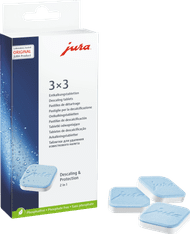
- JURA Descaling Tablets (3 units)
- Measuring cup of at least 500ml
- Container of at least 500ml
Do you use a water filter? Remove it from the water tank when you descale. Place it back after descaling, or replace it with a new one.
How often should you descale?
If you use water filters, you only have to descale a JURA once every 2 years. The JURA ENA 8 automatically notifies you when it's time. Make sure you replace the Claris Pro Smart water filter in time. This water filter prevents 99% of the limescale buildup. We recommend to use JURA descaling tablets. This cleaning agent is made for your coffee machine, it won't get damaged.
22,99
Step 1: prepare the descaling
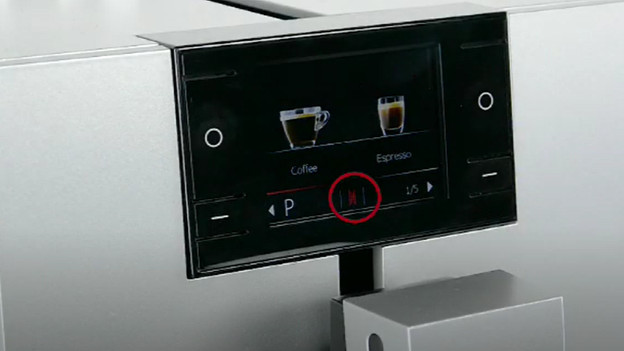
- The display will show a red light when you have to descale your JURA. When you see it, you can press and hold the 'P' button for a few seconds.
- Click 'Maintenance status' and go to the descale option with he arrow keys.
- Press 'Start' to start descaling. Only use JURA maintenance products. Press 'Continue'.
- Remove the drip tray and coffee grounds container from the machine and empty them. Place both parts back in the machine.
- Afterwards, take the water tank out of the machine and pour the water in the sink.
Step 2: descale the machine
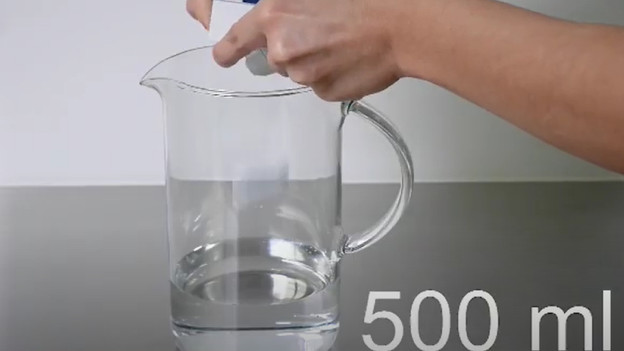
- Fill a measuring cup with 500ml water and put in 3 descaling tablets.
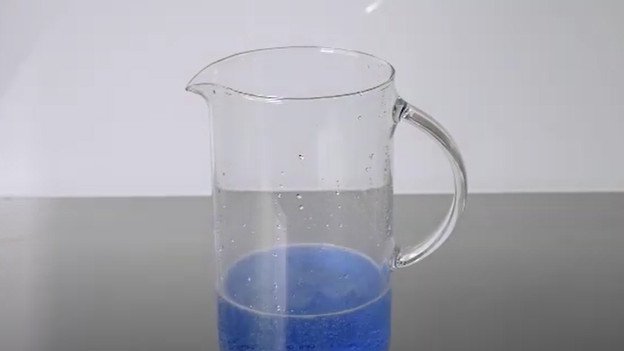
- Let the descaling tablets dissolve for a few minutes until the water turns blue.
- Pour the water with the descaling agent in the water tank and place the water tank back in the machine.
- Place a container of at least 500ml under the coffee outlet and hot water outlet.
- Press 'Continue' on the display to start descaling.
- The descaling agent will now run out of the machine and stops automatically.
- At some time, the display will show 'Empty drip tray'. Remove the container, drip tray, and coffee grounds container and empty them. Place all 3 parts back into the coffee machine.
Step 3: rinse the machine
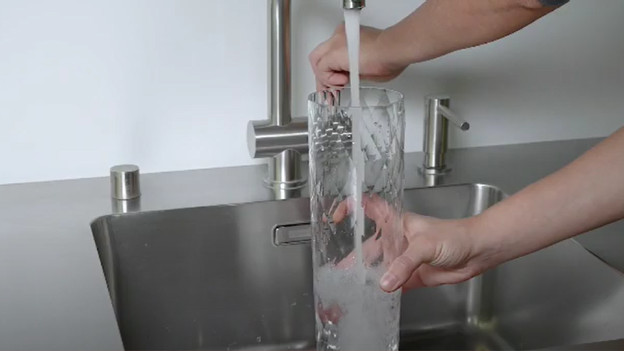
- Remove the water tank from the coffee machine and empty it.
- Rinse the water tank thoroughly and fill it up to 'Max'. Place it back into the machine.
- Make sure the container is back in place and press 'Continue'.
- The coffee machine now rinses with water.
- When you see 'Empty drip tray', remove the container, drip tray, and coffee grounds container and empty them. Only place back the drip tray and coffee grounds container into the device.
- Your JURA ENA 8 is successfully descaled.
Get all the maintenance products you need
- JURA Maintenance Package Half a Year
Maintain your machine for half a year.
Extends the lifespan and prevents defects.
More affordable to purchase than separate products.
From
137,-
- JURA Maintenance Pack 1 Year
Maintain your machine for 1 year.
Extends the lifespan and prevents defects.
More affordable then 2 maintenance packs of half a year.
From
269,-


Article by Charlotte
Coffee Machine Expert.
