Written by Jesper
Edited on
16 July 2025
·
10:32
3 tips when the screen of your OnePlus smartphone doesn't work
Doesn't the screen of your OnePlus smartphone respond or work anymore? That inconvenient, because now it's hard to control the device. Luckily, you can solve this problem in different ways. In this article, we'll give you a few solution to make your smartphone screen work again.
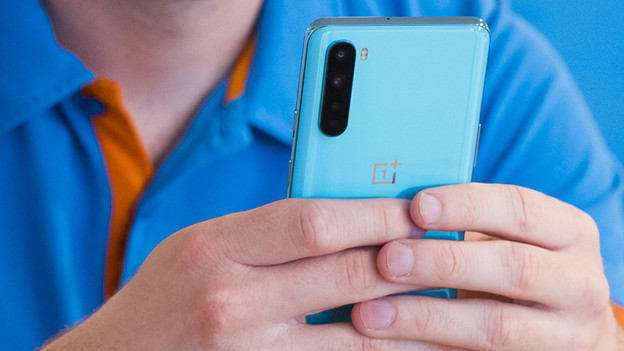
Tips for if your screen doesn't work
There are different solutions to this problem. Go through these tips from top to bottom.
- Tip 1: restart
- Tip 2: remove the case and screen protector
- Tip 3: perform a reset
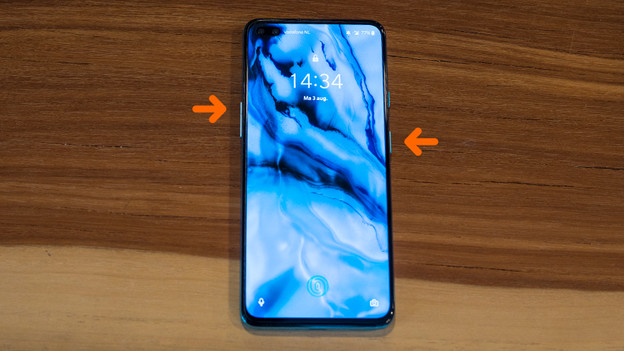
Tip 1: restart
Sometimes, it helps if you restart your OnePlus smartphone. Follow these steps to do this without using the screen:
- Press and hold the standby button and volume button at the same time.
- Let them go when the device turns off.
- Press and hold the standby button to turn the device on again.
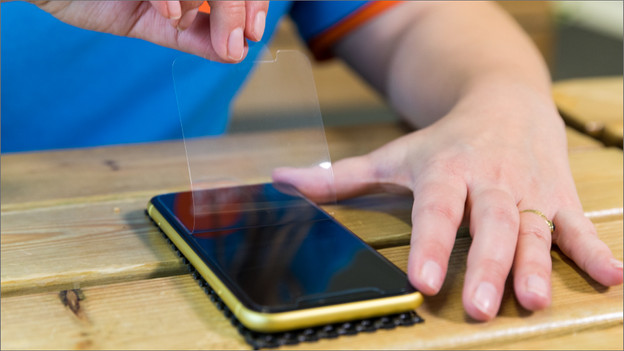
Tip 2: remove your case and screen protector
The screen responds to your fingers and to other objects that press on the touchscreen. The case or your screen protector might cause a constant pressure point. Check if the screen responds to your touches when you remove the case and screen protector from your device.

Tip 3: perform a hard reset
With a hard reset, you revert your smartphone to factory settings. Make a backup first, otherwise you lose your apps, photos, and files.
- Go to Settings.
- Choose System.
- Go to Reset options.
- Tap Erase all data (factory reset).
- Choose Erase all data.
Check our advice page for an extensive step-by-step guide.
Article by Jesper
Smartphone Expert.