Written by Jesper
Edited on
21 April 2023
·
14:42
2 tips when your OnePlus smartphone no longer works
Doesn't your OnePlus smartphone work at all? It can help to restart the device with a button combination. The battery might also be the cause. In this article, we'll give you some tips to get your OnePlus smartphone to work again.
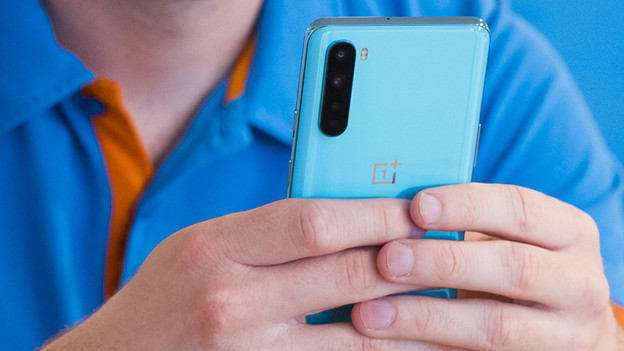
Tips for if your smartphone doesn't work
There are different solutions to this problem. Go through these tips from top to bottom.
- Tip 1: restart
- Tip 2: check the battery
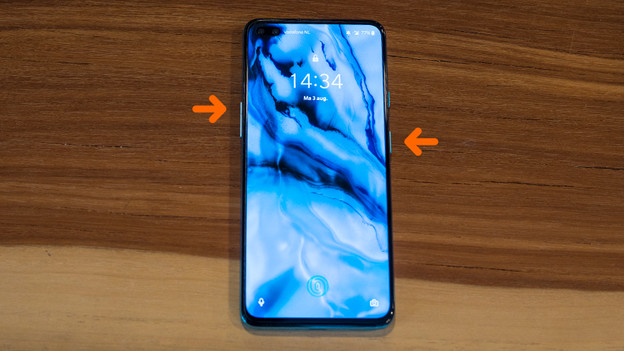
Tip 1: restart
To restart your OnePlus smartphone, you don't always need your screen. Try to restart your device by doing the following:
- Press and hold the standby button and volume button.
- Let go after 10 seconds.
- Turn on the device again by pressing and holding the standby button.
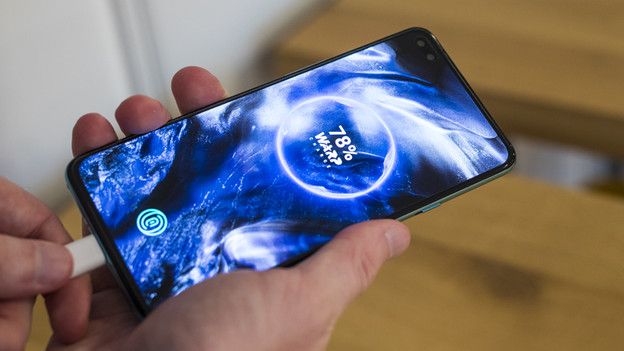
Tip 2: check your battery
Your device might not responds because the battery is empty and doesn't charge. Try a different charger or gently clean the charging port. Blow into the USB port, or use compressed air, for example. Doesn't it work? Carefully scrape away the dirt with a thin object, like a toothpick.
Article by Jesper
Smartphone Expert.