Written by Robyn
Edited on
9 September 2026
·
08:02
Which accessories do you need for your Apple iPad?
You can get more out of your Apple iPad, iPad mini, iPad Air, or iPad Pro when you combine it with the right accessories. For example, you can protect your iPad with a tablet cover and a screen protector, type texts with a keyboard cover, and draw on your iPad with a stylus. In this article, you can read about which accessories suit your iPad.
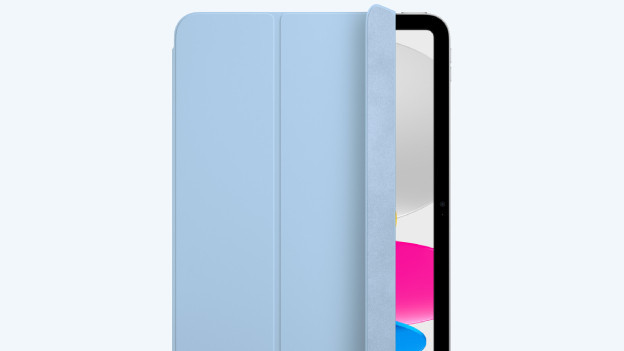
Tablet cover: protect your iPad from damage
With a tablet cover, you can protect the back and sides of your iPad from fall damage, scratches, and other damage. You can choose between a book case, back cover, or full body case. Book case tablet covers also protect your iPad screen from damage. That way, you can feel free to take your iPad on the go in your bag, for example. You can easily place a tablet cover with a built-in stand upright, so you can comfortably watch series or work on your iPad.
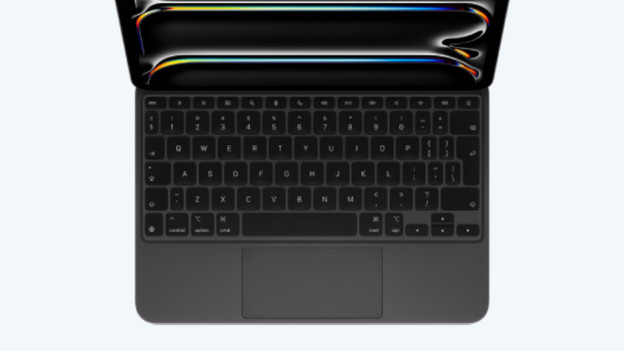
Keyboard cover: comfortably type long texts
With a keyboard cover, you can protect your iPad and easily type long texts on your iPad. Thanks to the built-in keyboard, you always have a keyboard at hand. Some keyboard covers also have a built-in trackpad. With this, you can drag, click, and navigate through apps on your iPad. Just like on a laptop. Note: not every keyboard cover works with every iPad. Make sure to check whether a cover matches your iPad.
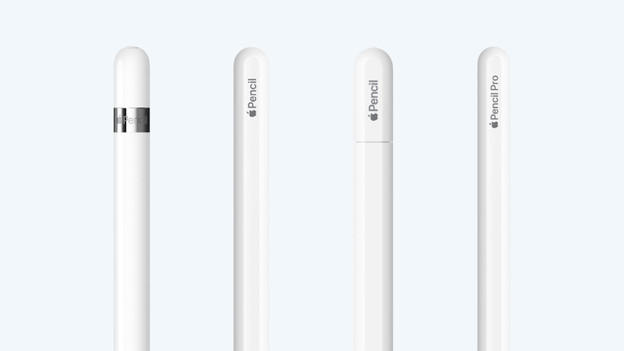
Apple Pencil: drawing and writing on an iPad
With an Apple Pencil, you can draw and write on an iPad just like with a real pen. Choose from the Apple Pencil Pro, Apple Pencil with USB-C, Apple Pencil 2, and Apple Pencil 1. With the Pencil Pro, you get the most professional function on your iPad. You can easily switch between tools by pinching the pen. You can magnetically attach the Apple Pencil Pro, Apple Pencil with USB-C, and Apple Pencil 2 to your iPad.
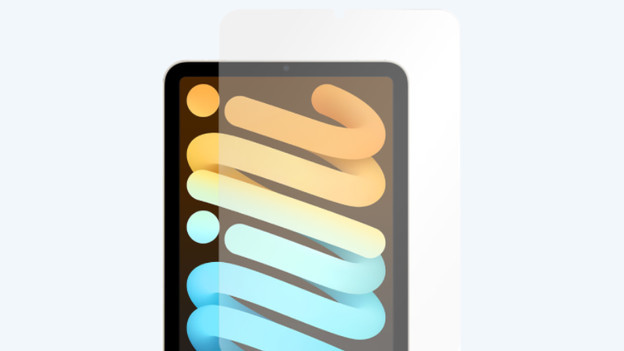
Screen protector: protect your iPad screen
Stick a screen protector on your iPad screen and easily protect it from cracks and scratches. You can choose between glass screen protectors and plastic screen protectors. A glass screen protector is a bit thicker and offers better protection from scratches. Plastic screen protectors are a bit thinner and their protection isn't as good. When you combine a plastic screen protector with an Apple Pencil, it feels like you're drawing and writing on real paper. That way, you can draw on your iPad extra comfortably.
Article by Robyn
Apple iPad Expert