
Written by Job
Edited on
12 February 2026
·
14:27
What's an LG UltraGear gaming monitor?
LG UltraGear monitors are LG's gaming monitors. These monitors have a 144Hz refresh rate and higher, so you can game with smooth images. There are also LG UltraGear monitors with Quad HD or 4K resolution. These are suitable for open world games, because landscapes in your games look lifelike. In this article, we'll explain what an LG UltraGear monitor is.
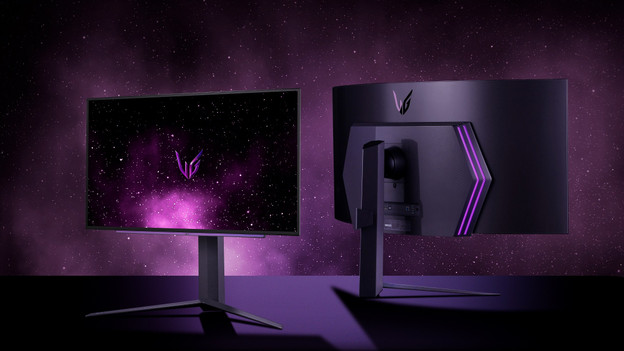
Why an UltraGear monitor?
The LG UltraGear monitors have a high refresh rate and low response time. Thanks to this, you can play fast shooters or racing games without slowing down. This way, you can quickly and sharply see every opponent. These monitors also have adaptive sync technology, like FreeSync and G-Sync. This support makes sure that the refresh rate of the monitor is the same as the frames per second of your video card. Thanks to this, you're not bothered by screen tearing.
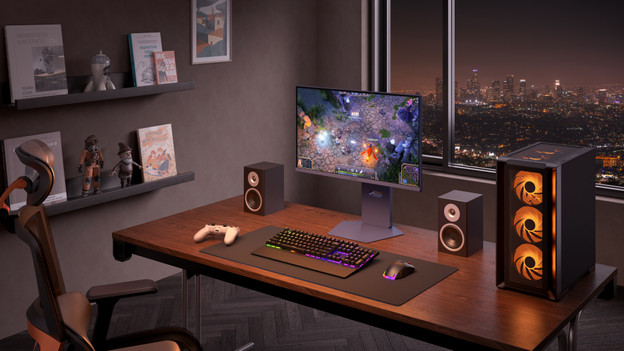
Smooth gameplay
The LG UltraGear monitors have a minimum 144Hz refresh rate. This is the standard for online gaming. Thanks to this, you can see fast-moving images sharply. For example, opponents in a shooter. There are also UltraGear monitors with a 240Hz refresh rate. With this refresh rate, you can game with very smooth images. This way, you're less bothered by input lag. Thanks to this, the screen responds to your actions right away. Monitors with this refresh rate are suitable for e-athletes.
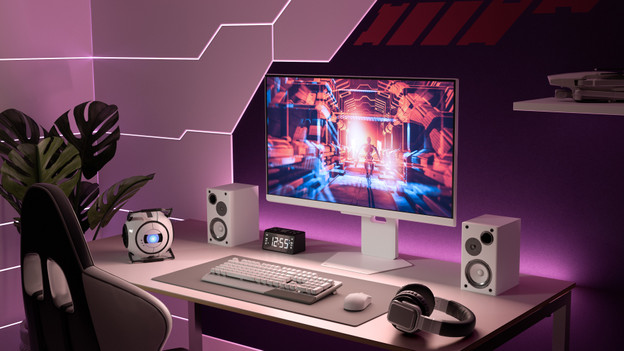
High color contrasts
Do you like to open world games? Choose an LG UltraGear monitor with an IPS or OLED panel. Thanks to the high color contrasts and wide viewing angles, you can enjoy realistic colors. An OLED display goes a step further. Every pixel lights up individually and turns itself off in dark scenes. This way, black tones are truly black, so you can see more contrast between light and dark colors. Thanks to this, you're totally immersed in the virtual world.
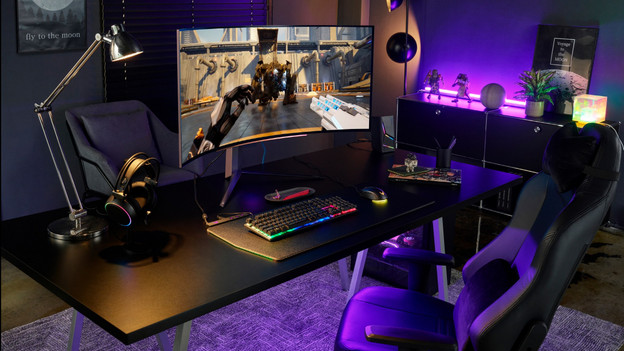
No screen tearing thanks to adaptive sync
Adaptive sync support makes sure that you're less bothered by screen tearing. There are different types of adaptive sync. UltraGear monitors have FreeSync and G-Sync support. Both FreeSync and G-Sync synchronize the refresh rate of your monitor with the number of frames per second that your video card provides. You can choose a monitor with FreeSync if you have an AMD video card. If you use an NVIDIA video card, choose a gaming monitor with G-Sync.
Article by Job
Monitor Expert.