Written by Uhro
Edited on
4 October 2022
·
15:23
What's the TP-Link Omada system?
With TP-Link Omada, you can manage all your business network devices at the same time via the cloud. You can add routers, switches, and access points. This makes Omada suitable for small to medium-sized companies, but also for restaurants and schools. In this article, we'll explain what you can do with the Omada and wht the advantages are.
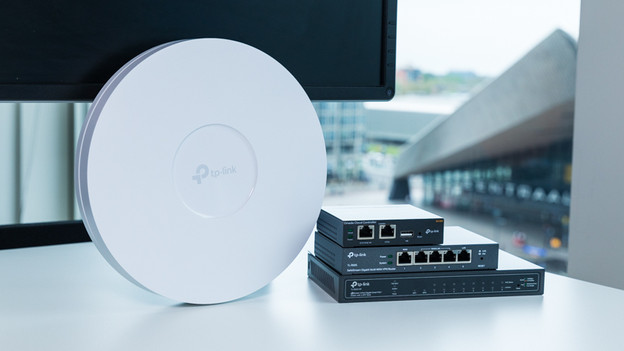
Omada access points and routers
With the TP-Link Omada system, you can combine business routers, switches, and access points. It's not always clear if these products work with Omada. With access points, this is indicated in the name. This isn't the case with routers and switches. If you buy a TP-Link SafeStream router or JetStream switch, you're all ser. These series are compatible with the Omada system.
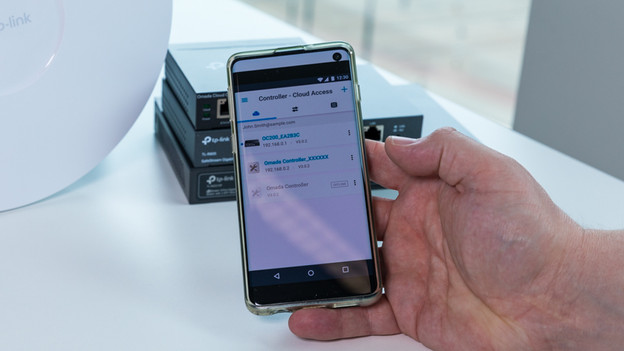
Manage all your network devices at the same time
Thanks to Omada, you can manage all suitable network devices from 1 environment. Even if your has various locations. Want to adjust your wireless network? With the touch of a button, you can implement this for all access points in all locations. Si you can't adjust the settings separately. That saves a lot of time. This way, you also ensure that the settings of your switches are the same everywhere. As a result, employees and get to your newsletter or printer and visitors can't.
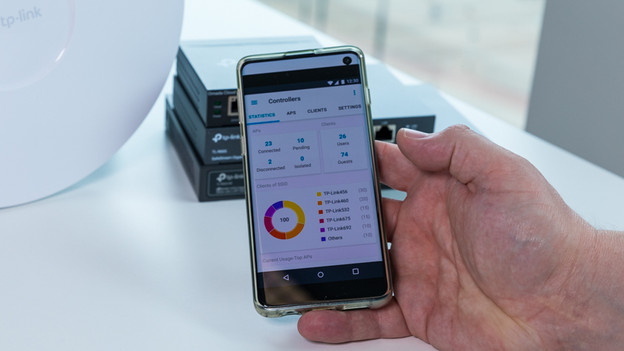
Keep an eye on your network
Thanks to the Omada platform, you can keep a continuous eye on your company network. You can do so via your computer or via the app. You can see the network usage and distribution of it. This way, you're sure that the entire company has a good internet connection. If there any error messages, you'll see them on the screen right away. On this dashboard, you can clearly see how your network is constructed. This allows you to check whether all devices work together properly.
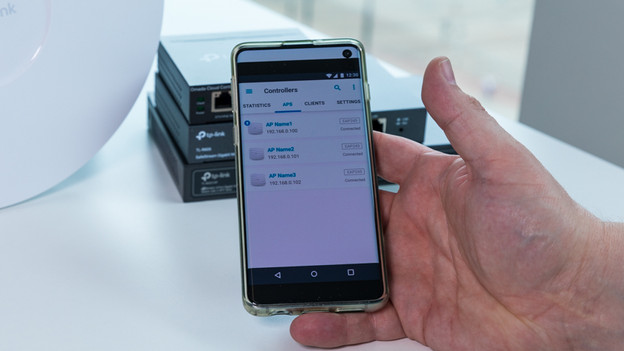
Secure your company network
The Omada network devices by TP-Link ensure a properly secured network. That's because the SafeStream routers have an external firewall. This allows you to jeep an eye on hackers and attackers. You can also divide the company network into multiple virtual networks. This way, visitors can't reach your files. If your visitors connect to the WiFi, make sure they can log in via your phone with your own password. If something still goes, wring, try to find out who's responsible.
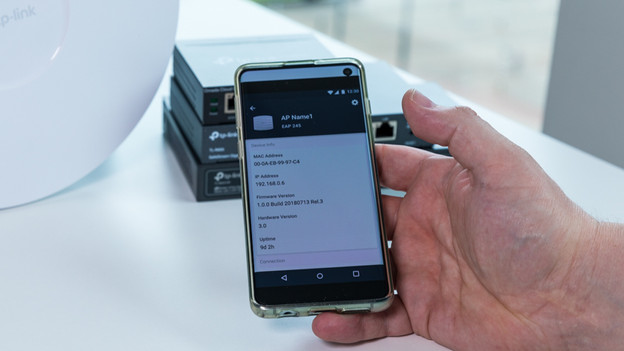
Manage locally or via the cloud
You can completely manage the Omada devices via the cloud, but also locally. To manage it locally, use an Omada controller. This is a separate device that you place in your network. You can easily manage the network without it being connected to the cloud. Want to access your company network and files from anywhere in the world? Easily connect the controller to the cloud as well. This way, you stay flexible.