JBL noise canceling headphones
Search results and filtering
31headphones
With the noise canceling headphones from JBL, you're fully immersed in your favorite music. Noise canceling reduces ambient noise, so you hear less of your talking colleagues in a busy office. This allows you to focus on your work more. With noise canceling on, you don't have to play your music as loudly, so you reduce the risk of hearing damage. With JBL headphones, you can control the noise canceling. You can turn it on and off via the JBL Headphones App or via the buttons on the ear cup. This differs per JBL headphones, so take a look in the manual to see how to turn the noise canceling on and off.
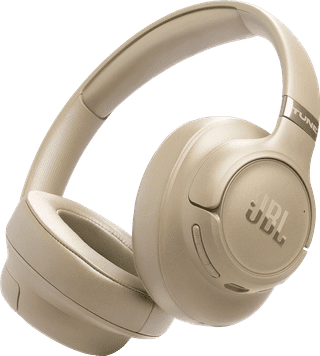
Over-ear|None adjustable noise canceling|Hi-Res audio
102,-

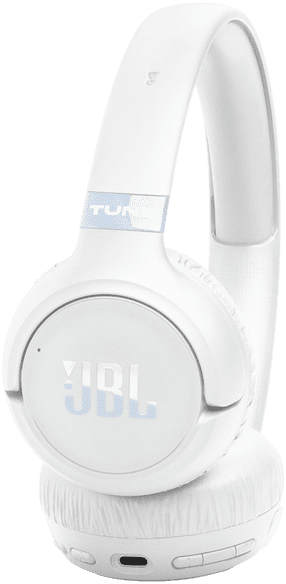
Over-ear|None adjustable noise canceling|Hi-Res audio
80,-
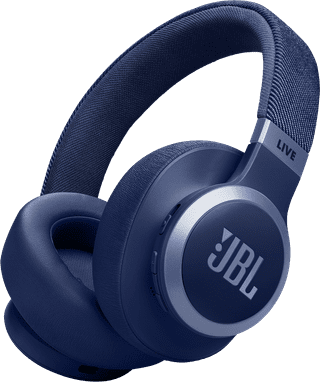
Over-ear|Adjustable noise canceling|Hi-Res audio
133,-
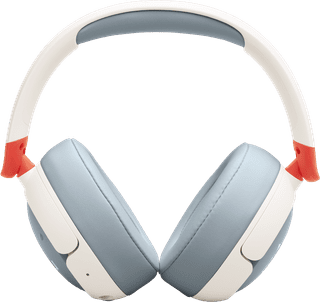
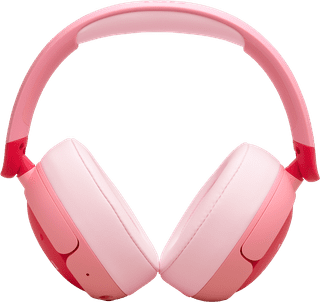
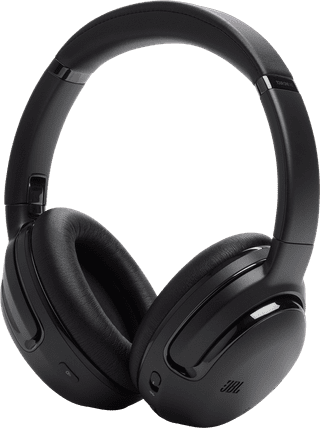
Over-ear|Adjustable noise canceling|Hi-Res audio
310,-
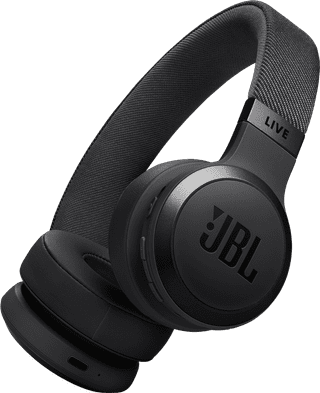
On-ear|Adjustable noise canceling|Hi-Res audio
123,-
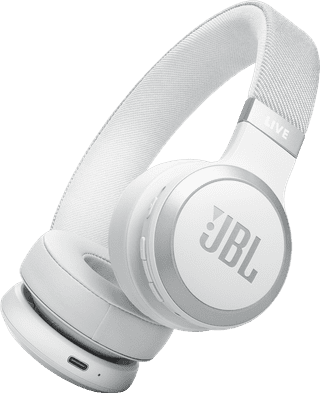
On-ear|Adjustable noise canceling|Hi-Res audio
101,-