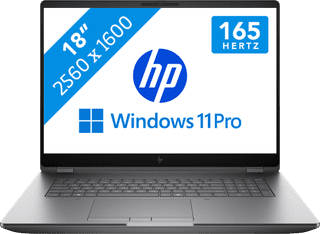
Workstations for construction and architectural design
With a laptop workstation for construction and architecture design, you can create construction drawing and 3D architectural models in software like AutoDesk Revit or ArchiCAD. You can work in multiple graphic design programs at a time without any issues thanks to the powerful processor, high RAM, and dedicated video card. For example, you can quickly alter construction drawings and view the render of your architectural designs without your laptop slowing down. Choose a laptop workstation with at least 64GB RAM if you use the most demanding programs.
1
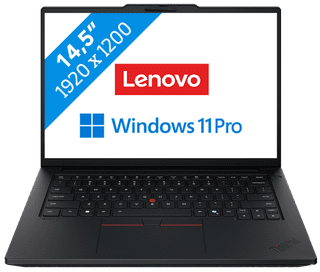
Center, Small|Small|Lithium-ion
3.319,-
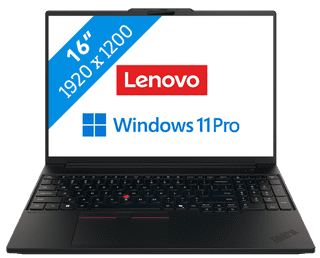
4

Large|Medium|Lithium-ion
4.599,-
5
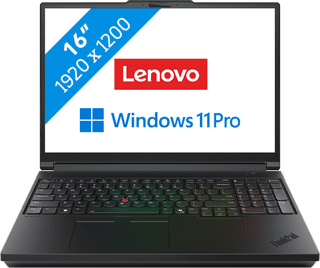
Large|Medium|Lithium-ion
5.259,-
7

Our choice for A business laptop for 3D designs|Large|Large|Lithium polymer
4.429,-
8
No accessories|Large|Large
7.299,-