Monitors
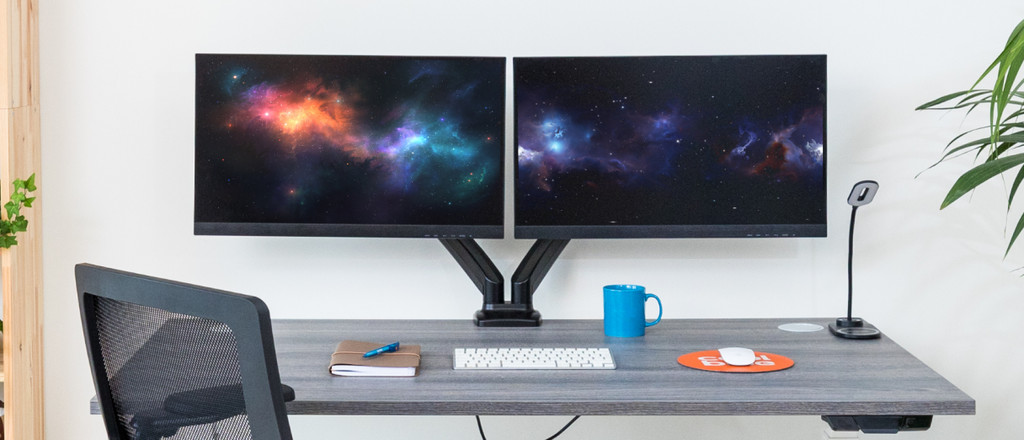
All monitors
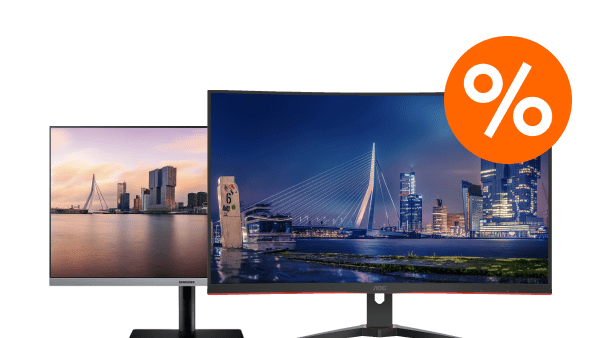
Monitors deals
Monitors per usage situation
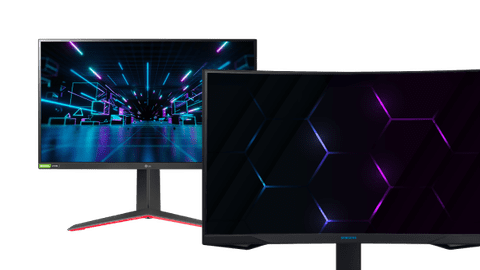
Gaming monitors
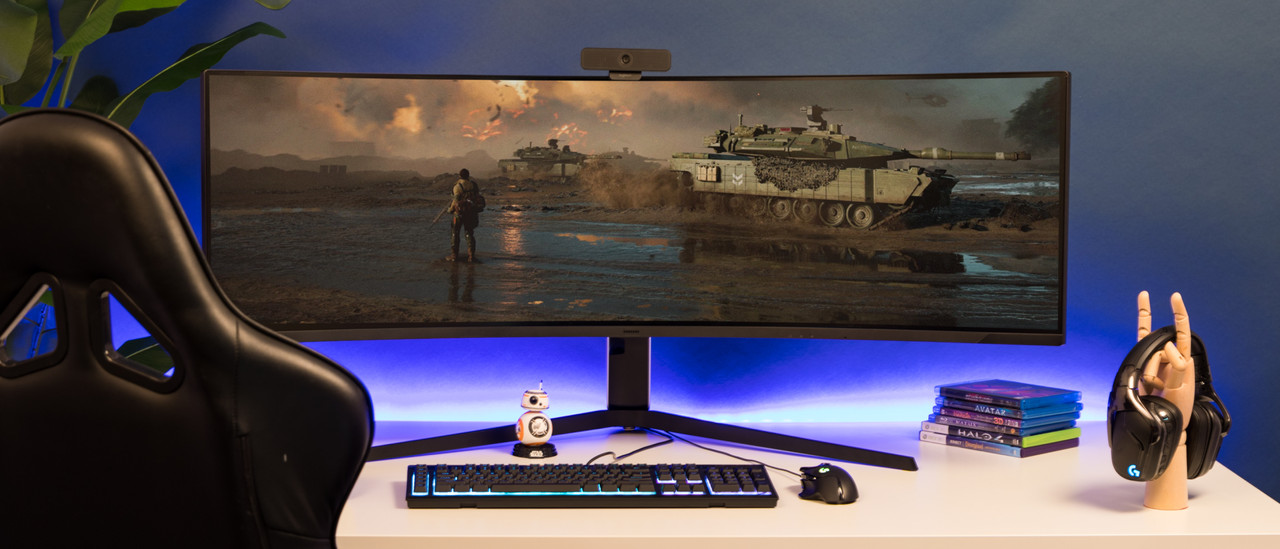
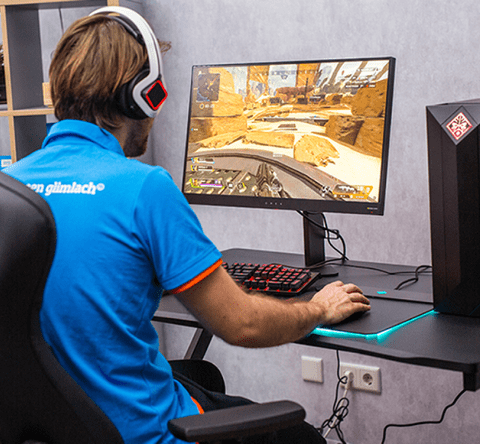
With the high refresh rate and fast response time, you can smoothly fight your way to victory and enjoy gameplay without lags.Monitors for work or school
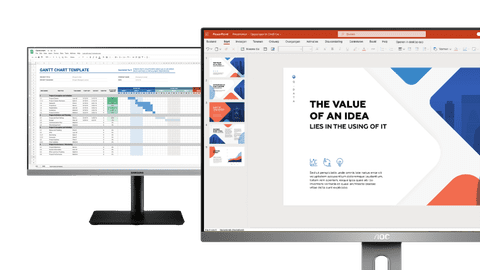
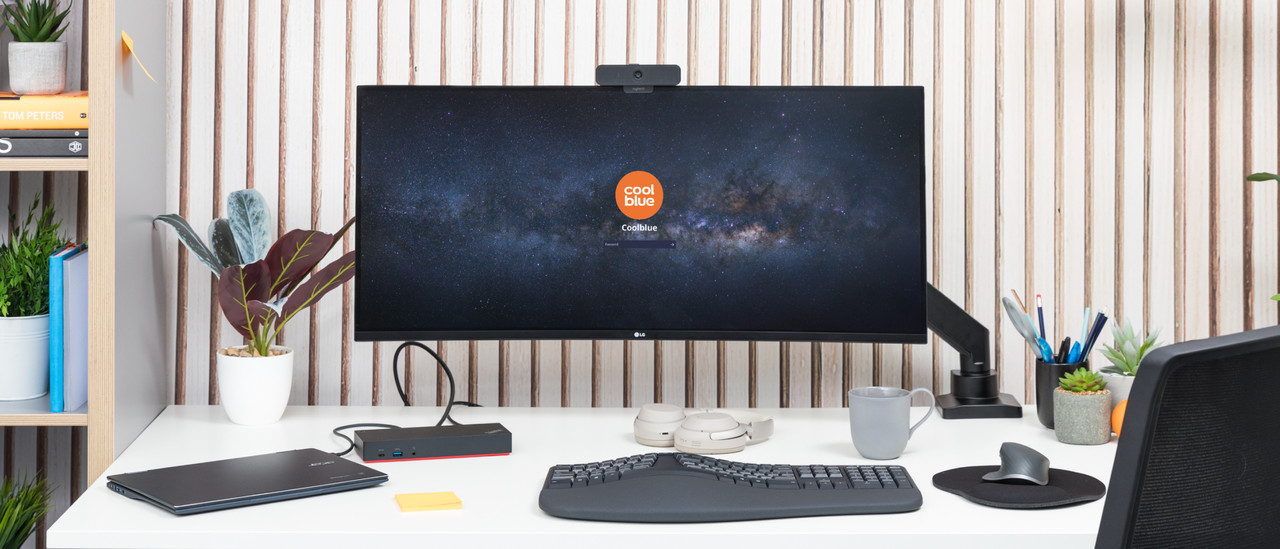
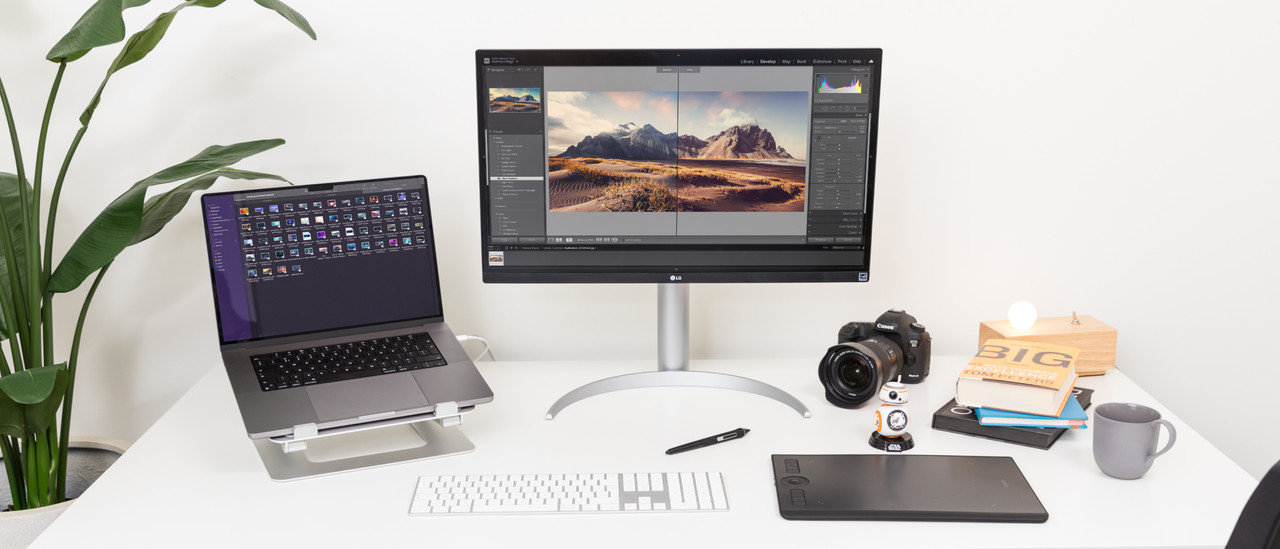
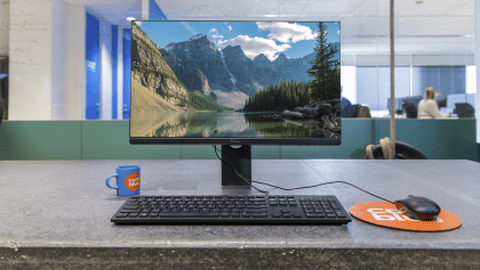
Adjust the monitor in height and create a comfortable working posture. With the built-in blue light filter, you prevent headaches and strained eyes.Monitors for photo or video editing
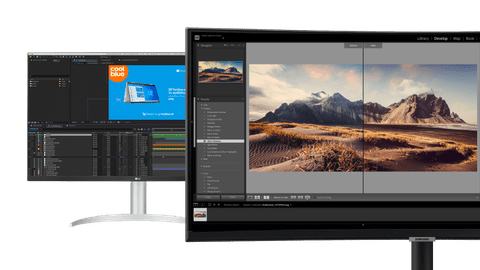
Design and edit your masterpieces with sharp details, a high brightness, and the best color representation.Portable monitors
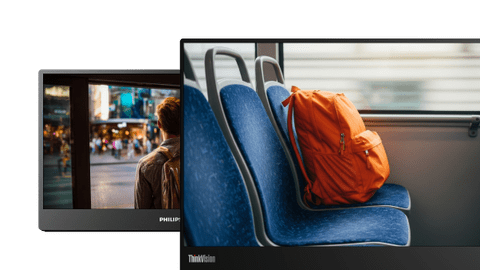
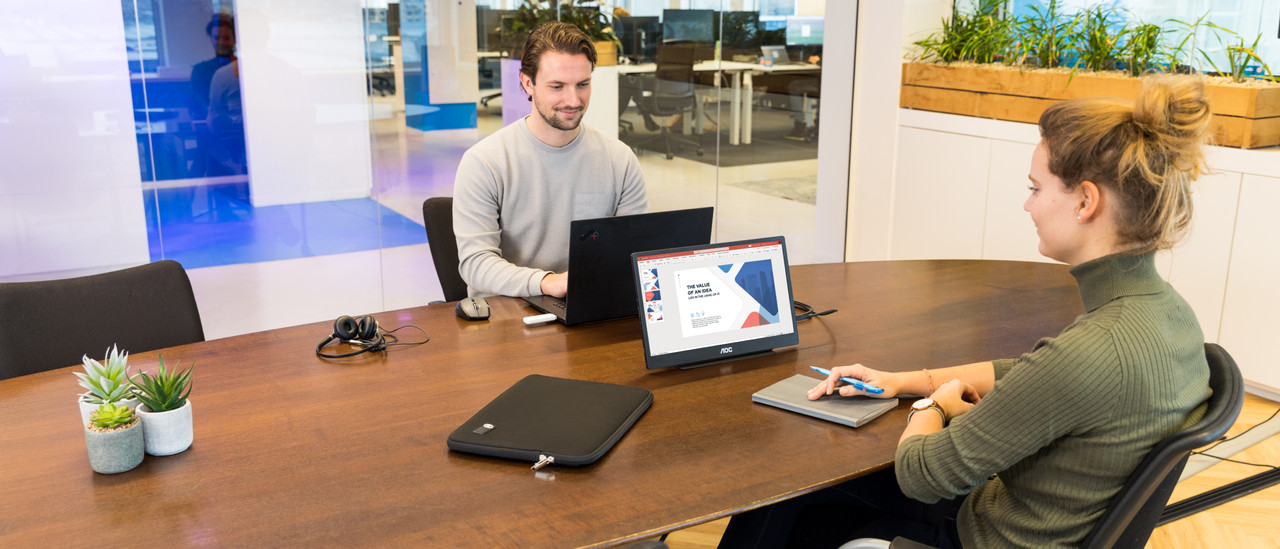
Take your portable monitor with you to work or the office thanks to the convenient size. That way, you can continue working on the go.
Monitors End of Year Deals

Work with the sharpest images thanks to the 4K resolution. You can also adjust the screen in height for a comfortable sitting posture.
Play your favorite games with sharp images thanks to the 4K resolution. This way, every details of your game looks realistic.
Retail price Samsung
999,-679,-
Game with realistic colors thanks to the OLED panel. You can see more differences between light and dark colors in your game.
Edit photos and videos down to the smallest detail. Thanks to the 4K resolution and DisplayHDR 400, you can work with sharp images and colors.
Retail price Philips
219,-179,-
Work on the go with this portable monitor. Thanks to the 16-inch size, you can take this monitor anywhere.
Retail price LG
449,-399,-
Open multiple windows side by side with the ultrawide format. This allows you to keep an overview of your work.
Retail price Samsung
399,-309,-
Watch movies and series with the sharpest images thanks to 4K resolution. Your photos and videos look realistic.


4K monitors
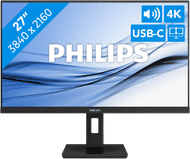
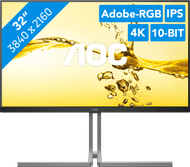
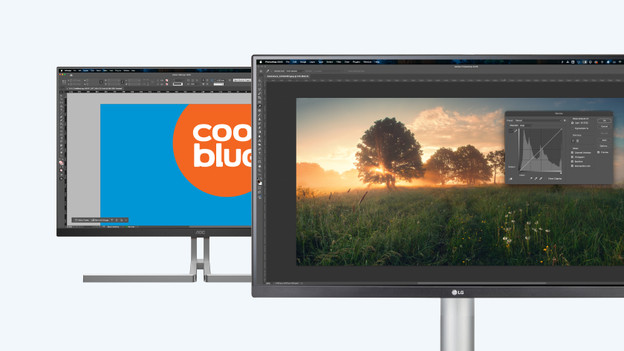
Enjoy sharp images and edit photos or videos down to the smallest detail. When you zoom in, the quality of your photo or video doesn't decrease.
Ultrawide monitors
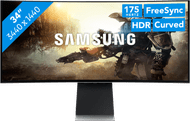
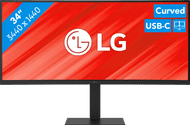
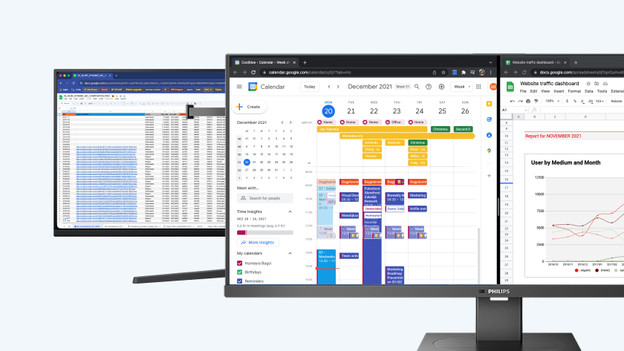
Keep a better overview of your work thanks to the large screen size. You can open multiple windows or tabs next to each other.

Curved monitors
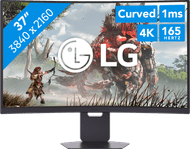
Completely immerse yourself in your favorite movie or series with the curved screen. You don't have to turn your head as much, so you're less bothered by neck pain.
View which setup suits you best here







Frequently asked questions
Which connectors does my new monitor require?
This depends on your usage situation. HDMI is sufficient for all purposes, but DisplayPort is more suitable for gaming and image editing thanks to the higher bandwidth. With a USB-C connector, you can organize your desk in one go and also charge your external appliance directly.
Which size monitor suits my usage situation?
Your usage situation is important for the right size. Both 24-inch and 27-inch monitors are suitable for every situation. For photo and video editing, an ultrawide 34-inch screen is more suitable. Do keep the size of your desk in mind.
Which specifications are important to keep in mind when you buy a computer screen?
This differs per person. You should definitely keep in mind the 4 specifications screen size, resolution, panel type, and refresh rate. We'll help you along with our advice below.
How do I choose the best panel for my gaming monitor?
OLED offers the best image quality. That way, you can enjoy realistic colors during gaming and landscapes in your game look realistic. An IPS panel has a wide viewing angles, so you can game with bright colors from every viewing angle.
What are the advantages of a dual screen setup?
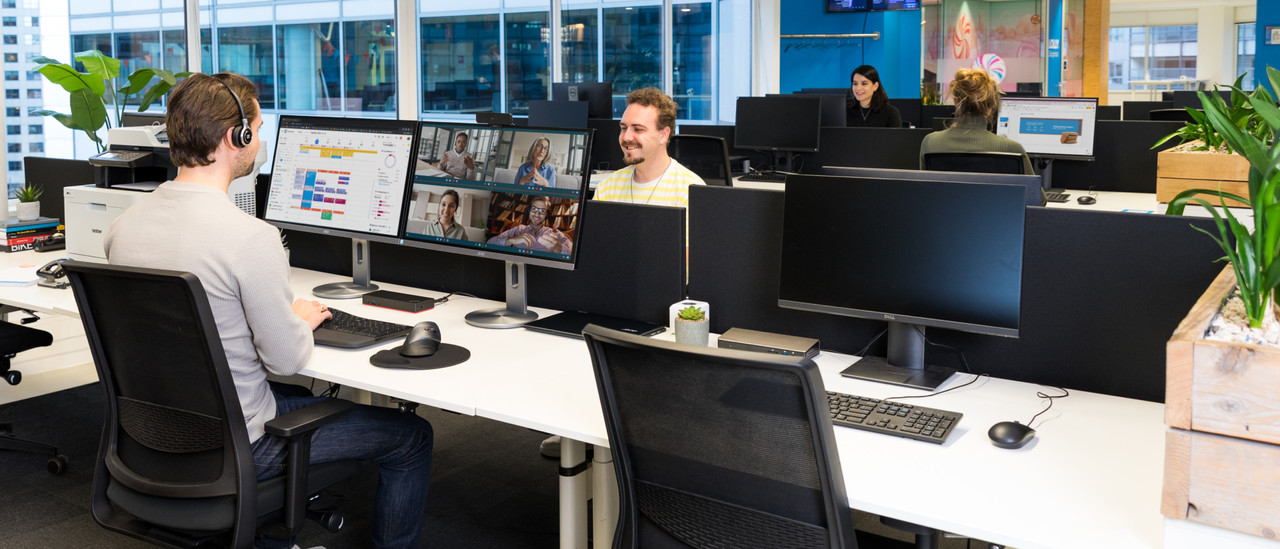
Using 2 screens side by side offers a number of advantages. For example, you'll have extra screen space for your browser, spreadsheets, or photo and video editing at the office or at home thanks to a double screen.
Advice on Monitors
Can't choose? View the advice from our expert.