Bluetooth mice have the advantage that you can easily connect to your laptop or desktop. You're not tied to the length of a cable. Another advantage of a Bluetooth mouse is that you can easily set the speed of the mouse. In addition, you can connect a Bluetooth mouse to your device without USB. This way, you keep the USB ports of your laptop or desktop free.
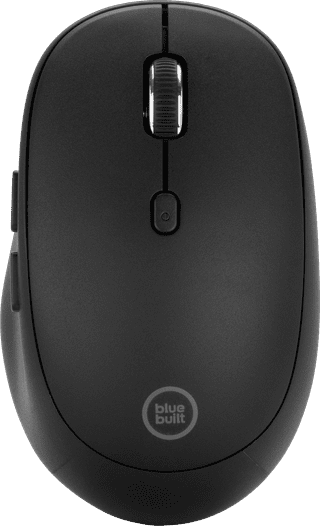

Our choice for a mouse for daily use|6 buttons|Bluetooth|Small
Retail price45,-
29,99
In stock
3
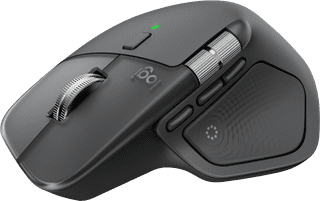
Our choice for a mouse to work faster|8 buttons|USB and Bluetooth|Large
114,-
In stock
4
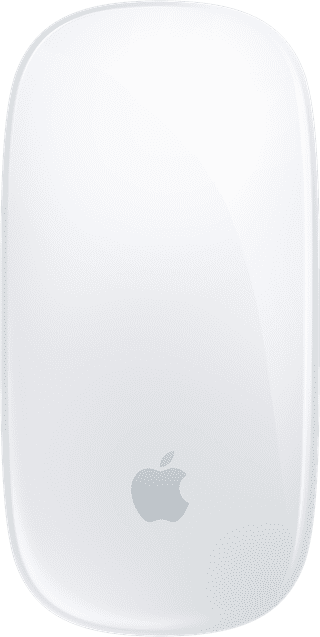
Our choice for an original Apple mouse|0 buttons|Bluetooth|Small
86,-
In stock
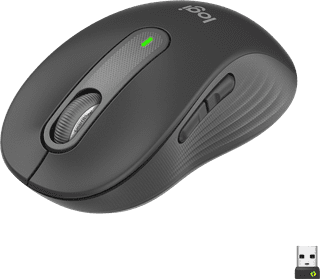
5 buttons|USB and Bluetooth|Small
40,99
In stock
6

4 buttons|USB and Bluetooth|Medium
75,-
In stock
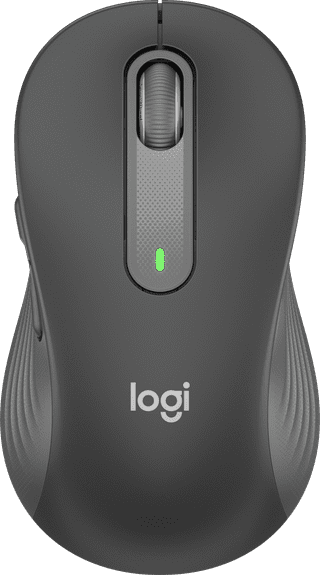
5 buttons|USB and Bluetooth|Medium
36,99
In stock
8
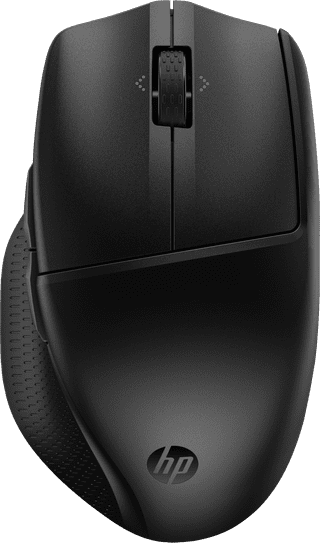
Our choice for a mouse that you can connect to multiple devices via Bluetooth|Bluetooth|Medium|Standard ergonomic
45,99
In stock
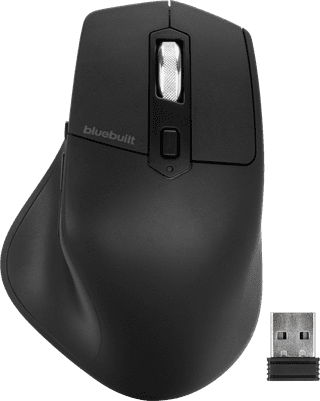
7 buttons|USB and Bluetooth|Large
Retail price54,99
44,99
In stock
10
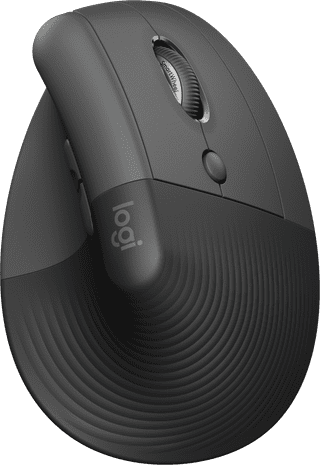
4 buttons|USB and Bluetooth|Small
63,-
In stock