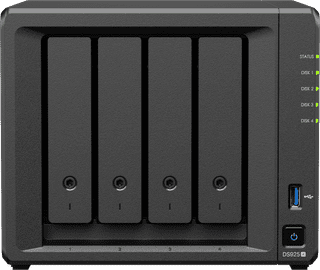
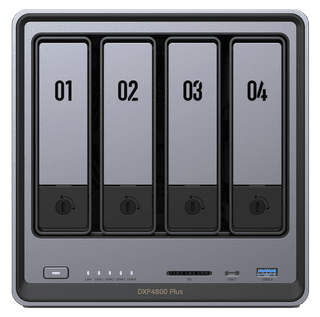
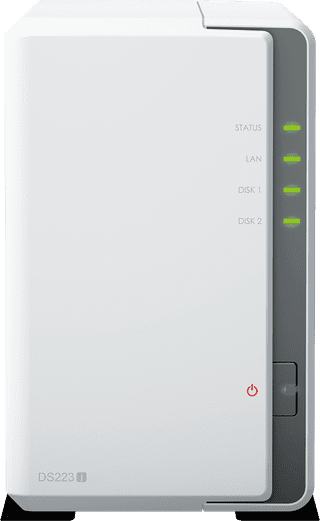
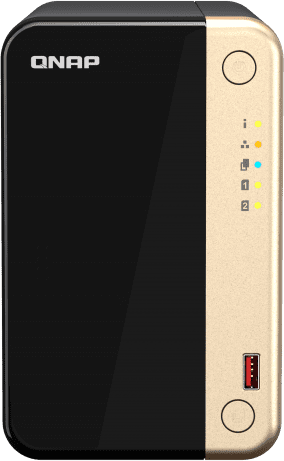
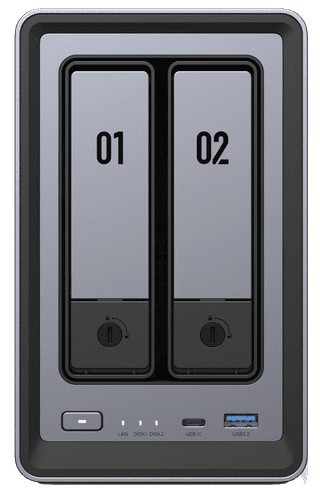
An NAS with multiple bays (hard drive locks) uses RAID setups. This means your NAS stores all of your files in a special way so that your data is protected against disk drive failure and data loss. RAID 1 is when you completely duplicate all of your files to a different drive. RAID 5 is when you distribute your files over multiple drives. If a drive breaks, your NAS restores data from the other drives. With RAID 6 you also distribute your files over multiple drives, but in this case it protects you against loss of 2 drives. With RAID 10, you duplicate an entire drive and automatically distribute your data over multiple drives. Is the certainty of keeping your data important to you? If so, choose an NAS that has multiple RAID options.
  • How do I choose a NAS?
1
UGREEN NASync DXP4800 Plus
Ideal for making a backup, Media streaming, Personal cloud|Weight 6,023 kg|Color gray

645,-

In stock

2
Synology DS225+
Synology DS225+
Ideal for making a backup, Media streaming, Personal cloud|Weight 1300 g|Color black

388,-

In stock

3
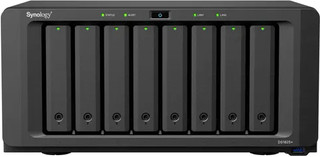
Synology DS925+
Synology DS925+
Ideal for making a backup, Media streaming, Personal cloud|Weight 2,26 kg|Color black

791,-

In stock

4
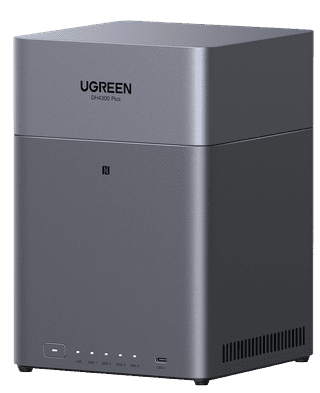
UGREEN NASync DH4300 Plus
Ideal for making a backup, Media streaming|Weight 2,9 kg|Color silver

369,-

In stock

5
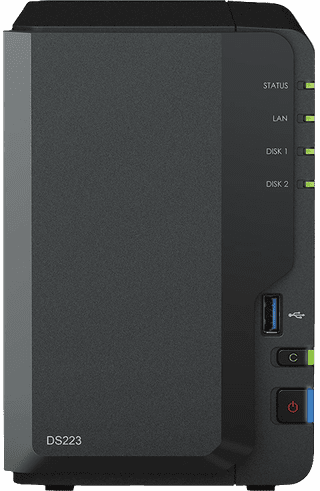
Synology DS223
Synology DS223
Ideal for making a backup, Personal cloud|Weight 1280 g|Color black

314,-

In stock

Affordable Second Chance

from

284,-

6
Synology DS223j
Synology DS223j
Ideal for making a backup, Media streaming, Personal cloud|Weight 880 g|Color white

210,-

In stock

7
Synology DS725+
Synology DS725+
Ideal for making a backup, Media streaming, Personal cloud|Weight 1510 g|Color black

584,-

In stock

8
QNAP TS-264-8G
QNAP TS-264-8G
Ideal for making a backup, Media streaming, Personal cloud|Weight 1,55 kg|Color black

623,-

In stock

9
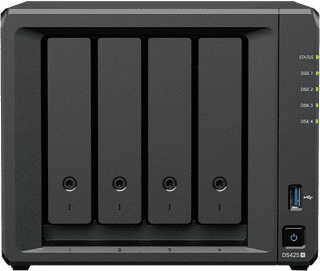
Synology DS425+
Synology DS425+
Ideal for making a backup, Media streaming, Personal cloud|Weight 2,18 kg|Color black

609,-

In stock