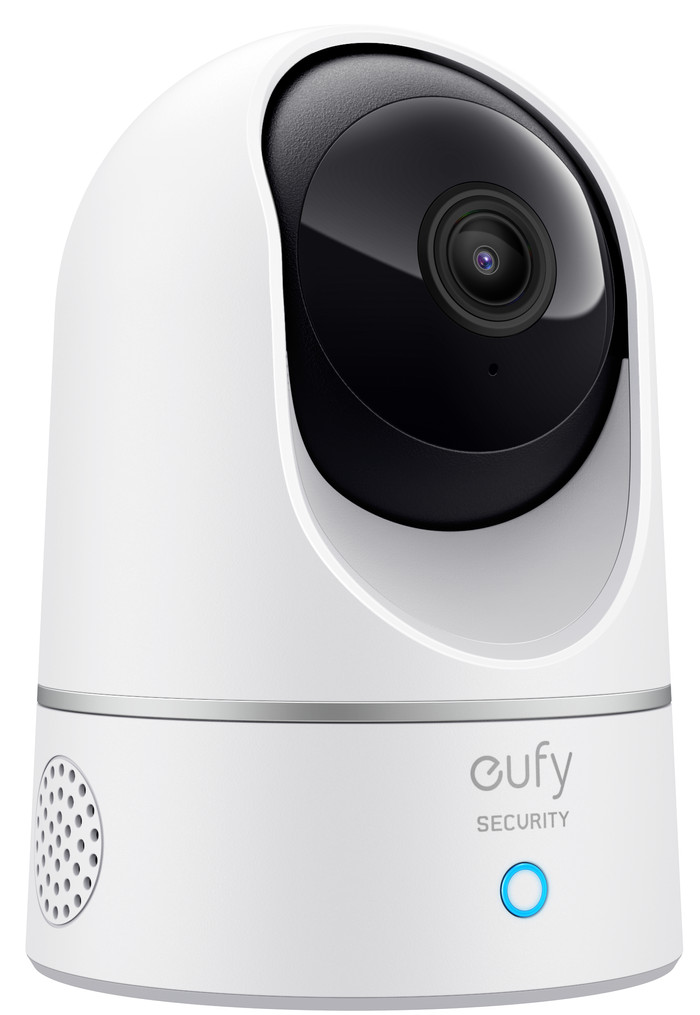
eufy Indoor Cam 2K Pan & Tilt
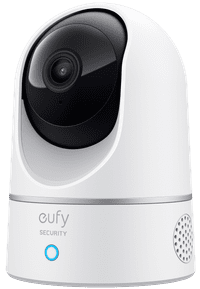
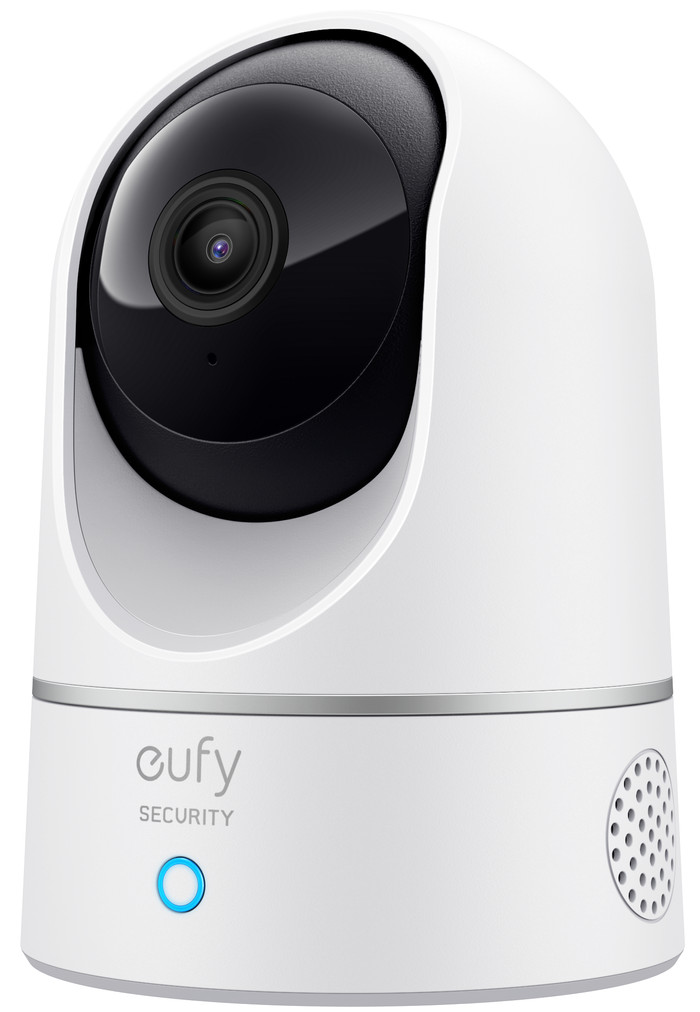
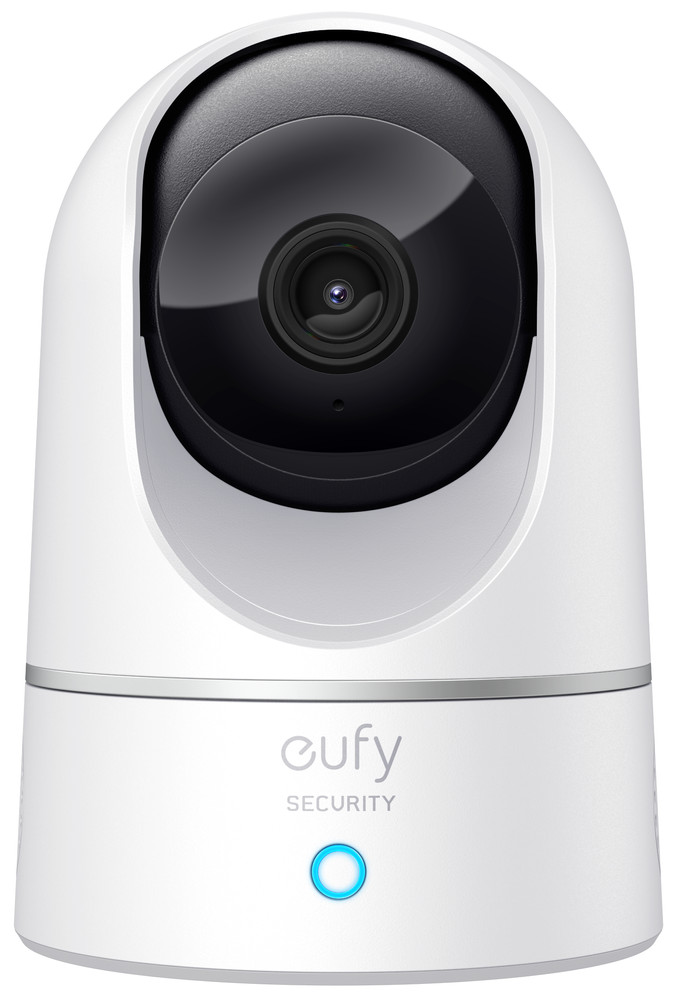
Super HD (2k), QHD (1440p) (2K)
|
1
|
White
Product number | 863426 | |
|---|---|---|
Manufacturer code | T8410322 | |
Brand | eufy | |
Processing of your defect | Via Coolblue | |
Old product returned for free |
Type of image definition support | QHD (1440p) (2K) | |
|---|---|---|
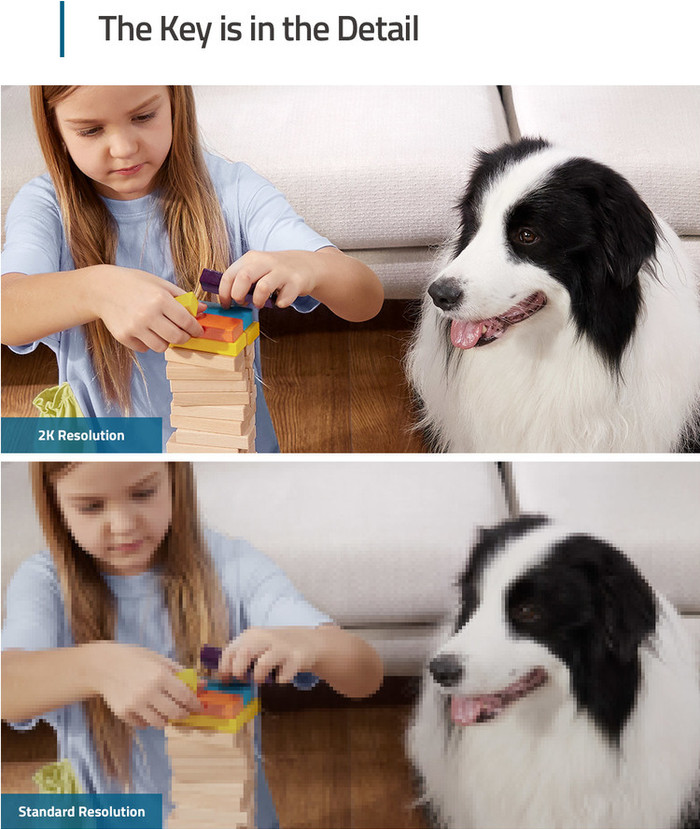
Video resolution width | 2304 pixels | |
Video resolution height | 1296 pixels | |
Horizontal viewing angle | 105 ° | |
Vertical viewing angle | 57 ° | |
Image quality according to customers | Excellent | |
Pan | ||
Pan type | Digital | |
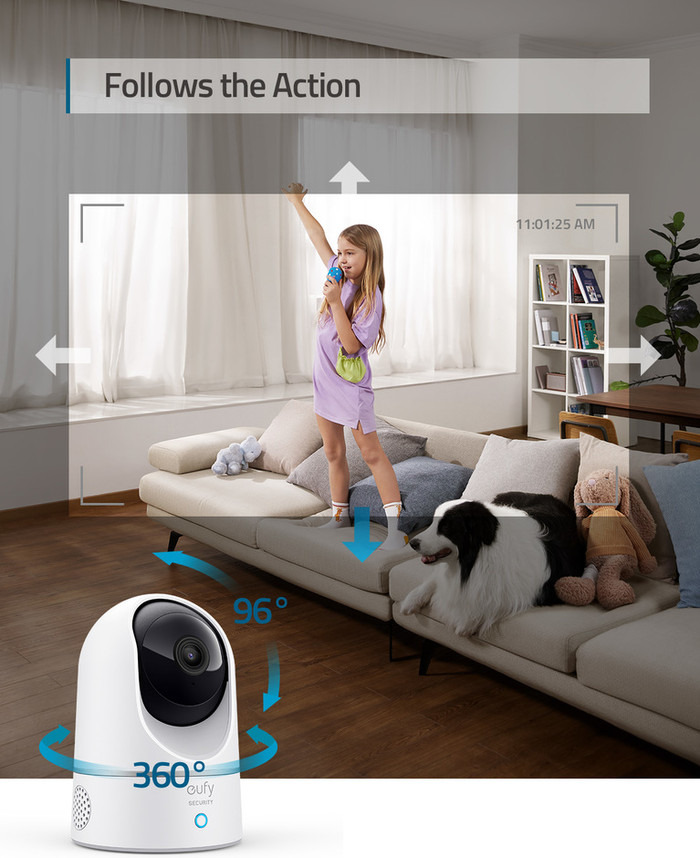
Degrees of panning | 360 ° | |
Tilt | ||
Tilt type | Digital | |
Tilts | 96 ° | |
Zoom (IPcam) | ||
Digital zoom | 8 | |
Fisheye | ||
Frames per second | 15 fps |
Number of cameras | 1 | |
|---|---|---|
IP camera type | PTZ camera | |
Usage location | Indoors | |
Alarm system needed for use | ||
Subscription needed for full use | ||
Motion detection sensor | ||
Infrared lighting | ||
Infrared light range | 10 m | |
Infrared motion sensor | ||
Suitable for placement behind glass | ||
Dynamic DNS client | ||
Built-in microphone | ||
Review event | ||
Number of seconds to review event | 120 s | |
Streaming |
Power supply type | Power grid | |
|---|---|---|
Battery (power source) | ||
Storage options | Cloud, NAS, SD card | |
SD card slot | ||
Type of SD card | MicroSD card | |
Number of days you can view for free | 30 days | |
Installation ease according to customers | Very simple | |
Built-in WiFi | ||
PoE support | ||
UPnP AV support | ||
ONVIF certified | ||
PSIA certified | ||
Cable length | 2 m |
Height | 10,8 cm | |
|---|---|---|
Width | 7,5 cm | |
Depth | 7,5 cm | |
Color | White | |
Mounting possible | ||
Water-resistant |
Controls via app | ||
|---|---|---|
Controlled via Android app | ||
Controlled via Apple app | ||
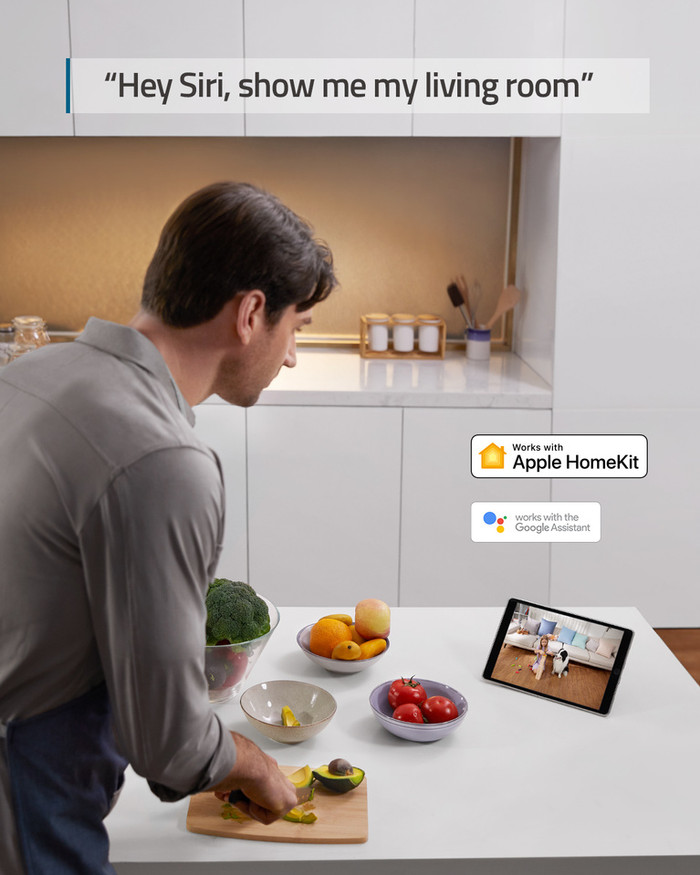
Smart home platform | Amazon Alexa, Apple HomeKit, Google Assistant, Google Home, Homey |
Internet connection required | ||
|---|---|---|
Manufacturer account required | ||
Multi-factor authentication | ||
Log in with fingerprint on your phone | ||
Log in with Face ID on your phone | ||
Usage possible without cloud environment manufacturer | ||
Support for future updates |
Guaranteed support with updates | 24 months after release date | |
|---|---|---|
Year introduced | 2020 | |
Introduction month | August |
5 stars
515
4 stars
200
3 stars
22
2 stars
6
1 star
2
Installation ease
User friendliness
Image quality
Options
Great camera for the money. Please note that certain functionalities, such as pan and tilt, are disabled when you start using the home kit.
Paulvk
23 December 2020
Automatically translated from Nederlands
I use the Eufy Indoor Pan & Tilt as a babycam and it really works great. Mainly because it is integrated into Homekit (Apple). This means that the data can be stored in your iCloud subscription, or simply locally on an SD card. Many baby monitors have shady cloud services that you have to pay extra for each month to store data. In addition, many other baby monitors also have a lousy app. None of this for the Eufy Indoor Pan & Tilt cam. Good image quality and options within the Eufy app. Installation was also easy-peasy. For now we use it as a baby monitor, but when the kids are big enough it can immediately serve as a security camera, so great! The only (minor) downside is that the Pan & Tilt function cannot be used within the iOS Home app. For this you will need to open the Eufy app. However, I think this is more of a flaw of Apple's Home app, and not of the Eufy camera.
Laurens van Borssum Waalkes
15 May 2021
Automatically translated from Nederlands
Easy to install, unbeatable price. My first real IP-cam after using years old smartphones + software. Handy to keep an eye on my dog when I'm away.
Jeroen
23 May 2021
Automatically translated from Nederlands
Connection type
Power plugOur digital expert will help you, but it can sometimes make mistakes, like humans do.
According to our IP camera expert
No extra HomeBase needed: you don't need an extra eufy HomeBase for this IP camera.
Keep an eye on more: because the lens of this camera rotates and tilts, you can monitor a large part of the room.
Always has power via the plug: the plug makes the IP camera easy to install, and the camera always has power.
An SD card for each camera: you'll need a separate SD card for each camera to save the footage.
Only near a socket: you can only install the IP camera near a socket.
Connection type
Power plug44,99
44,99
In stock
In stock