2

Product number | 865804 | |
|---|---|---|
Manufacturer code | WPA8631P KIT | |
Brand | TP-Link | |
Processing of your defect | Via Coolblue | |
Old product returned for free |
Built-in WiFi | ||
|---|---|---|
Frequency bands | Simultaneous dual-band | |
5GHz band speed | 867 Mbit/s | |
2.4GHz band speed | 300 Mbit/s | |
Ethernet speed | Gigabit Ethernet (1000Mbps) | |
Maximum ethernet speed | 1300 Mbit/s |
Automatic phase coupling | ||
|---|---|---|
IGMP Snooping | ||
Seamless roaming | ||
Bridge option |
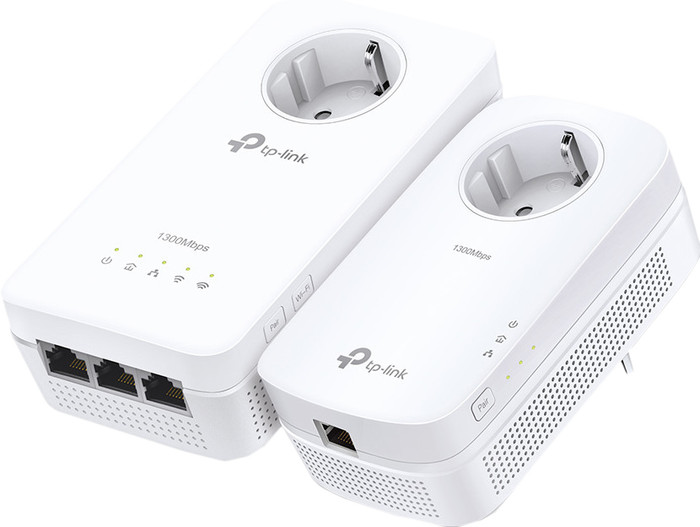
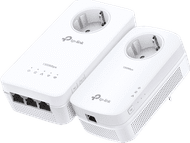
Number of powerline adapters | 2 | |
|---|---|---|
Number of powerline stations | 1 | |
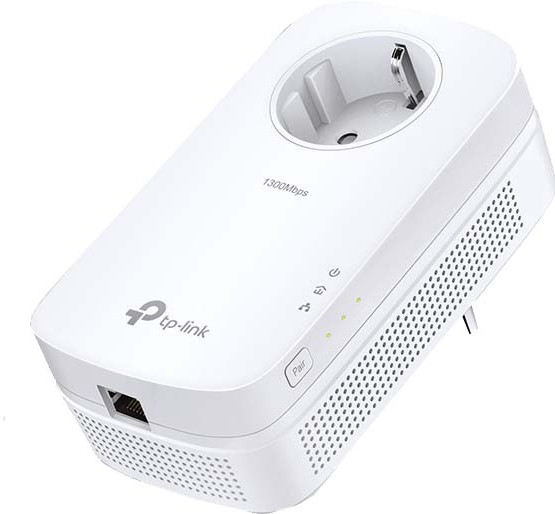
Socket integrated | ||
Total number of sockets | 2 | |
Integrated switch | ||
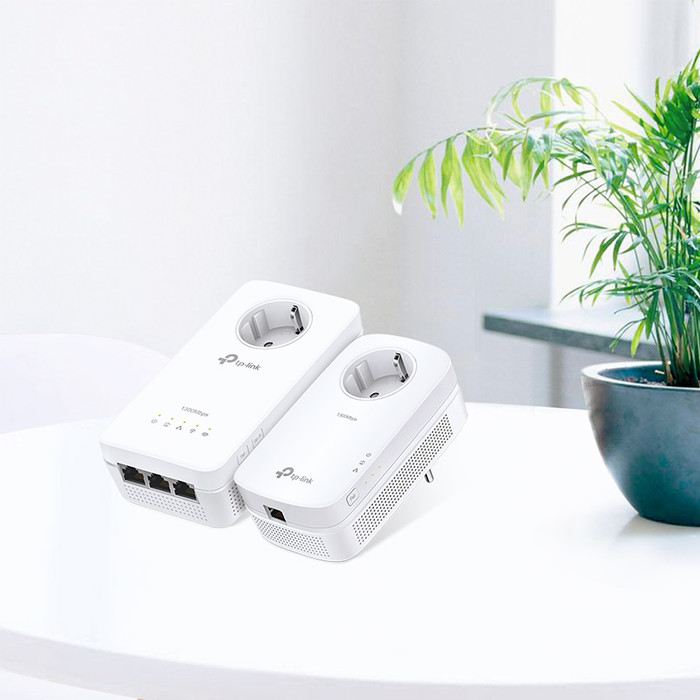
Ethernet ports adapter 1 | 1 | |
Ethernet ports adapter 2 | 3 | |
Height | 13,1 cm | |
Width | 7,2 cm | |
Depth | 4,2 cm | |
Color | White |
Degelijkheid
Installation ease
Gebruiksgemak
Speed
Design
Cause: Before I got this product, I used a TP-Link wireless USB adapter (a kind of upgrade to your internal Wi-Fi receiver) so I was able to play online games like Counterstrike. This USB adapter dramatically increased my download speed, but the problem was that I was still using a wireless network that is affected by obstacles, leading to slowdowns and game interruptions. After a year, this product was no longer usable for me because there were often large fluctuations in the range and download speed (which led to frustration). The combination of Discord (chatting online with friends) and a game like PUBG just wasn't possible without constant interruptions. I started looking for alternatives and I quickly came across this product.
“This is highly recommended”: I recommend the “TP-Link TL-WPA8630P WiFi 1200” for anyone who finds it too much trouble to pull a LAN cable to their PC, but still wants to achieve high and stable(!) internet speeds for gaming. In this current gaming era, the internet is a very determining factor for your performance in a video game. You also want to be able to communicate with friends on a platform such as Discord while gaming, and this simply requires sufficient capacity and a constant connection. In fact, slow internet speed can cause your online game to stutter (lower FPS isn't always the result of your hardware!).
Installation: When I read the manual, I was shocked to see that the powerline adapters only work on the same 'electrical circuit'. I thought this indicated that the 'receiving' adapter must be connected to the same power group as the 'sending' adapter. This turned out not to be a problem, as the device works one floor up and across from my house.
The adapters linked together in 1 second during the 'pairing phase' (this happens in the same room). I then moved the receiver into my room (the 'dead zone') and it also paired with the adapter in the blink of an eye.
Kristian
20 January 2019
Automatically translated from Nederlands
Finally a solution for my problems with KPN interactive TV! After a year of trying everything: KPN and Devolo powerline adapters, KPN technicians and electricians, I finally have a stable TV signal. Installation is very easy, although after that I still had that stuttering image that I had been suffering from until now. Solution: Install the tpPLC app or program for your computer and go to the advanced settings here. Here at Mode I have enabled the option 'a lower PLC-to-VDSL interference mode'. Since then it works perfectly!
Annika
11 June 2018
Automatically translated from Nederlands
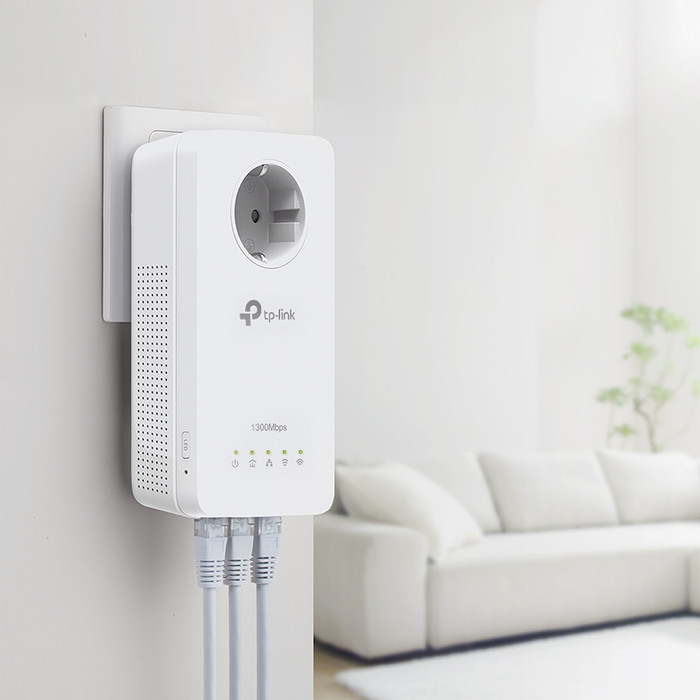
I was surprised how quickly I got the whole thing installed and working. Just follow the steps in the included mini manual and the case was online. First have it paired to the same group, and then connect the extender in the right place. Despite the fact that it is on a different power group, the connection was quickly online. In addition to Wi-Fi, the extender also has 3 Ethernet ports available, so an extra switch is not quickly needed.
I set up the Wi-Fi manually, so I didn't test the cloning. There I found out that ease of use also comes with a price: For 5GHz Wi-Fi, only the first 4 channels are available. If you want to use 80 MHz channel width for high Wi-Fi speed, then all 4 are immediately used up. Does your neighbor have the same device, or do you have several, and the coverage of those devices overlaps too much? Then you will have to go back to 40MHz or 20MHz channel width. If you set everything to "auto", it will probably be fine, but you will almost certainly never achieve the advertised Wi-Fi speed.
On connections via the powerline I get a maximum of 200Mbps. On the one hand that is still quite neat via multiple power groups, on the other hand the web interface claims that I should be getting 600Mbps at that moment. This is more of a general powerline adapter problem. Where you really need fast connections, it's still better to just lay network cables.
Finally, a point of irritation with the design: TP_LINK proudly reports that you do not lose a wall socket, because the adapter also has one itself. But if your wall sockets are above each other instead of next to each other, the top one can no longer be used for a plug with an earth connection. In my case not really a problem, but still sloppy. So pay attention to the orientation of the wall sockets you want to plug it into.
Thijs Wientjes
19 June 2020
Automatically translated from Nederlands
Ethernet speed | Gigabit Ethernet (1000Mbps) | |
|---|---|---|
Built-in WiFi | ||
Frequency bands | Simultaneous dual-band | |
Number of powerline adapters | 2 | |
Number of powerline stations | 1 | |
Socket integrated | ||
Maximum ethernet speed | 1300 Mbit/s | |
Automatic phase coupling |
According to our powerline adapter expert
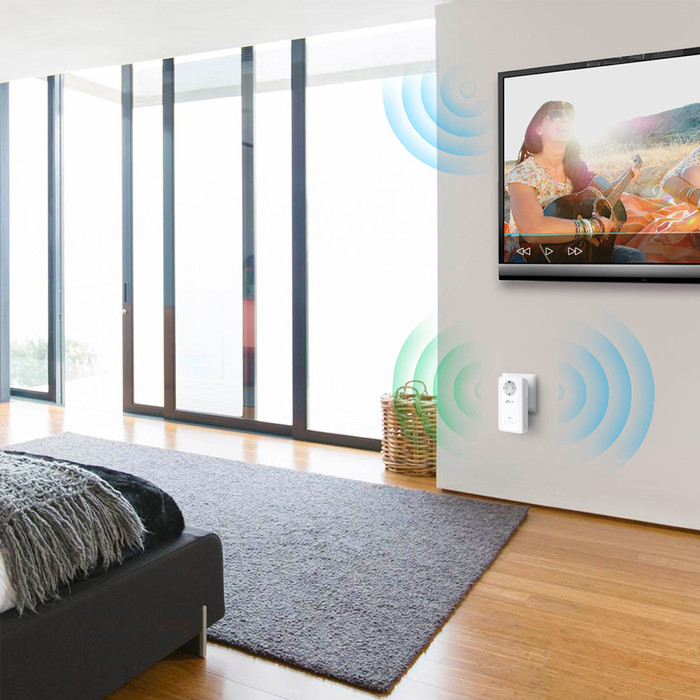
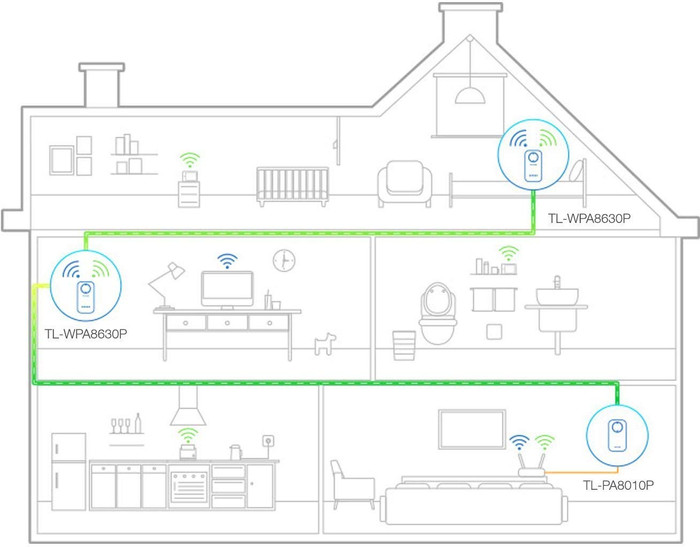
Also connect wirelessly: thanks to the built-in WiFi, you can also connect devices wirelessly to this powerline adapter.
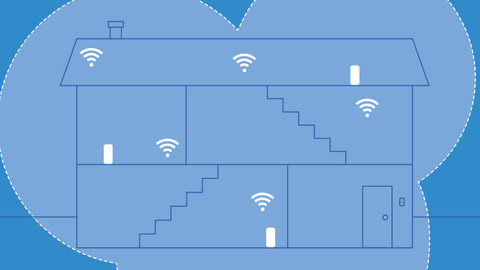
No need to run cables: because the adapter sends the WiFi signal via the AC power, you don't have to run cables.
Up to 3 wired devices: connect up to 3 devices to the internet with a wired connection thanks to the Ethernet ports.
Don't connect multiple adapters: you can't connect multiple powerline adapters to each other.
Depends on your AC power: the maximum speed of this powerline adapter depends on the AC power in your home.
94,-
Recommended price by TP-Link
94,-
Recommended price by TP-Link
Current product
Gigabit Ethernet (1000Mbps)
Gigabit Ethernet (1000Mbps)
2
2
1
1
Retail price TP-Link
129,9094,-
92,-
In stock
In stock