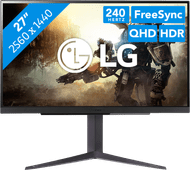
LG UltraGear 27GR83Q-B
Choose your monitor
27 inches - Quad HD - 240Hz - IPS
Choose your monitor
- Be the first to know when this product is in stock
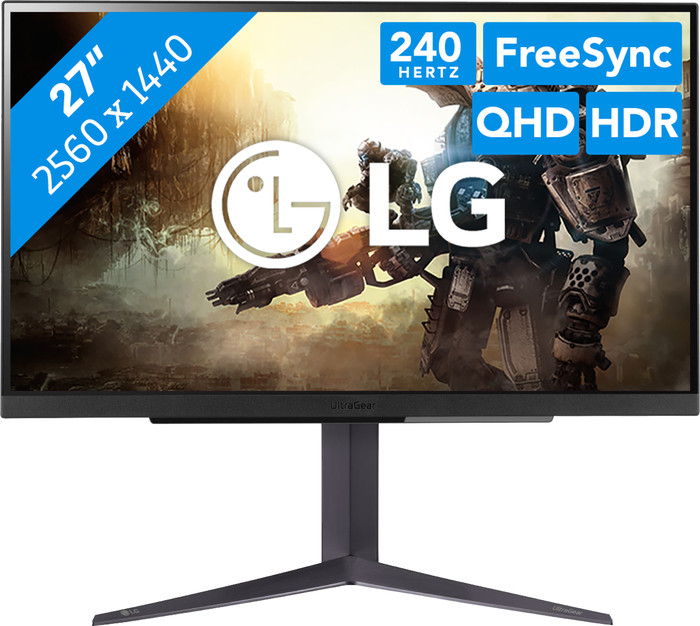
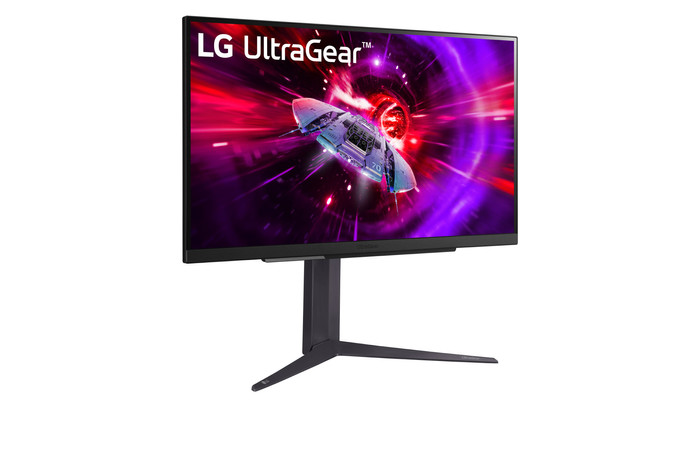
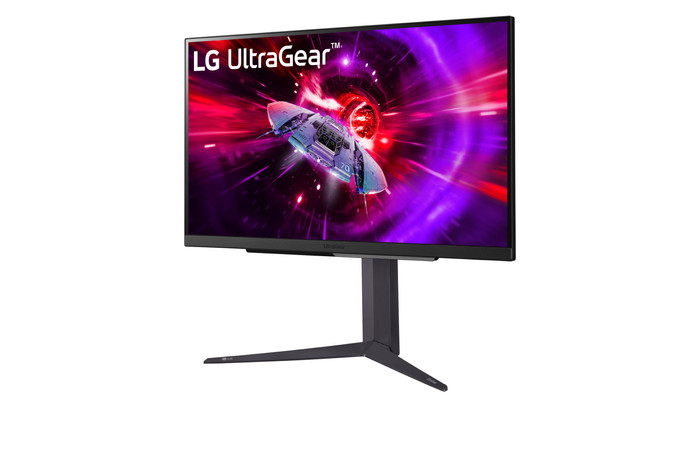
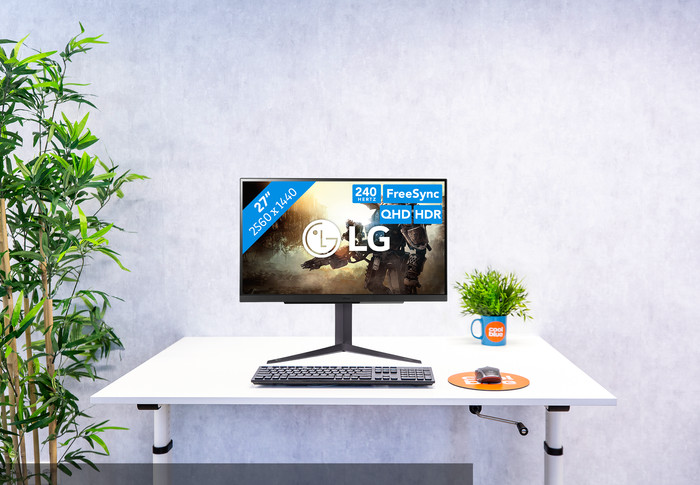
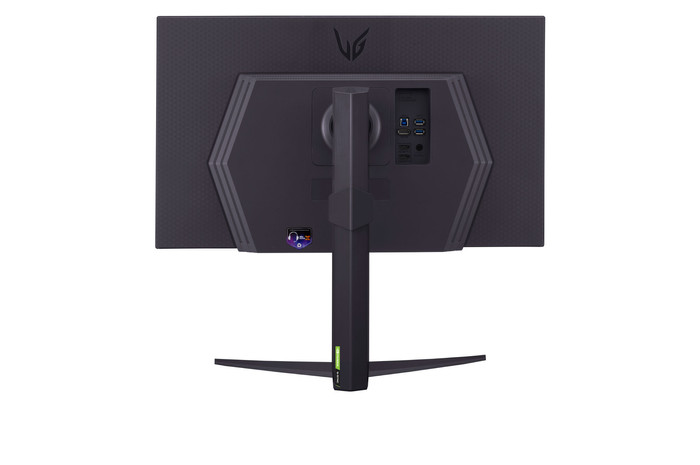
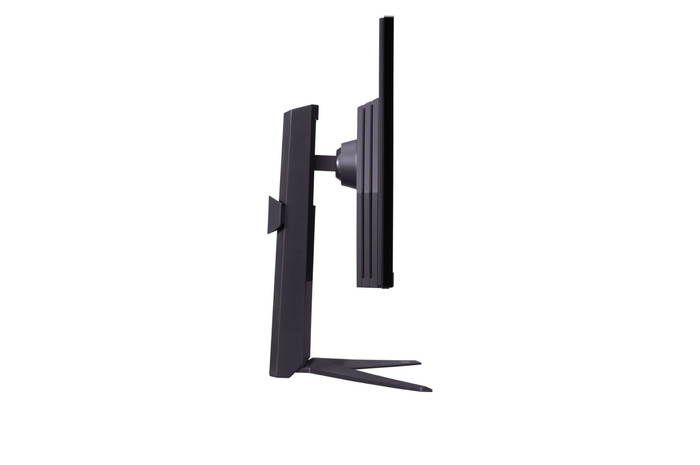
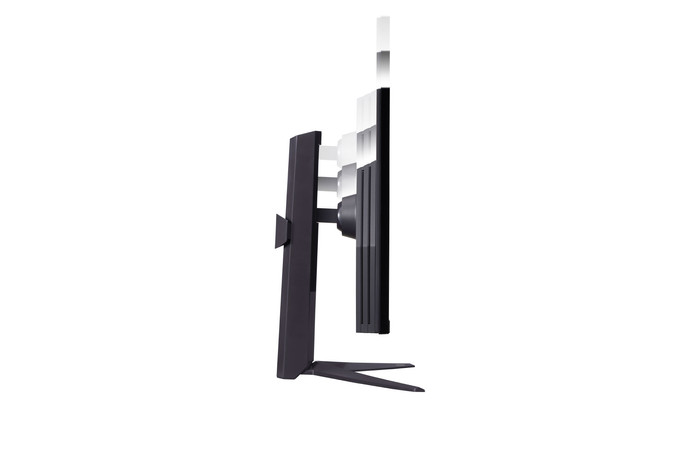
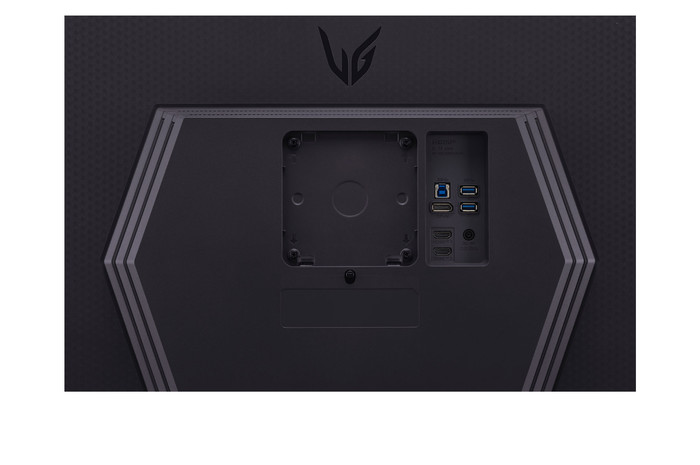
27 inches - Quad HD - 240Hz - IPS
Choose your monitor
Coolblue takes care of everything, from taking out an insurance to repairs
For almost all accidents
More coverage in case of damage than your standard warranty
No deductible
First, add your monitor to your shopping cart. On the next page, choose the Protection Plan below. You always have a 30-day return window and pay no deductible in case of damage.
3-year Protection Plan
34,99
one-time5-year Protection Plan
62,-
one-time
Product number | 941574 | |
|---|---|---|
Manufacturer code | 27GR83Q-B.AEU | |
Brand | LG | |
Processing of your defect | Via Coolblue | |
Old product returned for free |
Screen size | 27 inches | |
|---|---|---|
Recommended display resolution | 2560x1440 | |
Sharpness | Quad HD (1440p) | |
Aspect ratio | Standard (16:9) | |
Refresh rate | 240 Hz | |
Response time | 1 ms | |
Panel type | IPS panel | |
Brightness | 400 cd/m2 | |
Local dimming | ||
HDR support | ||
Contrast ratio | 1000 | |
Touchscreen | ||
Type of HDR | DisplayHDR 400 | |
Screen reflection | Anti-glare | |
Blue light filter | ||
Flicker-free technology | ||
Color space | DCI-P3 | |
Color depth | 1 billion colors (10-bit) | |
Adaptive Sync | ||
Type of adaptive sync | FreeSync Premium, G-Sync Compatible | |
Resolution width | 2560 pixels | |
Resolution height | 1440 pixels | |
Anti-reflection type | Anti glare | |
Horizontal viewing angle | 178 ° |
Height | 57,7 cm | |
|---|---|---|
Width | 61,3 cm | |
Depth | 25,3 cm | |
Weight | 6,2 kg | |
Color | Black | |
Including stand | ||
Material | Metal, Plastic | |
Cable management | ||
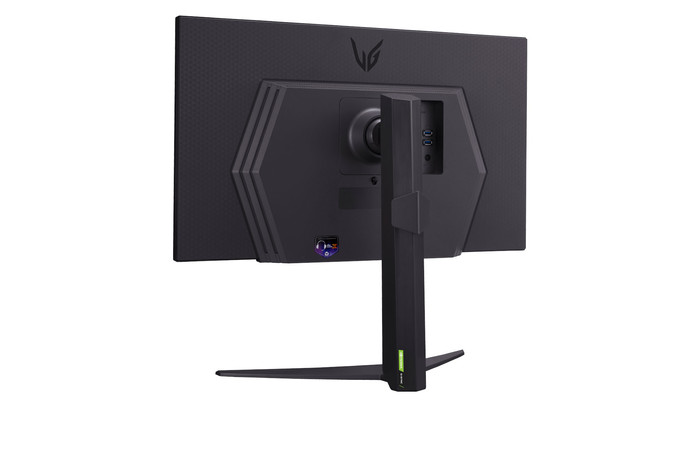
Appearance | Gaming | |
Curved |
Number of HDMI connectors | 2 | |
|---|---|---|
Number of Female HDMI type A 2.1 ports | 2 | |
Number of headphone jacks | 1 | |
Type of headphone connection | 3.5mm (TRS) | |
Number of Female Standard DisplayPort 1.4 ports | 1 | |
Number of female standard USB-A ports | 2 | |
Female standard USB-A port version | 3.0 | |
Number of female 3.5mm TRS Audio Jack ports | 1 | |
Number of female standard USB-B (3.0 form) ports | 1 | |
Type of USB port | Standard USB-A, Standard USB-B (3.0 form) | |
Number of USB ports | 3 | |
Suitable for daisy chaining | ||
Type of USB cable included | USB-A to USB-B | |
USB-C dock |
Included by default | DisplayPort cable, HDMI cable, USB cable | |
|---|---|---|
Not included by default | USB-C cable |
Adjustable in height | ||
|---|---|---|
Tiltable | ||
Pivotable stand | ||
Pivot function | ||
VESA mount option | ||
VESA mount | 100x100mm |
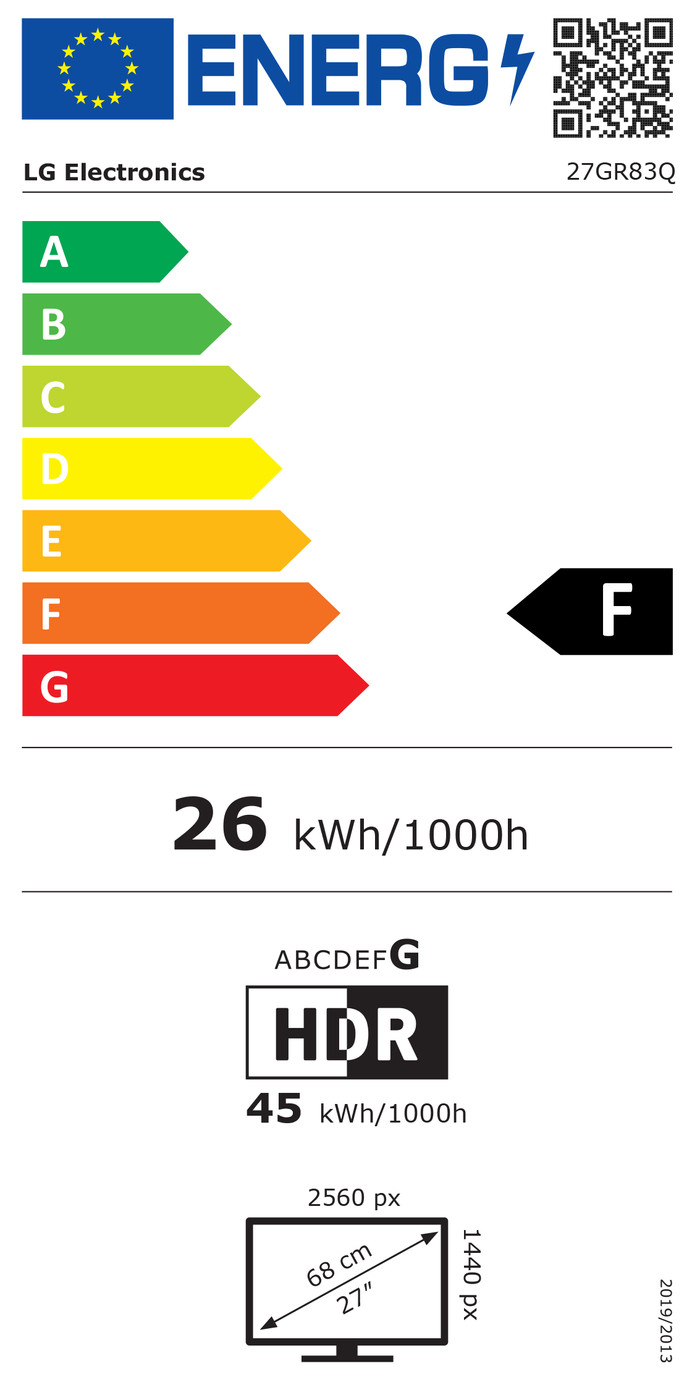
Energy label | F | |
|---|---|---|
Energy consumption standby | 0,5 W | |
Energy consumption active | 50 W | |
Energy consumption per 1000h | 26 kWh | |
Annual energy consumption | 37,96 kWh | |
Annual energy costs | 15,18 euros |
Built-in speakers | ||
|---|---|---|
Webcam | ||
Split screen | ||
Kensington lock |
Recommended for use | Gaming, Image editing and graphic design, Internet, email, and text processing, Photo editing, Video editing, Watching movies in Full HD |
|---|
Our digital expert will help you, but it can sometimes make mistakes, like humans do.
According to our monitor expert
Sharp image: you can clearly see small details on the screen thanks to the Quad HD resolution.
Game smoothly: you can see fast-moving images smoothly while you game thanks to the 240Hz refresh rate.
View from every angle: you can see clear images from every viewing angle thanks to the IPS panel.
DisplayPort required: you use a DisplayPort cable for 240Hz gaming instead of an HDMI cable.
Less immersive: your gameplay is less immersive without a curved screen.
5 stars
19
4 stars
8
3 stars
0
2 stars
0
1 star
1
Installation ease
Image quality
Price-quality ratio
Design
Immediately upon unpacking this monitor it was noticeable how heavy the monitor is, the image quality is super sharp, super fast and very clear. While playing all the games I have it was a pleasure to use. I will definitely recommend this monitor to people who play games and who are really looking for a very fast refresh rate. The mocriterium of this monitor is child's play and is immediately where stock. Beautiful design is on a keeper
Joost van schaik
11 April 2025
Automatically translated from Nederlands
For the price a very good monitor. IPS and no Oled no problem. There are some problems with the HDR and windows. LG should solve this with an update. In terms of pixel lottery I was able to exchange my first one at coolblue without any problems. I had 1 white pixel. Second monitor was perfect. Hence pixel lottery. All monitors of all brands suffer from it. just a very good monitor. the operation on the LG monitor can not compete with any other brand.
Paul
12 April 2025
Automatically translated from Nederlands
This screen is highly recommended! The design is good. Everything you play is very sharp and games play quickly. If you often play games, this screen is really great. The refresh rate is very fast, which makes everything run very smoothly. I often had this problem with my old screens. The resolution also leaves nothing to be desired. Everything is crystal clear. In addition, the screen was set up within 5 minutes. So no time is lost! I can therefore recommend this screen to every gamer, or anyone who just wants a good screen! It takes your gaming experience to the next level.
Koen123
22 April 2025
Automatically translated from Nederlands
Current product
Retail price LG
399,-199,-
269,-
219,-
Retail price AOC
309,-219,-
289,-
240 Hz
160 Hz
180 Hz
180 Hz
180 Hz
Quad HD (1440p)
4K (UHD)
Quad HD (1440p)
Quad HD (1440p)
Quad HD (1440p)
IPS panel
IPS panel
IPS panel
VA panel
VA panel
2560x1440
3840x2160
2560x1440
3440x1440
3440x1440