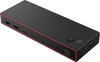
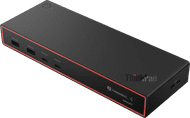
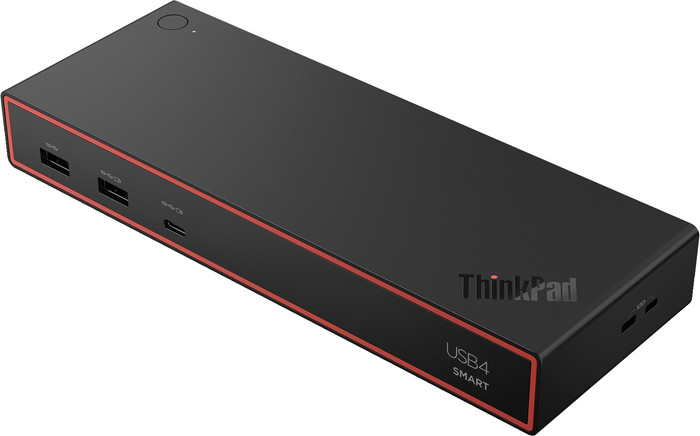
Lenovo ThinkPad 5500 USB4 Smart Dock USB-C


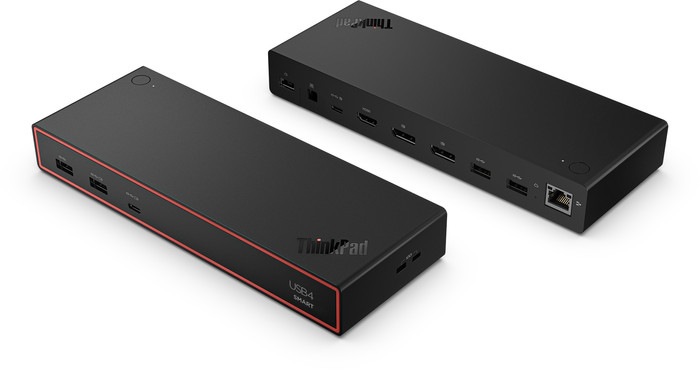
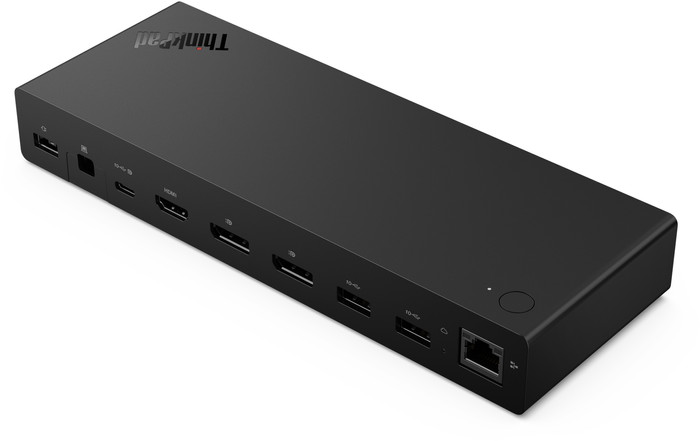
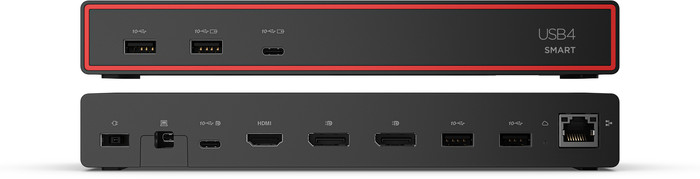
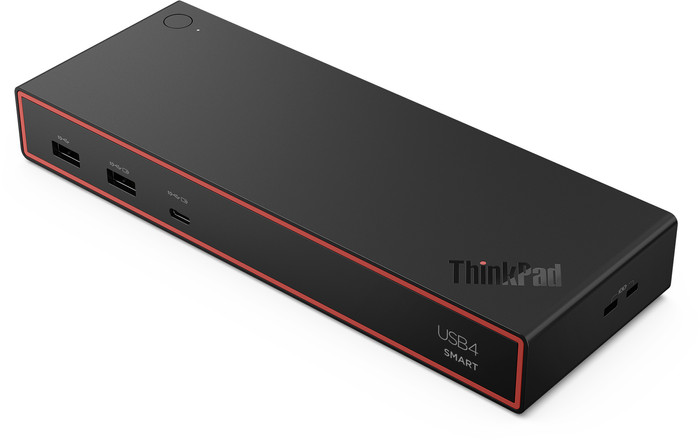
Product received, connected, and it works. The only thing I mentioned above is that for the second monitor I needed an adapter from DisplayPort to HDMI; I ordered this from Coolblue as well.
Corné
20 July 2026
Automatically translated from Nederlands
With this, I have finally got my workspace in order. I have three monitors that work perfectly.
Miguel Arroja
7 September 2026
Automatically translated from Nederlands
220,-
220,-
Product number | 974468 | |
|---|---|---|
Manufacturer code | 40BC0135EU | |
Brand | Lenovo | |
Processing of your defect | Via Coolblue | |
Old product returned for free |
Made for laptop models | Apple MacBook, Chromebook, Microsoft Surface, Windows laptop |
|---|
Laptop docking station suitable for | Connect 1 monitor, Connect 2 monitors and a Chromebook, Connect 2 monitors and a Windows laptop | |
|---|---|---|
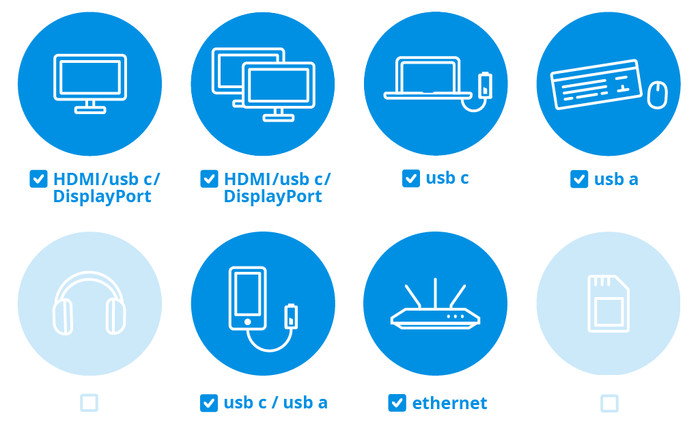
Extra functionalities docking station | Charge laptop via docking station, Charge laptop via own charger, Charge phone via docking station, Connect wired network | |
Type of main connector | USB-C | |
Supported video technology on Docking Station | MST, SST, Thunderbolt 3, Thunderbolt 4, USB 4.0 | |
Number of USB ports | 7 | |
USB function | Charge, Charging an external device, Data transfer, Device connection, Play media, Power source, Record audio, Software updates | |
Type of USB port | Standard USB-A, USB-C | |
Number of female standard USB-A ports | 4 | |
Female standard USB-A port version | 3.2 | |
Power standard USB-A port | 12 W | |
Number of USB-C ports | 3 | |
Protocol Female USB-C port | DisplayPort Alternative Mode, USB, USB electricity | |
USB version Female USB-C port | 3.2, 4.0 | |
Total available video outputs | 1x HDMI, 2x DisplayPort | |
Number of HDMI connectors | 1 | |
Female HDMI Type A port version | 2.1 | |
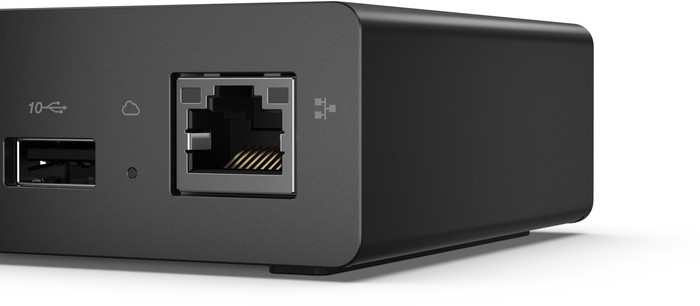
Number of Ethernet ports | 1 | |
Ethernet speed | Gigabit Ethernet (1000Mbps) | |
Type of DisplayPort connector | standard DisplayPort | |
Number of Female Standard DisplayPort 1.4 ports | 2 | |
Version Female Standard DisplayPort port | 1.4 | |
Memory card reader | ||
Number of connectable monitors | 4 |
Cable length | 0,7 m | |
|---|---|---|
Color | Black | |
Height | 3,1 cm | |
Width | 21,8 cm | |
Depth | 8 cm | |
Weight | 0,47 kg |
Extra functionalities docking station | Charge laptop via docking station, Charge laptop via own charger, Charge phone via docking station, Connect wired network | |
|---|---|---|
Type of main connector | USB-C | |
Total available video outputs | 1x HDMI, 2x DisplayPort | |
Number of connectable monitors | 4 | |
Type of USB port | Standard USB-A, USB-C | |
Cable length | 0,7 m |
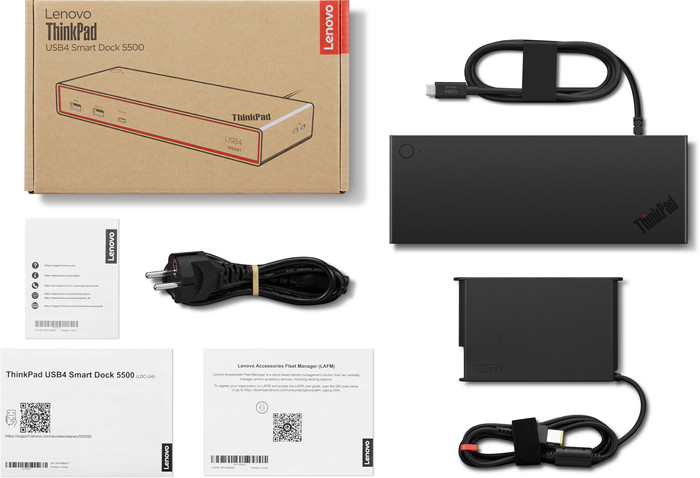
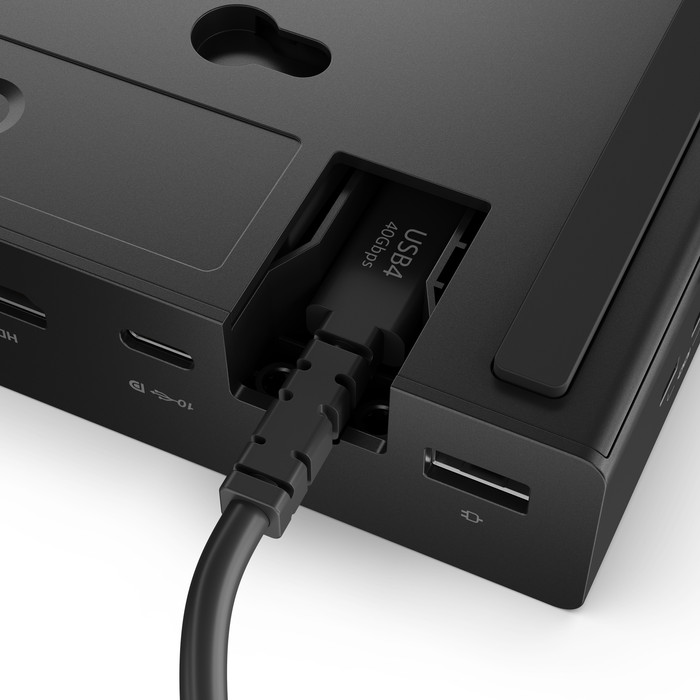
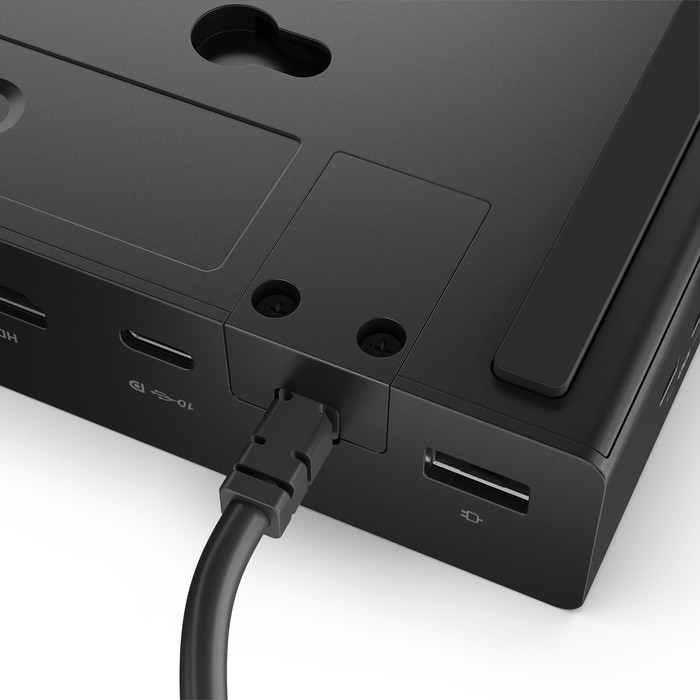
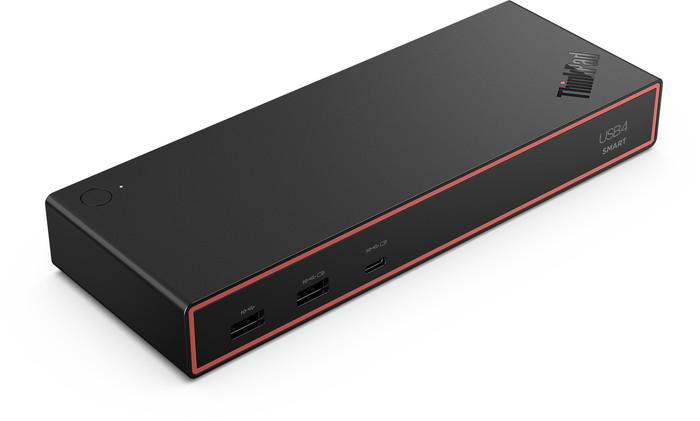
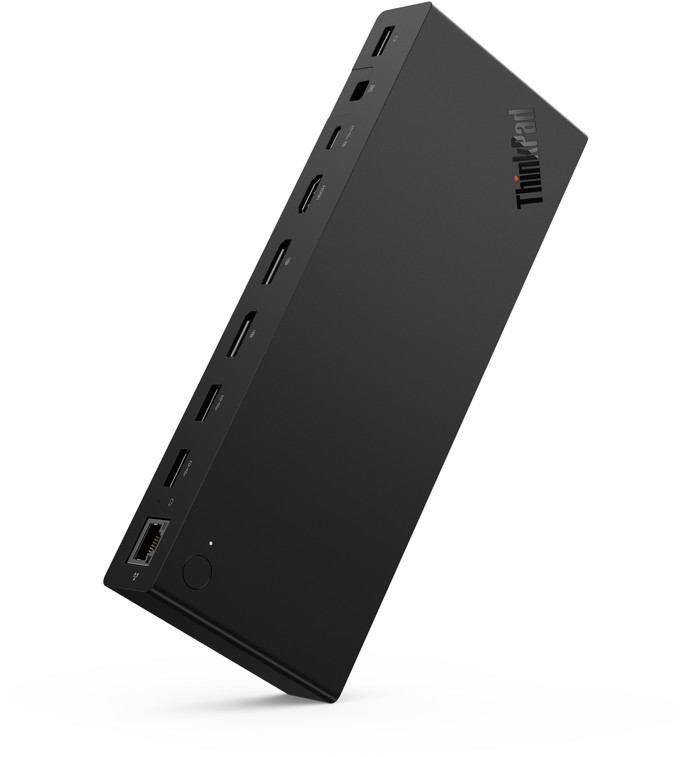
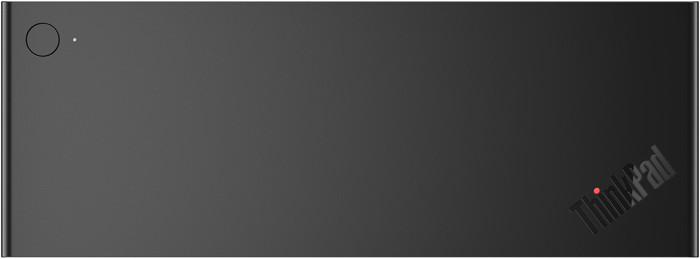
Use the Lenovo ThinkPad 5500 USB4 Smart Dock USB-C in a productive workspace with up to 4 monitors. Connect this dock to your laptop via the built-in USB 4 cable and get started immediately. USB 4 transmits not only video, but also data and power, achieving a maximum speed of 40 Gbps. Connect displays via HDMI, DisplayPort, or USB-C. Connect your accessories via the USB-A ports and use the Ethernet port for stable, wired internet. Meanwhile, the dock quickly charges your laptop at 100 watts, provided your laptop supports Power Delivery. Secure your laptop with the 2 Kensington locks. IT administrators manage this dock centrally via Lenovo Dock Manager and Lenovo Accessories Fleet Manager, ensuring firmware and settings are always up to date. This docking station works on all Windows laptops and MacBooks with a USB-C port that transmits a video signal. This is how you check if your laptop has a suitable USB-C port.
Connect 1 monitor, Connect 2 monitors and a Chromebook, Connect 2 monitors and a Windows laptop
Connect 1 monitor, Connect 2 monitors and MacBook, Connect 2 monitors and a Windows laptop
Connect 1 monitor, Connect 2 monitors and MacBook, Connect 2 monitors and a Chromebook, Connect 2 monitors and a Windows laptop
Connect 1 monitor, Connect 2 monitors and a Windows laptop
Connect 1 monitor, Connect 2 monitors and a Chromebook, Connect 2 monitors and a Windows laptop
USB-C
USB-A, USB-C
USB-C
USB-C
USB-C
Charge laptop via docking station, Charge laptop via own charger, Charge phone via docking station, Connect wired network
Charge laptop via docking station, Charge laptop via own charger, Connect headphones, Connect wired network
Charge laptop via docking station, Charge laptop via own charger, Connect headphones, Connect wired network
Charge laptop via docking station, Charge laptop via own charger, Charge phone via docking station, Connect headphones, Connect wired network
Charge laptop via docking station, Charge laptop via own charger, Charge phone via docking station, Connect wired network
1
3
2
2
1
According to our dock for laptops expert
With this docking station, you can connect up to 4 extra monitors to your laptop.
Thanks to the USB 4 technology, you can quickly transfer data at a speed of 40Gbps.
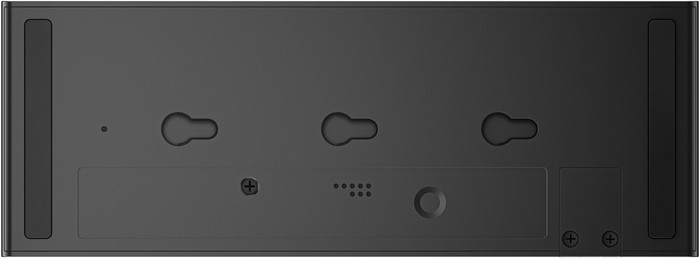
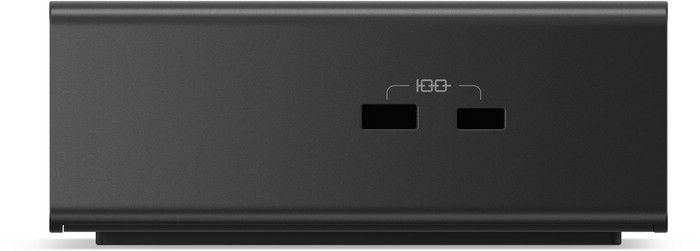
You can secure your laptop with the 2 Kensington slots.
You can't transfer data from a memory card via this dock.
Because this dock doesn't have a 3.5mm connector, you can't connect headphones or speakers.
Current product
220,-
310,-
225,-
268,-
230,-
In stock
In stock
Coolblue takes care of everything, from taking out an insurance to repairs
For almost all accidents
More coverage in case of damage than your standard warranty
No deductible
First, add your dock for laptops to your shopping cart. On the next page, choose the Protection Plan below. You always have a 30-day return window and pay no deductible in case of damage.
2-year Protection Plan
14,99
one-time3-year Protection Plan
23,99
one-time