TP-Link Archer Routers
TP-Link Archer Routers.
Loaded.
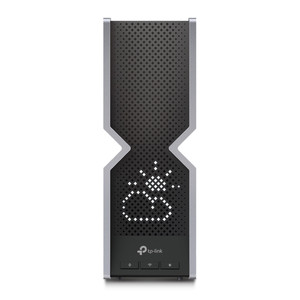
Compare the Archer AX55, the AXE75, and the BE800
The fastest internet with this WiFi 7 router.
Provide the fastest connection with WiFi 7. You can also connect large groups of people at the same time carefree.
Thanks to WiFi 7, you always enjoy the fastest connection.
8 WiFi antennas for the best distribution of your internet.
Thanks to the 20Gbps WAN ports, you reach the highest speed.
From
to259,-
550,-
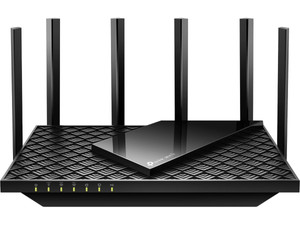
Stable and fast internet with this WiFi 6E router.
Provide faster internet close to your router. You can connect devices to 2 bands with a speed of 2400Mbps
Thanks to WiFi 6E, you have faster internet close to your router.
6 WiFi antennas for a good distribution of your internet.
From
141,-
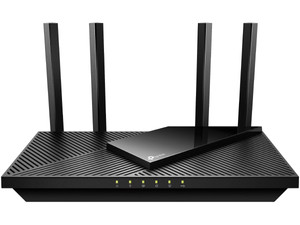
Stable WiFi 6 internet with small families.
Provide WiFi 6 internet at home. This router provides a 2400Mbps speed for up to 6 devices.
Thanks to WiFi 6, you have stable internet.
From
80,-
How do you get WiFi on multiple floors?
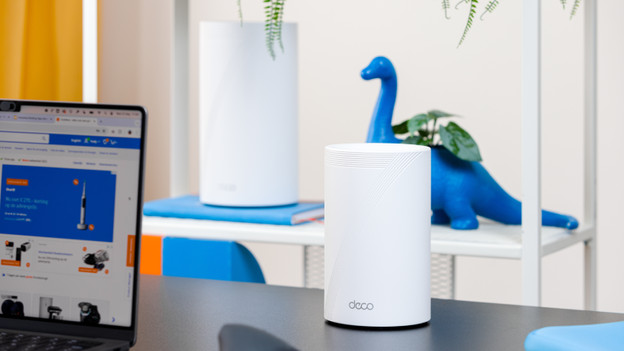
A single router often isn't enough for a stable WiFi network on multiple floors. The best solution is to add multiple routers. You can do this with Archer routers or with TP-Link Deco Mesh routers. These station communicate and send a stable network everywhere. Your internet doesn't slow down. This works better than a WiFi repeater that only repeats a weak signal. For large houses, it's best to choose a mesh system.
Compare WiFi 6, WiFi 6E, and WiFi 7
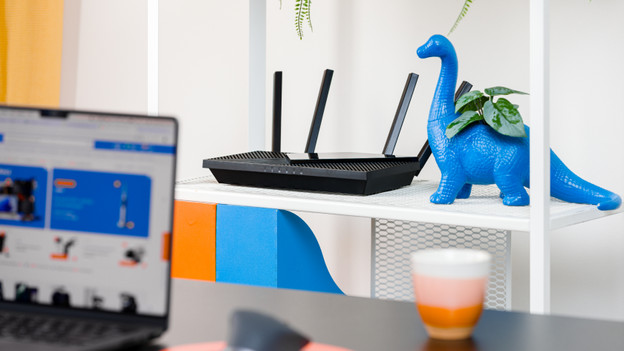
Stable internet for smaller families with WiFi 6.
With WiFi 6, you ensure a stable connection around your router. With the TP-Link Archer routers, you can provide a 2400Mbps speed via the 5GHz band. This allows you to perform your daily tasks without slowing down. You can't connect more than 5 devices without slowing down.
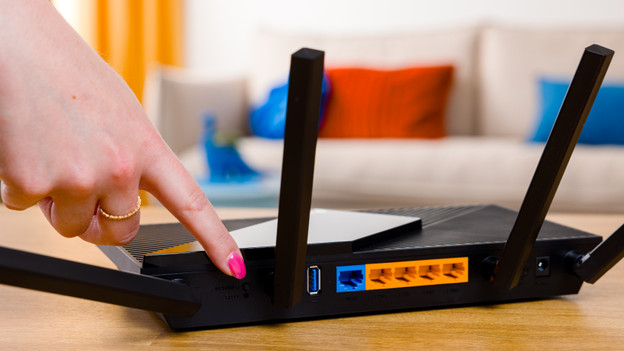
Faster internet near your router thanks to WiFi 6E
Wifi 6E uses the new 6GHz frequency. This new band has less range, but is much faster. Devices that you connect to the 5GHz band aren't affected by the devices that use the new band. You notice the advantage only when you're close to the router.
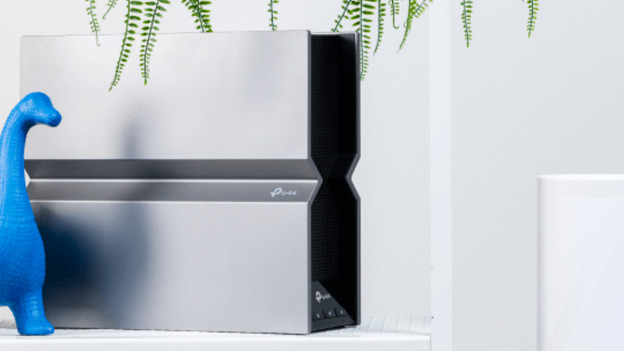
The fastest and most stable internet with WiFi 7.
WiFi 7 routers use the entire bandwidth of the new 6GHz band. As a result, these routers reach a speed of 11,000Mbps. Thanks to Preamble Puncturing, you're not bothered by interference from other devices. You can connect more than 100 devices carefree.
The fastest WiFi 7 connection with BE800
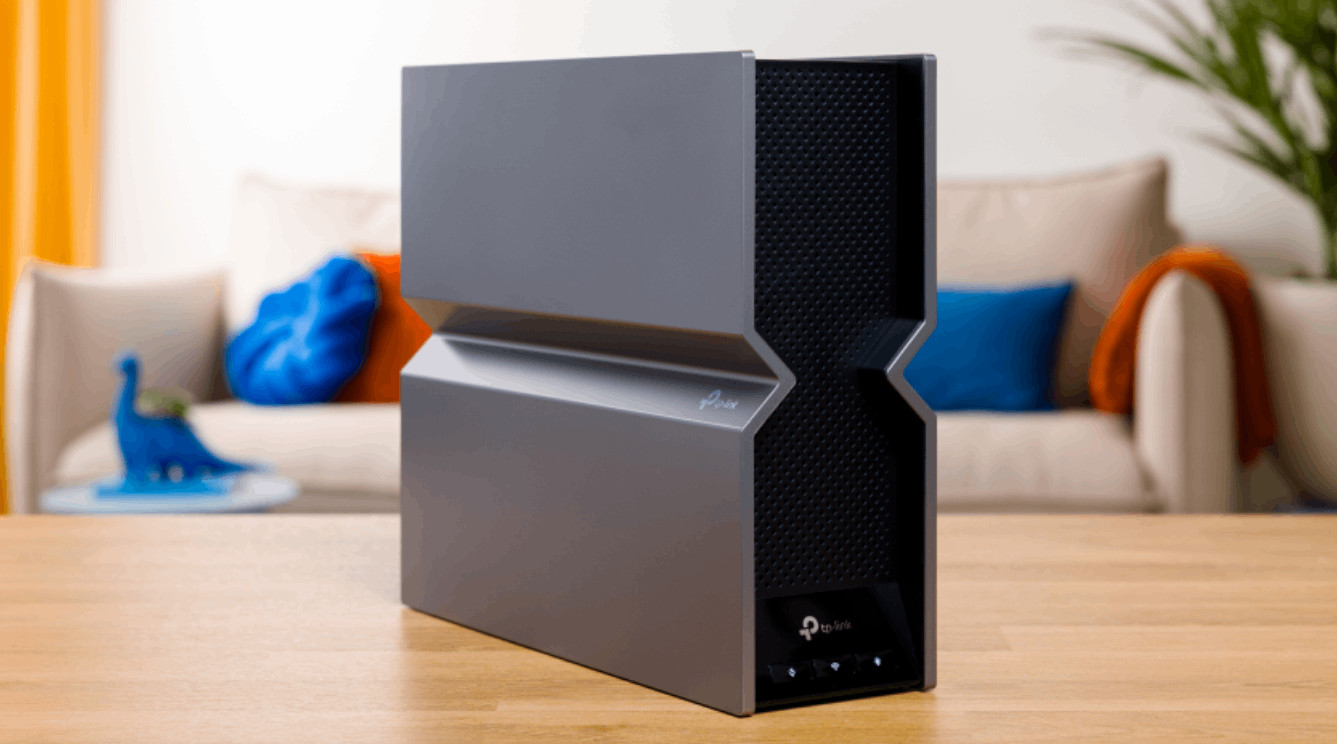
The fastest solo router of the moment
With this router, you reach the highest possible speed of the moment. With 11,000Mbps, you can connect all your demanding to this router without any delays. The router has 10 10Gbps ports and a fiber optics port. This way, you consistently reach the highest speed.
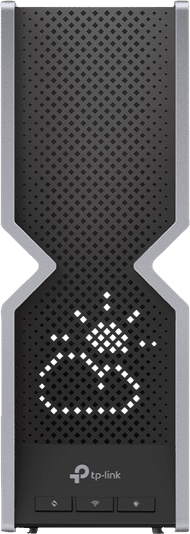

TP-Link Archer gaming router
With a TP-Link Archer gaming router, you can game without lag. These routers are specially made to keep your ping low. That way, your game responds faster and you're less bothered by slowing down. With QoS (Quality of Service), you can prioritize your gaming traffic. Many models also have extra LAN ports for your gaming PC or console. Playing online in a busy household? An Archer gaming router ensures stable WiFi, even if your roommates stream or download at the same time.
FAQ
What's the difference between a router and a modem?
A modem ensures the connection with the network from your internet provider. A router distributes the signal through your house. Sometimes everything is in a single device, but you often have 2 different devices. Got a separate modem from your provider? You always need your own router for WiFi at home.
What's better? A WiFi extender or a router?
That depends on your situation. Do you already have a good router, but WiFi is weak in some places? A WiFi extender helps a bit. It picks up the signal and sends it along. If your router is outdated or you use multiple devices at the same time, a new router is often a better solution. It ensures faster, more stable, and safer internet in your whole house.
How do I install a TP-Link Archer router?
You can install most TP-Link routers easily with the TP-Link Tether app. You can connect the router to your modem, follow the steps in the app, and you're done. It often only takes a few minutes. You can also set up some models via your browser.
Can I replace my old router with a TP-Link Archer?
Yes, you can. You'll replace the provider's router. Keep in mind that your modem function stays active. Sometimes the modem and router are in 1 device. In this case, you have to turn off the router function of the device (bridge mode) and connect the TP-Link router.
What's the difference between single band, dual-band en tri-band?
Single band routers only have 2.4GHz WiFi, which is fine for email or browsing the internet, but it's a bit slower. Dual-band routers have 2.4GHz and 5GHz. Which is faster and less busy. Tri-band routers have an extra 5GHz band. That's useful when you connect multiple devices at the same time, like a large household.
Can I use my TP-Link Archer router for fiber optics?
Yes, you can. You can connect the router to your fiber optics modem (ONT). Keep in mind that you enter the right network settings. Your provider gives you these settings. You often set this via the Tether app.