Welcome to your environment! You can order everything from your assortment with your personal budget here.

You can always return to the normal Coolblue website by clicking here.

Your outstanding budget (incl. VAT) is always visible here, so you know exactly how much you can spend.

Coolblue home

Help with your product

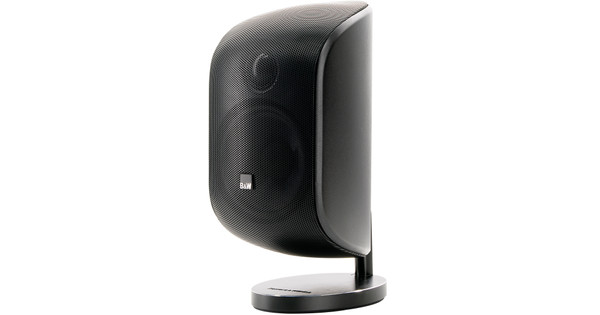
JBL MA510 Black + JBL Stage 240B Black
0 reviews

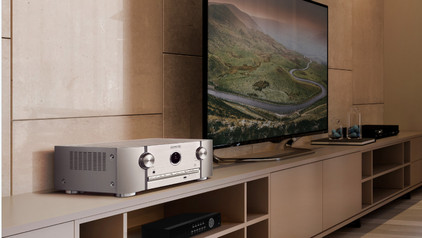
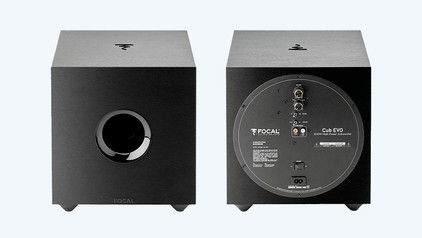
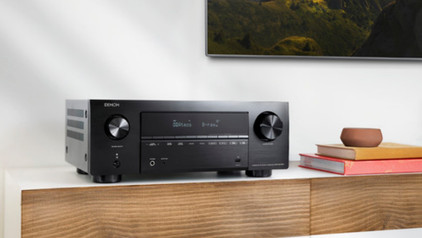
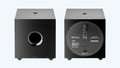
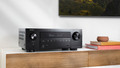
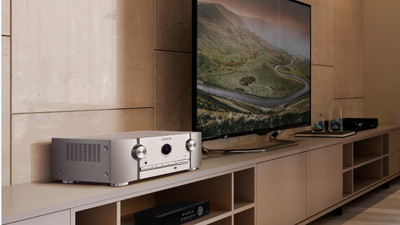
You get a complete set with the JBL MA510 Black + JBL Stage 240B Black, so you can enjoy your favorite music, movies, and games right away. The receiver has 4 HDMI connectors, so you can connect various sources. You can quickly switch between your DVD player, game console, and media streamer, for example. Because the receiver supports 5.2 channels, you can connect up to 5 speakers and 2 subwoofers. This allows you to create a surround sound setup and enjoy a deep bass. The receiver supports 8K images, so the images look lifelike. Thanks to the 2-way filters in the speakers, the treble and bass are spread evenly over the speakers. As a result, you hear a detailed sound. The built-in subwoofer provides a clear bass. That way, you can clearly hear the beat in techno music.

Read all tips here

How do I connect devices with an HDMI output to my receiver?

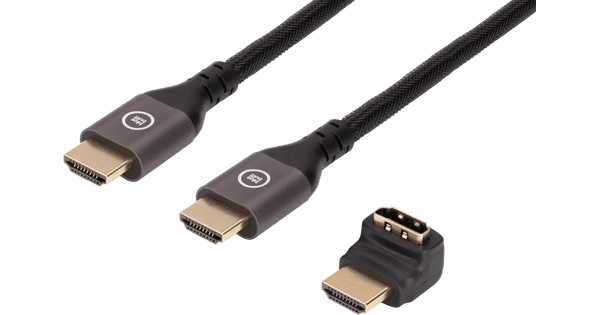
You are planning to connect all your devices with HDMI connection to your receiver, but you do not know how to do this. This article will help you with that. The installation is explained step by step.
How do I connect devices without an HDMI output to my receiver?

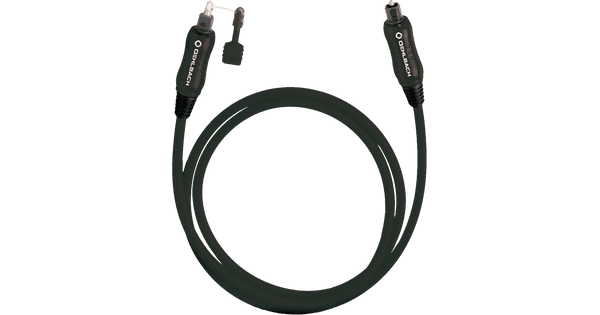
Do you still own old devices without a HDMI connector that you'd like to connect to your receiver? In this article, we'll give you a step-by-step solution on how to connect these devices.

How do I connect devices with an HDMI output to my receiver?

You are planning to connect all your devices with HDMI connection to your receiver, but you do not know how to do this. This article will help you with that. The installation is explained step by step.
How do I connect devices without an HDMI output to my receiver?

Do you still own old devices without a HDMI connector that you'd like to connect to your receiver? In this article, we'll give you a step-by-step solution on how to connect these devices.

Didn't find your answer?

Find an answer to your question quickly and easily via our customer service.

Coolblue specialist
Personal chat Digitalk.
You're now chatting with Coolblue customer service
This chat is closed
foo
Oeps File size is larger than 5MB. Upload a smaller file.