Welcome to your environment! You can order everything from your assortment with your personal budget here.

You can always return to the normal Coolblue website by clicking here.

Your outstanding budget (incl. VAT) is always visible here, so you know exactly how much you can spend.

Coolblue home

Help with your product

PlayStation 5 Slim Digital Edition + FC 26 + Extra Controller White
0 reviews

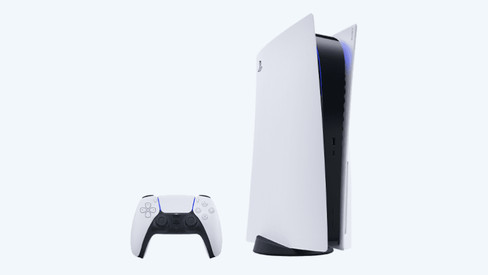
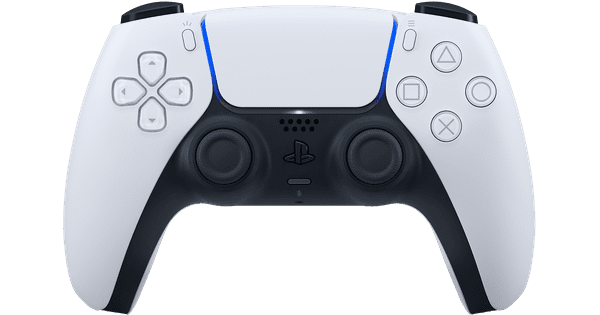
Note: this game is a digital code and you need the internet to redeem it. The code is included in the box. As soon as you've used the code, you can't return the products from the bundle anymore. Kick off your digital soccer season with your friends in EA Sports FC 26 and get started with the PlayStation 5 Slim. This bundle includes an extra white Sony DualSense controller. With the PlayStation 5 Digital Edition, you can take your gaming experience to the next level. This PlayStation 5 Digital Edition doesn't have a disc tray, so you can't play games on a disc or Blu-ray movies. Want this? You can easily install the separately available Disc Drive on your Digital Edition. This way, you can play physical games and also watch Blu-ray movies. The PS5 Slim is 30% smaller than its predecessor. That way, it takes up less space on your desk or next to your TV. The Slim also has a 825GB storage. Thanks to the powerful graphics processing unit in this console, you can game in 4K resolution with a 120Hz maximum refresh rate. The SSD ensures your games load 20 times faster than on earlier PlayStation consoles. Play a lot of RPG or shooter games? With 3D audio, you hear exactly where your opponents are coming from. In-game, you can control your character with the included DualSense controller. It has haptic feedback and trigger effects, so you can see, hear, and feel what's going on in your game.

Read all tips here

Which product do you want to see articles about?

How do you fix PlayStation controller stick drift?

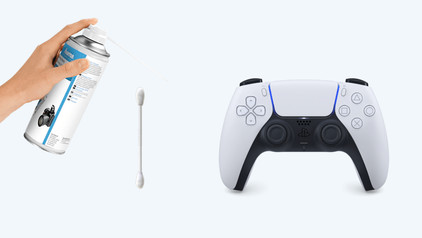
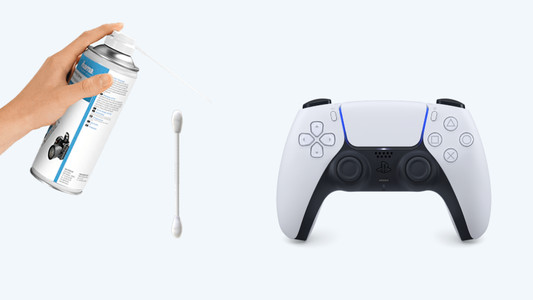
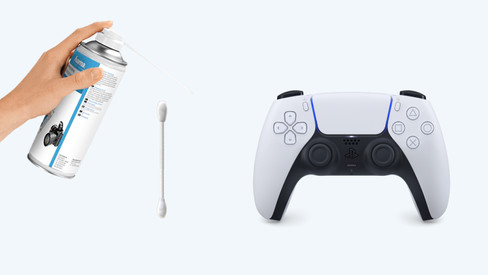
Stick drift on your PlayStation controller is a common problem. Controllers with stick drive seem to be moving on their own when you open the map in Warzone, for example, or when your character walks by themselves. Luckily, there are a number of solutions to get rid of stick drift. You can reset the controller, for example. In this article, we'll explain how to solve the stick drift of your DualShock or DualSense controller yourself.

How do you fix PlayStation controller stick drift?

Stick drift on your PlayStation controller is a common problem. Controllers with stick drive seem to be moving on their own when you open the map in Warzone, for example, or when your character walks by themselves. Luckily, there are a number of solutions to get rid of stick drift. You can reset the controller, for example. In this article, we'll explain how to solve the stick drift of your DualShock or DualSense controller yourself.
How do you play PlayStation 5 games at 120 fps?

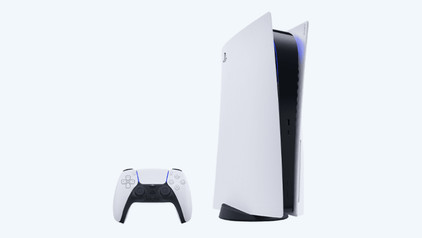
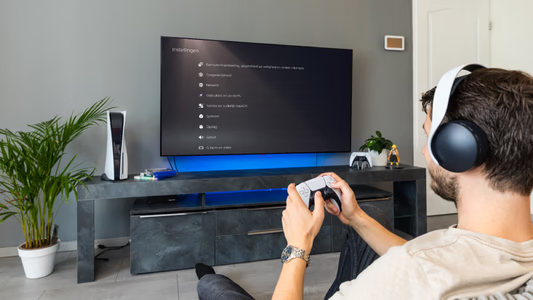
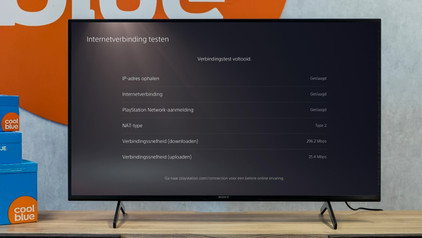
You've just purchased a new PlayStation 5 or a game for this console. A number of games for the PlayStation 5 can be played at 120 fps. This means that fast-moving images are displayed smoother. In this article, we'll give you all the tips that you need to play your favorite games at 120 fps.

How do you play PlayStation 4 games on your PlayStation 5?

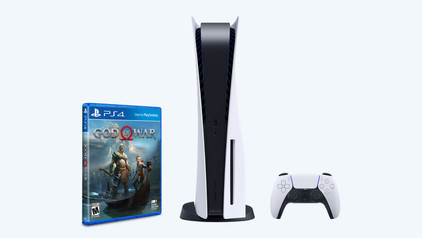
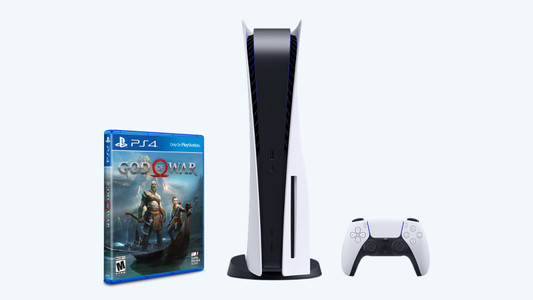
You bought a PlayStation 5, but you still have a huge collection of great PlayStation 4 games you want to play. How about Ghost of Tsushima and the Last of Us Part II? With the backwards compatbility on the PlaySTation 5, these legendary games don't end up in a shoebox in the attic. On this page, we'll explain how to play PlayStation 4 games on the PlayStation 5.

How do you fix PlayStation controller stick drift?

Stick drift on your PlayStation controller is a common problem. Controllers with stick drive seem to be moving on their own when you open the map in Warzone, for example, or when your character walks by themselves. Luckily, there are a number of solutions to get rid of stick drift. You can reset the controller, for example. In this article, we'll explain how to solve the stick drift of your DualShock or DualSense controller yourself.
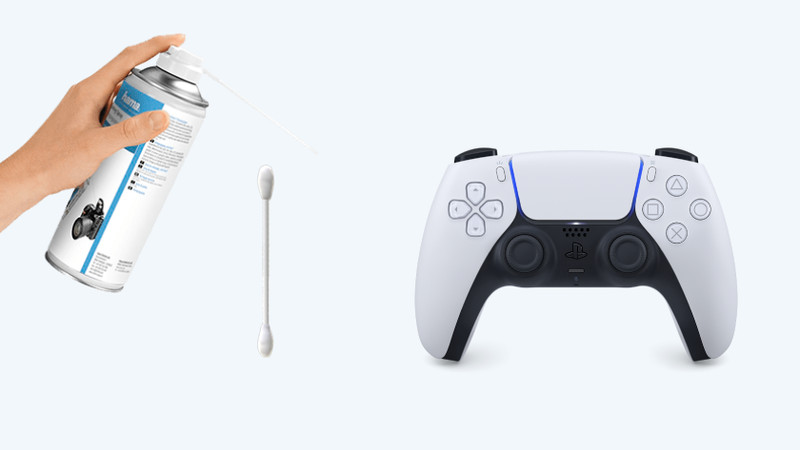
How do you fix PlayStation controller stick drift?

Stick drift on your PlayStation controller is a common problem. Controllers with stick drive seem to be moving on their own when you open the map in Warzone, for example, or when your character walks by themselves. Luckily, there are a number of solutions to get rid of stick drift. You can reset the controller, for example. In this article, we'll explain how to solve the stick drift of your DualShock or DualSense controller yourself.
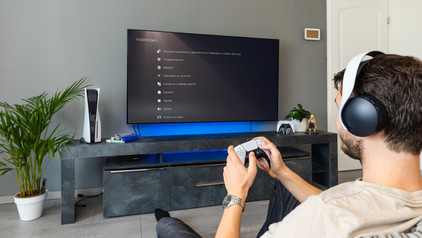
How do you play PlayStation 5 games at 120 fps?

You've just purchased a new PlayStation 5 or a game for this console. A number of games for the PlayStation 5 can be played at 120 fps. This means that fast-moving images are displayed smoother. In this article, we'll give you all the tips that you need to play your favorite games at 120 fps.

How do you play PlayStation 4 games on your PlayStation 5?

You bought a PlayStation 5, but you still have a huge collection of great PlayStation 4 games you want to play. How about Ghost of Tsushima and the Last of Us Part II? With the backwards compatbility on the PlaySTation 5, these legendary games don't end up in a shoebox in the attic. On this page, we'll explain how to play PlayStation 4 games on the PlayStation 5.

Subjects

Didn't find your answer?

Find an answer to your question quickly and easily via our customer service.

Coolblue specialist
Personal chat Digitalk.
You're now chatting with Coolblue customer service
This chat is closed
foo
Oeps File size is larger than 5MB. Upload a smaller file.