Welcome to your environment! You can order everything from your assortment with your personal budget here.

You can always return to the normal Coolblue website by clicking here.

Your outstanding budget (incl. VAT) is always visible here, so you know exactly how much you can spend.

Coolblue home

Help with your product

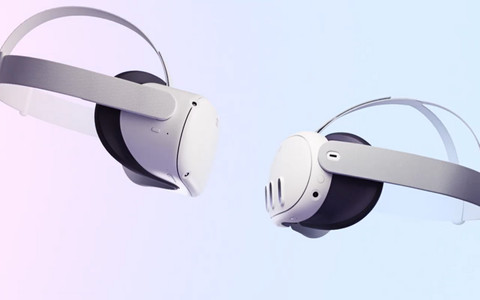
Meta Quest 3 512GB Refurbished + BlueBuilt PC Link Cable
0 reviews

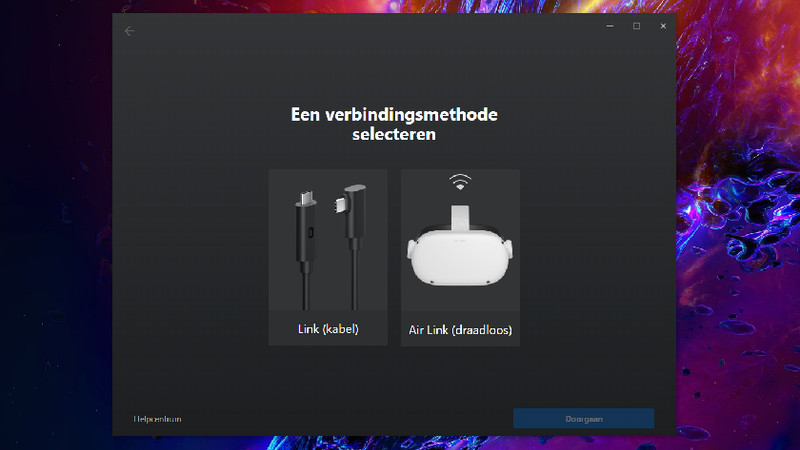
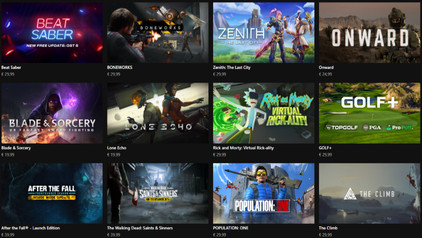
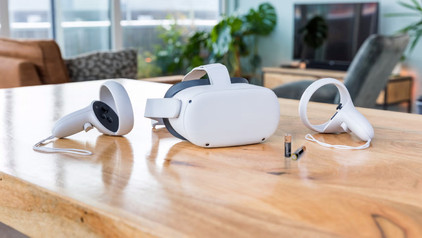
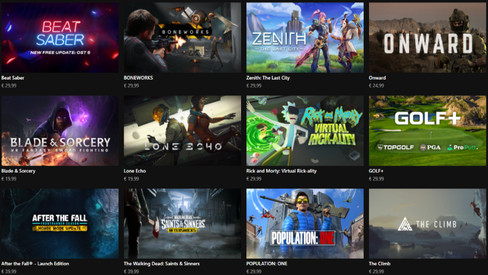
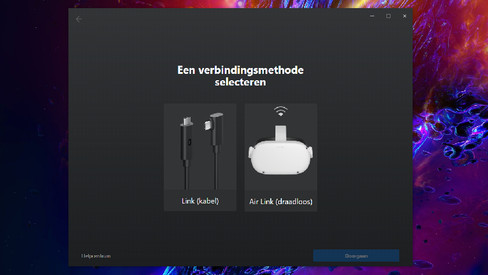
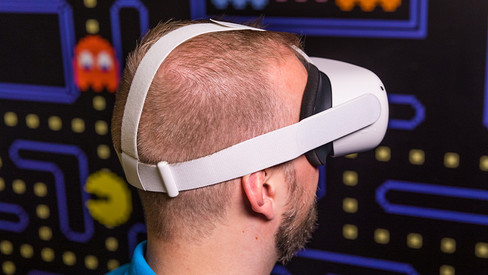
Play lots of different VR games with the Meta Quest 3 512GB Refurbished + BlueBuilt PC Link Cable. You can easily connect the Link Cable to your PC or laptop. This gives you access to even more VR games via SteamVR. The Meta Quest 3 is the successor to the Meta Quest 2 and, just like its predecessor, it¿s a standalone virtual reality headset. This means you can use it without a PC or laptop, and you¿re not connected to a cable. This VR headset has pancake lenses, so you¿ll notice less distortion than with other VR lenses. This means you¿ll have less trouble with motion sickness. The Meta Quest 3 is 40 percent slimmer than the Quest 2, which also makes it lighter. The Meta Quest 3 includes the Touch Plus controllers with haptic feedback. This lets you feel the vibrations in the controllers when something happens in your game. You can download more than 500 titles from the Meta Quest Store and enjoy all kinds of content. For example, you can play games like Assassin's Creed Nexus VR and watch videos via Netflix VR. The 512GB storage capacity also gives you enough room for all your games.

Read all tips here

How do you adjust the lenses of your Meta Quest VR headset?

You bought the Meta Quest VR headset and you notice the image isn't sharp. That's maybe due to the lenses of your Meta Quest VR headset. We'll tell you how to measure your pupil distance and how to focus the lenses in this article.

How do you maintain your Meta Quest VR headset?

To extend the lifespan of your Meta Quest VR headset, you can maintain the VR headset. Sunlight can damage the VR headset and you'll get defective pixels in the screen. Also clean the lenses well, so you'll always have a bright image. We'll tell you how to maintain the Meta Quest VR headset here.

How do you adjust the lenses of your Meta Quest VR headset?

You bought the Meta Quest VR headset and you notice the image isn't sharp. That's maybe due to the lenses of your Meta Quest VR headset. We'll tell you how to measure your pupil distance and how to focus the lenses in this article.

How do you maintain your Meta Quest VR headset?

To extend the lifespan of your Meta Quest VR headset, you can maintain the VR headset. Sunlight can damage the VR headset and you'll get defective pixels in the screen. Also clean the lenses well, so you'll always have a bright image. We'll tell you how to maintain the Meta Quest VR headset here.

Subjects

Didn't find your answer?

Find an answer to your question quickly and easily via our customer service.

Coolblue specialist
Personal chat Digitalk.
You're now chatting with Coolblue customer service
This chat is closed
foo
Oeps File size is larger than 5MB. Upload a smaller file.