Welcome to your environment! You can order everything from your assortment with your personal budget here.

You can always return to the normal Coolblue website by clicking here.

Your outstanding budget (incl. VAT) is always visible here, so you know exactly how much you can spend.

Coolblue home

Help with your product
Motorola Moto G67 256GB Blue 5G
0 reviews
Size mobile phone:
Large
Camera quality:
Good
Speed class:
Standard

Read all tips here

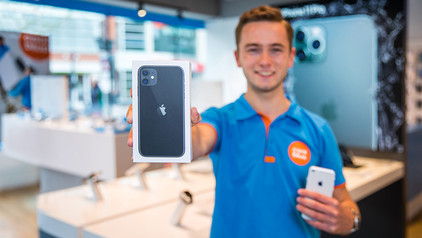
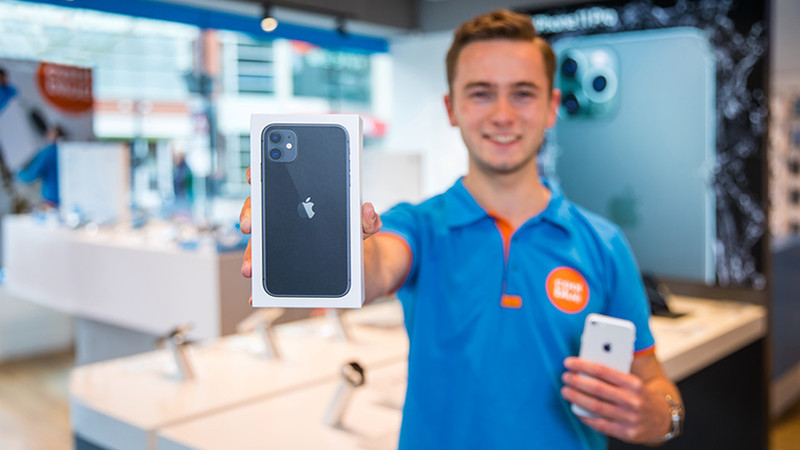
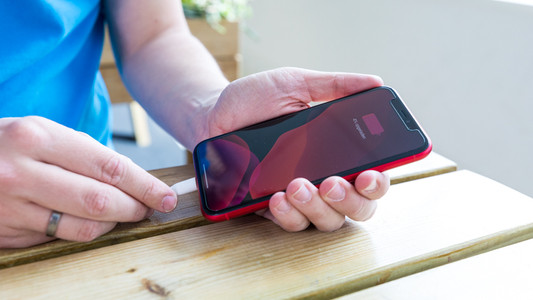
Sell your old iPhone for a discount

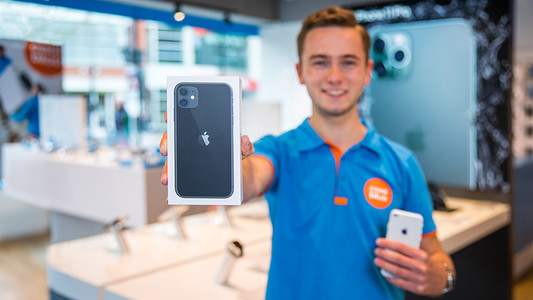
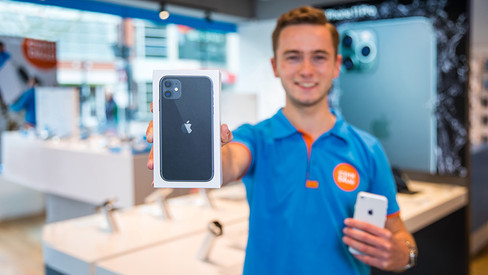
Want to sell your old iPhone? At Coolblue, you can trade in your old iPhone for a discount on a new one. Order your new iPhone and trade in your old device within 30 days in our store. We'll give you the trade-in value of your old model as a discount. Selling your iPhone is good for the environment and your wallet.
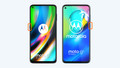
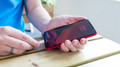
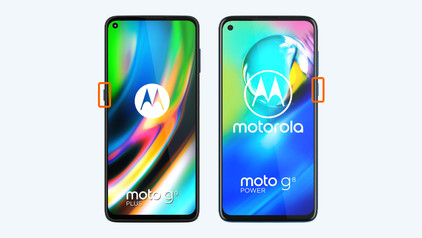
How do you reset a Motorola smartphone?

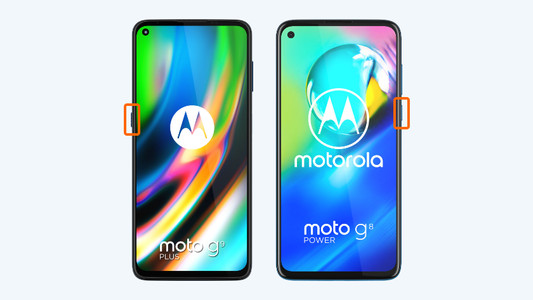
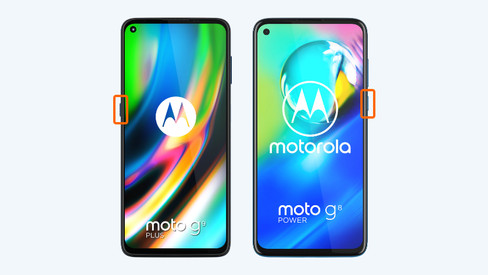
When you reset your Motorola smartphone, you delete all the information and you restore the factory settings on your phone. A reset can help when your phone is slow or crashes regularly. It's also a good idea to reset your phone before your trade it in or sell it. Go through these 7 steps to easily reset your Motorola phone.

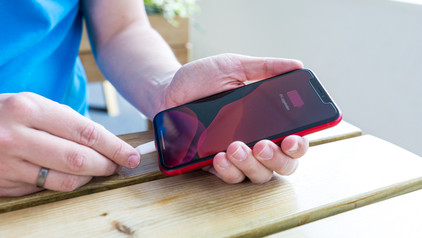
7 tips for charging your smartphone

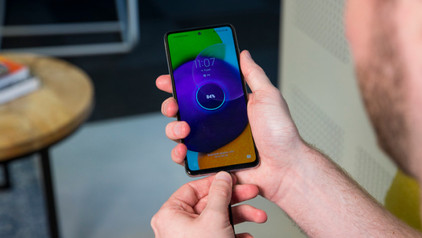
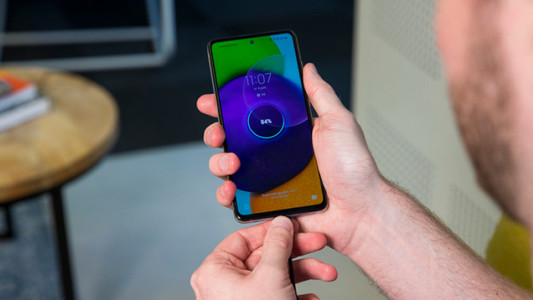
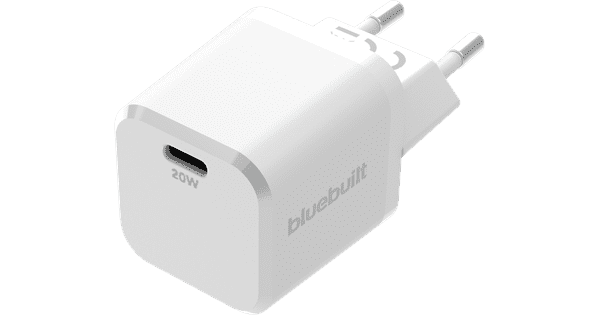
You probably charge your smartphone every day. When you charge it the right way, your battery wears less and your device lasts longer. We'll explain why it's better not to charge your smartphone up to 100% and why fast charging is convenient here. That way, you'll know exactly how to properly charge your smartphone, tablet, or other device.

5 tips to free up storage on your phone

You know the feeling: you're about to make a World-Press-Photo-worthy picture, only to get the 'Storage almost full' notification. Argh, no picture and frustration galore. Fortunately, there are some easy ways to free up storage on your phone, so you can make that award-winning photo after all.

How do you pay with your mobile phone?

Nowadays, most smartphones are suitable for making contactless payments. That's useful, because it'll save you a lot of hassle with wallets and cards. In this article, we'll explain how contactless payments with your smartphone work and how you can make your mobile phone suitable for this feature.

How do you pay with your mobile phone?

Nowadays, most smartphones are suitable for making contactless payments. That's useful, because it'll save you a lot of hassle with wallets and cards. In this article, we'll explain how contactless payments with your smartphone work and how you can make your mobile phone suitable for this feature.

8 tips to take better photos with your smartphone

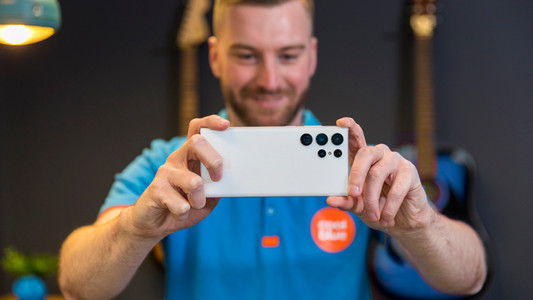
Did you get your new smartphone, and do you want to go out to take beautiful photos? In this article, we'll give you 8 tips on how to take the most beautiful smartphone photos. You'll get tips on the software of your smartphone camera, but we'll also explain about lighting and compositions. After reading this article, you'll know exactly how to take the right photo.

How do you remove accounts from your smartphone?

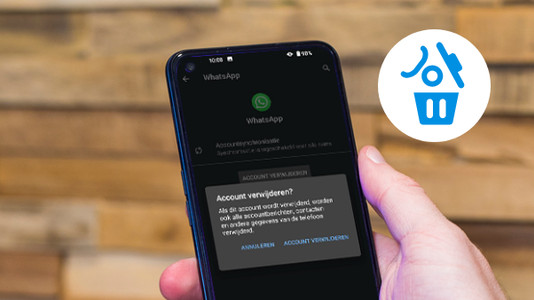
Are you going to sell your smartphone or send it for repairs? It's important to remove all of your accounts, like your iCloud or Google account. That way, your information won't be up for grabs and the new owner or repair service can get started on the device. Here, we'll explain how to remove your accounts for each operating system and brand.

Subjects

Didn't find your answer?

Find an answer to your question quickly and easily via our customer service.

Coolblue specialist
Personal chat Digitalk.
You're now chatting with Coolblue customer service
This chat is closed
foo
Oeps File size is larger than 5MB. Upload a smaller file.