Business monitors
All business monitors
Which monitor do you choose for your home office?
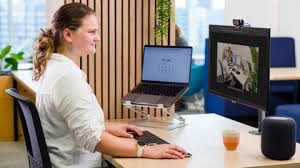
What setup are you looking for?
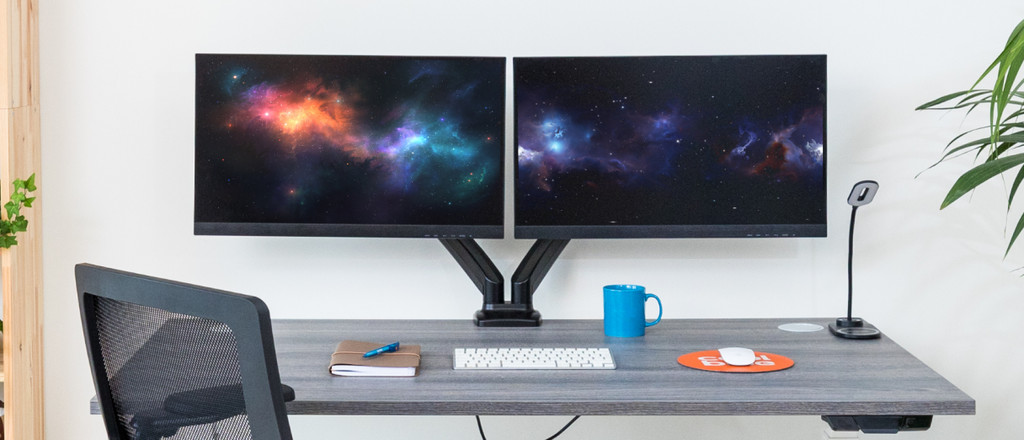
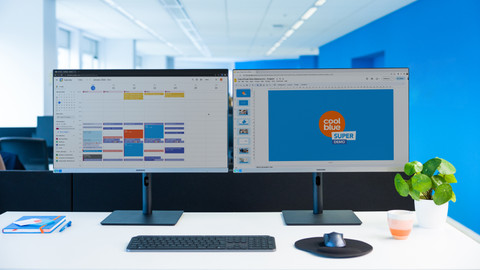
Two monitors
Double your screen space and open more windows next to each other
The bezel in the middle might be distracting at times
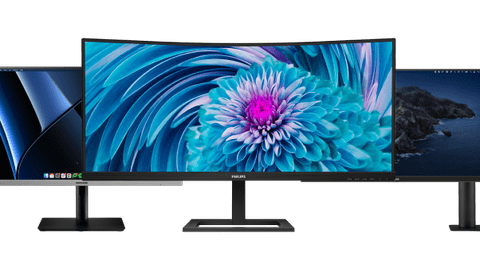
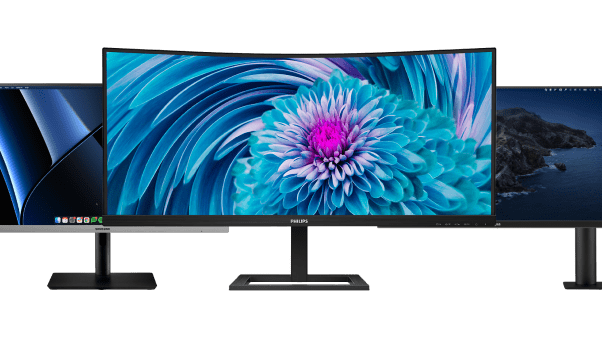
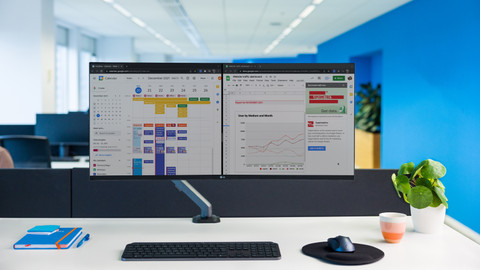
Ultrawide monitors
Multitask easily with 33% more screen space
An ultrawide monitor takes up a lot of space on your desk
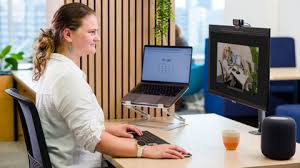
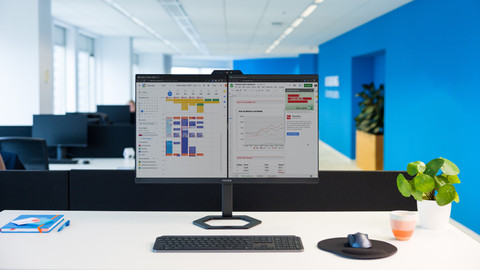
Single monitors
You easily expand your screen space with an extra monitor in addition to your laptop
You don't have much space for multitasking





Which BlueBuilt monitor suits you?
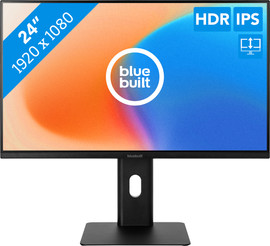
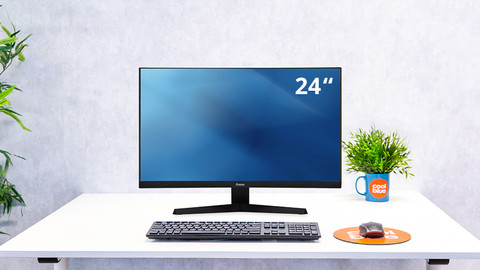
- BlueBuilt 24 inches Full HD Monitor
Ergonomic design
IPS panel
No USB-C port
Smaller size
Full HD resolution
From
96,-
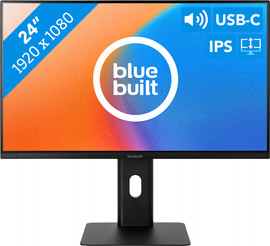
- BlueBuilt 24-inch Full HD Monitor with USB-C
Ergonomic design
IPS panel
USB-C port
Smaller size
Full HD resolution
From
129,-
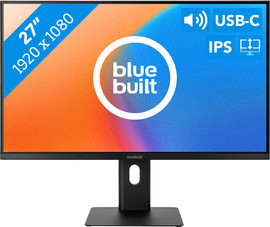
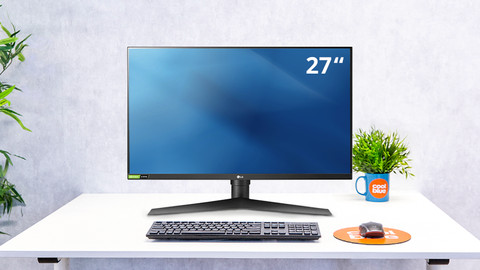
- BlueBuilt 27-inch Full HD Monitor with USB-C
Ergonomic design
IPS panel
USB-C port
Large size
Full HD resolution
From
149,-
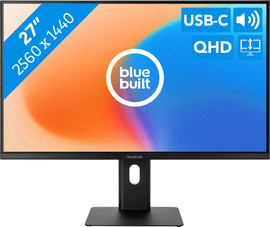
- BlueBuilt 27-inch Quad HD Monitor with USB-C
Ergonomic design
IPS panel
USB-C port
Large size
Quad HD resolution
From
165,-
Complete your workspace
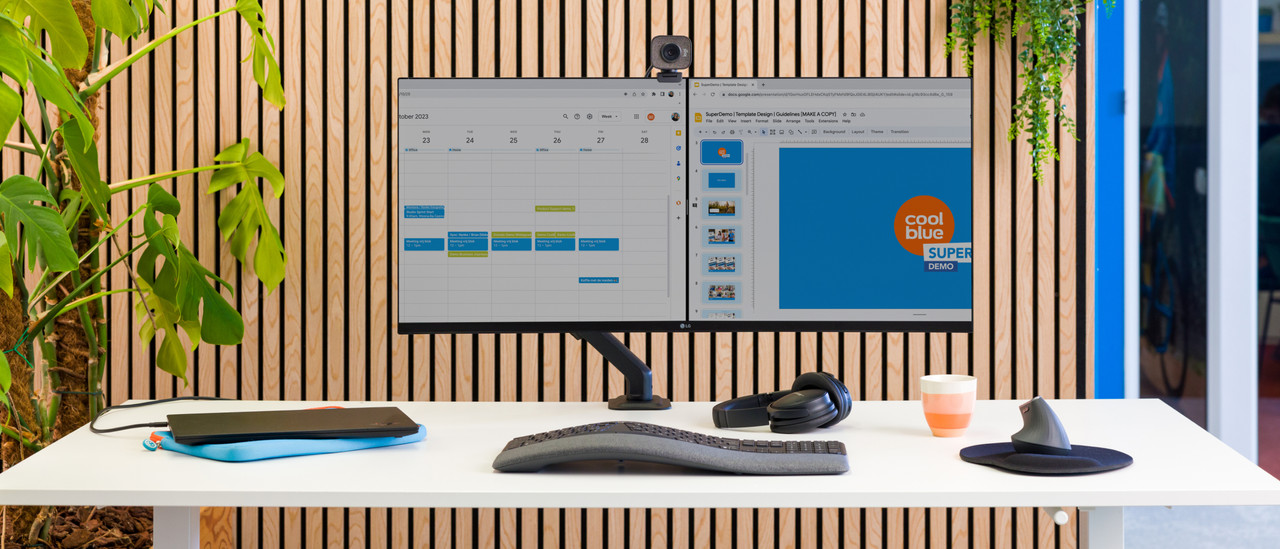
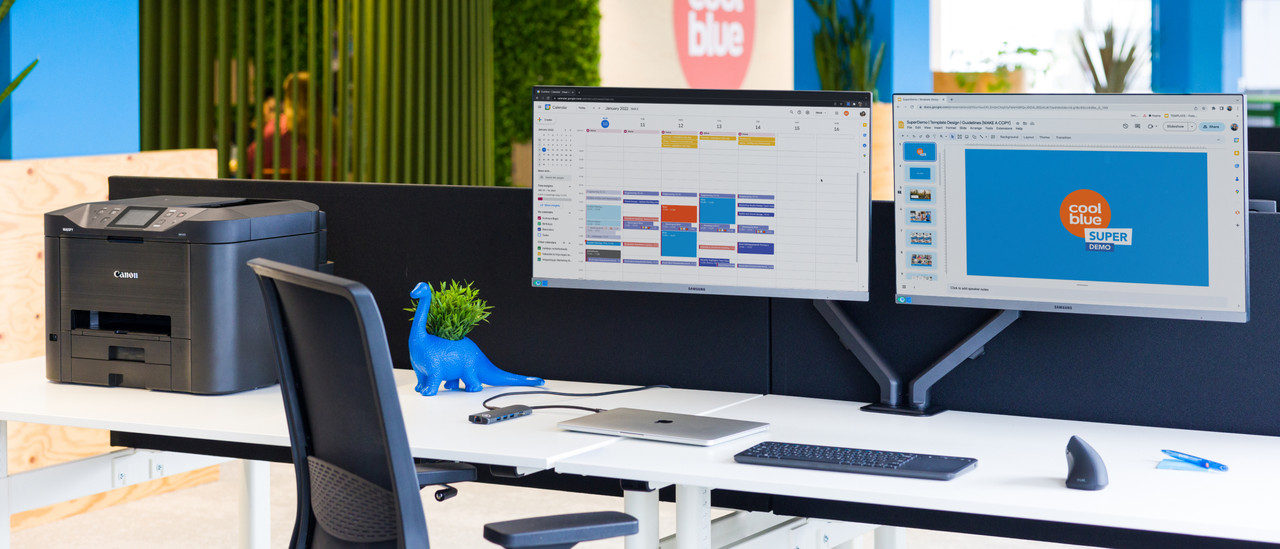
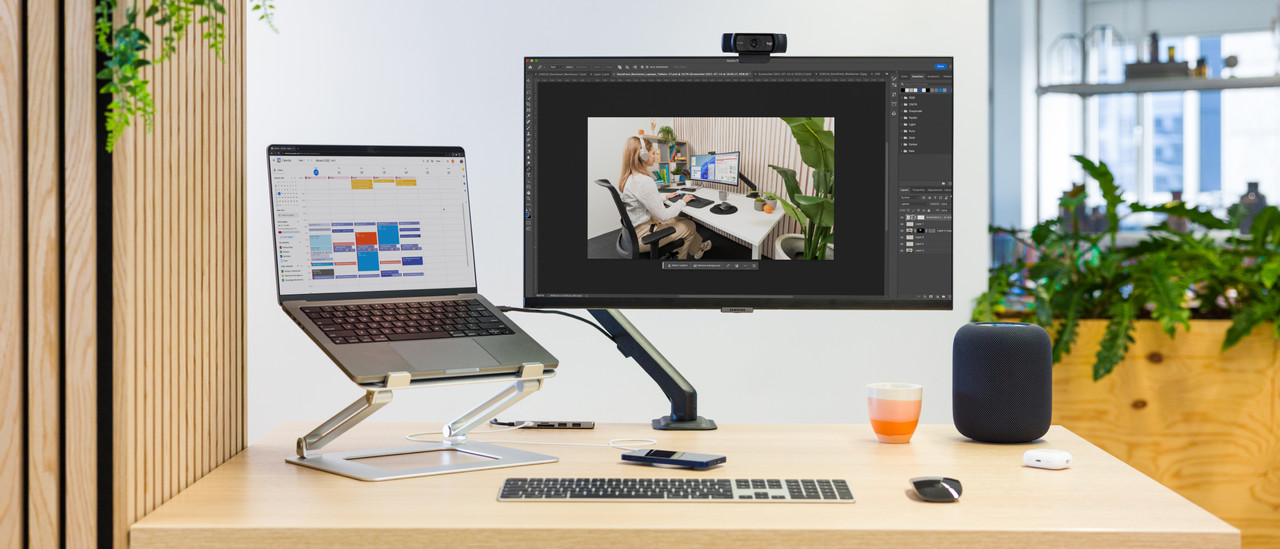
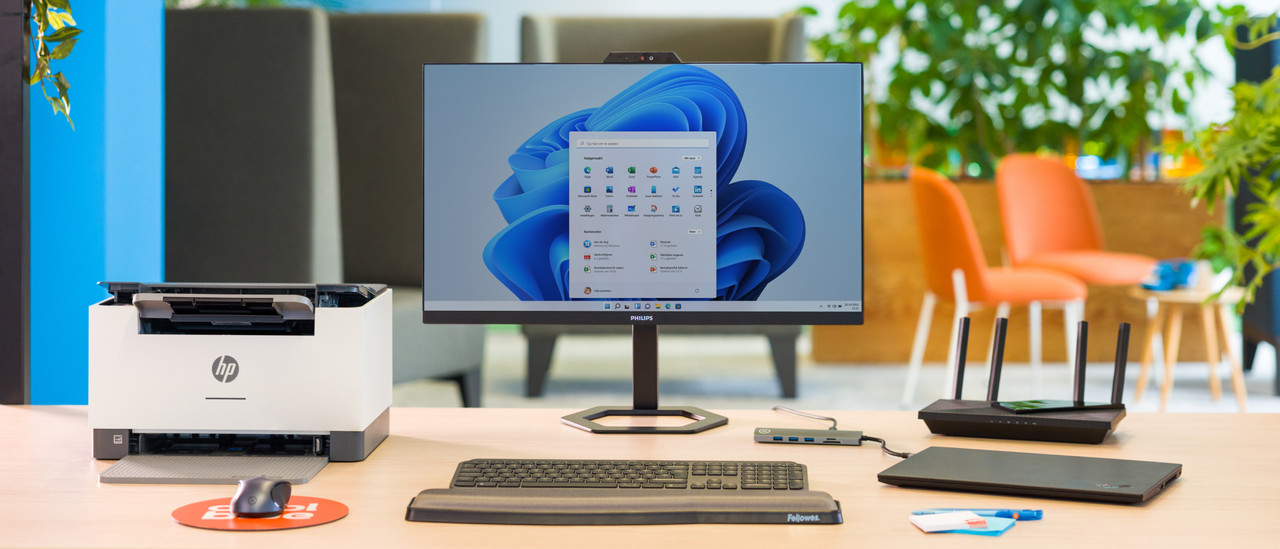

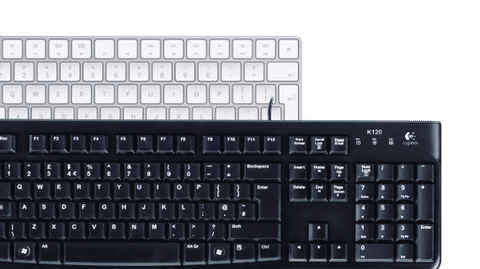
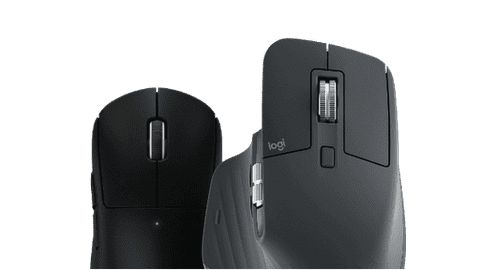
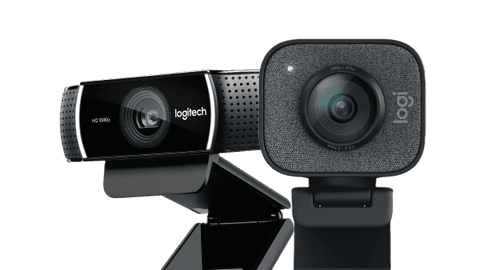
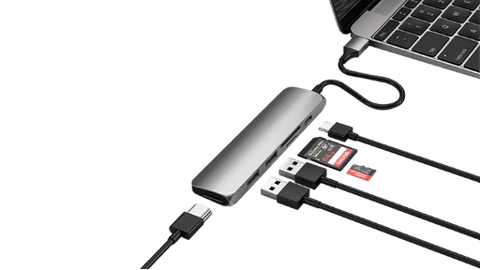
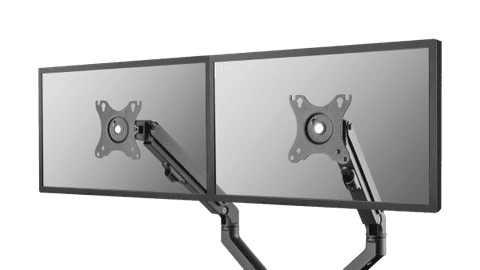
Accessories for your workplace
Frequently asked questions
How do you choose the right business monitor?
The choice for a monitor depends on your usage situation. Business photo and video editing need different specifications than text processing or programming. In the following article, we help you to make the right choice.
What's the right connector for my monitor?
Choose a connector that you can find on your laptop and monitor, such as HDMI or USB-C. The image of your laptop usually appears on the monitor right away. In the following article, we explain this process step by step.
Which resolution do I need for my monitor?
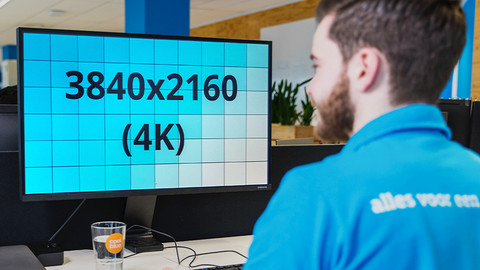
The resolution of your monitor determines more than just how sharp the screen is. The higher the resolution, the more pixels there are on the screen and how more space you can use. In the following article, we explain how the resolution can affect your choice.
What are the advantages of a dual screen setup?
With 2 screens side by side, you double the screen space you can work with. This allows you to open multiple windows and programs next to each other, without switching tabs. In this article, we explain more advantages.
How do I set up my home office?
The setup of your workplace is very important for how efficiently you can work. Is your monitor on eye level? Do you have enough space for your accessories? We're happy to help you get started.
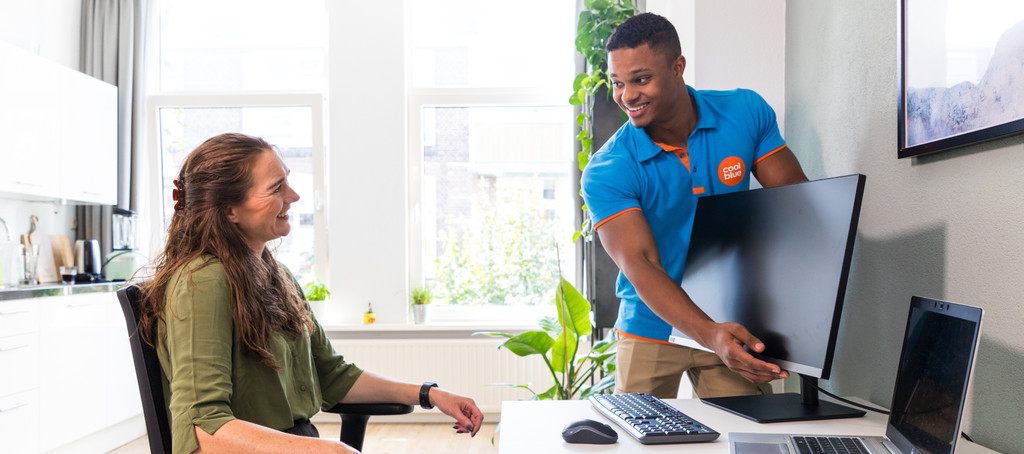

Advice on Business monitors
Can't choose? View the advice from our expert.