TP-Link access points are known for their good performance and value for money. TP-Link access points are suitable for many different purposes. For example, you use an access point to create an extra WiFi point in your house, if you need a better network connection in a certain room. To install WiFi with coverage throughout your business premises, you connect multiple TP-Link access points together. It's then useful to choose a bundl that consists of 2 or more access points from TP-Link.
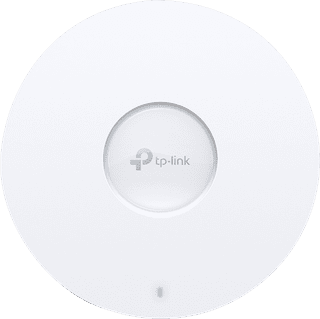
Our choice for an access point for at home that you can set up yourself|AX3000|Speed of the 5GHz band: 2402 Mbit/s|Gigabit Ethernet (1000Mbps)
- Via the app or cloud, you can easily set this access point yourself.
- You can create a separate network for visitors, so your own network remains private.
- Thanks to the PoE port, you can connect a device wired to the network and it receives power via the network cable.
96,-
In stock
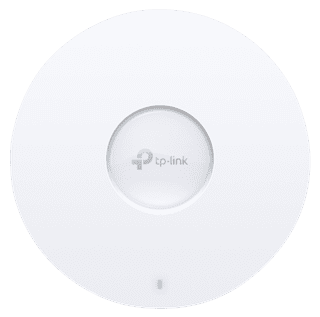
Our choice for an access point for a small company that you can set up yourself|AX5300|Recommended use: large company|Speed of the 5GHz band: 4804 Mbit/s
- Via the app or cloud, you can easily set this access point yourself.
- Thanks to PoE+, you can also connect devices with a larger power need to the access point.
- You can connect multiple access points to each other and expand the range of your network this way.
157,-
In stock