
Written by Jelle
Edited on
7 October 2025
·
08:42
How do you choose a Chromebook for primary education?
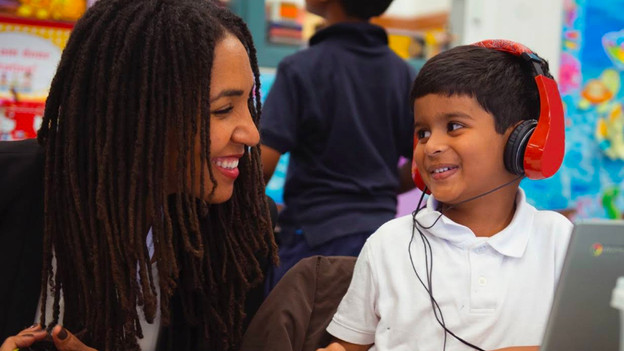
Chromebook models are popular laptops for students. They're easy in use and better affordable than most laptops, but which Chromebook is the most suitable choice? For primary education, choose a light, compact, and user-friendly Chromebook. Read what else to keep in mind when you want to purchase a Chromebook for primary education.
Choose a Chromebook for primary education
To choose the most suitable Chromebook for your child, think about the following questions:
- Do you often take the Chromebook on the go?
- Do you need a touchscreen?
- Do you watch many videos on the Chromebook?
- Which programs do you use on the Chromebook?
Choose a smaller size for on the go
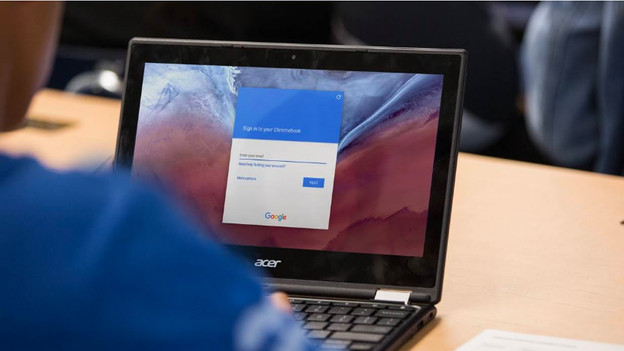
If your child cycles to school, it's important that the Chromebook isn't too heavy. That's why you should choose a model with a 13-inch screen or smaller. These models fit well in a backpack and aren't too heavy. Besides, your child works more comfortably on a laptop that isn't too large.
Choose a 2-in-1
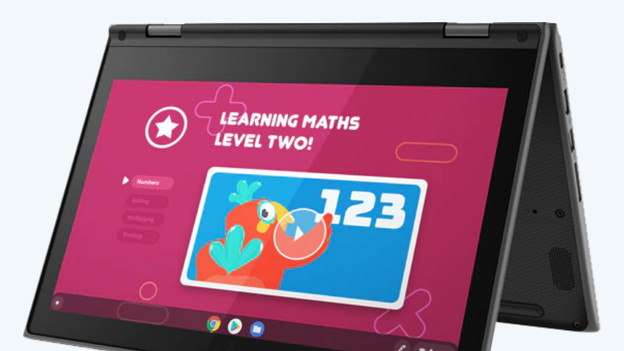
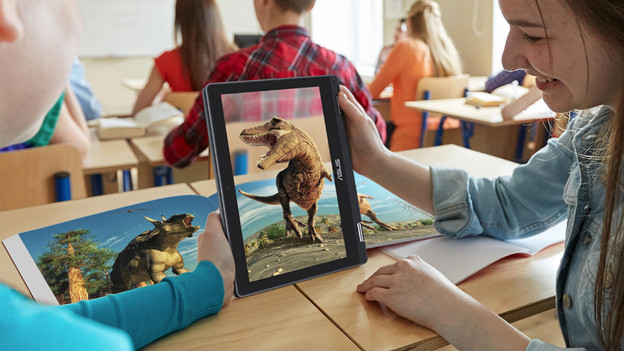
For more user-friendliness, we recommend a Chromebook with touchscreen. You can use a 2-in-1 Chromebook as a laptop and tablet in one. In laptop mode, you can write the text of your presentation and do your homework. On the touchscreen, you can easily add notes and illustrations to your assignments. Flip the keyboard behind the screen and turn the Chromebook into a tablet. In tablet mode, you can watch an instruction video or play an educational game to practice for a test.
Keep the resolution of the screen in mind
Does your child have to watch many videos in class? A high resolution is important. Especially when you choose a Chromebook with a larger screen. For 13-inch screens or larger, we recommend at least a Full HD resolution.
Choose a Chromebook with enough speed
Because your child will only use light software during primary education, you won't need a powerful Chromebook. Make sure to check the requirements of the school. Choose a model that's fast enough, so your child can do their tasks without slowing down. Think about at least 4GB RAM and at least an Intel Celeron processor.
Our advice for the primary education
- Use the touchscreen with your finger for more precision and productivity.
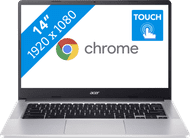
- You can easily take this compact, 14-inch Chromebook with you in your backpack.
- With this Chromebook, you can effortlessly use all your educational applications without slowing down.
- A Chromebook isn't suitable for Windows programs.
379,-
Article by Jelle
Laptop Expert.
